
PowerDirector
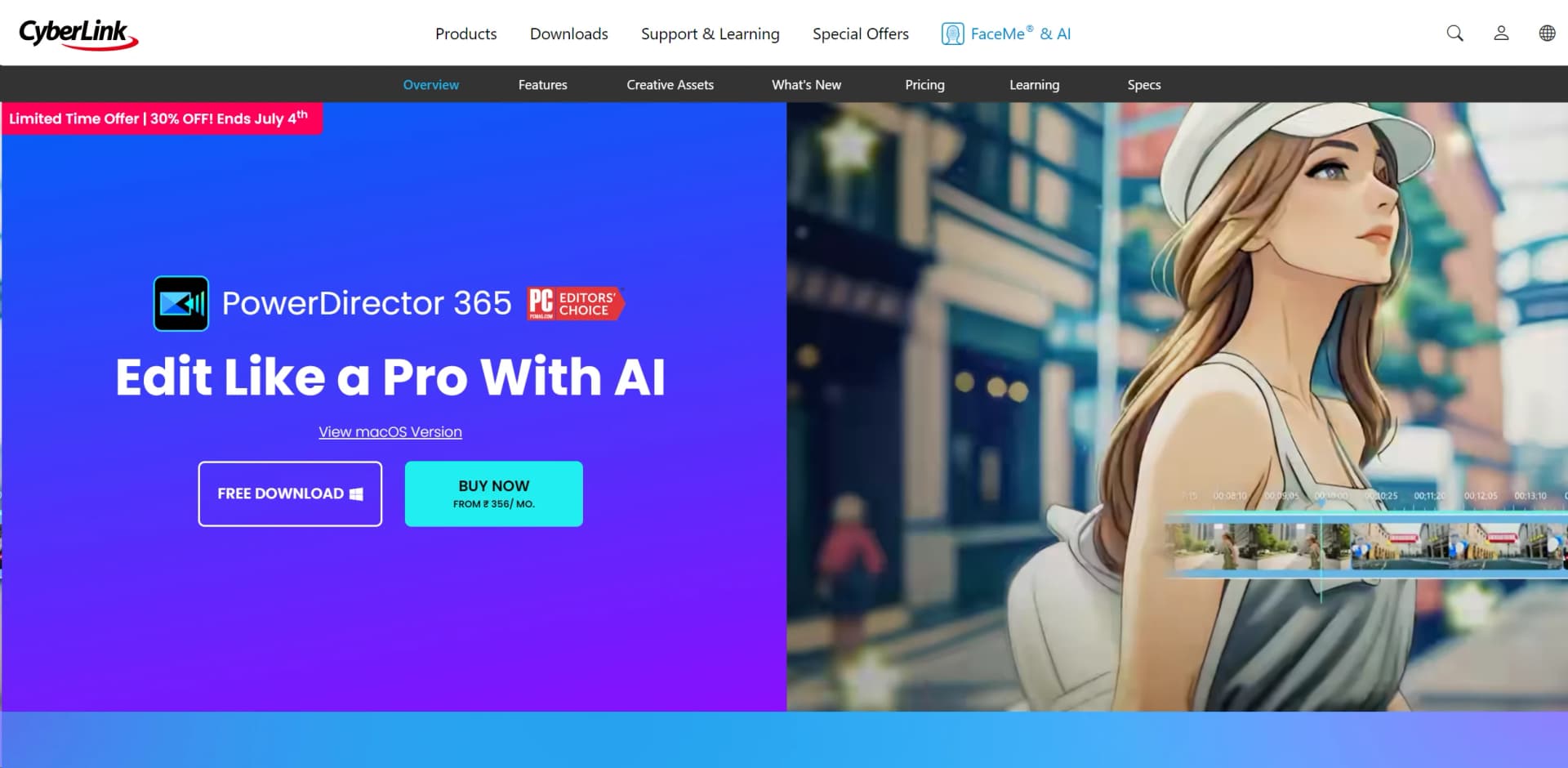
Revolutionize video editing with AI, cross-platform compatibility, and extensive effects.
Key Takeaways
- What it is
- Revolutionize video editing with AI, cross-platform compatibility, and extensive effects.
- Pricing
- Freemium · $4.58 per month. users can access the full suite of features
- Best for
- AI-Powered Editing Tools
- Extensive Effects Library
- Multi-Platform Compatibility
- Rating
- 4.6/5
What is PowerDirector?
As a seasoned video editor and tech enthusiast, I've had the opportunity to test out various video editing software, and PowerDirector by CyberLink has consistently stood out. This tool is designed to cater to both amateur and professional video creators, offering a rich array of editing features combined with the power of AI to streamline the video creation process. Whether you're looking to produce high-quality video content for social media, corporate presentations, or creative filmmaking, PowerDirector provides a comprehensive suite of tools that makes video editing accessible and efficient.
PowerDirector sets itself apart with its blend of advanced AI tools and user-centric design, making professional video editing more accessible and less time-consuming. Its unique AI features, like voice-to-text conversion and smart object tracking, allow users to focus more on creativity and less on the technicalities of video editing.
PowerDirector excels in providing a powerful, flexible, and intuitive video editing experience, making it an essential tool for a wide range of users. Its innovative AI-driven features, in particular, offer an unmatched advantage in simplifying complex editing tasks, allowing creators to achieve professional results with minimal effort. Whether you're a budding YouTuber or a seasoned filmmaker, PowerDirector is a compelling choice that combines functionality with affordability.
Who is Using PowerDirector?
Professional Video Editors
Utilizing the tool's extensive features to produce cinematic-quality videos.
Content Creators
Leveraging the software for quick, effective video content creation for platforms like YouTube and Instagram.
Educational Institutions
Employing PowerDirector in multimedia courses to teach video editing skills.
Marketing Professionals
Using the tool to create impactful promotional videos and advertisements.
Uncommon Use Cases
Non-profits use it for creating impactful storytelling videos; amateur filmmakers use it for producing indie films efficiently.
Key Features
Rating Breakdown
Pricing Plans
Free Tier
Free
- PowerDirector Essential offers core functionalities without a time limit
Subscription Plans
$4.58 per month. users can access the full suite of features
- Including premium plugins and effects
Which PowerDirector plan should you pick?
Start with PowerDirector Essential to test basic editing; upgrade to PowerDirector 365 when you need current AI features, stock assets, credits, and updates.
PowerDirector Essential
Good for users who need a free entry point with basic video-editing features.
PowerDirector 365
Good for content creators who need ongoing AI features, monthly credits, stock media, cloud storage, and continuous updates.
PowerDirector 2026
Good for users who prefer a one-time purchase and core editing tools without an ongoing subscription.
PowerDirector Use Cases
Create YouTube videos
Edit footage with AI tools, templates, effects, captions, narration, and stock media, then export for YouTube.
Outcome: A polished video ready to publish.
Produce short-form social videos
Use auto editing, auto reframe, animated titles, effects, and platform-optimized exports for TikTok, Reels, and Shorts.
Outcome: Content formatted for multiple social platforms.
Add captions and narration
Transcribe dialogue, edit from the transcript, generate subtitles, and create narration with text-to-speech.
Outcome: More accessible and multilingual videos.
Improve low-quality footage
Apply stabilization, denoising, object removal, background removal, upscaling, and video enhancement.
Outcome: Cleaner, sharper, more usable footage.
Create AI-generated video assets
Generate videos from text or images, create avatars and character motion, and generate background music.
Outcome: Original footage, animation, characters, or music for a project.
Workflow Ideas with PowerDirector
Create an AI-captioned video
- 1Open PowerDirector and import video footage.
- 2Use AI Speech to Text to generate captions.
- 3Edit the transcript, apply text-to-speech if needed, and export the video.
Make a social-media version of a project
- 1Import the completed project into PowerDirector.
- 2Apply Auto Reframe for the target social format.
- 3Export with the platform’s recommended resolution and aspect ratio.
Track and label moving subjects
- 1Upload an overlay such as text, graphics, or a sticker.
- 2Place the overlay below the video clip and open the Tracking tab.
- 3Track the object and fine-tune the result frame by frame.
How PowerDirector fits into your stack
Cross-Platform Support
Works seamlessly on Windows and macOS.
Hardware Optimization
Optimized for use with NVIDIA, AMD, and Intel hardware accelerations.
File Format Support
Extensive support for a wide range of video and audio formats.
Direct Social Media Integration
Easy export and sharing to social media platforms such as YouTube and Facebook.
Pros
- +User-Friendly Interface: Even with its vast array of features, PowerDirector maintains an intuitive interface that is easy to navigate for beginners while still meeting the needs of more experienced editors.
- +High-Speed Rendering: The software optimizes video rendering, allowing for quicker production times without compromising the quality of the final output.
- +Regular Updates: CyberLink frequently updates PowerDirector to include the latest video editing technologies and enhancements, keeping it at the cutting edge of the industry.
- +Affordable Pricing: With various pricing tiers, including a significantly feature-rich free version, PowerDirector provides excellent value for money.
Cons
- −Resource Intensive: High-level editing functions can be quite demanding on system resources, which might require a more robust hardware setup.
- −Overwhelming for Beginners: The sheer number of features and customization options might initially overwhelm new users.
- −Limited Cloud Storage: Compared to some competitors, the cloud storage offered is somewhat limited, which might be a concern for users dealing with large video files.
Limitations & when to consider alternatives
Known limitations
- Free version restrictions. The free version has limited editing features, while advanced AI tools and selected export options require an upgrade.
- Lifetime edition update limits. PowerDirector 2026 is a one-time purchase but does not receive regular updates, new content after purchase, or subscriber-exclusive generative-AI benefits.
- AI credit allowances. Generative AI features in subscription plans use monthly AI-credit allowances, with different amounts depending on the plan.
- Device compatibility requirements. Some mobile capabilities, including 4K editing, depend on supported operating systems and device hardware.
Look elsewhere when
- You need a documented developer API or programmatic endpoints.
- You need shared workspaces with roles and user invitations.
- You need SSO or SAML authentication.
How to Use PowerDirector
- 1
CyberLink provides a wide range of tutorials on their website and YouTube, covering everything from basic setups to advanced feature use.
Who is PowerDirector For?
Content creators
PowerDirector provides AI editing, stock media, templates, captions, voice tools, and social-ready exports for producing online video content.
Social media influencers
The tool includes short-form video creation, auto reframe, templates, effects, and exports optimized for platforms such as TikTok and Instagram.
YouTube creators
PowerDirector offers YouTube templates, AI editing, copyright-free media, captions, and direct YouTube uploading.
Educators
Screen recording, narration, subtitles, text-to-speech, and video editing support tutorial and instructional content.
Frequently Asked Questions
Is PowerDirector free?
PowerDirector offers PowerDirector Essential, a limited free version with basic editing features. Advanced AI tools and selected export options are restricted in the free version.
Does PowerDirector offer a lifetime license?
Yes. PowerDirector 2026 is available as a one-time purchase with perpetual access to core editing tools.
Does PowerDirector support mobile editing?
Yes. Dedicated PowerDirector apps are available for iOS and Android, including 4K editing on supported devices.
Can PowerDirector create automatic captions?
Yes. AI Speech to Text transcribes dialogue and generates captions, while Text-Based Editing lets users cut video by editing the transcript.
Can PowerDirector upload directly to social platforms?
Yes. PowerDirector can upload videos directly to YouTube, TikTok, Facebook, and Vimeo with platform-optimized export settings.
Does PowerDirector include stock media?
PowerDirector includes a royalty-free stock library powered by Getty Images and Meta Sound Collection. PowerDirector 365 provides unlimited access to the collection.
Community reviews
Be the first to share your experience.
Sign in to leave a review for PowerDirector.
PowerDirector Alternatives
Looking for alternatives to PowerDirector? Here are similar tools in the same category:
Learn to Master PowerDirector
With Skill Leap courses
Get in-depth training on PowerDirector and 50+ other AI tools with our expert-led video courses.
Start 7-Day Free Trial