
Powtoon
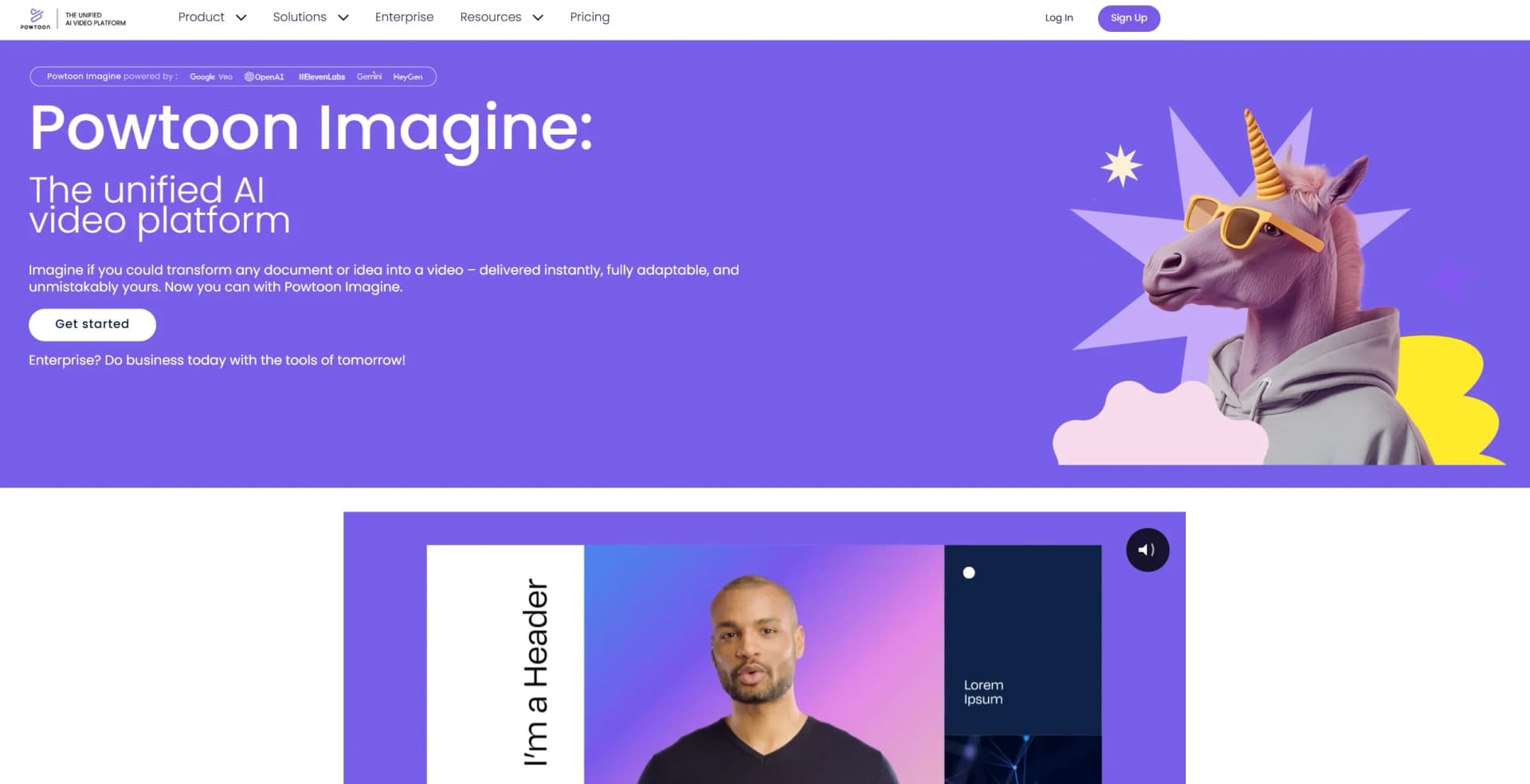
Create engaging videos from ideas instantly.
Watch Powtoon in Action
Key Takeaways
- What it is
- Create engaging videos from ideas instantly.
- Pricing
- $49 per month · $99 per month · $125 per month (annual only)
- Best for
- AI Video Generator
- AI Scriptwriter
- AI Text-to-Speech
- Rating
- 4.6/5
What is Powtoon?
Powtoon is a versatile online platform that transforms the way we create videos and presentations. Perfectly suited for individuals and professionals alike, it offers an array of AI-powered tools that help users craft engaging, professional-quality videos without the need for design or video editing experience. Whether you're a marketer, educator, or content creator, Powtoon simplifies the process of turning ideas into visually compelling content.
Powtoon stands out with its comprehensive AI suite that integrates scriptwriting, text-to-speech, and avatar creation into a single platform. Its ability to transform static documents into dynamic videos quickly and efficiently sets it apart, all while maintaining user-friendly customization options that ensure each video is uniquely tailored to the creator's vision.
Powtoon is an impressive tool that empowers users to create professional-quality videos with ease. Its AI-driven features streamline the video production process, making it accessible to beginners and experienced creators alike. With its wide range of applications and customization options, Powtoon is a valuable asset for anyone looking to enhance their content with engaging videos. Whether you're crafting a marketing campaign or an educational module, Powtoon offers the tools you need to bring your ideas to life.
Who is Using Powtoon?
E-commerce Businesses
Enhancing product presentations and promotional content with engaging videos.
Digital Marketing Agencies
Creating visually appealing campaigns to capture audience attention.
Educators and Trainers
Developing interactive and informative training materials and educational content.
Social Media Managers
Crafting captivating social media posts and stories to boost engagement.
Uncommon Use Cases
Used by healthcare professionals for patient education videos; Adopted by real estate agents for virtual property tours.
Key Features
Rating Breakdown
Pricing Plans
Lite
$49 per month
- Includes 10 credits renewing yearly, access to avatars, text-to-speech, text-to-image, and text-to-video, five exports without Powtoon branding, MP4 downloads, videos up to 10 minutes, and limited content and templates
Professional
$99 per month
- Includes 25 credits renewing monthly, unlimited access to script writer and video assistant, unlimited premium exports, full access to content and templates, videos up to 20 minutes, and all Lite features
Business
$125 per month (annual only)
- Includes 350 credits renewing yearly, unlimited access to script writer and video assistant, full character customization and branding, lip-syncing, full brand control, camera movement, videos up to 30 minutes, third-party reseller rights, and all Professional features
Which Powtoon plan should you pick?
Start with Free for basic video creation, move to Lite for short AI-assisted projects, choose Professional for full editing and longer videos, and upgrade to Advanced for brand control, lip-sync, and reseller rights.
Free
Good for beginners who need basic video creation, screen recording, 720p output, and videos up to 3 minutes.
Lite
Good for social media creators and personal projects who need AI tools, HD MP4 downloads, watermark removal, and videos up to 10 minutes.
Professional
Good for professionals who need full content access, unlimited premium exports, camera movement, and videos up to 20 minutes.
Advanced
Good for agencies, designers, and small businesses who need character customization, lip-sync, full brand control, and reseller rights.
Powtoon Use Cases
Document-to-video conversion
Upload a PDF, Word document, or PowerPoint presentation and let Powtoon generate a script, scenes, voiceover, and video.
Outcome: A ready-to-edit video draft from existing source material.
Training and onboarding
Create animated explainers, micro-learning videos, onboarding materials, and internal training content.
Outcome: More engaging visual learning and communications materials.
Marketing and social content
Create branded promotional videos, video ads, social media videos, and vertical content for social platforms.
Outcome: Publishable marketing content adapted to multiple channels.
Screen and webcam recording
Use Powtoon Capture to record a screen, webcam, or both, then share the recording.
Outcome: Quick visual demonstrations, updates, and video messages.
Multilingual localization
Translate scripts, captions, voiceovers, and other video elements into multiple languages.
Outcome: Localized video content for international audiences.
Workflow Ideas with Powtoon
Turn a policy document into training video
- 1Upload the PDF, DOCX, or PPTX file in Anything to Video
- 2Choose a summary, 90-second, or full-recap format
- 3Review the generated script, edit the video, and apply branding
Create a screen-recorded product demo
- 1Install the Powtoon Capture Chrome extension
- 2Record the screen, webcam, or both
- 3Share the capture or edit eligible short recordings in Powtoon Studio
Localize an existing video
- 1Generate or open the video's captions
- 2Select the target language in the Captions tab
- 3Translate the captions and review the localized version
How Powtoon fits into your stack
Browser
Powtoon is a browser-based video and presentation workspace for creating, editing, exporting, and sharing visual content.
Docs and writing
Users can import Google Docs, Microsoft Word files, PDFs, presentations, URLs, or prompts and turn them into editable videos with scripts, visuals, and voiceovers.
Automation and APIs
Powtoon connects to Zapier, Make, Power Automate, Workato, n8n, and its documented API for automated video creation and delivery workflows.
Team chat and tickets
Powtoon integrates with Microsoft Teams for sharing videos in channels and meetings, supporting internal communications and distributed-team workflows.
Knowledge and files
Google Drive, Dropbox, Google Slides, Google Sheets, and other file-oriented integrations help teams import source material, centralize assets, and distribute finished videos.
Pros
- +User-Friendly Interface: Intuitive drag-and-drop editor, making video creation accessible to everyone.
- +Time-Saving Automation: AI tools significantly reduce the time needed to produce polished videos.
- +Customization Options: Extensive options for branding and personalizing videos to match your unique style.
- +Wide Range of Uses: Suitable for creating various types of videos, including marketing, training, and social media content.
Cons
- −Learning Curve for Advanced Features: Some users might need time to fully grasp the more advanced AI functionalities.
- −Limited Free Plan: The free plan has restrictions that might require upgrading for full access to features.
- −Integration Limitations: While robust, some users may find the integration options limited compared to other platforms.
Limitations & when to consider alternatives
Known limitations
- Free-plan restrictions. The Free plan provides 720p video, limits videos to 3 minutes, includes a Powtoon watermark, and restricts users to basic templates and characters.
- Anything to Video file limits. Uploaded PDF, DOCX, and PPTX files must be no larger than 20 MB and no more than 10 pages.
- PowerPoint import limitations. PowerPoint import is limited to PPTX files, has a 100 MB maximum file size, and does not preserve every PowerPoint element.
- Mobile feature differences. Powtoon Connect does not provide all editing features available in Powtoon Studio.
- Powtoon Capture retention and editing. Captures are automatically deleted after 3 months; recordings longer than 3 minutes are view-only and cannot be edited like standard Powtoons.
Look elsewhere when
- You need a downloadable Windows, Mac, or Linux desktop application.
- You need to fine-tune or train an AI model on your own data.
- You need programming-code generation or editing.
- You need a full-featured mobile replacement for Powtoon Studio.
How to Use Powtoon
- 1
Create or import source material
Start from a template, type a prompt, paste a script or link, or upload a PDF, DOCX, or PPTX file.
- 2
Generate the first draft
Use Anything to Video, AI Video Assistant, scriptwriting, voiceover, avatars, or text-to-video to create an initial project.
- 3
Review and edit
Edit scenes, timing, text, visuals, voiceover, colors, and design elements inside Powtoon Studio.
- 4
Apply brand assets
Add brand colors, fonts, logos, corporate templates, and other brand-management controls where supported by your plan.
- 5
Localize if needed
Translate captions, scripts, voiceovers, or other video elements for additional languages.
- 6
Export and distribute
Download or share the finished video through available formats, social channels, LMS platforms, collaboration tools, or integrations.
Who is Powtoon For?
Marketing and social media teams
Powtoon provides animated videos, branded content, social formats, and publishing integrations for marketing communication.
Learning and development teams
Teams can convert documents and presentations into training, onboarding, micro-learning, and explainer videos.
Internal communications teams
Powtoon supports internal announcements, company updates, events, and visual communications.
Sales teams
Sales teams can create demos, personalized outreach videos, pitches, and enablement content.
Educators and institutions
Education plans provide classroom-oriented content, institution-wide access, branded characters, and LMS integration.
Frequently Asked Questions
Is Powtoon free to use?
Yes. Powtoon offers a free plan for creating videos and presentations, with limitations such as watermarking and restricted content.
What files can Anything to Video process?
Anything to Video supports PDF, DOCX, and PPTX files, with a maximum size of 20 MB or 10 pages per file.
Can Powtoon translate video content?
Powtoon can translate captions and supports a broad range of human languages, including English, French, Spanish, German, Japanese, and many others.
Does Powtoon support mobile editing?
Powtoon Connect is a separate mobile app for Apple and Android devices that lets users open and edit Powtoons on the go.
Does Powtoon require desktop software?
No. Powtoon Studio runs in supported web browsers, with Google Chrome recommended for the most reliable experience.
What is Powtoon Capture?
Powtoon Capture is a Chrome extension for recording the screen, webcam, or both, then sharing the resulting capture.
Community reviews
Be the first to share your experience.
Sign in to leave a review for Powtoon.
Powtoon Alternatives
Looking for alternatives to Powtoon? Here are similar tools in the same category:
Learn to Master Powtoon
With Skill Leap courses
Get in-depth training on Powtoon and 50+ other AI tools with our expert-led video courses.
Start 7-Day Free Trial