Prezi
Interactive presentations where teachers and trainers can check audience understanding live.
Key Takeaways
- What it is
- Interactive presentations where teachers and trainers can check audience understanding live.
- Pricing
- Freemium · $7 per month · $19 per month · $29 per month · $4 per month · $19 per user per month
- Best for
- Prezi AI
- Live Activities
- QR Code Audience Join
- Rating
- 4.2/5
What is Prezi?
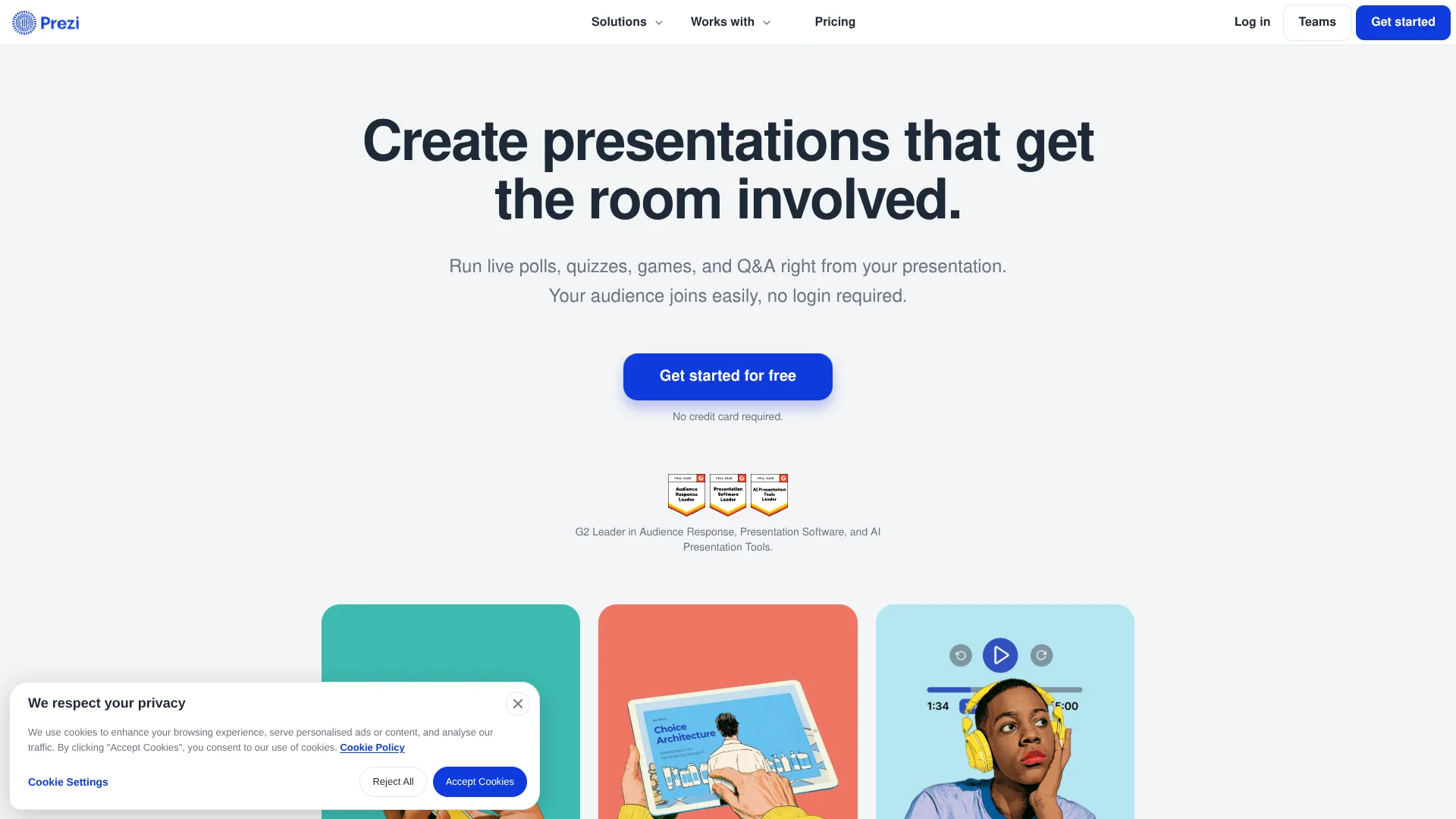
Prezi turns a topic or an existing presentation into an editable visual presentation, then lets presenters add polls, quizzes, Q&A, and word clouds where they fit. It is built for teachers, trainers, and communicators who need to see whether people are following along, not only show them slides. Audience members join from a QR code without installing an app or creating an account.
After a session, the presentation can become a page for continued learning, with options such as a narrated video, podcast, transcript, flashcards, and self-test. That makes Prezi useful beyond the live talk: people who missed the session can catch up, and attendees can review the material they just saw.
Prezi is a strong fit for live lessons, training, and presentations where audience responses matter. Its free Basic plan has limited AI credits and public presentations, while private sharing and offline desktop access require paid plans. Pick Prezi when participation and follow-up learning matter as much as the slides themselves.
Who is Using Prezi?
Teachers
Class participation and follow-up practice help students check what they understood.
College Professors
Question-by-question responses make it easier to spot topics that need another pass during a lecture.
Corporate Trainers
Interactive onboarding and review materials help employees participate during training and revisit it later.
Sales Presenters
A visual presentation with live audience questions can support a conversation that moves between topics.
Uncommon Use Cases
A narrated video or podcast can help people catch up after missing a session; flashcards and self-tests can turn presented material into independent review.
Key Features
Rating Breakdown
Pricing Plans
Basic
Free
- Free plan
- 500 AI credits per month
- Presentations are public
Standard
$7 per month
- Price shown is per month when billed annually
- Approximately $10 per month when billed monthly
- For personal use
- 500 AI credits per month
- Privacy controls and unlimited projects
Plus
$19 per month
- Price shown is per month when billed annually
- Unlimited Prezi AI
- Desktop app and offline access
- PowerPoint import and PDF export
Premium
$29 per month
- Price shown is per month when billed annually
- Everything in Plus
- Presentation analytics and phone support
EDU Plus
$4 per month
- Price shown is per month when billed annually
- Valid school email required
- Unlimited Prezi AI
- Desktop app and offline access
EDU Teams
$19 per user per month
- Price shown is per user per month when billed annually
- Valid school email required
- Team collaboration, analytics, and a custom brand kit
- Secure single sign-on
Which Prezi plan should you pick?
Start with Basic to try Prezi; choose Standard for privacy controls, Plus for unlimited AI and offline access, or Premium for analytics.
Basic
Good for trying presentation creation and AI features with public presentations and a monthly credit allowance.
Standard
Good for personal use when you need privacy controls and unlimited projects but can work within monthly AI credits.
Plus
Good for regular presenters who need unlimited AI, the desktop app, and offline access.
Premium
Good for business professionals who need presentation analytics and phone support.
EDU Plus
Good for eligible students and educators who need unlimited AI and presentation features at the education rate.
EDU Teams
Good for eligible school departments that need collaboration, analytics, a shared brand kit, and single sign-on.
Prezi Use Cases
Interactive Lessons
A lesson with polls and quizzes gives students a way to respond while the material is being taught.
Outcome: Presenters can review responses by question.
Employee Onboarding
Training content paired with live participation and later review supports both live and self-paced learning.
Outcome: Learners can revisit the session through a shared page.
Audience Q&A
Questions and audience votes help presenters see which topics people want addressed.
Outcome: Questions are collected and ranked by audience upvotes.
Presentation Follow-Up
A shared presentation page gives attendees and people who missed the session ways to review the material.
Outcome: The material can be revisited as a presentation, video, podcast, transcript, flashcards, or self-test.
AI-Assisted Presentation Drafting
A short topic prompt or imported presentation material can provide a first draft to refine.
Outcome: An editable presentation draft.
Workflow Ideas with Prezi
Teach and Check Understanding
- 1Draft a presentation from a topic prompt or import existing slides.
- 2Place polls, quizzes, or Q&A alongside the relevant material.
- 3Present, then review responses to see what needs another explanation.
Turn Training into Self-Paced Review
- 1Build or import the training presentation.
- 2Present it with live activities for the group.
- 3Share the presentation page for later review with flashcards or a self-test.
Prepare an Existing Slide Deck for a Live Session
- 1Import a PowerPoint, Google Slides, Canva, or PDF presentation.
- 2Add audience activities where you want people to respond.
- 3Present and share the resulting page afterward.
How Prezi fits into your stack
Presentation Creation
Prezi AI can draft a presentation from a topic prompt, while imports let you start from material you already have.
Slides and Documents
Prezi supports importing PowerPoint, Google Slides, Canva, PDF, and Word material for presentation work.
Live Audience Participation
Polls, quizzes, Q&A, and word clouds sit alongside presentation content, with attendees joining by QR code.
Learning Follow-Up
A shared presentation page can provide video, podcast, transcript, flashcards, or a self-test after a session.
Desktop Presenting
The desktop app offers offline access on eligible paid plans.
Pros
- +Built-in audience responses: Polls, quizzes, Q&A, and word clouds are part of the presentation.
- +Easy audience access: Attendees can join by QR code without signing in or installing an app.
- +Useful after the session: Shared pages can support review with flashcards, self-tests, audio, or video.
- +Existing slide support: PowerPoint and other named formats can be imported instead of starting from scratch.
Cons
- −AI credit limits: Basic and Standard provide a capped monthly allowance, while unlimited AI starts with Plus.
- −Privacy tradeoff on Basic: Presentations on the free plan are public.
- −Paid plans are annual: The listed monthly prices are billed annually.
Limitations & when to consider alternatives
Known limitations
- Basic presentations are public. Prezi's plan information says Basic presentations are public, so the free plan may not suit confidential material.
- Monthly AI credits are capped on Basic and Standard. Basic and Standard include 500 AI credits per month; unlimited AI presentation generation is listed with Plus and higher plans.
- Offline access requires a paid plan. The desktop app and offline access are included with Plus and higher plans, not the free Basic plan.
Look elsewhere when
- You need a documented developer API for custom application integrations.
- You need an official browser extension.
- Your presentations must remain private while using the free plan.
How to Use Prezi
- 1
Start with a Topic or Existing Material
Choose an AI-generated draft from a prompt or bring in a presentation or document you already have.
- 2
Edit the Draft
Review and change the text, images, and layout so the presentation reflects your material.
- 3
Add Audience Activities
Place polls, quizzes, Q&A, or word clouds alongside the parts of the presentation they relate to.
- 4
Present and Invite Responses
Show the QR code so attendees can join from their phones without an app or account.
- 5
Review and Share
Check available responses and share the presentation page for people to revisit afterward.
Who is Prezi For?
Teachers
Live activities and self-paced review help turn lessons into sessions students can participate in and revisit.
Professors
Polls and question-by-question results can show which lecture concepts need another explanation.
Trainers
Interactive sessions and follow-up materials support onboarding and employee training.
Business Professionals
Presentation recording, branding, and analytics support client-facing and business presentations.
Teams
Shared editing, team branding, and administrative controls support collaborative presentation work.
Frequently Asked Questions
Does Prezi have a free plan?
Yes. Basic is free and includes 500 AI credits per month. Basic presentations are public.
Can Prezi create a presentation from a prompt?
Yes. Prezi AI can draft a presentation from a description, and you can edit the result.
Can I import an existing presentation?
Yes. Prezi supports PowerPoint, Google Slides, Canva, PDF, and Word material.
Do audience members need a Prezi account?
No. They can join activities by scanning a QR code, without an app or account.
Can I use Prezi offline?
Yes. Offline access is available through the desktop app with Plus and higher plans.
Does Prezi have a mobile app?
Prezi Viewer is available for Android and iOS to view and share presentations.
Community reviews
Be the first to share your experience.
Sign in to leave a review for Prezi.
Prezi Alternatives
Looking for alternatives to Prezi? Here are similar tools in the same category: