
Product Design Studio
Transform sketches to 3D designs and collaborate efficiently with AI.
Watch Product Design Studio in Action
Key Takeaways
- What it is
- Transform sketches to 3D designs and collaborate efficiently with AI.
- Pricing
- $9 per month
- Best for
- AI-Driven Design Generation
- 3D Visualization
- Collaborative Platform
- Rating
- 4.6/5
What is Product Design Studio?
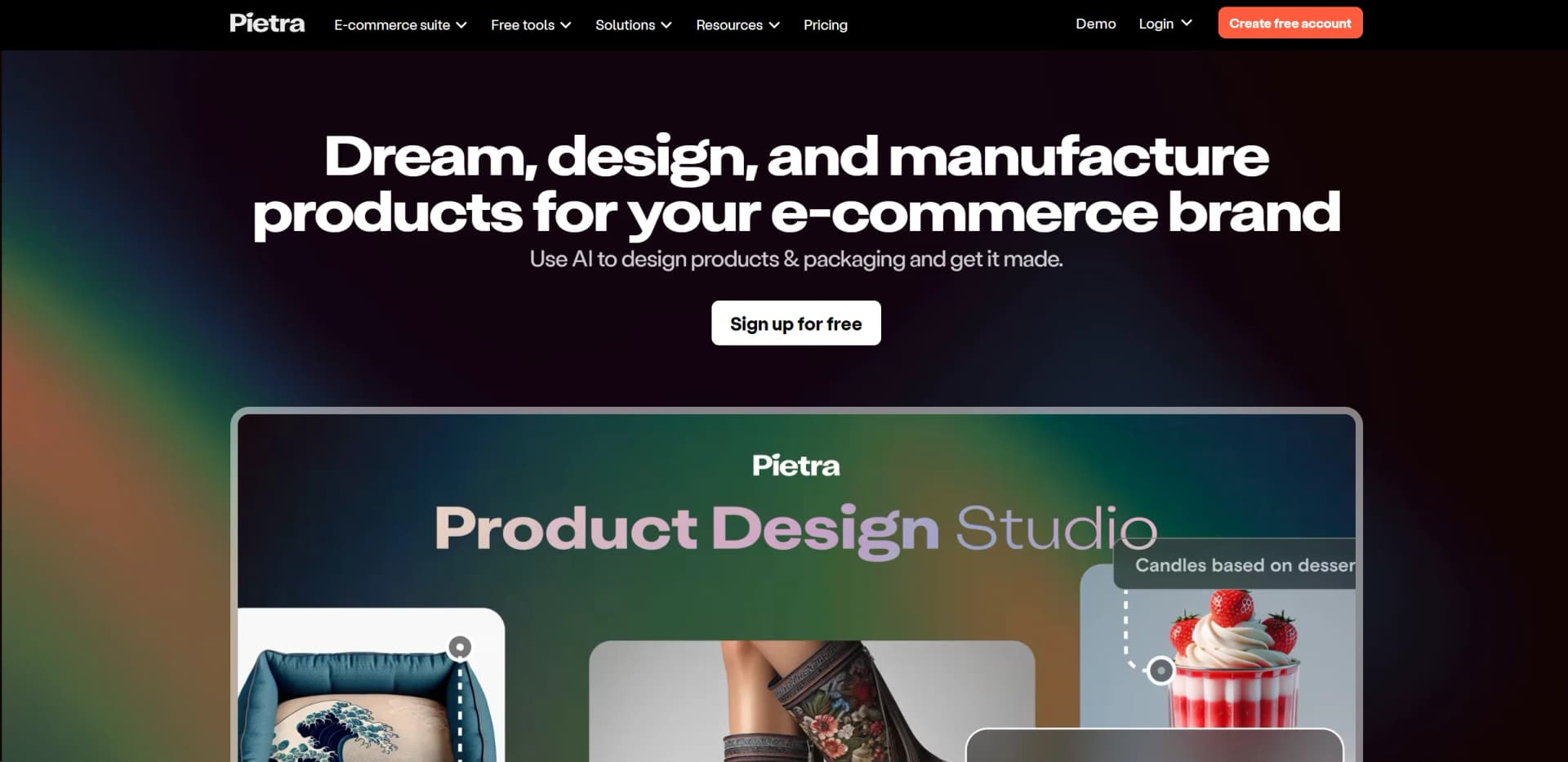
Product Design Studio is a state-of-the-art AI-powered tool meticulously crafted to serve the needs of e-commerce brands and entrepreneurs. Its core purpose lies in streamlining the product and packaging design process, leveraging AI to swiftly transform ideas into tangible designs. With Product Design Studio, users can move from rough sketches to detailed 3D designs, engage in effective collaboration with team members and suppliers, and access a multitude of templates to expedite the creative process.
Product Design Studio distinguishes itself with its powerful AI that simplifies the transition from sketch to product design. Its emphasis on collaboration and communication with suppliers directly through the platform is particularly beneficial for streamlining the design-to-production workflow.
Product Design Studio shines as a pivotal tool for e-commerce brands and design professionals. Its AI-driven design capabilities, paired with an intuitive user interface and collaborative features, set it apart as a comprehensive solution for streamlining the design process. Whether you're a solo entrepreneur or part of a larger team, Product Design Studio has the potential to significantly enhance your creative workflow.
Who is Using Product Design Studio?
E-commerce Entrepreneurs
For quickly developing product lines and testing market viability.
Design Agencies
To provide a broader array of design options to clients with efficiency.
Manufacturers
To visualize end products and streamline the communication process.
Freelancers
To enhance their service offerings with rapid prototyping capabilities.
Uncommon Use Cases
Educational institutions could use it for design courses; Non-profits might utilize it for creating promotional materials.
Key Features
Rating Breakdown
Pricing Plans
Free Trial
- Get your first 500 generations at no cost
Basic Tier
$9 per month
- 5000 product ideas and 3D visualizations
Custom Tier
- Tailored for design teams requiring unlimited ideas and visualizations
- Enterprise compliance
Which Product Design Studio plan should you pick?
Start with Pietra Essentials for self-service product design and sourcing; upgrade to Pietra Business when you need team seats, expanded supplier access, more credits, and premium support.
Pietra Essentials
Good for emerging brands that need self-service access to AI-powered product design, sourcing, fulfillment, marketing tools, and core platform features.
Pietra Business
Good for growing e-commerce teams that need five team seats, additional design and marketing credits, expanded supplier access, lower fulfillment rates, and premium support.
Pietra Managed Service
Good for brands needing fully managed, customizable services and dedicated account management.
Product Design Studio Use Cases
Generate product concepts
Start with prompts, reference images, sketches, or design inspiration to create product ideas and variations.
Outcome: A set of visual product concepts for a new line.
Convert sketches into 3D designs
Use the sketch-to-design workflow to develop basic sketches into more developed product visuals.
Outcome: More detailed 3D product concepts.
Design packaging
Create packaging concepts and variations for products intended for manufacturing or sale.
Outcome: Packaging designs ready for review and supplier discussions.
Prepare designs for suppliers
Share measurements and annotated designs with vendors to support sampling.
Outcome: Clearer supplier communication and faster sampling.
Move from concept to production
Use product ideation and sourcing tools to develop a product brief, connect with factories, and obtain production quotes.
Outcome: A production-ready product brief and supplier options.
Workflow Ideas with Product Design Studio
From sketch to supplier quote
- 1Upload a sketch or reference image
- 2Generate and refine product designs
- 3Create a product brief and connect with qualified factories
Packaging development workflow
- 1Describe the packaging concept or upload inspiration
- 2Generate packaging variations
- 3Share annotated designs and measurements with suppliers
Product concept to sample
- 1Create product concepts using prompts, images, or templates
- 2Select a preferred design and prepare specifications
- 3Invite vendors and send designs for sampling
How Product Design Studio fits into your stack
In-Platform Collaboration
Allows teams to work together within the platform, reducing the need for external communication tools.
Supplier Integration
Users can directly connect with their suppliers, sharing detailed designs and specifications.
Scalability
The platform is designed to scale with businesses, from startups to large enterprises.
Custom Solutions
The Custom tier provides options for bespoke integrations and enterprise compliance.
Pros
- +Time-Saving: Accelerates the design phase, enabling a faster path from ideation to production.
- +Cost-Efficiency: Offers affordable pricing tiers, including a free trial, making it accessible for various budget ranges.
- +User-Friendly: Intuitive interface that simplifies the design process for both seasoned designers and novices.
- +Versatility: Suitable for a wide range of product categories, enhancing its utility across diverse e-commerce sectors.
Cons
- −Learning Curve: New users may need time to fully harness the AI's capabilities and navigate the platform.
- −Design Complexity: While AI is powerful, it may not capture the nuance of highly complex design requirements without human input.
- −Integration Limitations: As a specialized tool, it might not integrate with certain external platforms or services out-of-the-box.
Limitations & when to consider alternatives
Known limitations
- AI content model training takes time. Pietra says custom product-model training typically takes approximately one to two hours.
- Training requires suitable product images. The AI Content Studio recommends uploading 5–15 clear images of the same product from appropriate angles.
- Print-on-demand Shopify orders may require manual entry. Pietra states that Print on Demand products do not directly sync with Shopify and orders must be submitted manually.
- Expanded supplier access is plan-dependent. Expanded Network Suppliers are available exclusively to Business Membership users.
- Membership pricing is subject to change. Pietra says its displayed discounted membership rates are promotional and may return to standard pricing.
Look elsewhere when
- You need a native mobile app.
- You need a documented developer API.
- You need SSO or SAML.
How to Use Product Design Studio
- 1
The platform offers resources and guides to get users started and make the most out of its features. These tutorials are invaluable for both beginners and experienced users looking to deepen their understanding of the tool.
Who is Product Design Studio For?
Entrepreneurs
Pietra provides product ideation, design, sourcing, and manufacturing tools for launching new product lines.
Small businesses
The platform provides AI tools and guided resources for businesses launching or growing an e-commerce brand.
Growing brands
Growing brands can use product design, sourcing, fulfillment, marketing, and analytics tools in one platform.
Creative agencies
Pietra lists creative or agency users as an audience for client projects and brand-building workflows.
Frequently Asked Questions
What can Product Design Studio create?
It creates product and packaging designs, design variations, and 3D designs from prompts, reference images, or sketches.
Can I turn a sketch into a product design?
Yes. Pietra describes a sketch-to-design workflow that turns basic concept sketches into 3D designs.
Can I collaborate with suppliers?
Yes. You can invite vendors and share measurements and annotated designs to support sampling.
Can I use manufacturer templates?
Yes. The studio provides thousands of manufacturer templates to help users begin product concepts.
Can I upload reference images?
Yes. The Product Ideation Tool accepts reference images, sketches, and design inspiration.
Can Pietra help get the product manufactured?
Yes. Pietra connects product concepts with its vetted factory and supplier network.
Community reviews
Be the first to share your experience.
Sign in to leave a review for Product Design Studio.
Product Design Studio Alternatives
Looking for alternatives to Product Design Studio? Here are similar tools in the same category:
Learn to Master Product Design Studio
With Skill Leap courses
Get in-depth training on Product Design Studio and 50+ other AI tools with our expert-led video courses.
Start 7-Day Free Trial