Proxima
Ecommerce ad targeting shaped by purchase patterns across brands.
Key Takeaways
- What it is
- Ecommerce ad targeting shaped by purchase patterns across brands.
- Pricing
- Freemium
- Best for
- Proxima Commerce Graph
- Buyer Personas
- Audience Insights
- Rating
- 4.0/5
What is Proxima?
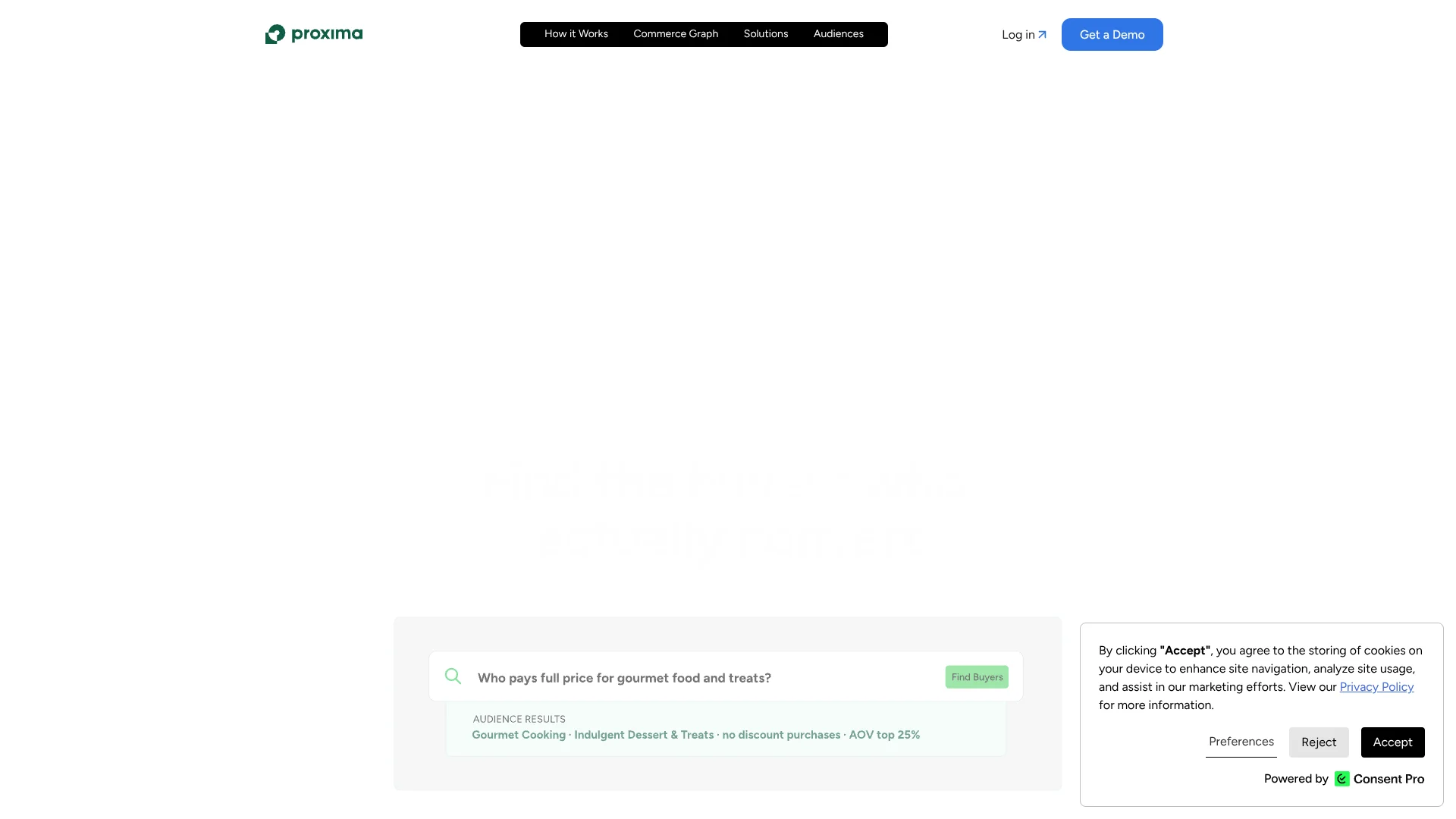
Proxima helps ecommerce brands find likely buyers and shape ads around real shopping behavior. Its Commerce Graph draws on verified purchase patterns across brands, then turns those signals into buyer personas and audience insights that go beyond a store’s own data. Marketing and paid social teams can use those insights to decide which customer groups and creative angles to test.
Unlike tools that rely only on a brand’s own account data, Proxima compares buyer patterns across its Commerce Graph and sends audience signals to ad platforms such as Meta, TikTok, and Google.
Proxima is best suited to ecommerce brands and agencies running paid acquisition campaigns. Getting insights takes time after connecting data, and its creative briefs guide production rather than prescribing the final ad, so it fits teams that can turn direction into finished creative.
Who is Using Proxima?
Ecommerce Growth Marketer
Buyer personas help identify which customer groups may support growth and repeat purchases.
Paid Social Media Buyer
Verified purchase audiences provide additional signals for campaigns on Meta, TikTok, and Google.
Creative Strategist
Creative Briefs offer a concept and storyboard grounded in buyer behavior.
Agency Account Strategist
Client-specific insights and scalable creative starting points help guide paid social work across accounts.
Lifecycle Marketer
Persona insights can inform customer messaging in tools such as Klaviyo.
Uncommon Use Cases
Compare buyer patterns beyond your own store; use persona insights to shape lifecycle messaging.
Key Features
Rating Breakdown
Pricing Plans
Free
Free
- Connect Shopify, Meta, TikTok, Google, and Klaviyo.
- Includes Conversion Intelligence, buyer personas, and audience insights.
- Free plan is not time-limited.
Pro
- Includes everything in Conversion Intelligence.
- Adds Proxima Creative Briefs and Creative Studio.
- Includes audience-specific messaging angles and creative starting points.
Which Proxima plan should you pick?
Start with Free to explore buyer insights, then consider Pro when you need Creative Briefs, Creative Studio, or audience-specific messaging for paid acquisition.
Free
Good for ecommerce teams exploring Conversion Intelligence and buyer personas before committing to creative execution.
Pro
Good for brands spending on paid acquisition and agencies that need Creative Briefs, Creative Studio, and scalable creative starting points.
Proxima Use Cases
Find New Buyer Audiences
Verified purchase patterns help identify audiences beyond the signals available in a brand’s own ad account.
Outcome: Audience signals can be sent to connected ad platforms.
Plan Creative Tests
A data-backed concept and storyboard give teams a concrete direction to test.
Outcome: A structured creative brief grounded in buyer behavior.
Understand Customer Groups
Buyer personas show what different groups buy and which messages or styles may resonate.
Outcome: A clearer view of customer behavior and creative angles.
Refresh Ad Audiences
New verified buyer data helps keep targeting aligned with current shopping behavior.
Outcome: Audience refreshes as new data flows in.
Guide Lifecycle Messaging
Persona insights can help shape customer messaging in connected tools such as Klaviyo.
Outcome: Messaging direction informed by buyer behavior.
Workflow Ideas with Proxima
From Store Data to a Creative Test
- 1Connect Shopify and relevant advertising or customer platforms.
- 2Review the buyer personas and audience insights after data is processed.
- 3Turn a Creative Brief into an ad test and compare its results in Ads Manager.
Expand Paid Social Audiences
- 1Connect the ad account and commerce data sources available to your team.
- 2Select purchase patterns that match the customers you want to reach.
- 3Send audience signals to a connected ad platform and compare campaign performance.
Brief an Agency or Creator
- 1Review the persona and the behavior behind it.
- 2Share the related Creative Brief, including its concept and storyboard.
- 3Use the resulting ad as a test and feed performance learning into the next round.
How Proxima fits into your stack
Commerce and Customer Data
Shopify and Klaviyo are among the platforms Proxima lists for connection. Their data informs buyer insights and personas.
Paid Advertising
Meta, TikTok, and Google connections support audience insights and activation in existing ad workflows.
Creative Planning
Creative Briefs provide a concept, storyboard, and supporting data for an internal team, agency, freelancer, or creator.
Campaign Measurement
Proxima describes comparing results in Ads Manager, so teams can assess audiences alongside their existing campaigns.
Pros
- +Market-wide buyer signals: Insights draw on purchase behavior beyond a brand’s own account.
- +Practical creative direction: Briefs include a concept, storyboard, and reasons behind the recommendation.
- +Ad platform activation: Audience signals can be sent to Meta, TikTok, and Google.
- +Free entry point: The Free plan is not time-limited and does not require a credit card.
Cons
- −Setup takes time: Insights and briefs may take 24–36 hours to appear after data is connected.
- −Creative still needs production: Briefs provide direction rather than prescribing the finished ad.
- −Narrow focus: The product is built around ecommerce buyer intelligence and paid advertising.
Limitations & when to consider alternatives
Known limitations
- Initial processing time. Automated data ingestion and first insights may take 24–36 hours after connecting sources.
- Briefs are creative direction. Creative Briefs provide structure and guidance but do not prescribe the final creative output.
Look elsewhere when
- You need a general-purpose AI tool for writing, coding, or image analysis.
- Your team needs a tool that produces finished ad files rather than creative direction.
How to Use Proxima
- 1
Start with the Free plan
Create an account to explore Conversion Intelligence without a time limit or credit card.
- 2
Connect your platforms
Link Shopify, Meta, TikTok, Google, or Klaviyo to provide the data relevant to your workflow.
- 3
Allow data processing
Automated data ingestion and initial insights may take 24–36 hours.
- 4
Review buyer personas
Look at purchase behavior and audience insights to decide which customer groups merit attention.
- 5
Prepare creative direction
On Pro, use Creative Briefs and Creative Studio to shape concepts and messaging for paid social.
- 6
Test in your ad workflow
Send audience signals to connected platforms and compare results against your existing campaigns.
Who is Proxima For?
Ecommerce Brands
Buyer personas and purchase patterns help brands test assumptions about who buys and why.
Paid Acquisition Teams
Audience insights and creative direction support teams running paid campaigns.
Agencies
Proxima’s Pro plan is aimed at agencies producing ads for multiple clients.
Creative Teams
Data-backed briefs give internal teams, freelancers, and creators a clearer starting point for ad production.
Frequently Asked Questions
Is Proxima’s Free plan time-limited?
No. The pricing page says you can stay on Free as long as you want, and no credit card is required to get started.
How much does Proxima Pro cost?
Pro is listed as starting at $250 per month. The pricing page presents that as a starting price.
Which platforms can I connect?
The pricing page names Shopify, Meta, TikTok, Google, and Klaviyo.
How long does it take to see insights?
Proxima says data ingestion and initial briefs generally take about 24–36 hours after connecting data.
Are Proxima’s buyer insights based on real purchases?
Proxima says its personas and insights use real-world commerce behavior across the Commerce Graph, rather than surveys.
Community reviews
Be the first to share your experience.
Sign in to leave a review for Proxima.
Proxima Alternatives
Looking for alternatives to Proxima? Here are similar tools in the same category: