
Pykaso AI
Generate lifelike images and videos.
Key Takeaways
- What it is
- Generate lifelike images and videos.
- Pricing
- $0.12.
- Best for
- Ultra-Realistic AI Generation
- Image-to-Image Transformation
- AI Video Generator
- Rating
- 4.5/5
What is Pykaso AI?
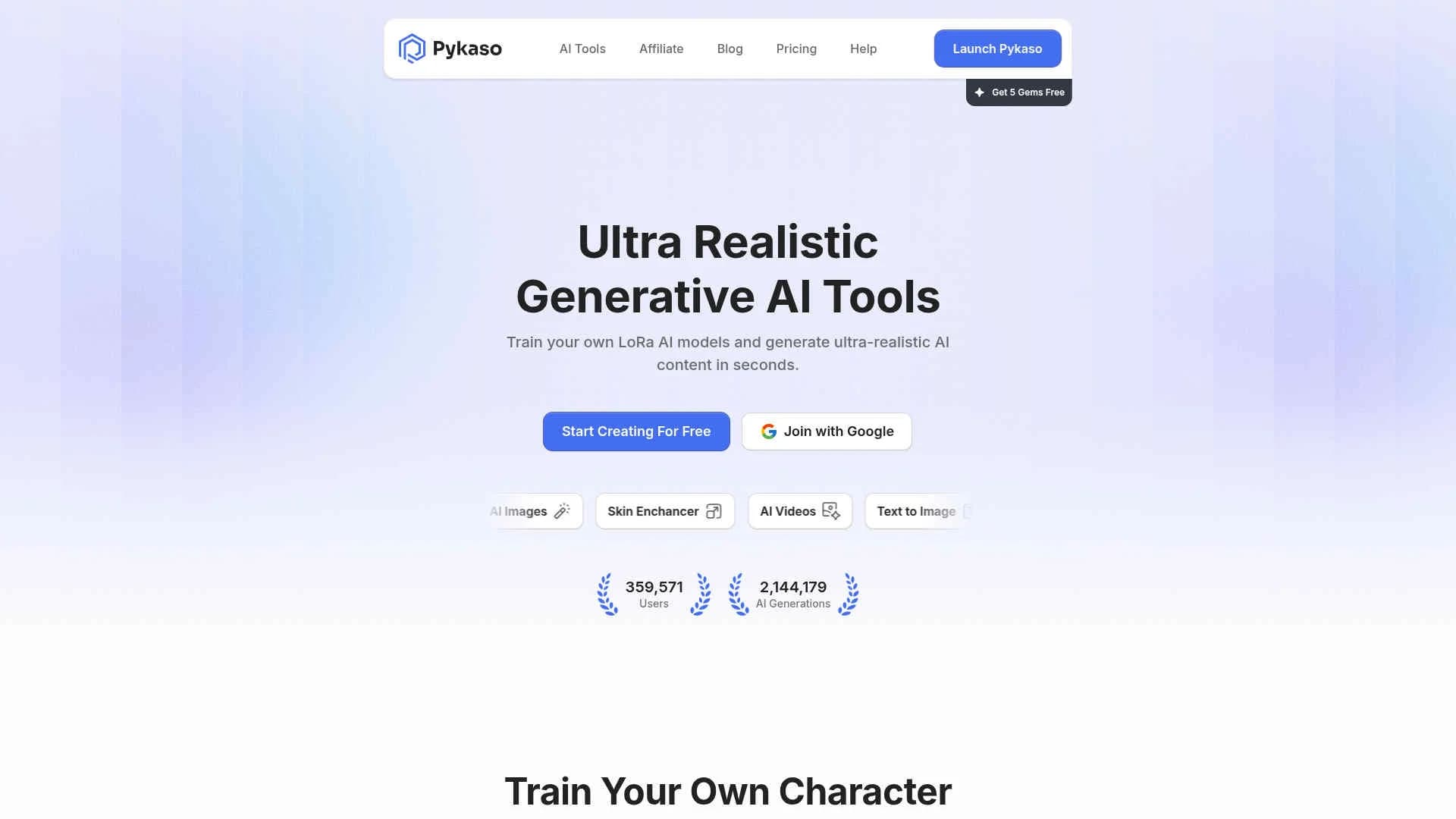
Pykaso AI is a cutting-edge tool designed to transform the creation of ultra-realistic AI content. Perfect for digital creators, it offers a wide array of functionalities such as AI image and video generation, skin enhancement, and character consistency training. Pykaso AI simplifies the process of generating high-quality AI content, making it an ideal choice for anyone looking to enhance their creative projects with realistic AI imagery and animations.
Pykaso AI stands out with its ability to generate ultra-realistic AI content that goes viral, allowing users to reach new heights of creativity and productivity. Its unique feature of training personal AI models for character consistency truly sets it apart in the digital creation landscape.
Pykaso AI offers an impressive suite of tools that cater to a wide range of creative needs, making it an invaluable asset for anyone looking to produce high-quality AI content. With its user-friendly interface and realistic output, it empowers users to push the boundaries of their creative projects. Whether you're a digital artist, marketer, or social media influencer, Pykaso AI provides the tools necessary to elevate your work to the next level.
Who is Using Pykaso AI?
Digital Artists
Enhancing their creative projects with realistic AI-generated content.
Social Media Influencers
Creating eye-catching visuals for their social media platforms.
Marketing Professionals
Developing engaging content for advertising campaigns.
Video Content Creators
Producing high-quality AI videos for various media.
Uncommon Use Cases
Educational institutions using it for teaching digital content creation; Fashion designers adopting it for virtual fashion shows.
Key Features
Rating Breakdown
Pricing Plans
Gem-based Pricing
$0.12.
- Tools are priced per use: AI Text-to-Image (0.05 Gems)
- Skin Upscaler (3 Gems)
- AI Image Editor (1 Gem)
- Image-to-Prompt (0.1 Gems)
- Kling Video Generator (4.6 Gems)
- WAN Video Generator (8 Gems)
- Image-to-Image (5 Gems)
- LoRa Training (40 Gems, file size dependent)
Premium Access
- Includes watermark-free generations, video and bulk Face Swaps (up to 5 min), priority GPU queue, async generations, and priority support
Which Pykaso AI plan should you pick?
Start with the included free Gems to evaluate the tools; if purchasing before shutdown, choose the smallest Gems package that covers your intended generations.
Basic
Good for users who need 50 Gems for limited experimentation.
Standard
Good for users who need 100 Gems for more regular creation.
Ultimate
Good for users who need a large 2,300-Gem balance before the service closes.
Pykaso AI Use Cases
Create consistent AI characters
Train an AI character and use it across generated content.
Outcome: A consistent AI brand ambassador.
Generate AI images
Create realistic images from text prompts or with image-to-image workflows.
Outcome: Realistic visual content.
Create AI videos
Generate videos from text or images and edit them with AI prompts.
Outcome: AI-generated video content.
Create UGC-style ads
Use the UGC Video Ads flow to create UGC-style advertising content.
Outcome: Campaign-ready advertising visuals.
Improve and transform images
Upscale, edit, face-swap, or transform uploaded images.
Outcome: Enhanced or reworked image assets.
Workflow Ideas with Pykaso AI
Create a consistent AI influencer
- 1Train a new AI character
- 2Choose the preferred training step
- 3Generate images and videos with the character
Turn an image into video content
- 1Upload or generate an image
- 2Use the AI Image to Video tool
- 3Download the generated video from generation history
Produce a UGC-style ad
- 1Create or select an AI character
- 2Open the UGC Video Ads flow
- 3Generate and download the advertising content
How Pykaso AI fits into your stack
Browser
Pykaso is used as a browser-based AI content-creation suite for generating and editing images and videos, including face swaps, image-to-prompt, upscaling, and AI influencer training.
Pros
- +High-Quality Output: Produces exceptionally realistic images and videos.
- +Versatile Tools: Offers a variety of AI tools for diverse creative needs.
- +Ease of Use: User-friendly interface that requires no prompting for certain features.
- +Free Trial Availability: New users can explore the platform with free gems.
Cons
- −Learning Curve: Some advanced features may require time to master.
- −Gems Currency System: Users need to manage currency for AI processing.
Limitations & when to consider alternatives
Known limitations
- Service shutdown scheduled. The official app states that Pyksel, formerly Pykaso, will close on September 30, 2026.
- Gems can no longer be purchased. The shutdown notice says existing Gems remain usable, but new Gems can no longer be bought.
- Paid access uses Gems. Premium access requires purchasing Gems, and usage varies by AI tool.
- Video face-swap cost varies. Video face-swap usage depends on resolution, duration, and file size.
- Training quality varies by steps. Different training-step selections can produce different realism, consistency, and deformity levels.
How to Use Pykaso AI
- 1
Sign up
Create an account to receive 5 free Gems and access the AI tools.
- 2
Choose a tool
Select image, video, editor, face-swap, audio, character, or other available tools.
- 3
Upload or enter a prompt
Provide an image, video, audio input, or text prompt depending on the selected tool.
- 4
Generate content
Run the selected generation and monitor Gem usage where applicable.
- 5
Review generation history
Open the relevant tool's history to review and download generated content.
- 6
Export before shutdown
Download desired content and trained-character files before September 30, 2026.
Who is Pykaso AI For?
Influencers
The product is positioned for creating realistic AI influencers and consistent content.
Creators
Creators can use image, video, editing, face-swap, and character-generation tools.
Brands
AI characters and consistent brand ambassadors support recurring branded content.
Advertisers
The site promotes AI UGC and AI ad creation designed to engage and drive traffic.
Frequently Asked Questions
What are Gems?
Gems are the in-app currency used to generate AI images, videos, and other tools.
Do new users receive free Gems?
Every new user receives 5 free Gems upon signup.
How can users unlock premium access?
Purchasing any Gems package grants Premium status and unlocks all AI features.
What happens when a generation fails?
Gems used by a failed generation are automatically reimbursed.
Why can images look deformed or distorted?
The support documentation attributes this mainly to the selected training-step setting.
Can users download trained characters?
Users can download trained characters as ZIP files containing checkpoints and preview images.
Community reviews
Be the first to share your experience.
Sign in to leave a review for Pykaso AI.
Pykaso AI Alternatives
Looking for alternatives to Pykaso AI? Here are similar tools in the same category:
Learn to Master Pykaso AI
With Skill Leap courses
Get in-depth training on Pykaso AI and 50+ other AI tools with our expert-led video courses.
Start 7-Day Free Trial