
Qdrant
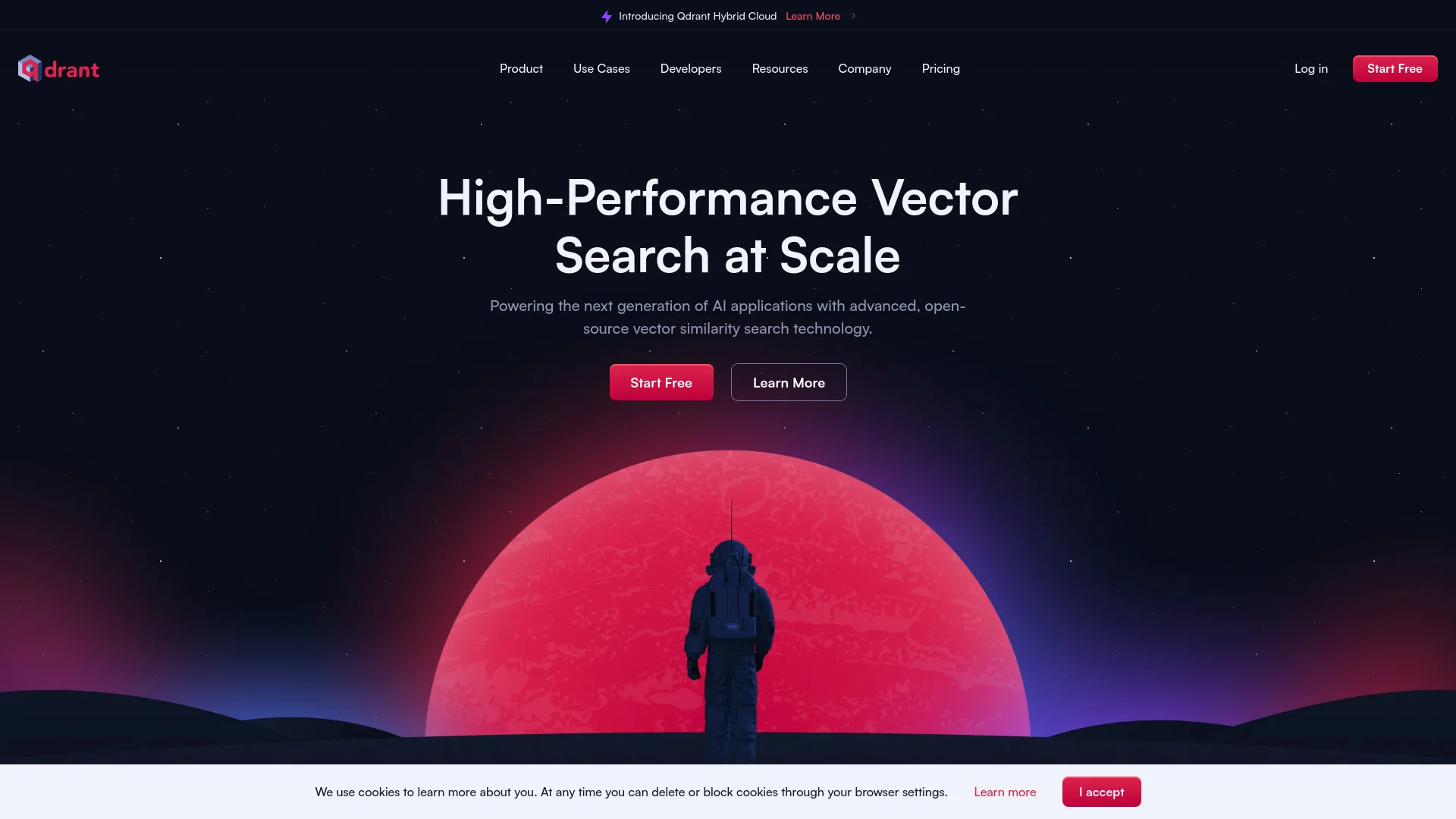
Boost AI with high-performance, scalable vector database technology.
Key Takeaways
- What it is
- Boost AI with high-performance, scalable vector database technology.
- Pricing
- Freemium
- Best for
- High-Performance Vector Search
- Cloud-Native Scalability
- Ease of Deployment
- Rating
- 4.6/5
What is Qdrant?
Qdrant is a high-performance vector database designed to support the next generation of AI applications. It specializes in handling high-dimensional vectors, making it ideal for use cases such as recommendation systems, advanced search, and anomaly detection. Qdrant leverages its advanced open-source vector similarity search technology to deliver efficient and scalable solutions, supported by its cloud-native architecture and Rust-based performance.
Qdrant distinguishes itself with its exceptional vector search performance and scalability. Its cloud-native architecture ensures that it can handle growing data volumes efficiently, providing reliable, real-time performance without downtime. This makes it particularly valuable for businesses and developers working with large-scale, high-dimensional data.
Qdrant excels in providing a powerful and scalable vector database solution, making it an essential tool for AI and data-intensive applications. Its combination of high performance, scalability, and developer-friendly features offers significant advantages in managing and analyzing high-dimensional data. Whether for startups or large enterprises, Qdrant delivers the tools necessary to turn complex data into actionable insights effectively.
Who is Using Qdrant?
Tech Startups
For developing innovative AI applications with efficient data handling.
E-commerce Platforms
Enhancing customer experiences through advanced search functionalities.
Research Institutions
For complex data analysis and detecting anomalies.
AI Developers
Building responsive, personalized recommendation systems.
Uncommon Use Cases
Employed by healthcare providers for improving diagnostic algorithms; used by financial analysts for predictive modeling and risk assessment.
Key Features
Rating Breakdown
Pricing Plans
Free Tier
Free
- Offers a generous free tier to get started with Qdrant
Enterprise Solutions
- Custom pricing based on specific needs and scale
Which Qdrant plan should you pick?
Start with Free Tier for prototypes and testing, move to Standard Tier for production workloads, and choose Premium Tier, Hybrid Cloud, or Private Cloud for enterprise security and deployment requirements.
Free Tier
Good for testing and prototypes that fit within a single-node cluster with limited CPU, memory, and disk.
Standard Tier
Good for production workloads needing dedicated resources, scaling, backups, and standard support.
Premium Tier
Good for enterprises needing SSO, private VPC links, higher SLA, and additional support.
Hybrid Cloud
Good for regulated workloads that need Qdrant-managed operations while keeping data in your own infrastructure.
Private Cloud
Good for large enterprises requiring dedicated isolation, custom SLAs, or air-gapped deployments.
Qdrant Use Cases
Retrieval-augmented generation
Store embeddings and retrieve relevant information for generative AI applications.
Outcome: Higher-quality context for AI-generated responses.
Advanced semantic search
Search high-dimensional vectors using similarity, filtering, hybrid queries, and multimodal retrieval.
Outcome: More relevant search results than keyword matching alone.
Recommendation systems
Use vector similarity and recommendation APIs to deliver personalized suggestions.
Outcome: Responsive, tailored recommendations.
Anomaly detection
Search vectors to identify unusual patterns and outliers in complex datasets.
Outcome: Real-time detection of anomalous data.
AI agents
Provide AI agents with scalable vector search and persistent retrieval infrastructure.
Outcome: Agents that can retrieve relevant information and adapt to changing data.
Workflow Ideas with Qdrant
Build a semantic search application
- 1Create a Qdrant collection
- 2Generate or upload embeddings and payload data
- 3Run similarity queries with filters
Create a multimodal image-search pipeline
- 1Encode images and captions with a supported embedding model
- 2Upload image and text vectors to Qdrant
- 3Search the collection with text, images, or combined modalities
Automate Qdrant operations with Airflow
- 1Install the official Qdrant Airflow provider
- 2Configure an Airflow connection to Qdrant
- 3Use hooks and ingest operators in scheduled workflows
How Qdrant fits into your stack
Docker Deployment
Facilitates easy deployment both locally and in the cloud.
API Integration
Allows for straightforward integration with existing systems.
Support for Multiple Data Types
Capable of managing various data formats for comprehensive search functionality.
Community-Driven Enhancements
Benefits from regular updates and improvements from the open-source community.
Pros
- +Scalable Architecture: Adaptable to increasing data demands while maintaining high performance.
- +Developer-Friendly: Comprehensive documentation and active community support ease integration and development.
- +Cost-Effective: Various storage and compression options help manage costs effectively.
- +Robust Performance: Engineered for rapid, dependable performance, crucial for real-time AI applications.
Cons
- −Learning Curve: Advanced features may require time to master for new users.
- −Ecosystem Familiarity: Optimal benefits are often realized by those familiar with Rust and vector databases.
- −Limited Integrations: The range of out-of-the-box integrations with other tools could be expanded.
Limitations & when to consider alternatives
Known limitations
- Network file systems are unsupported. Qdrant requires block-level storage with a POSIX-compatible file system and will not work with NFS or object storage such as S3.
- 32-bit systems are unsupported. Qdrant supports 64-bit x86_64/amd64 and AArch64/arm64 architectures, but not 32-bit systems.
- Windows Docker mounts can cause data loss. The installation documentation warns that Docker/WSL mounts on Windows have known file-system problems.
- Free tier has limited resources. The free Qdrant Cloud tier is limited to a single node with 0.5 vCPU, 1GB RAM, and 4GB disk.
- Cloud RBAC currently applies to all clusters. Qdrant documents that current permissions control access to all clusters; per-cluster permissions are planned for a future release.
Look elsewhere when
- You need a native mobile application.
- You need built-in code generation.
- You need conversational multilingual output.
How to Use Qdrant
- 1
Access detailed tutorials on Qdrant’s official documentation and community GitHub, covering everything from basic setup to advanced configurations.
Who is Qdrant For?
AI and machine-learning teams
Qdrant provides vector search, inference, filtering, and scalable retrieval infrastructure for AI applications.
Developer-tools teams
Qdrant supports semantic code search and retrieval-oriented developer applications.
E-commerce teams
Qdrant supports recommendation systems, product search, and multimodal product retrieval.
Healthcare teams
Qdrant is used for clinical document intelligence, biomedical image retrieval, and other healthcare retrieval workloads.
Enterprise teams
Qdrant offers Premium, Hybrid Cloud, and Private Cloud deployment options for security, compliance, and data-residency requirements.
Frequently Asked Questions
What is Qdrant?
Qdrant is an AI-native vector search and semantic search engine for building retrieval applications.
Does Qdrant have a free tier?
Yes. Qdrant Cloud offers a permanently free single-node cluster with 0.5 vCPU, 1GB RAM, and 4GB disk.
How can Qdrant be deployed?
Qdrant can run in Qdrant Cloud, Hybrid Cloud, Private Cloud, Kubernetes, Docker, Docker Compose, or as a compiled binary.
Which APIs does Qdrant provide?
Qdrant provides REST and gRPC APIs, plus official client libraries for Python, JavaScript/TypeScript, Rust, Go, .NET, and Java.
Does Qdrant support multimodal search?
Yes. Qdrant supports vector search across text, images, video, audio, and combinations of modalities when paired with suitable embedding models.
Does Qdrant support enterprise SSO?
Yes. Premium Qdrant Cloud supports enterprise SSO through providers including SAML, Okta, Azure AD, Google Workspace, and OpenID Connect.
Community reviews
Be the first to share your experience.
Sign in to leave a review for Qdrant.
Qdrant Alternatives
Looking for alternatives to Qdrant? Here are similar tools in the same category:
Learn to Master Qdrant
With Skill Leap courses
Get in-depth training on Qdrant and 50+ other AI tools with our expert-led video courses.
Start 7-Day Free Trial