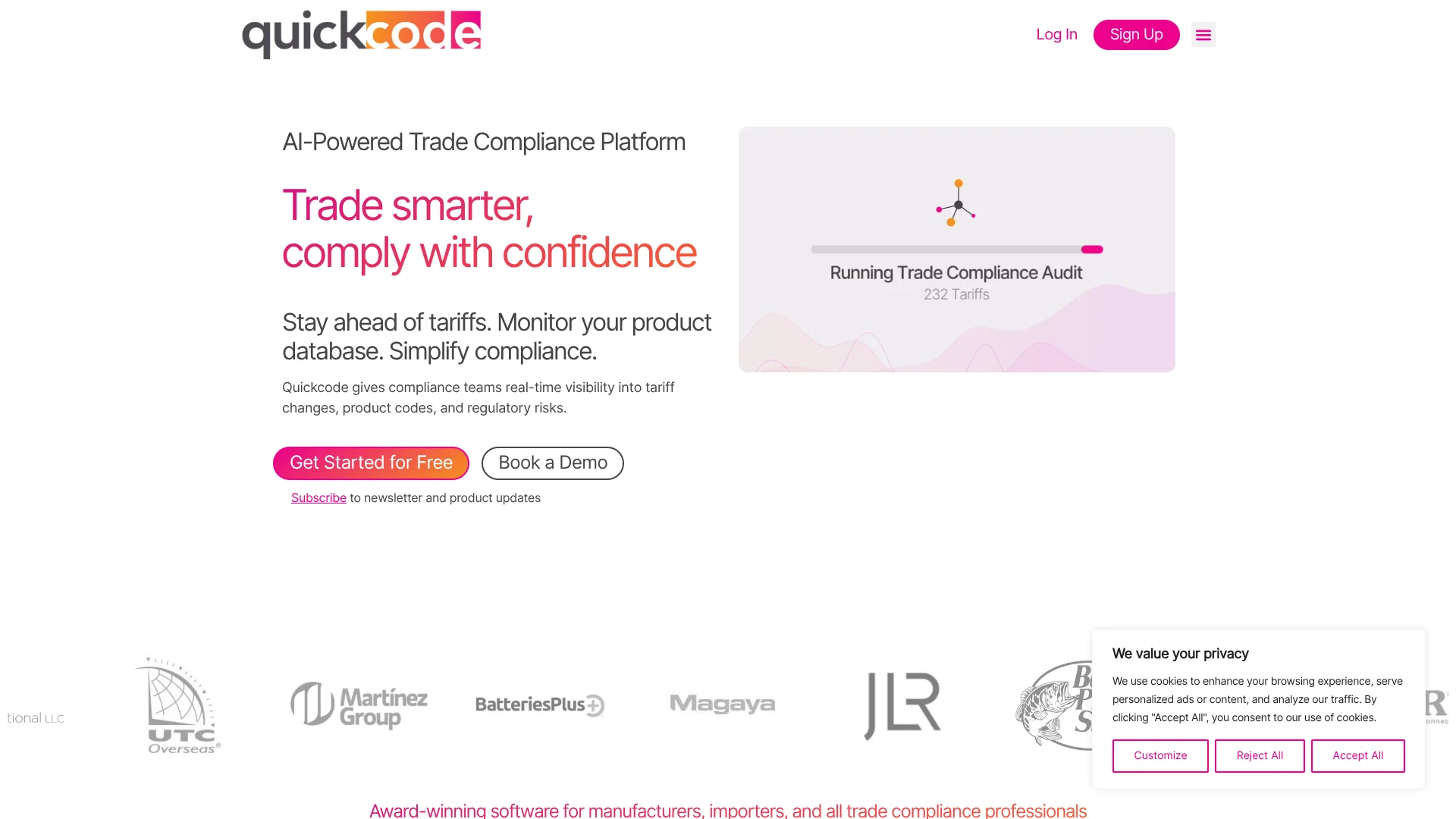
QuickCode ai
AI-assisted tariff classification for customs brokers and import compliance teams.
Key Takeaways
- What it is
- AI-assisted tariff classification for customs brokers and import compliance teams.
- Pricing
- Freemium
- Best for
- AI-assisted HTS classification
- Searchable compliance resources
- Compliance Lookups
- Rating
- 4.2/5
What is QuickCode ai?
Quickcode helps customs brokers, importers, manufacturers, and trade compliance teams research product tariff codes and keep product catalogs current. Its AI examines product descriptions and recommends HTS codes, while the software brings tariff schedules and customs rulings into the classification process. That can cut down on manual research when a team handles new products or a large catalog.
Quickcode pairs its AI suggestions with searchable compliance sources, including the HTSUS and CROSS rulings, so a classifier can review the reasoning and supporting material before deciding. The AI assists the expert; it does not make the final classification decision.
It is best suited to teams that need to classify products or track regulatory changes across an import catalog. The AI’s results are indicative, and Quickcode says users should verify them, so it supports expert review rather than replacing it.
Who is Using QuickCode ai?
Licensed Customs Brokers
Classification research and PDF reports help brokers document product-code decisions for clients.
Import Compliance Managers
Catalog audits and regulatory monitoring help prioritize products that may need review.
Trade Compliance Analysts
AI recommendations and searchable rulings support research on new or uncertain product classifications.
Import Operations Managers
Compliance lookups help teams check for special tariffs and agency requirements before products enter.
Uncommon Use Cases
Sourcing teams can compare general duty rates across more than 160 jurisdictions; logistics teams can flag possible PGA requirements for products.
Key Features
Rating Breakdown
Pricing Plans
Always Free
Free
- 10 classifications per month
- AI-assisted HTS classification
- Searchable HTSUS, CROSS rulings, AD/CVDs, and general notes
Broker Partner Program
- 500 classifications
- Compliance lookups for Chapter 99 tariffs, PGAs, AD/CVDs, and FTAs
- Unlimited seats
- WCO Explanatory Notes and Classification Report PDF
Importers & Manufacturers
- Up to 25,000 total monitored products
- 24/7 compliance monitoring and real-time notifications
- Compliance dashboard, product upload, and compliance audit
- ERP integration, VIP onboarding, and dedicated support
Which QuickCode ai plan should you pick?
Start with Always Free for occasional classification research, then consider a paid plan when you need broker tools or ongoing catalog monitoring.
Always Free
Good for trying AI-assisted HTS classification with up to 10 classifications per month.
Broker Partner Program
Good for customs brokers who need 500 classifications, compliance lookups, unlimited seats, and classification reports.
Importers & Manufacturers
Good for import teams that need product uploads, compliance audits, and 24/7 monitoring for up to 25,000 monitored products.
QuickCode ai Use Cases
Research a product’s HTS code
A product description gives Quickcode’s AI information to assess and use when recommending relevant HTS codes.
Outcome: A suggested code with classification resources available for expert review.
Check special compliance requirements
A compliance lookup can surface potential Chapter 99 tariffs, AD/CVD cases, and PGA requirements.
Outcome: Potential trade measures and agency requirements to review.
Audit an existing catalog
An uploaded product catalog can be checked for misclassified, outdated, or underclassified items.
Outcome: A prioritized list of line items flagged for review.
Monitor changes affecting products
Continuous monitoring tracks regulatory changes and notifies teams when products may be affected.
Outcome: Notifications and product database updates tied to regulatory changes.
Research codes for other markets
Global HS Code Lookup provides tariff-code and general-duty-rate information across countries and jurisdictions.
Outcome: HS code and general duty rate information for more than 160 jurisdictions.
Workflow Ideas with QuickCode ai
Review a new product classification
- 1Enter or upload the product description.
- 2Review the suggested HTS code and relevant classification sources.
- 3Have a qualified classifier confirm the decision and save the supporting report.
Check a product catalog for compliance risks
- 1Upload the product catalog for a compliance audit.
- 2Review flagged codes and possible special tariff or agency requirements.
- 3Resolve the items that need correction or further investigation.
Keep an import catalog current
- 1Add the product catalog to Quickcode.
- 2Enable compliance monitoring for the catalog.
- 3Review notifications when regulatory changes may affect products.
How QuickCode ai fits into your stack
Classification research
Quickcode puts AI-assisted HTS recommendations alongside searchable tariff schedules and customs rulings. The classifier reviews and confirms the result.
Product catalog
Importer plans support product uploads and compliance audits, giving teams a place to check catalog items for risks.
Monitoring and alerts
24/7 Compliance Monitoring tracks changes and notifies teams about affected products on the Importers & Manufacturers plan.
ERP connections
Quickcode lists ERP integration and invites customers to discuss integration possibilities, including SAP.
API and partner connections
Quickcode describes API-based classification and catalog syncing, and has announced an integration partnership with Cubic.
Pros
- +Source-backed research: Search tariff schedules and customs rulings alongside AI recommendations.
- +Expert review stays central: A person confirms the classification instead of relying on an automatic final decision.
- +Catalog monitoring: Importer plans flag regulatory changes that may affect monitored products.
- +Free monthly classifications: The Always Free plan includes 10 classifications per month.
Cons
- −Specialized focus: Quickcode is built for trade compliance, not general-purpose AI tasks.
- −High paid-plan entry point: The listed paid plans start at $749 per month.
- −Human review required: AI recommendations still need a knowledgeable person to verify and approve them.
Limitations & when to consider alternatives
Known limitations
- Classification suggestions are not definitive. Quickcode says results are indicative and recommends that users verify classifications.
- Free plan history is limited. The terms state that the Free Plan provides classification history for only the prior 30 calendar days.
- Free plan excludes WCO explanatory notes. The terms state that Free Plan users do not have access to World Customs Organization explanatory notes.
Look elsewhere when
- You need AI to make final classification decisions without expert review.
- You need a general-purpose AI tool for writing, coding, or everyday questions.
- Your team needs a low-cost paid plan below Quickcode’s listed $749 monthly starting price.
How to Use QuickCode ai
- 1
Choose a starting plan
The Always Free plan includes 10 classifications per month; paid plans add features such as compliance lookups or catalog monitoring.
- 2
Provide product details
Enter product information manually, paste a description, or upload a spreadsheet for classification or catalog review.
- 3
Review the AI recommendation
Check the suggested HTS code against the searchable tariff schedule, CROSS rulings, and other available references.
- 4
Confirm and document the decision
A qualified person should verify the result; the Classification Report can record the outcome for review.
- 5
Set up ongoing catalog checks
Importer plans include product uploads, compliance audits, and 24/7 monitoring with notifications about regulatory changes.
Who is QuickCode ai For?
Customs brokers
The Broker Partner Program combines classification research, compliance lookups, and reports for broker workflows.
Importers
Product catalog monitoring and compliance audits help importers spot codes and requirements that may need attention.
Manufacturers
Manufacturers can review import product data and monitor tariff or regulatory changes that affect their goods.
Trade compliance professionals
AI suggestions and linked legal sources can support research while leaving classification decisions with the specialist.
Frequently Asked Questions
Is Quickcode free?
Yes. The Always Free plan includes 10 classifications per month and searchable compliance resources.
Does Quickcode make final HTS classification decisions?
No. It recommends codes and provides supporting information, but a human expert confirms the classification.
Can Quickcode check a product catalog?
Yes. Quickcode offers product uploads and compliance audits for identifying potential catalog risks.
Does Quickcode monitor tariff and regulatory changes?
Yes. The Importers & Manufacturers plan includes 24/7 compliance monitoring and notifications about regulatory changes.
Can Quickcode connect to an ERP?
Quickcode lists ERP integration and says to contact its team about integration possibilities.
Community reviews
Be the first to share your experience.
Sign in to leave a review for QuickCode ai.
QuickCode ai Alternatives
Looking for alternatives to QuickCode ai? Here are similar tools in the same category: