
QuickMagic
AI-driven tool for precise, real-time human motion capture.
Key Takeaways
- What it is
- AI-driven tool for precise, real-time human motion capture.
- Pricing
- $9.9 per month · $49.99 per month
- Best for
- AI-Powered Motion Tracking
- User-Friendly Interface
- High Precision
- Rating
- 4.6/5
What is QuickMagic?
QuickMagic revolutionizes the way we approach motion capture, offering state-of-the-art AI-driven solutions for capturing and analyzing human movement. Designed for animators, game developers, and digital content creators, it simplifies the complex task of motion capture, providing an efficient and cost-effective alternative to traditional methods.
QuickMagic stands out with its AI-powered motion tracking, a game-changer for animators and developers. Its ability to provide high precision and real-time tracking without the need for cumbersome hardware sets it apart in the industry.
QuickMagic excels in providing high-quality, AI-driven motion capture solutions, making it an essential tool for animators, game developers, and digital content creators. Its AI-powered motion tracking, in particular, offers an unmatched level of precision and ease of use, ensuring realistic and efficient motion capture for a wide range of applications.
Who is Using QuickMagic?
Animators
Leveraging the tool for creating detailed and lifelike animations.
Game Developers
Utilizing the tool for realistic character movements in video games.
Film Studios
Employing the tool for special effects and CGI in movies.
Virtual Reality Creators
Using the tool for immersive VR experiences.
Uncommon Use Cases
Adopted by sports scientists for analyzing athletic performance; utilized by medical researchers for studying human biomechanics.
Key Features
Rating Breakdown
Pricing Plans
Starter Plan
$9.9 per month
- Essential motion capture features
Pro Plan
$49.99 per month
- Advanced features and higher data storage
Enterprise Plan
- Large-scale projects and specialized needs
Which QuickMagic plan should you pick?
Start with Free to test motion capture and text-to-motion limits; upgrade to Basic or Pro for longer clips, higher upload limits, more concurrency, and commercial use, or choose Studio for high-volume production.
Free
Good for testing AI motion capture with 50V Coins, 30-second maximum videos, 50 MB uploads, and 15-day asset storage.
Basic
Good for creators getting started with longer 60-second videos, 100 MB uploads, more export formats, and commercial use.
Pro
Good for regular creators who need 90-second videos, 200 MB uploads, higher concurrency, and faster processing.
Max
Good for high-frequency production requiring 120-second videos, 300 MB uploads, highest personal-plan priority, and 5,000 credits.
Studio
Good for studios and teams needing 20,000 credits, dedicated processing, 400 MB uploads, and the highest personal-plan concurrency.
QuickMagic Use Cases
Video-to-3D animation
Upload footage and convert visible body, hand, and facial movement into editable skeletal animation.
Outcome: Reusable motion data for character rigs and 3D pipelines.
Text-to-motion prototyping
Describe an action or performance in natural language and generate several motion candidates.
Outcome: Fast motion ideas for previs, games, and animation prototypes.
Multi-person mocap
Capture multiple performers from suitable single-camera footage.
Outcome: Separated skeleton tracks for character interactions.
VTuber and avatar animation
Apply captured or generated motion to supported avatar and character workflows.
Outcome: Motion-driven character content for digital creators.
Humanoid robotics
Generate human-motion references from video or text for supported robot models.
Outcome: Motion data for simulation, behavior prototyping, research, and testing.
Workflow Ideas with QuickMagic
Video to character animation
- 1Record a clear full-body video
- 2Upload it and configure tracking, frame rate, and output settings
- 3Export, retarget, and clean the motion in a 3D application
Text-to-motion prototype
- 1Describe one clear action in natural language
- 2Generate and compare multiple motion candidates
- 3Export the selected motion and retarget it to a character
Two-person interaction capture
- 1Film two performers with one camera
- 2Process the footage with the multi-subject workflow
- 3Retarget the separated skeleton tracks to two character rigs
How QuickMagic fits into your stack
Unity Integration
Seamlessly integrates with Unity for game development.
Unreal Engine Support
Compatible with Unreal Engine, enhancing animation workflows.
Blender Compatibility
Works well with Blender for creating detailed animations.
API Access
Developers can utilize API for custom integrations with other software.
Pros
- +Time Efficiency: Significantly reduces the time required for motion capture, enabling quicker project turnarounds.
- +Cost-Effective: Eliminates the need for expensive hardware and studio setups, lowering overall production costs.
- +Scalability: Easily scalable to accommodate projects of varying sizes and complexities.
- +Integration Friendly: Compatible with various animation and game development software, enhancing workflow integration.
Cons
- −Initial Learning Curve: Requires some time to get acquainted with the full range of features.
- −Internet Dependency: Cloud-based functionalities require a stable internet connection for optimal performance.
Limitations & when to consider alternatives
Known limitations
- Free-plan storage is temporary. Free users receive 15 days of asset storage followed by a seven-day deletion process.
- Generated motion may need cleanup. Foot contacts, root motion, occlusion, jitter, clipping, and intersections may require downstream animation cleanup.
- Retargeting is still required. QuickMagic generates motion data but does not replace the rigging, retargeting, scene setup, or rendering stages.
- Output limits vary by plan. Upload size, video duration, queue priority, concurrency, storage, and export formats vary across plans.
- Text-to-motion does not create a finished scene. Text-generated motion does not automatically create a complete character model, environment, camera, lighting setup, or rendered movie.
Look elsewhere when
- You need a permanent asset backup service.
- You need a native mobile or desktop application.
- You need built-in model fine-tuning.
How to Use QuickMagic
- 1
Explore the comprehensive tutorial series on YouTube, covering everything from basic setup to advanced features of QuickMagic.
Who is QuickMagic For?
Game developers
Create rapid character animation and motion prototypes for game workflows.
Animation and VFX teams
Generate first-pass body, hand, and facial motion from ordinary video.
VTubers and digital-human creators
Use motion capture and text-generated movement for avatars and digital characters.
Educators and students
Access markerless motion workflows without specialized capture hardware.
Robotics teams
Generate human-motion references and presets for supported humanoid-robot workflows.
Frequently Asked Questions
What is QuickMagic?
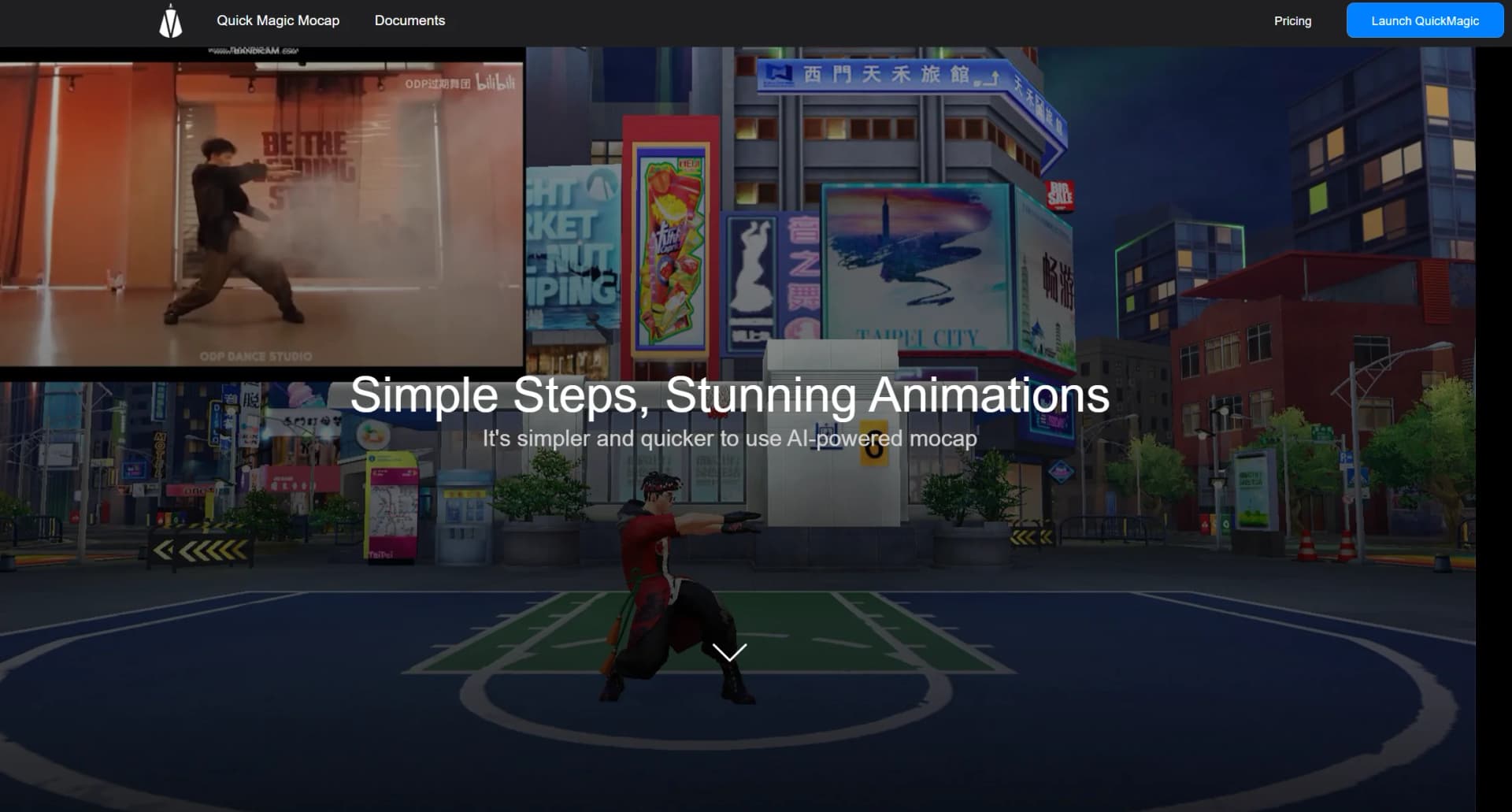
QuickMagic is a markerless AI motion-capture service that converts video or text prompts into editable 3D skeletal animation data.
Do I need a motion-capture suit or multiple cameras?
No. QuickMagic is designed for markerless, single-camera capture using footage from a phone, webcam, or camera.
Can QuickMagic capture hands and faces?
Yes. QuickMagic provides body, hand, and facial-motion options for supported workflows.
Can QuickMagic generate motion from text?
Yes. Users can describe an action in natural language and generate editable motion drafts for preview, export, and refinement.
Which software and formats are supported?
Supported destinations include Blender, Unreal Engine, Unity, Maya, 3ds Max, iClone, MMD, Roblox, and others. Formats include FBX, BVH, BIP, C4D, VMD, and workflow-specific presets.
How long are free-plan assets stored?
Free-plan assets are retained for 15 days, then enter a seven-day deletion process before permanent deletion.
Community reviews
Be the first to share your experience.
Sign in to leave a review for QuickMagic.
QuickMagic Alternatives
Looking for alternatives to QuickMagic? Here are similar tools in the same category:
Learn to Master QuickMagic
With Skill Leap courses
Get in-depth training on QuickMagic and 50+ other AI tools with our expert-led video courses.
Start 7-Day Free Trial