
QuickSearchPlus
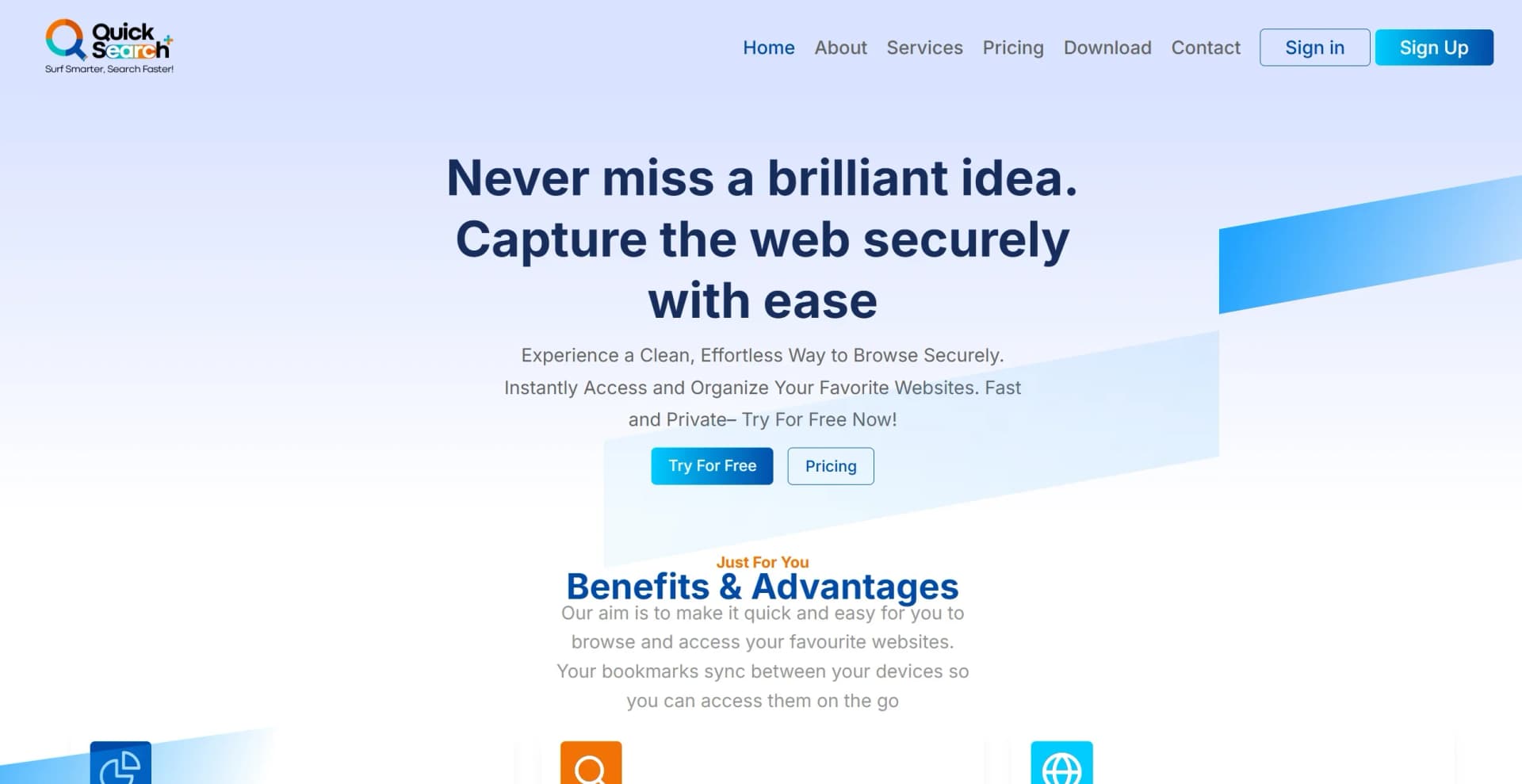
Effortlessly manage bookmarks and browse securely across devices.
Key Takeaways
- What it is
- Effortlessly manage bookmarks and browse securely across devices.
- Pricing
- Freemium · $23 per month. provides full feature access
- Best for
- Advanced Search Capabilities
- Intuitive Bookmark Organization
- Multi-Device Sync
- Rating
- 4.5/5
What is QuickSearchPlus?
QuickSearchPlus is designed to transform the way we browse and organize information online. It serves as a comprehensive solution for individuals and professionals seeking to streamline their web interactions, offering a suite of features that enhance productivity while ensuring privacy and security. With its primary function centered around efficient web browsing and bookmark management, this tool is ideal for users who want a hassle-free way to capture and organize web content across multiple devices.
QuickSearchPlus stands out with its seamless integration of advanced search functionalities and intuitive design, a game-changer for anyone looking to enhance their online productivity. Its ability to provide fast, organized access to web content while ensuring user privacy sets it apart in the digital productivity landscape.
QuickSearchPlus offers a robust solution for anyone looking to optimize their online interactions. With its blend of speed, security, and user-friendly features, it's a valuable asset for professionals and individuals alike, ensuring an efficient and organized digital experience. Whether you're a researcher, a marketing professional, or a cybersecurity expert, this tool provides the means to enhance your productivity while maintaining privacy and control over your digital resources.
Who is Using QuickSearchPlus?
Researchers and Academics
Utilizing the tool for efficient web research and bookmark management.
Digital Marketing Professionals
Employing the tool to organize and access online resources quickly.
Freelancers
Leveraging the tool for streamlined project management and resource collection.
Cybersecurity Experts
Using the tool's privacy features to ensure secure browsing.
Uncommon Use Cases
Adopted by educational institutions for teaching digital literacy; embraced by travel bloggers for organizing travel research and content.
Key Features
Rating Breakdown
Pricing Plans
Free Tier
Free
- Offers up to 50 bookmarks
- 5 folders
- Limited web portal access
Standard Tier
- Includes unlimited bookmarks, folders, and advanced search features
Premium Tier
$23 per month. provides full feature access
- Including unlimited web summaries and increased file upload capacity
Which QuickSearchPlus plan should you pick?
Start with Basic to test calendar, booking, agenda, and summary features; upgrade to Premium for unlimited meeting intelligence and team features, or Enterprise for SSO and administration.
Basic
Good for individuals who need a free plan with one calendar source, limited agendas and summaries, and a basic booking link.
Premium
Good for power users and teams who need unlimited agendas, full summaries, paid booking links, analytics, and a multi-user workspace.
Enterprise
Good for organizations that need SSO/SAML, centralized administration, custom integrations, compliance controls, and SLA-backed support.
QuickSearchPlus Use Cases
Prepare meetings automatically
QuickSearchPlus reads calendar event details and creates a structured, time-boxed agenda.
Outcome: Participants arrive prepared and aligned.
Manage live meetings
Users keep a live agenda, timers, reminders, and guidance visible during video calls.
Outcome: Meetings stay focused and on schedule.
Summarize meetings
The tool records and transcribes supported video meetings, then produces searchable summaries, decisions, and action items.
Outcome: Post-meeting documentation requires less manual work.
Sell paid appointments
Users create booking links, set prices, and collect payment through Stripe before confirming appointments.
Outcome: Appointments can be monetized with upfront payment.
Search and organize web research
The browser extension saves bookmarks, searches saved content, translates pages, and extracts text with OCR.
Outcome: Research can be revisited without switching between tools.
Workflow Ideas with QuickSearchPlus
Before, during, and after a client meeting
- 1Connect a calendar and let QuickSearchPlus generate a time-boxed agenda.
- 2Open the video meeting with the live agenda and guidance panel.
- 3Review the automatic summary, decisions, and action items afterward.
Paid consultation booking
- 1Create a booking link with service duration, availability, and price.
- 2Share the link on a website, social profile, email signature, or direct message.
- 3Let QuickSearchPlus collect Stripe payment and place the confirmed appointment on the calendar.
Research capture and retrieval
- 1Install the Chrome extension and save pages or bookmarks while browsing.
- 2Use search, translation, or OCR on saved content.
- 3Return to the extension to find previously captured research.
How QuickSearchPlus fits into your stack
Browser
QuickSearchPlus primarily lives as a Chrome extension, providing browser search, bookmarks, OCR, translation, meeting agendas, live guidance, and summaries.
Meetings and calendars
It unifies Google Calendar, Outlook, Zoom, Teams, and team schedules, then supports meeting preparation, in-call guidance, summaries, and action items.
Websites and social chat
An embeddable booking widget and Instagram/Facebook chat flows let prospects select services, choose times, and confirm appointments.
Knowledge and files
The product stores searchable meeting summaries, bookmarks, notes, and uploaded documents, images, and videos in user collections.
Pros
- +Time Efficiency: QuickSearchPlus significantly reduces the time spent searching and organizing bookmarks, allowing users to focus on more important tasks.
- +User-Friendly Design: Its intuitive interface makes it accessible to users of all technical levels, ensuring a smooth learning curve.
- +Enhanced Privacy: The built-in VPN and incognito browsing features prioritize user privacy, providing peace of mind during online activities.
- +Comprehensive Functionality: Beyond bookmarking, the tool supports file uploads and downloads, making it a versatile solution for managing digital resources.
Cons
- −Initial Learning Curve: While designed for ease of use, some users may require time to fully explore and utilize all advanced features.
- −Limited Free Access: The free version offers limited bookmarks and folder access, which may not suffice for heavy users.
- −Integration Limitations: Currently, the tool may have limited integration with certain third-party platforms, which could impact workflow for some users.
Limitations & when to consider alternatives
Known limitations
- Basic plan usage limits. The free Basic plan limits AI agenda generation and meeting summaries, and allows one calendar source.
- Limited free bookmark capacity. The free plan provides up to five folders and 30 links or bookmarks.
- In-person meetings are not recorded. QuickSearchPlus creates preparation agendas for in-person appointments but does not listen in or summarize those sessions.
- Recordings expire according to plan settings. Recorded meeting data is subject to automatic expiration based on the user's plan settings.
- Zoom setup documentation says integration is still being finalized. The setup guide labels Zoom integration as coming soon, despite other product pages describing Zoom support.
Look elsewhere when
- You need a native Windows, Mac, or Linux application.
- You need model fine-tuning on your private data.
How to Use QuickSearchPlus
- 1
Install the Chrome extension
Open the download page, add QuickSearchPlus from the Chrome Web Store, and pin it for browser access.
- 2
Connect your calendars
Go to Settings, open Calendars, and connect Google Calendar, Microsoft Teams/Outlook, or Zoom where available.
- 3
Prepare a meeting
Let QuickSearchPlus read the calendar event and generate a structured agenda before the meeting.
- 4
Run the meeting
Open a supported video call and use the live agenda, reminders, timing, and guidance panel.
- 5
Review the recap
After the call, review the searchable summary, decisions, action items, and next steps.
- 6
Create a booking link
Define availability, appointment type, duration, price, and location, then share the booking link or embed the widget.
Who is QuickSearchPlus For?
Consultants
They can organize structured client calls, accept paid bookings, and send polished meeting summaries.
Healthcare professionals
They can prepare in-person appointments, use encrypted notes, and manage private recordings.
Founders
They can coordinate team meetings, maintain searchable decision history, and create board-ready recaps.
Researchers
They can save sources, translate papers, and search across bookmarks.
Enterprise teams
They can use Chrome Enterprise deployment, IT administration, SSO, and compliance-oriented meeting records.
Frequently Asked Questions
Does QuickSearchPlus work with Zoom, Google Meet, and Microsoft Teams?
Yes. QuickSearchPlus supports all three platforms, keeps the agenda visible, and sends summaries after meetings.
Is there a free plan?
Yes. The Basic plan is free forever, with limited AI agenda generation, meeting summaries, one calendar source, and a basic booking link.
Can clients book and pay through QuickSearchPlus?
Yes. Paid booking links collect payment through Stripe before the appointment is confirmed.
Does QuickSearchPlus support in-person appointments?
Yes. Users can configure location availability and offer in-person appointment types. In-person sessions receive preparation agendas but are not recorded or summarized.
Can people book through a website or social media?
Yes. QuickSearchPlus provides an embeddable website widget and booking flows for Instagram and Facebook chats.
Are recordings and summaries private?
The company says recordings and AI summaries are encrypted, stored privately, and subject to automatic expiration according to plan settings.
Community reviews
Be the first to share your experience.
Sign in to leave a review for QuickSearchPlus.
QuickSearchPlus Alternatives
Looking for alternatives to QuickSearchPlus? Here are similar tools in the same category:
Learn to Master QuickSearchPlus
With Skill Leap courses
Get in-depth training on QuickSearchPlus and 50+ other AI tools with our expert-led video courses.
Start 7-Day Free Trial