Quip
Sales teams keep collaborative notes connected to live Salesforce records.
Key Takeaways
- What it is
- Sales teams keep collaborative notes connected to live Salesforce records.
- Pricing
- $10 per user per month · $25 per user per month · $100 per user per month
- Best for
- Documents with built-in chat
- Quip Spreadsheets
- Salesforce data sync
- Rating
- 3.8/5
What is Quip?
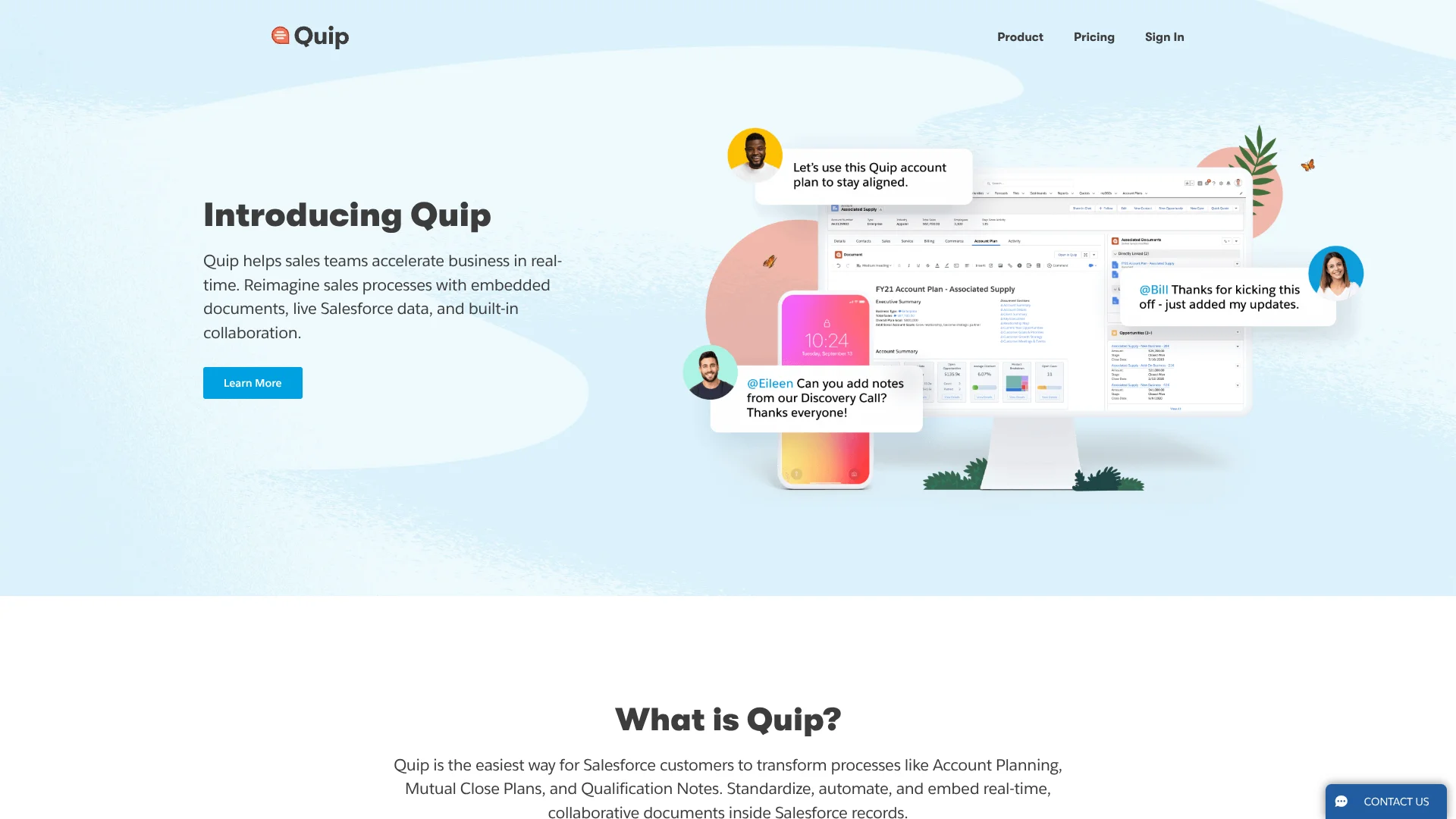
Quip brings shared documents, spreadsheets, and chat together for teams that work in Salesforce. People can discuss edits beside a document and keep plans or notes tied to their work.
Quip connects collaborative documents to Salesforce records. In Quip Advanced, teams can edit documents inside Salesforce and sync Salesforce data in both directions, helping sales and service teams work on account plans, deal notes, and customer cases alongside the records they support.
Templates for account plans, sales playbooks, and case swarms give teams a starting structure for collaboration. Quip is suited to teams that want shared notes and documents connected to Salesforce work.
Who is Using Quip?
Account executives
Account plans and opportunity notes keep deal context available to collaborators.
Sales managers
Sales playbooks and collaborative close plans help reps follow a shared process.
Customer service managers
Case-swarm documents bring team discussion around customer cases.
Salesforce administrators
Templates and document components help standardize how teams work with Salesforce records.
Uncommon Use Cases
Field inventory tracking with data connected to Salesforce; project forecasting that brings timelines, budgets, and resources into a shared document.
Key Features
Rating Breakdown
Pricing Plans
Quip Starter
$10 per user per month
- Billed annually, or $12.00 per user per month with a monthly commitment.
- The pricing page lists a special offer of $30 for the first five users.
Quip Plus
$25 per user per month
- Billed annually.
- Includes Starter features, single sign-on, enterprise API and customization, and custom Live Apps.
Quip Advanced
$100 per user per month
- Billed annually.
- Includes Plus features, live document editing in Salesforce, and two-way Salesforce data sync.
Which Quip plan should you pick?
Choose Starter for shared documents and chat, Plus for SSO and enterprise API features, or Advanced when your team needs live collaboration inside Salesforce.
Quip Starter
For teams or small businesses that need shared documents, spreadsheets, and chat.
Quip Plus
For larger or more complex teams that need SSO, enterprise API access, and custom Live Apps.
Quip Advanced
For sales and service teams that need live documents and two-way Salesforce data sync.
Quip Use Cases
Account planning
A shared account plan can combine team notes with Salesforce data relevant to the customer.
Outcome: A collaborative, data-informed account plan.
Collaborative deal planning
Sales teams can keep close plans and opportunity discussion in documents connected to Salesforce records.
Outcome: Deal notes and team discussion stay tied to Salesforce work.
Case swarming
Service teams can gather notes and discussion around a customer case instead of splitting the work across email and chat threads.
Outcome: A shared place for case collaboration.
Sales playbooks
A reusable template gives sales teams a consistent structure for documenting their sales approach.
Outcome: A repeatable sales strategy for reps.
Project forecasting
Project teams can bring timelines, budgets, and resources into a shared document for discussion.
Workflow Ideas with Quip
Create a Salesforce account plan
- 1Start from an account-plan template.
- 2Add the relevant Salesforce record data.
- 3Share the document with collaborators for edits and discussion.
Coordinate a customer case
- 1Start a case-swarm document.
- 2Invite the people working on the case.
- 3Keep updates and discussion in the document's chat.
Build a reusable sales playbook
- 1Choose or create a sales-playbook template.
- 2Share it with collaborators to develop the process.
- 3Set access permissions when the template is ready to reuse.
How Quip fits into your stack
Salesforce records
Quip Advanced places live documents in Salesforce records and can sync record data in both directions.
Shared documents and spreadsheets
Quip is the collaboration space for team documents, spreadsheets, comments, and chat.
Templates
Quip's template library supports repeatable documents such as account plans and sales playbooks.
APIs and identity
Quip Plus includes enterprise API and customization features, and supports SSO integrations such as Salesforce, Okta, Microsoft, and OneLogin.
Pros
- +Salesforce context: Advanced links shared documents with live Salesforce records and supports two-way data sync.
- +Discussion beside work: Document-level chat and comments keep decisions close to the content.
- +Ready-made sales templates: Account plans and sales playbooks offer practical starting structures.
- +Granular sharing: View, comment, edit, and full-access permissions let teams control document access.
Cons
- −Not an AI content tool: Quip's documented features center on collaboration and Salesforce workflows, not AI generation or analysis.
- −Salesforce features cost more: Live Salesforce editing and data sync are part of the $100-per-user-per-month Advanced plan.
- −Platform gaps: Native Windows and Android apps are no longer available.
Limitations & when to consider alternatives
Known limitations
- Import feature retired. Quip's Upload/Import option and Import API endpoint were retired, so the documented import workflow is no longer available.
- New custom Live Apps are unavailable. Quip no longer allows customers to create new custom Live Apps.
- Windows and Android apps retired. Quip's native Windows desktop and Android mobile apps are no longer functional; users on those platforms access Quip through a browser.
- API rate limits. Quip APIs apply request limits, so integrations must account for throttling.
Look elsewhere when
- You need an AI tool that generates or analyzes content.
- You need a native Android or Windows app.
- Your workflow depends on importing documents through Quip's retired import feature.
How to Use Quip
- 1
Choose a way to access Quip
Open Quip in a supported browser, the Mac app, or the iOS app; Windows and Android users need a browser.
- 2
Start from a template
Browse Quip templates for an account plan, sales playbook, or case swarm that matches the work.
- 3
Add collaborators
Share the document with teammates and choose whether they can view, comment, edit, or manage access.
- 4
Keep the discussion with the document
Use the built-in chat and comments to discuss changes beside the shared work.
- 5
Connect Salesforce when needed
For live Salesforce document editing and two-way data sync, Quip Advanced supports work inside Salesforce records.
Who is Quip For?
Sales teams
Account plans, sales playbooks, and collaborative close plans help keep deal work together.
Service teams
Case-swarm documents and Salesforce record context support shared customer-service work.
Salesforce organizations
Quip Advanced embeds documents in Salesforce records and syncs data in both directions.
Teams standardizing processes
Shared templates can give recurring work a consistent structure.
Frequently Asked Questions
Does Quip include AI writing or analysis?
Quip's official product and feature pages describe documents, spreadsheets, chat, templates, and Salesforce collaboration. They do not document AI writing or analysis features.
What does Quip cost?
Quip Starter is listed at $10 per user per month billed annually, or $12 per user per month with a monthly commitment. Quip Plus is $25 and Quip Advanced is $100 per user per month, billed annually.
Does Quip have a free plan?
The official pricing page lists Quip Starter, Quip Plus, and Quip Advanced, but does not list a free plan.
Can Quip connect with Salesforce?
Yes. Quip Advanced supports editing documents in Salesforce and two-way sync with Salesforce data.
Which devices have a Quip app?
Quip has a Mac desktop app and an iOS app. Windows and Android users access it through a supported browser.
Community reviews
Be the first to share your experience.
Sign in to leave a review for Quip.
Quip Alternatives
Looking for alternatives to Quip? Here are similar tools in the same category: