ReachOut.AI
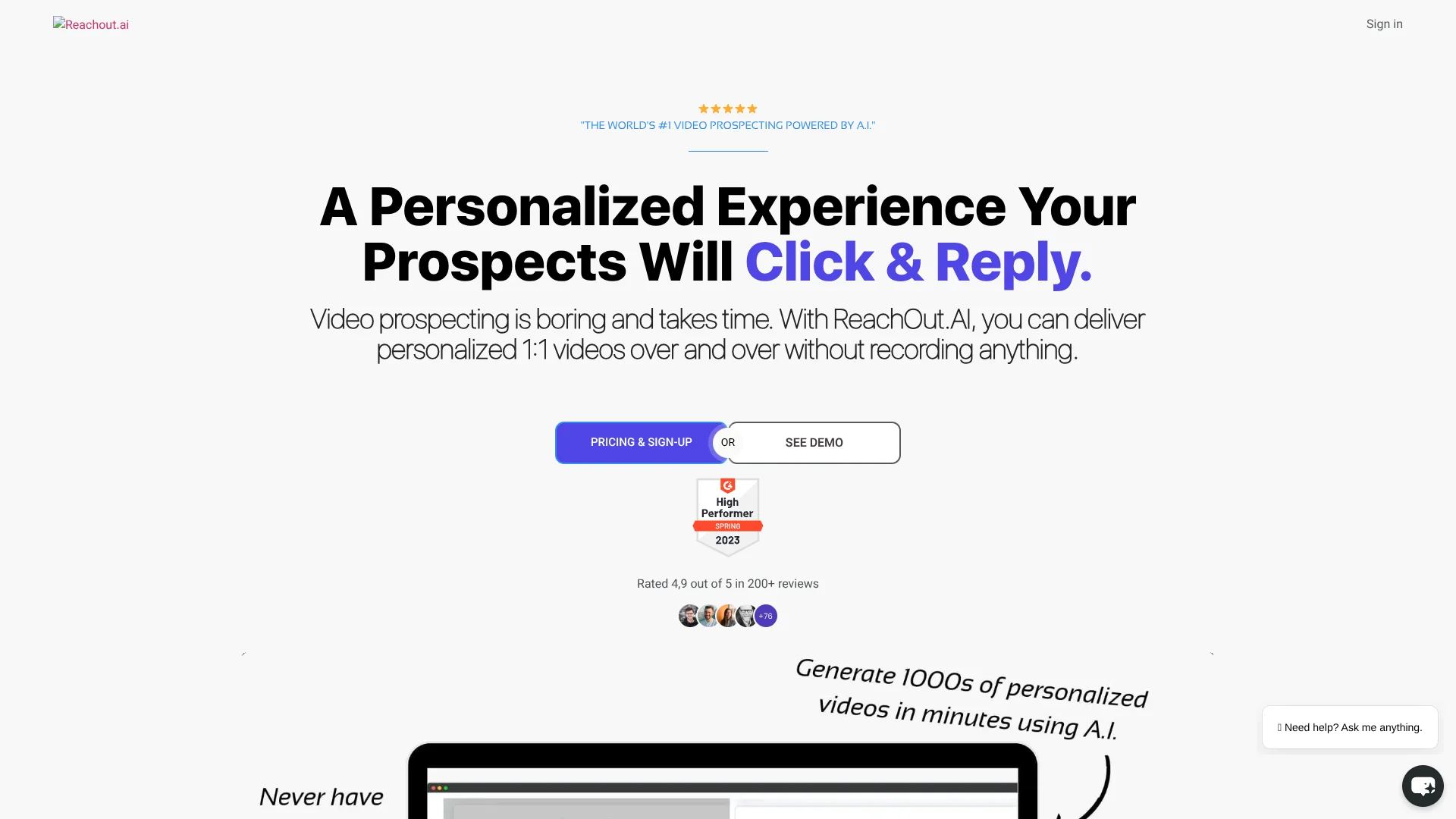
Personalized sales outreach videos, without recording a separate message for every prospect.
Key Takeaways
- What it is
- Personalized sales outreach videos, without recording a separate message for every prospect.
- Best for
- Text-to-Video with AI Humans
- Video Dubbing
- Dynamic Video Backdrops
- Rating
- 4.1/5
What is ReachOut.AI?
ReachOut.AI turns a written script or a recorded video into personalized videos for sales and marketing outreach. A team can tailor each message with contact details, then send the videos through its built-in email scheduler or connected tools. This saves time spent recording individual videos and gives prospects a more personal message than a text-only email.
A single video can be adapted for many recipients, including personalized names and dynamically changing backgrounds such as a prospect’s website. That lets teams make outbound video messages feel specific to each contact without filming a separate clip for every person.
ReachOut.AI is best suited to teams that already use email campaigns and want video as part of their outreach. It also supports digital presenters, voice cloning, and singing videos, but its credit system means video volume depends on the account’s available credits. It fits best when personalized video is central to the campaign.
Who is Using ReachOut.AI?
Sales Development Representatives
A personalized video can give a cold prospect a more tailored reason to respond.
Account Executives
Custom offers and follow-up videos can keep a sales conversation moving.
Marketing Managers
Campaign analytics help show whether personalized video messages are getting views and clicks.
Customer Success Managers
Onboarding and reactivation videos can give customers a more personal follow-up.
Uncommon Use Cases
SaaS teams can send personalized videos to encourage trial users to upgrade; ecommerce teams can make delivery updates or abandoned-cart reminders more personal.
Key Features
Rating Breakdown
Pricing Plans
Free Trial
- Start with a free trial to experience the features of ReachOut.AI
Subscription Plans
- Offers various subscription plans tailored to different business needs and sizes
Which ReachOut.AI plan should you pick?
Try the free 14-day trial to test a campaign, then consider a paid subscription if you need more monthly video credits.
Free 14-Day Trial
Good for teams that want to test personalized video creation and campaign delivery before subscribing.
Paid subscription
Good for teams that need recurring monthly credits for ongoing video outreach.
ReachOut.AI Use Cases
Cold Sales Outreach
A tailored video gives prospects a more personal introduction than a text-only email.
Outcome: Start sales conversations and book meetings.
Customer Onboarding
New customers can receive a personalized video as part of their onboarding messages.
Outcome: Help onboard new customers.
Trial Conversion
A targeted video can follow up with SaaS users who are still evaluating a product.
Outcome: Convert trials into paying customers.
Abandoned Cart Follow-Up
A video reminder can make an ecommerce follow-up feel more specific to the recipient.
Outcome: Send abandoned-cart reminders.
Customer Review Requests
A personal thank-you video can accompany a request for a customer review.
Outcome: Get more customer reviews.
Workflow Ideas with ReachOut.AI
Personalized Prospecting Campaign
- 1Import contact details from a CSV or connected CRM.
- 2Choose an AI presenter or prepare a recorded video for personalization.
- 3Schedule the videos and review plays, clicks, and conversions.
Website-Background Sales Video
- 1Prepare a short sales introduction.
- 2Set each prospect’s website or another URL as the dynamic background.
- 3Send the personalized videos through the scheduler or a connected tool.
SaaS Trial Follow-Up
- 1Select trial users who need a follow-up.
- 2Create a video with a relevant next step or upgrade message.
- 3Send the campaign and check engagement in the analytics dashboard.
How ReachOut.AI fits into your stack
Video creation
ReachOut.AI creates videos from text or personalizes a recorded video for individual contacts. Teams can use a digital presenter or their own video.
Email and CRM workflows
Contacts can come from CSV files or connected tools. Zapier, Pabbly, webhooks, and an API are listed as integration options.
Campaign delivery
The built-in email scheduler sends personalized video emails and follow-ups through a connected email account.
Measurement
Video pages and campaign analytics help teams track plays, clicks, and conversions after sending.
Pros
- +Personalized at scale: One video can be adapted for many contacts without recording each message separately.
- +Several video styles: Teams can choose between AI presenters, dubbing a recorded video, and personalized singing videos.
- +Campaign tracking: Analytics include video plays, button clicks, and conversions.
Cons
- −Narrow focus: Its features center on personalized video outreach rather than general-purpose AI work.
- −Credit-based generation: The amount of video creation depends on the credits available on the account.
Limitations & when to consider alternatives
Known limitations
- Credits are used for personalized videos. The pricing FAQ says one credit is used when ReachOut generates a personalized video of up to 60 seconds. Paid account credits refresh monthly.
- Video dubbing is a specialized workflow. The feature personalizes selected words in an uploaded recording, so it is geared toward video outreach rather than broad video editing.
Look elsewhere when
- You need a general-purpose AI tool for writing, research, or coding.
- Your workflow does not use personalized videos for outreach or customer communication.
How to Use ReachOut.AI
- 1
Start with the trial
ReachOut.AI offers a free 14-day trial, which gives you a chance to test video creation and delivery before paying.
- 2
Add contacts
Import a CSV or connect a CRM through an available integration such as Zapier or Pabbly.
- 3
Pick a video approach
Choose a text-to-video presenter or upload a recorded video to personalize for your contacts.
- 4
Personalize the message
Write the script and select the contact details or video elements that should vary for each recipient.
- 5
Send the campaign
Schedule the video emails inside ReachOut.AI or deliver them through connected tools.
- 6
Review engagement
Check video plays, button clicks, and conversions to see how recipients responded.
Who is ReachOut.AI For?
Sales Teams
Personalized video messages can help sales teams make cold outreach more distinctive and book meetings.
Marketing Teams
Video pages and tailored messages support customer follow-ups, webinar invitations, and review requests.
SaaS Companies
Teams can send video messages for onboarding, trial conversion, and customer reactivation.
Ecommerce Businesses
Personalized videos can support abandoned-cart reminders, delivery follow-ups, and product offers.
Entrepreneurs
Founders can create personalized sales videos without recording a new clip for every prospect.
Frequently Asked Questions
Does ReachOut.AI have a free option?
The official pricing FAQ describes free accounts with a set of credits. The signup page also offers a free 14-day trial.
How much does a paid plan cost?
An official ReachOut.AI page says plans start at $79 per month. The current pricing page also displays limited-time lifetime offers, which are not recurring subscription prices.
How does ReachOut.AI use credits?
The pricing FAQ says a credit is used to generate a personalized video of up to 60 seconds. Paid account credits refresh monthly.
Can ReachOut.AI connect to other tools?
The official site lists Zapier, Pabbly, webhooks, and API integration. It also describes importing voices from providers such as ElevenLabs and Play.ht.
Can ReachOut.AI make videos in multiple languages?
The official site says text-to-video supports more than 50 languages.
Community reviews
1 review from people who use ReachOut.AI.
Sign in to leave a review for ReachOut.AI.
Leo Ioannou
ReachOut.AI Alternatives
Looking for alternatives to ReachOut.AI? Here are similar tools in the same category: