
Reclaim
Optimizes schedules by auto-organizing tasks and meetings.
Watch Reclaim in Action
Key Takeaways
- What it is
- Optimizes schedules by auto-organizing tasks and meetings.
- Pricing
- $10/seat per month. Supports up to 10 seats · $15/seat per month. Expands to 100 seats with unlimited scheduling links
- Best for
- Smart Meetings
- Calendar Sync
- Task Management
- Rating
- 4.5/5
What is Reclaim?
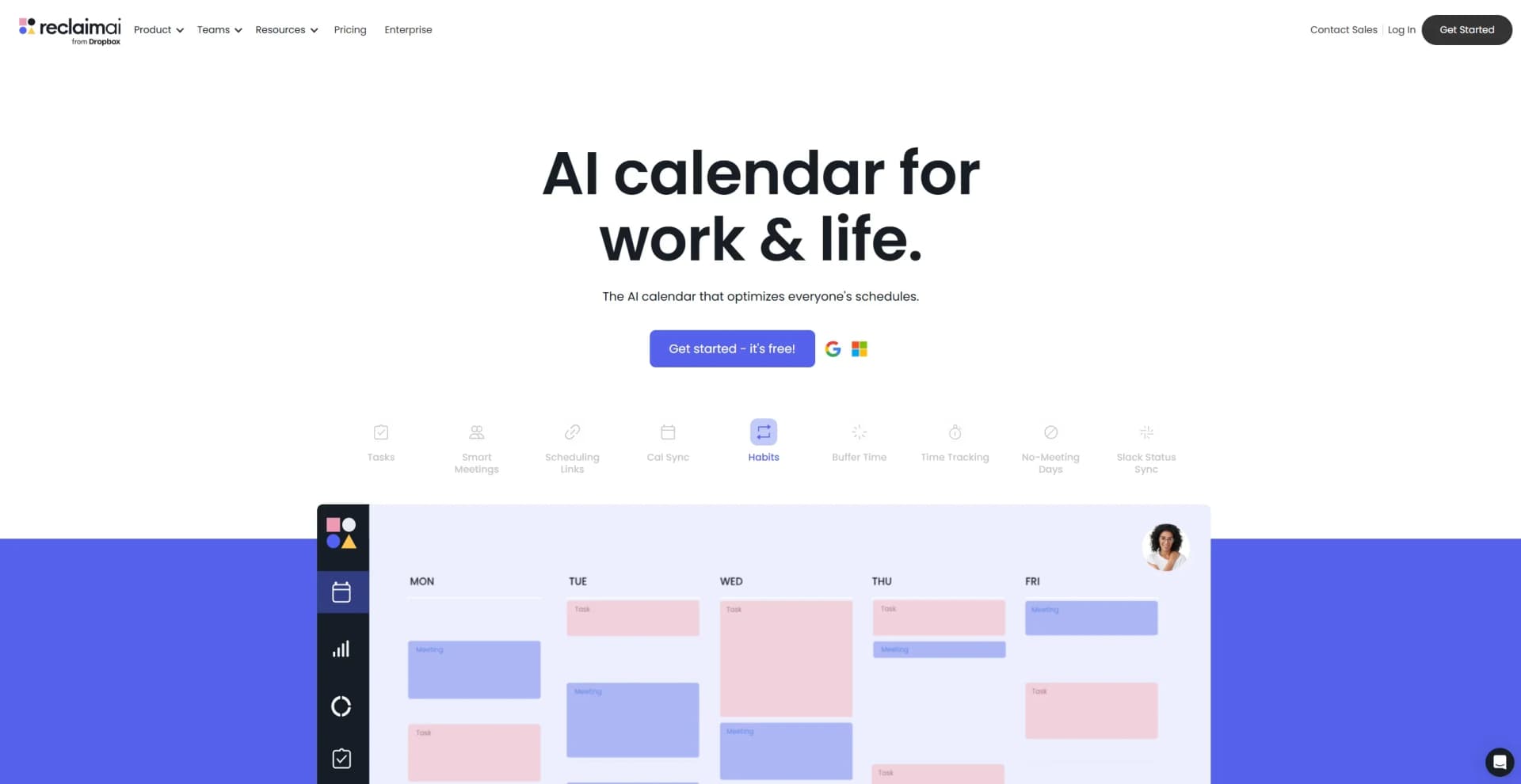
Reclaim is an innovative AI-powered calendar tool designed to optimize both work and personal schedules. Its primary function is to streamline scheduling by automatically organizing tasks, meetings, and personal commitments, allowing users to achieve a better work-life balance. Reclaim is particularly beneficial for professionals and teams seeking to enhance productivity without sacrificing personal time.
Reclaim stands out with its ability to dynamically adjust schedules based on real-time priorities and commitments, a feature that is a game-changer for maintaining productivity. Its integration capabilities and focus on work-life balance make it a unique tool in the realm of AI-driven calendar solutions.
Reclaim is a must-have tool for anyone seeking to streamline their scheduling and enhance productivity. Its AI-driven features not only optimize work schedules but also ensure that personal commitments are not neglected. Whether you're a busy professional, a freelancer, or part of a corporate team, Reclaim offers a comprehensive solution to manage your time effectively, making it an indispensable asset in today’s fast-paced world.
Who is Using Reclaim?
Corporate Teams
Utilize Reclaim to manage complex schedules and improve team collaboration.
Freelancers
Benefit from automated task scheduling, freeing up time for client work.
Project Managers
Employ Reclaim to keep projects on track with dynamic scheduling.
HR Departments
Use the tool to optimize recruitment planning and maintain employee work-life balance.
Uncommon Use Cases
Educational institutions incorporate Reclaim for teaching time management; Nonprofits use it to coordinate volunteer schedules efficiently.
Key Features
Rating Breakdown
Pricing Plans
Lite
- Includes 1 user team, 1 scheduling link, 1 smart meeting, 3 habits, 1 calendar sync, limited integrations, unlimited time tracking and tasks, and a 3-week scheduling range
Starter
$10/seat per month. Supports up to 10 seats
- 3 scheduling links
- 3 smart meetings
- Unlimited habits and calendar sync
- Full integrations
- Time tracking and analytics
- Unlimited tasks
- An 8-week scheduling range
Business
$15/seat per month. Expands to 100 seats with unlimited scheduling links
- Smart meetings
- Habits
- Calendar sync
- Integrations
- Tasks. Adds delegated access
- Webhook support
- Analytics
- A 12-week scheduling range
Enterprise
- Includes everything in Business plus support for over 100 seats, SSO and SCIM provisioning, and enterprise-grade onboarding and access controls
Which Reclaim plan should you pick?
Start with Lite for one individual; upgrade to Starter for small teams, Business for larger teams, or Enterprise for advanced administration and SSO.
Lite
Good for one individual who needs essential calendar scheduling, focus time, habits, and limited integrations.
Starter
Good for small teams who need up to 10 seats, broader scheduling capacity, and unlimited integrations.
Business
Good for larger teams who need up to 100 seats, more AI Agents, team scheduling, and delegated access.
Enterprise
Good for organizations needing 100+ seats, unlimited AI Agents, webhooks, Team OOO Calendars, SSO, and SCIM provisioning.
Reclaim Use Cases
Protect focus time
Set a weekly Focus Time goal and let Reclaim defend uninterrupted work around meetings.
Outcome: More protected time for deep work.
Schedule recurring routines
Create Habits for work or personal routines with flexible windows and automatic conflict rescheduling.
Outcome: Recurring routines remain scheduled as plans change.
Coordinate recurring meetings
Convert recurring meetings into Smart Meetings so Reclaim prioritizes and reschedules them automatically.
Outcome: Less manual coordination when conflicts arise.
Sync project tasks
Connect task tools such as Todoist, Asana, ClickUp, Jira, or Linear and surface work during focus time.
Outcome: Tasks are prioritized alongside calendar context.
Manage availability across calendars
Connect multiple calendars and use Calendar Sync to prevent double-booking while controlling event visibility.
Outcome: Accurate availability across work and personal schedules.
Workflow Ideas with Reclaim
Protect a weekly focus block
- 1Set working hours and a weekly Focus Time goal
- 2Configure priorities and scheduling preferences
- 3Review and apply Reclaim's proposed calendar changes
Turn project work into scheduled focus
- 1Connect Todoist, Asana, ClickUp, Jira, or Linear
- 2Review recommended tasks in the Tasks view or assistant
- 3Start a task timer and optionally log the work to your calendar
Automate meeting coordination
- 1Create a Scheduling Link or Smart Meeting
- 2Connect calendars and conferencing tools such as Zoom
- 3Use Preview Mode to review proposed bookings or changes before applying them
How Reclaim fits into your stack
Browser
Reclaim is primarily a web application for connecting calendars, managing tasks, creating scheduling links, and optimizing time on the calendar.
Team chat and tickets
Reclaim integrates with Slack to sync status, manage calendars, and connect scheduling workflows with team communication.
Automation and APIs
Reclaim provides API keys, SCIM provisioning, Zapier connectivity, and webhooks that send booking, rescheduling, and cancellation events to external systems and workflows.
Pros
- +Time Efficiency: Significantly reduces time spent manually scheduling meetings and tasks.
- +Enhanced Productivity: Automatically defends focus time, ensuring more productive work hours.
- +Seamless Integration: Works smoothly with popular tools like Slack, Asana, and Zoom.
- +Improved Work-Life Balance: Helps prevent burnout by auto-scheduling breaks and personal time.
Cons
- −Initial Setup Complexity: Some users may find the initial setup and customization process time-consuming.
- −Learning Curve: Users unfamiliar with AI-driven tools may require time to adapt to its features.
Limitations & when to consider alternatives
Known limitations
- No native mobile apps. Reclaim currently provides a mobile-friendly web app and PWA installation rather than dedicated iOS or Android apps.
- No Chrome extension currently. The Chrome extension is listed as coming soon and is not currently available.
- Lite plan is single-user. The Lite plan supports one user; inviting additional team members requires a paid plan.
- Scheduling horizons vary by plan. Automated scheduling ranges are limited by plan, from one week on Lite to twelve weeks on Enterprise.
- SSO requires Enterprise. Alternative identity-provider SSO uses OIDC and requires a paid Enterprise plan; SAML is not currently supported.
Look elsewhere when
- You need native iOS or Android apps.
- You need a Chrome extension today.
- You need a dedicated desktop installer.
- You need SAML-based SSO.
How to Use Reclaim
- 1
Connect your calendar
Create a Reclaim account and connect Google Calendar or Outlook Calendar so Reclaim can understand availability and schedule events.
- 2
Set working hours
Define work, meeting, personal, and custom hours to control where Reclaim can place meetings, tasks, habits, and focus time.
- 3
Create a Focus goal
Set a weekly Focus Time target so Reclaim protects uninterrupted work around existing calendar commitments.
- 4
Add Habits and Buffers
Create recurring routines and meeting buffers with scheduling windows, priorities, and conflict rules.
- 5
Connect task and collaboration tools
Add supported tools such as Slack, Zoom, Todoist, Asana, ClickUp, Jira, Linear, or Google Tasks to bring work into Reclaim.
- 6
Review the Planner and Assistant
Use the Planner, AI Assistant, and Preview Mode to inspect recommendations and approve scheduling changes before they affect your calendar.
Who is Reclaim For?
Individuals
Individuals can automatically manage work and personal schedules, protect focus time, and maintain recurring routines.
Knowledge workers
Knowledge workers balancing meetings, deep work, tasks, and routines can reduce manual calendar reorganization.
Teams
Teams can coordinate scheduling, share team policies, manage meeting load, and use shared scheduling workflows.
Companies
Companies can deploy team-wide scheduling standards, analytics, SSO, SCIM provisioning, and shared out-of-office calendars.
Executive assistants
Executive assistants can manage scheduling links, tasks, calendars, and delegated access for executives.
Frequently Asked Questions
What is Reclaim.ai?
Reclaim is an AI calendar assistant combining a calendar, Planner, AI Assistant, and background Agents to align schedules with priorities.
Is Reclaim free?
Yes. Reclaim offers a free Lite plan for individuals; paid plans add advanced scheduling, integrations, analytics, and team collaboration.
Which calendars does Reclaim support?
Reclaim supports Google Calendar and Outlook Calendar, which remain the source of truth while Reclaim adds scheduling automation.
Can I use Reclaim with my team?
Yes. Team features include team and round-robin Scheduling Links, shared Team OOO Calendars, Team Insights, and shared scheduling coordination.
What integrations are available?
Reclaim connects with Google Calendar, Outlook, Slack, Zoom, Google Tasks, Todoist, ClickUp, Jira, Asana, Linear, and other supported tools.
Does Reclaim have mobile apps?
No native iOS or Android apps are currently available. Reclaim can be used through its mobile-friendly web app or added as a PWA.
Community reviews
Be the first to share your experience.
Sign in to leave a review for Reclaim.
Reclaim Alternatives
Looking for alternatives to Reclaim? Here are similar tools in the same category:
Learn to Master Reclaim
With Skill Leap courses
Get in-depth training on Reclaim and 50+ other AI tools with our expert-led video courses.
Start 7-Day Free Trial