
Referent
Runs client intake, filing, deadlines.
Key Takeaways
- What it is
- Runs client intake, filing, deadlines.
- Best for
- AI client intake
- Matter automation
- AI drafting
Who is Using Referent?
Solo lawyers
Lets a one-lawyer practice handle intake, follow-ups, deadlines, documents, and billing preparation with AI assistance.
Boutique law firms
Standardizes routine workflows across lawyers while keeping approval and judgment with the firm.
Small law firms
Provides shared matter context, roles, permissions, and operational automation without a large enterprise rollout.
Legal IT consultants and MSPs
Offers a practice-management layer that partners can distribute and implement for law-firm clients.
Key Features
Referent Use Cases
Automated client intake
Capture inquiries, collect context, qualify leads, and turn suitable inquiries into matters.
Outcome: A prepared matter, proposal, and payment link for lawyer approval.
Email filing and drafting
Route incoming correspondence to the correct matter and prepare replies.
Outcome: Less manual inbox sorting and drafts ready for review.
Deadline tracking
Track hearings, meetings, and deadlines across matters while syncing with the calendar.
Outcome: Deadlines are surfaced before they are missed.
Billing preparation
Assemble time, activity, and matter details into billing-ready information.
Outcome: Month-end billing becomes a review instead of a manual reconstruction.
Voice-controlled practice management
Tell Referent what needs to happen by voice instead of entering every client, matter, or task manually.
Outcome: Spoken instructions become tracked work inside the appropriate matter.
Workflow Ideas with Referent
New inquiry to approved matter
- 1Capture the incoming inquiry
- 2Collect context and qualify the lead
- 3Prepare the matter, proposal, and payment link for approval
Inbox to matter record
- 1Read incoming client correspondence
- 2Match and file the message to the correct matter
- 3Draft a reply for lawyer review and approval
Deadline to billing review
- 1Track hearings, meetings, and deadlines against the calendar
- 2Record related matter activity and time
- 3Assemble billing-ready information for review
How Referent fits into your stack
Browser
The main Referent workspace is a web application for clients, matters, inbox, tasks, calendar, documents, and billing.
Knowledge and files
Imports and organizes client emails, documents, attachments, and Google Drive files into matter context.
Automation and APIs
Its MCP server connects Referent data and actions to ChatGPT, Claude, Gemini, Perplexity, OpenClaw, and other MCP-compatible applications.
Mobile
Native iPhone and Android apps support matter review, document capture, chat, tasks, deadlines, time tracking, and approvals.
Pros
- +Free tier with AI usage included
- +Native iPhone and Android apps
- +Shared workspaces with roles and invitations
- +AES-256 at rest and TLS 1.2+ in transit
- +AI agents automate intake, matters, deadlines, billing preparation, and follow-ups
Cons
- −SSO is still listed as roadmap functionality
- −SOC 2 and ISO 27001 are in preparation
- −Referent is not an accounting system
- −Paid-plan pricing tiers are not publicly detailed on the accessible official pages
Limitations & when to consider alternatives
Known limitations
- Lawyer approval remains required. Client-facing and high-risk actions are staged for explicit lawyer approval rather than being sent autonomously.
- Not an accounting system. Referent describes billing preparation but is not positioned as a native accounting system.
- SSO is not currently available. The security page identifies centralized SSO as a roadmap item.
- No legal-research focus. Referent focuses on operational work such as intake, email routing, deadlines, and billing preparation rather than legal research.
- No custom model training. Referent says it does not train models on client or matter data.
Look elsewhere when
- You need centralized SSO today
- You need native accounting
- You need dedicated legal research or drafting software
- You need custom training on your firm's data
How to Use Referent
- 1
Create a Referent account
Register through Referent and start with the free offering; no credit card is required according to the product pages.
- 2
Connect firm systems
Connect supported services such as Gmail, Google Calendar, Google Drive, Outlook, or OneDrive so Referent can work from live firm data.
- 3
Review imported matters and files
Confirm that clients, matters, tasks, documents, and correspondence are organized in the shared workspace.
- 4
Use the operational agents
Assign or invoke intake, email filing, deadline tracking, follow-up, voice-control, and billing-preparation workflows.
- 5
Approve client-facing work
Review, edit, approve, or reject drafts and other high-risk actions before they leave the firm.
- 6
Connect an MCP-compatible AI app
Add the Referent MCP endpoint to a compatible AI application and sign in with the Referent account to query or act on permitted firm data.
Who is Referent For?
Solo lawyers
Referent helps one-person practices handle intake, records, filing, deadlines, follow-ups, and billing preparation without adding administrative staff.
Small law firms
Shared matter context, roles, permissions, standardized workflows, and team-wide audit trails support firms with multiple lawyers and staff.
Boutique firms
Boutique firms can use AI agents to automate routine operations while preserving lawyer review and control over client-facing work.
Big Law
Referent describes a future big-law use case involving an AI operations layer across practice groups, with logged and approved actions.
Frequently Asked Questions
What does Referent do?
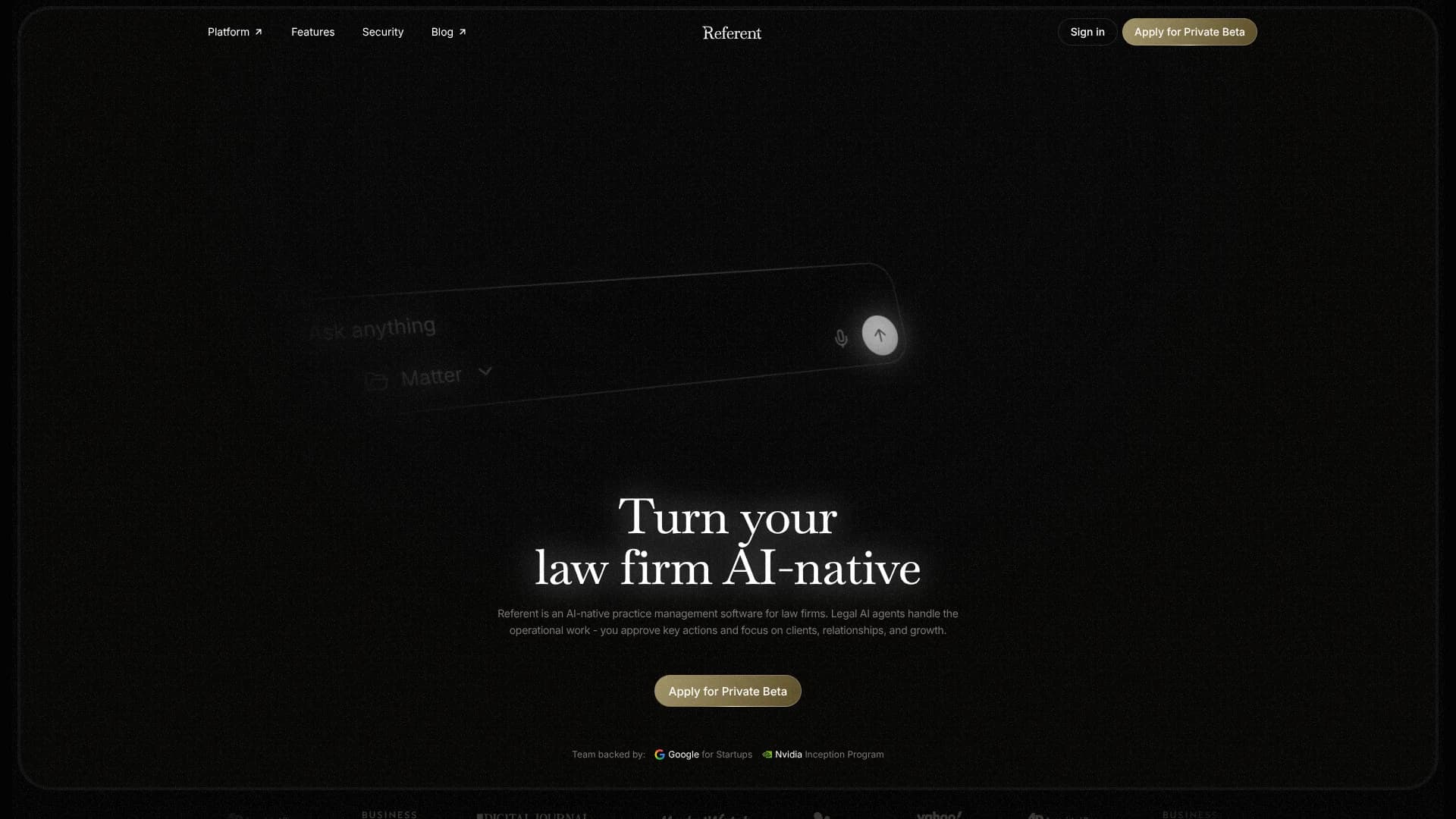
Referent is AI-native practice-management software for law firms. Its agents handle intake, email filing, deadlines, follow-ups, and billing preparation while lawyers approve client-facing or high-risk actions.
Who is Referent built for?
Referent is built for solo lawyers, small firms, boutique firms, and legal practices that want AI to handle routine operational work.
Does Referent have a free plan?
Yes. Referent says users can start free without a credit card, with AI usage included, and upgrade to paid plans as they grow.
Can Referent connect to other AI apps?
Yes. Referent provides an MCP server that can connect with ChatGPT, Claude, Gemini, Perplexity, OpenClaw, Hermes, and other MCP-compatible applications.
Does Referent require lawyer approval?
Yes. Client-facing and high-risk actions require explicit lawyer approval, and agent actions are recorded in an audit trail.
How does Referent protect firm data?
Referent describes AES-256 encryption at rest, TLS 1.2 or higher in transit, isolated firm workspaces, role-based access, and no training on client data.
Community reviews
Be the first to share your experience.
Sign in to leave a review for Referent.
Referent Alternatives
Looking for alternatives to Referent? Here are similar tools in the same category:
Learn to Master Referent
With Skill Leap courses
Get in-depth training on Referent and 50+ other AI tools with our expert-led video courses.
Start 7-Day Free Trial