
Remove-BG.AI
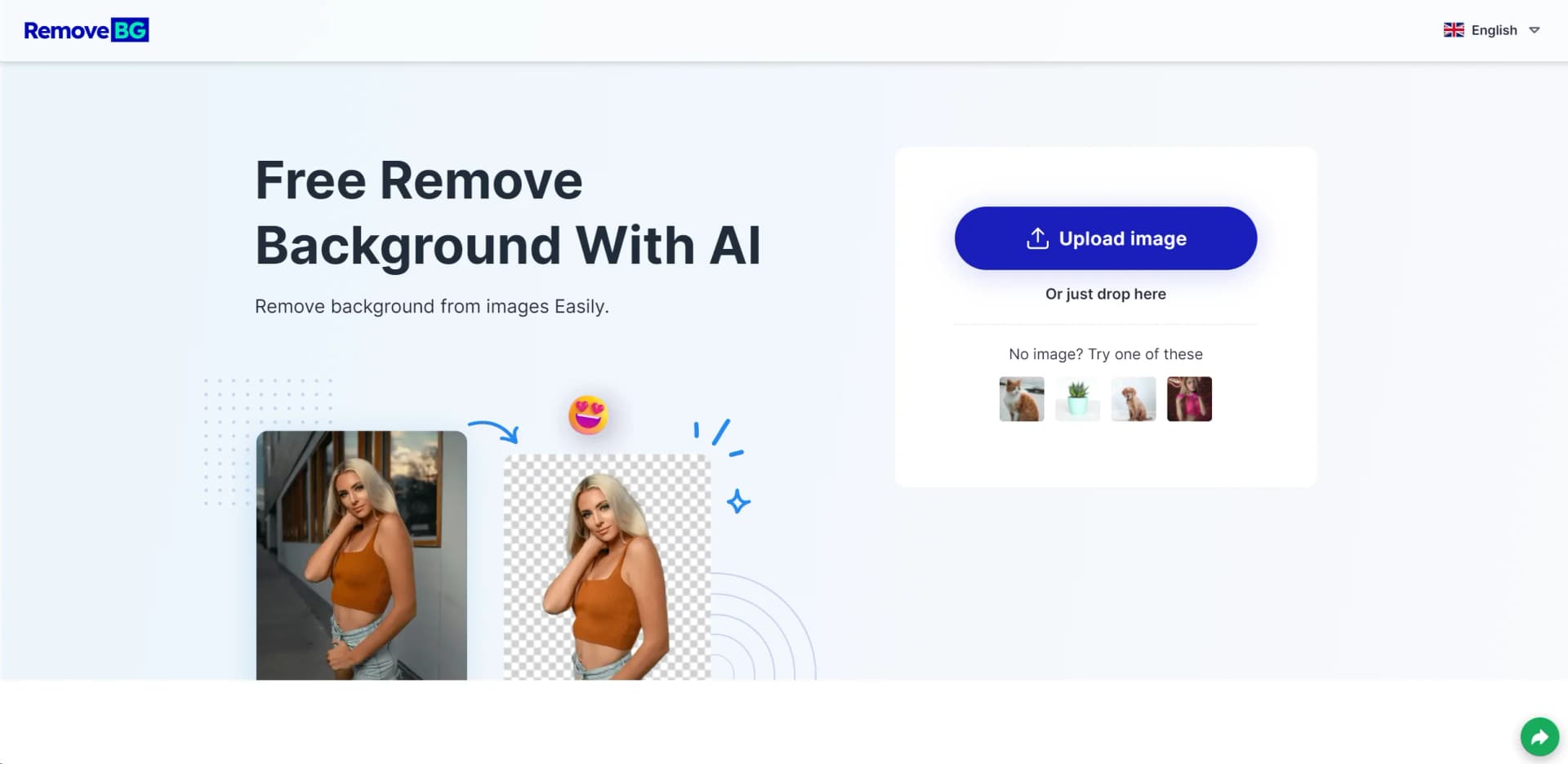
Effortlessly strip image backgrounds with AI precision; download in HD.
Key Takeaways
- What it is
- Effortlessly strip image backgrounds with AI precision; download in HD.
- Best for
- Automatic Background Removal
- HD Quality Downloads
- Resize Images for Social Media
- Rating
- 4.6/5
What is Remove-BG.AI?
Remove-BG.AI is an AI-powered online tool designed to simplify the task of background removal in images. This innovative application leverages advanced algorithms to swiftly and efficiently strip away backgrounds, making it incredibly useful for professionals and hobbyists alike. Whether you're involved in graphic design, e-commerce, digital marketing, or simply need to create clean images for personal projects, Remove-BG.AI offers a user-friendly experience that abolishes the need for intricate photo editing software.
Remove-BG.AI sets itself apart with its commitment to simplicity and accessibility. Its free service democratizes the ability to create professional-looking images without the need for expensive software subscriptions or advanced technical skills. The tool's cross-device functionality ensures that anyone can use it anytime, anywhere.
Remove-BG.AI excels in providing a seamless and efficient solution for removing image backgrounds. It's an essential tool for various users, from e-commerce vendors to graphic designers, who require quick, cost-free image editing. Its standout feature is undoubtedly its user-friendly interface, which makes professional-looking edits accessible to everyone. With the added advantage of high-quality outputs and a robust mobile application, Remove-BG.AI is a top contender in the background removal arena.
Who is Using Remove-BG.AI?
E-commerce Entrepreneurs
Streamlining product photography by removing and replacing backgrounds for cleaner, more attractive online listings.
Content Creators
Crafting eye-catching thumbnails, banners, and graphics for social media and online platforms.
Graphic Designers
Integrating the tool into their workflow for quick edits and mock-up creations.
Photographers
Offering clients clean-cut images without the hassle of manual background editing.
Uncommon Use Cases
Non-profit organizations using it for creating promotional materials; Teachers incorporating it into digital classroom materials.
Key Features
Rating Breakdown
Pricing Plans
Free Service
- Remove-BG.AI offers its background removal services for free
- Making it an attractive option for users on a budget
Which Remove-BG.AI plan should you pick?
Start with the free mobile access for occasional edits; choose Monthly Plan or Yearly Plan when you need subscriber-only saving, HD output, and watermark removal.
Free
Good for trying the background-removal and editing workflow before subscribing.
Monthly Plan
Good for users who need subscriber features for a short-term or recurring project.
Quarterly Plan
Good for users with ongoing editing needs who prefer a multi-month subscription.
Yearly Plan
Good for regular users who need extended access to HD output, saving, and watermark removal.
Remove-BG.AI Use Cases
Professional ID photos
Remove the existing background and add a customizable background.
Outcome: An ID-style image with a tailored background.
E-commerce product images
Remove backgrounds from product photos and replace them with a custom or colored background.
Outcome: Clean product imagery for online showcases.
Social media content
Edit photo backgrounds and create more engaging visual content.
Outcome: Background-edited images ready to share.
Transparent PNG creation
Remove the background and leave the subject isolated on transparency.
Outcome: An image with a transparent background.
Workflow Ideas with Remove-BG.AI
Remove and replace a photo background
- 1Upload or drag an image into the upload box
- 2Automatically remove the background and edit the result
- 3Download the finished image in HD
How Remove-BG.AI fits into your stack
Mobile App Availability
Remove-BG.AI provides a mobile app for an enhanced user experience on smartphones.
Image Format Support
Works with common image formats, including PNG and JPG, ensuring wide compatibility.
Online Accessibility
No download or installation required, as it operates entirely through web browsers.
Template Variety
Offers over 100 templates to choose from, catering to different needs and preferences.
Pros
- +Ease of Use: The intuitive interface allows for straightforward navigation and operation without prior experience.
- +Cost-Efficient: Remove-BG.AI provides a free-to-use service, making it accessible to users regardless of budget.
- +Versatility: Supports various image formats and caters to a wide range of use cases from personal to professional.
- +Quality Retention: Ensures the original image quality is maintained after the background is removed.
Cons
- −Internet Dependency: Being an online tool, it requires a stable internet connection to function.
- −Potential for Over-Simplification: Some complex images may not be processed with perfect accuracy, requiring manual adjustments.
- −Limited Editing Features: While it excels at background removal, it may not replace a full-featured photo-editing suite for more complex tasks.
Limitations & when to consider alternatives
Known limitations
- High-resolution saving may require a subscription. The mobile app says only subscribed users can save edited images to the device album, receive high-resolution output, and remove watermarks.
- Unlimited background changes may require a subscription. The mobile app states that unlimited use of the AI background-change tool is available after subscribing.
- No documented developer API. The official feature and usage pages document image upload, background editing, and downloading, but do not publish API keys, endpoints, or API documentation.
- No documented desktop installer. The official usage instructions describe browser-style uploading, editing, and downloading rather than installing a Windows, macOS, or Linux application.
How to Use Remove-BG.AI
- 1
For those looking to master Remove-BG.AI, the platform offers instructions on its website to guide users through the background removal process, ensuring a smooth experience for all users.
Who is Remove-BG.AI For?
ID photo creators
The tool is positioned for creating professional ID photos with customizable backgrounds.
E-commerce sellers
It is intended for designing high-quality product images for e-commerce showcases.
Social media creators
The tool supports creating engaging social media content with edited backgrounds.
General photo editors
Its interface is described as simple and suitable for users of all skill levels.
Frequently Asked Questions
How do I remove an image background?
Upload or drag an image into the upload box. Remove-BG.AI automatically removes the background in seconds.
Can I make the background transparent?
Yes. After removal, you can make the background transparent or replace it with a colored background.
Can I download images in HD?
Yes. The tool provides HD downloads, while the mobile app lists high-resolution output among subscriber permissions.
Can I replace the background?
Yes. Custom backgrounds and colored-background replacement are documented features.
Community reviews
1 review from people who use Remove-BG.AI.
Sign in to leave a review for Remove-BG.AI.
làm đẹp cùng tôi
Remove-BG.AI Alternatives
Looking for alternatives to Remove-BG.AI? Here are similar tools in the same category:
Learn to Master Remove-BG.AI
With Skill Leap courses
Get in-depth training on Remove-BG.AI and 50+ other AI tools with our expert-led video courses.
Start 7-Day Free Trial