
Resume AI Scanner
Optimize your resume for ATS with instant, actionable feedback.
Key Takeaways
- What it is
- Optimize your resume for ATS with instant, actionable feedback.
- Best for
- ATS Compatibility Check
- Keyword Optimization
- Format Analysis
- Rating
- 4.6/5
What is Resume AI Scanner?
As someone deeply entrenched in the world of job applications and career advancements, I'm always on the lookout for tools that can give candidates an edge. That's where Resume AI Scanner comes into play. This innovative AI tool is designed to simulate the behavior of an automated resume screening system used by many companies today. It offers job seekers a critical look at how their resumes might fare in the real world, providing valuable feedback on how to tweak their content to pass through the filters of Applicant Tracking Systems (ATS).
Resume AI Scanner distinguishes itself by offering a real-time glimpse into the ATS evaluation process. Its ability to provide immediate and actionable feedback is a game-changer for job seekers who often wonder why their applications don't make it past the initial screening.
Resume AI Scanner excels in providing real-time analysis and optimization of resumes, making it an indispensable tool for those actively seeking employment. Its intuitive feedback mechanism particularly offers an unmatched advantage by revealing how a resume might be perceived by an ATS, allowing job seekers to make informed adjustments. Whether you're starting your career or looking to make a move, Resume AI Scanner is a resource that can help you stand out in a competitive job market.
Who is Using Resume AI Scanner?
Job Seekers
Individuals looking to optimize their resumes for better chances of landing interviews.
Career Coaches
Professionals who assist clients in improving their job application materials.
HR Professionals
Recruiters and HR personnel testing the effectiveness of their company's ATS.
Students
Graduates preparing to enter the job market with a polished resume.
Uncommon Use Cases
Freelancers tailoring resumes for niche markets; Non-profit organizations assisting job seekers in underserved communities.
Key Features
Rating Breakdown
Pricing Plans
Free Access
- Resume AI Scanner is available at no cost
- Providing basic resume scanning capabilities
Premium Features
- There may be advanced features available for a fee
- Offering more in-depth analysis
Which Resume AI Scanner plan should you pick?
Start with Hobby for occasional resume scans and upgrade when you need larger files, higher limits, or team access.
Hobby
Good for free testing and occasional resume uploads within the free file and usage limits.
Pro
Good for individual users who need higher document limits and more regular PDF processing.
Ultimate
Good for users who need higher limits and the ability to invite team members.
Enterprise
Good for organizations needing team workspaces, permissions, and enterprise-scale usage.
Resume AI Scanner Use Cases
Candidate resume screening
Upload a candidate’s resume and generate an overview of the applicant’s background.
Outcome: A condensed view of the candidate’s qualifications.
Interview preparation
Scan a resume to produce relevant questions for assessing the candidate.
Outcome: A starting set of personalized interview questions.
Candidate comparison
Analyze multiple resumes and use prompts to separate candidates by location, experience, education, or other criteria.
Outcome: Faster filtering of applicants against predefined requirements.
Resume improvement
Upload a resume and ask PDF.ai for feedback or analysis of weaknesses and strengths.
Outcome: Ideas for clarifying, simplifying, or improving the resume.
Related application-material review
Analyze cover letters, resume summaries, LinkedIn profiles, or job descriptions as uploaded documents.
Outcome: Additional context for candidate evaluation or job-application preparation.
Workflow Ideas with Resume AI Scanner
Resume-to-interview-question workflow
- 1Upload the candidate’s resume
- 2Generate the resume overview and relevant questions
- 3Copy or save the results for interview preparation
Multi-candidate screening workflow
- 1Upload one or multiple resumes
- 2Ask for comparisons using criteria such as experience, location, or education
- 3Filter candidates for further review
Application-material review workflow
- 1Upload a resume, cover letter, or job description
- 2Ask targeted questions about qualifications and gaps
- 3Use the responses to improve screening or application materials
How Resume AI Scanner fits into your stack
Web-Based Platform
Accessible from any web browser without the need for software installation.
File Format Support
Accepts resumes in multiple formats, including Word and PDF.
Cloud Storage Access
Users can upload resumes directly from cloud storage services.
Email Integration
Option to receive results and tips directly via email.
Pros
- +Immediate Feedback: Provides instant results, allowing for quick improvements to your resume.
- +User-Friendly Interface: The tool is straightforward and easy to navigate, even for those who are not tech-savvy.
- +Insightful Tips: Offers actionable advice on how to improve your resume's effectiveness.
- +Free to Use: Resume AI Scanner is accessible without any cost, making it a valuable resource for all job seekers.
Cons
- −May Not Reflect All ATS Systems: While it simulates common ATS behaviors, it cannot replicate the nuances of every system out there.
- −Generic Suggestions: Some advice might be too broad and not tailored to specific industries or roles.
- −Internet Dependency: Requires an internet connection to access the tool and its features.
Limitations & when to consider alternatives
Known limitations
- PDF input limitation. PDF.ai’s documented supported document type is PDF.
- Free upload limit. The free experience allows one PDF file no larger than 10 MB.
- Resume results are not saved as chat history. The resume API documentation states that the resume result is not saved as a Chat.
- Browser-based use. The documented workflow runs in a browser and does not require a desktop installation.
Look elsewhere when
- You need a native mobile app specifically named Resume AI Scanner.
- You need SSO or SAML support.
- You need model fine-tuning on your own data.
- You need programming-code generation.
How to Use Resume AI Scanner
- 1
For those who prefer a guided approach, there are straightforward instructions and FAQs available on the website, ensuring you can make the most out of the Resume AI Scanner.
Who is Resume AI Scanner For?
Recruiters
Recruiters can quickly review candidate resumes and generate interview questions.
HR professionals
HR professionals can synthesize applicant information before interviews and reduce manual screening effort.
Job applicants
Applicants can review resumes, summaries, and related job materials to identify areas for improvement.
Hiring managers
Hiring managers can prepare personalized interview questions based on a candidate’s background.
Frequently Asked Questions
What does Resume AI Scanner produce?
It generates an overview or summary of a candidate’s resume and ten relevant questions for assessment.
How do I upload a resume?
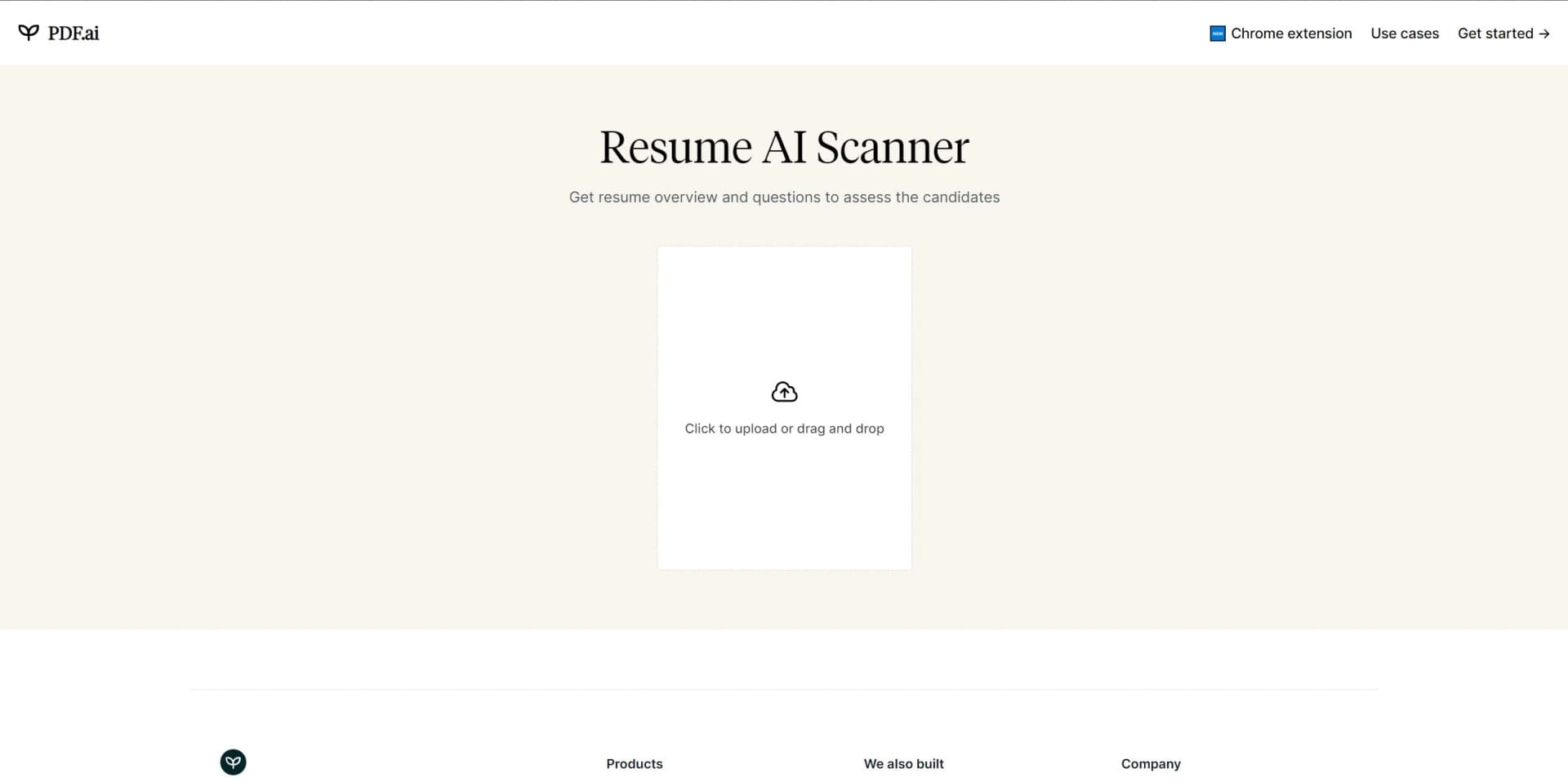
Open the tool and select a resume using the “Click to upload or drag and drop” upload area.
Can I save the scan results?
The results can be copied or saved as a PDF.
What file type does PDF.ai support?
PDF.ai currently supports PDF files.
Is PDF.ai free?
The free experience allows one PDF upload of no more than 10 MB.
Community reviews
Be the first to share your experience.
Sign in to leave a review for Resume AI Scanner.
Resume AI Scanner Alternatives
Looking for alternatives to Resume AI Scanner? Here are similar tools in the same category:
Learn to Master Resume AI Scanner
With Skill Leap courses
Get in-depth training on Resume AI Scanner and 50+ other AI tools with our expert-led video courses.
Start 7-Day Free Trial