Retinai
Retinal imaging and patient data, brought together for eye-care and research teams.
Key Takeaways
- What it is
- Retinal imaging and patient data, brought together for eye-care and research teams.
- Best for
- Discovery CONNECT
- RetinAI OCT Atlas
- Macula Biomarkers
- Rating
- 4.1/5
What is Retinai?
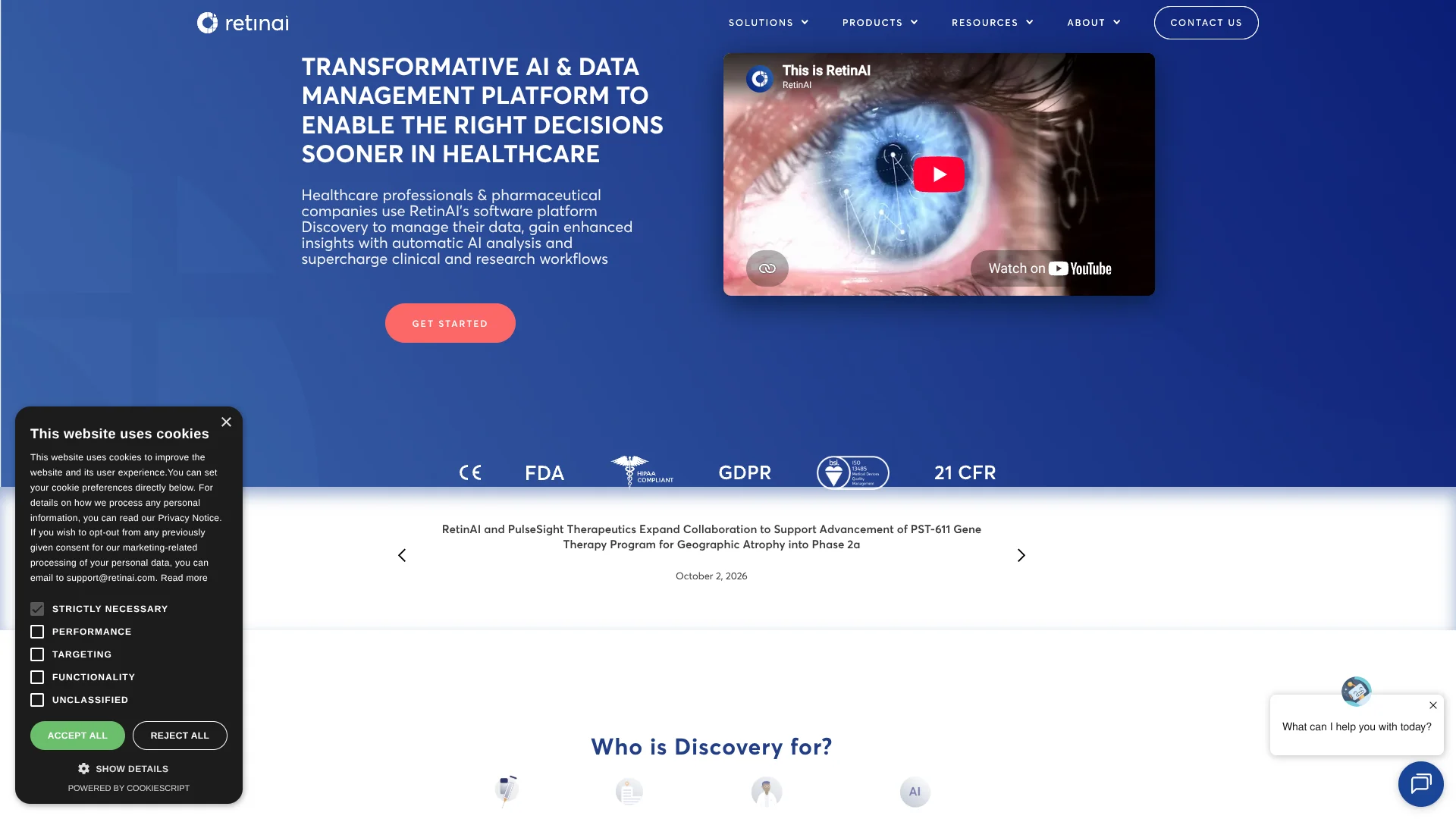
RetinAI Discovery brings ophthalmic images and patient data into a shared platform, where AI can help analyze retinal scans and organize information for care, research, and clinical studies. Ophthalmologists and optometrists can review patient imaging in one place; research teams and life sciences organizations can manage study data across sites. It addresses the slow, fragmented work of collecting and reviewing eye images from different sources.
Discovery CONNECT can automatically sync OCT images from supported Heidelberg, Zeiss, and Topcon devices to Discovery, with transfers taking under 30 seconds per image according to RetinAI. It can also anonymize DICOM images before upload, reducing manual steps between image capture and review.
RetinAI is best suited to ophthalmology clinics, research groups, and life sciences teams working with retinal imaging. Some AI modules are designated Research Use Only in the United States, so their results are not a substitute for clinical judgment. Its particular strength is linking ophthalmic data collection with retinal-image analysis and collaboration.
Who is Using Retinai?
Ophthalmologists
Patient imaging and retinal measurements can be reviewed together to inform clinical workflows.
Optometrists
Discovery for Clinics supports image review, referrals, and patient data sharing.
Clinical research coordinators
Study data collection and progress monitoring can be organized across participating sites.
Retinal imaging researchers
OCT scans, annotations, and AI-derived measurements support analysis of retinal disease.
Clinical trial teams
Shared imaging and study data help teams assess enrollment criteria and endpoints.
Uncommon Use Cases
Patient access to clinical data and remote questionnaires through Passport; screening study participants using retinal imaging biomarkers
Key Features
Rating Breakdown
Pricing Plans
Custom Pricing Model
- RetinAI offers tailored pricing based on the specific needs and scale of the user’s organization
Which Retinai plan should you pick?
Request a demo to identify the Discovery offering that fits your clinic, research study, or life sciences workflow and ask RetinAI for pricing.
Discovery for Clinics
Good for ophthalmologists and optometrists who need patient image management, retinal AI analysis, or case sharing.
Discovery for Clinical Studies
Good for research teams coordinating multi-site image and data collection, enrollment, or endpoint analysis.
Discovery UNITY
Good for pharma and life sciences organizations working to organize ophthalmology data for research and development.
Retinai Use Cases
Review patient eye images
A single view of OCTs, fundus images, and other patient files reduces the need to move between viewers.
Outcome: Patient imaging is available together for review.
Measure retinal features in OCT scans
AI models can segment retinal layers and quantify fluid for disease assessment.
Outcome: Retinal layer and fluid measurements from OCT scans.
Coordinate clinical studies
Centralized collection and study monitoring help teams follow enrollment and data quality across sites.
Outcome: Study teams can monitor enrollment, data quality, and progress.
Sync OCT images from supported devices
Discovery CONNECT transfers images automatically and can anonymize DICOM files before upload.
Outcome: Less manual image transfer and anonymization work.
Share cases for tele-ophthalmology
Authorized users can share patient cases for remote review and referral workflows.
Outcome: Secure case sharing among users with access.
Workflow Ideas with Retinai
Move OCT scans into a review workflow
- 1Install Discovery CONNECT on a supported clinic computer.
- 2Point it to the folder where the OCT device saves scans.
- 3Set upload preferences and review incoming images in Discovery.
Prepare retinal imaging for a study
- 1Collect study images and patient data in Discovery.
- 2Apply available AI analysis to relevant OCT scans.
- 3Review enrollment criteria or endpoints with the study team.
Share a patient case for remote review
- 1Organize the patient’s available images and data in Discovery.
- 2Grant access to the appropriate collaborators.
- 3Review the case together or coordinate a referral.
How Retinai fits into your stack
OCT imaging devices
Discovery CONNECT syncs images from supported Heidelberg, Zeiss, and Topcon OCT devices. It can anonymize DICOM images before upload.
Clinic systems and PACS
RetinAI says Discovery can be configured to connect to PACS or integrate with clinic systems through API calls.
Clinical study data
Discovery for Clinical Studies centralizes multi-modal image and data collection for study teams across sites.
Research collaboration
Cloud-based access and dataset permissions let invited collaborators work with shared data.
Pros
- +Multiple image types: View OCTs, fundus images, DICOM datasets, PDFs, JPEGs, PNGs, and TIFFs in one platform.
- +Automatic OCT syncing: CONNECT reduces manual image-transfer work with supported devices.
- +Shared case review: Invite collaborators and set different permission levels for dataset access.
- +Retinal analysis: AI tools can measure retinal layers and assess fluid in OCT scans.
Cons
- −Specialized audience: The platform is built for ophthalmology and related research, not general office work.
- −Sales-led access: Clinics and organizations are directed to request a demo rather than choose from published online plans.
Limitations & when to consider alternatives
Known limitations
- Research Use Only modules in the United States. RetinAI identifies some biomarker, fluid, and layer analysis modules as Research Use Only in the United States; they are not intended to replace professional medical advice, diagnosis, or treatment.
- CONNECT device compatibility. Automatic OCT syncing is supported for specific Heidelberg Spectralis, Zeiss Cirrus, and Topcon Maestro and Triton devices.
- CONNECT upload history. RetinAI says CONNECT can automatically upload up to two years of a clinic’s OCT imaging data; additional capacity requires contacting the company.
- Evaluation upload limit. RetinAI's trial-mode evaluation offering allows up to three de-identified OCT scans and is intended for evaluation and educational purposes.
Look elsewhere when
- You need a general-purpose AI tool for writing, coding, or office tasks.
- Your clinic needs a public self-serve monthly subscription price.
- You need a native mobile app for using the platform on a phone.
How to Use Retinai
- 1
Choose the Discovery offering
RetinAI offers versions for clinics, clinical studies, and pharma and life sciences; request a demo to discuss the fit.
- 2
Set up image collection
Add compatible data to Discovery, or use CONNECT to sync OCT images from supported devices.
- 3
Organize patient or study data
Bring relevant images and records together so users can review them in the same platform.
- 4
Select an appropriate AI model
Choose from available models for retinal layer or fluid analysis, biomarkers, or diabetic retinopathy screening.
- 5
Invite collaborators
Share datasets with authorized users and assign access permissions for collaborative review.
- 6
Check the model's regulatory status
Confirm whether a model is cleared for your intended use and location; some modules are Research Use Only in the United States.
Who is Retinai For?
Ophthalmologists and optometrists
Clinical imaging, retinal AI analysis, and case sharing are designed for eye-care workflows.
Clinics and hospitals
Discovery brings patient images and data together for review and care coordination.
Clinical and academic researchers
Shared datasets, annotation tools, and AI analysis support collaborative ophthalmology research.
Pharma and life sciences
Clinical study data and retinal biomarkers can support patient assessment and research.
Contract research organizations
The clinical studies offering supports multi-site image and data collection.
Frequently Asked Questions
Does RetinAI offer a free plan?
RetinAI provides an evaluation offering for up to three de-identified OCT scans in trial mode. The site describes it as for evaluation and educational purposes, not as a general free plan.
How much does RetinAI Discovery cost?
RetinAI directs prospective customers to request a demo; a public US list price was not confirmed.
Which OCT devices work with Discovery CONNECT?
RetinAI lists Heidelberg Spectralis, Zeiss Cirrus, and Topcon Maestro and Triton as supported devices.
Can teams share data in Discovery?
Yes. RetinAI describes cloud-based collaboration, invited collaborators, and different permission levels for dataset access.
Are all RetinAI AI models cleared for clinical use in the United States?
No. RetinAI says some modules for biomarkers, fluid, and layer segmentation and quantification are Research Use Only in the United States.
Community reviews
Be the first to share your experience.
Sign in to leave a review for Retinai.
Retinai Alternatives
Looking for alternatives to Retinai? Here are similar tools in the same category: