
Ribbo
Revolutionize customer support with AI: instant, accurate, multilingual, and data-driven.
Key Takeaways
- What it is
- Revolutionize customer support with AI: instant, accurate, multilingual, and data-driven.
- Pricing
- Freemium
- Best for
- Data-Driven Learning
- Seamless Integration
- Multilingual Capabilities
- Rating
- 4.4/5
What is Ribbo?
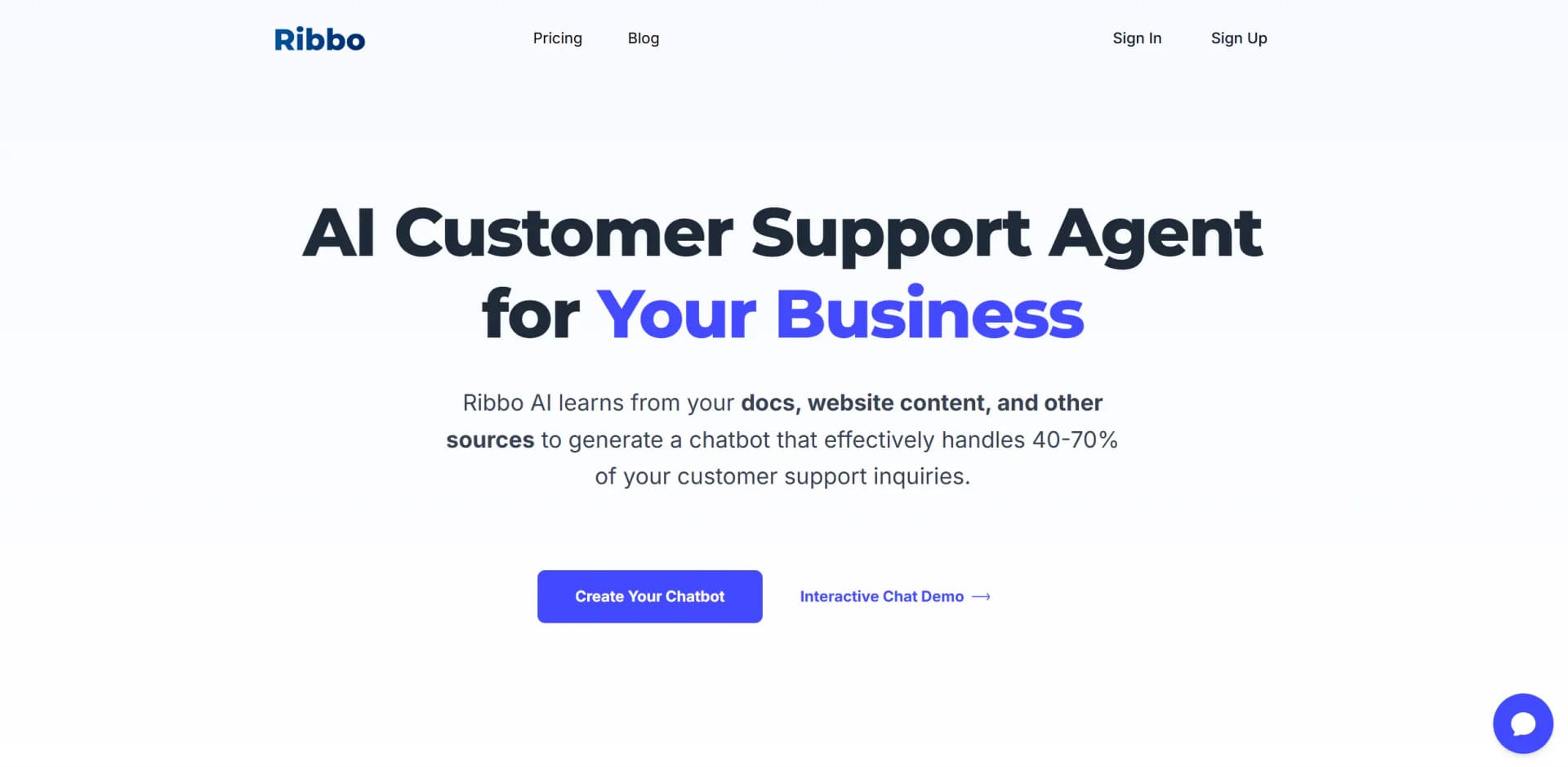
Ribbo is a cutting-edge AI tool designed to revolutionize customer support for businesses. By leveraging the power of AI, Ribbo creates a chatbot that can handle a significant portion of customer inquiries, effectively managing 40-70% of support requests. Tailored for small to midsize businesses, Ribbo simplifies customer service by learning from your company's data, including documents, website content, and more, to provide instant, accurate responses to customer queries.
Ribbo stands out with its ability to extend ChatGPT technology using your business's unique data and tone of voice. This tailored approach not only enhances the accuracy of customer support but also ensures that the chatbot aligns perfectly with your brand's communication style.
Ribbo offers a powerful solution for businesses looking to enhance their customer support capabilities. With its robust AI-driven features and customizable options, Ribbo not only improves efficiency but also aligns with your brand's identity. Whether you're a small business or a midsize enterprise, Ribbo provides a scalable and cost-effective way to manage customer inquiries, making it a valuable asset in today's competitive market.
Who is Using Ribbo?
Small Businesses
Utilizing Ribbo for providing 24/7 customer support without increasing staff.
Midsize Enterprises
Employing Ribbo to manage routine inquiries, freeing up human agents for complex issues.
E-commerce Platforms
Leveraging Ribbo to handle frequent customer queries efficiently.
Tech Startups
Using Ribbo to maintain high customer service standards with limited resources.
Uncommon Use Cases
Educational Institutions: Managing student inquiries efficiently.; Healthcare Providers: Answering basic patient questions to reduce administrative workload.
Key Features
Rating Breakdown
Pricing Plans
Free Tier
Free
- Experience Ribbo with a free plan available upon sign-up
- Allowing you to test its features before committing to a purchase
Which Ribbo plan should you pick?
Start with Free to test one support agent; upgrade to Small, Medium, Large, or Enterprise as usage, data, channels, and team requirements grow.
Free
Good for testing one chatbot with limited messages, data, and file uploads.
Small
Good for growing teams needing two chatbot apps, more credits, and one team member.
Medium
Good for teams needing five apps, higher data limits, three team members, and six-hour retraining.
Large
Good for high-volume support needing 15 apps, five team members, and hourly retraining.
Enterprise
Good for organizations needing custom solutions, 50 apps, ten team members, dedicated onboarding, and custom retention.
Ribbo Use Cases
Website customer support
Upload company content and embed a support agent in a website chat widget.
Outcome: Customers receive automated answers around the clock.
WhatsApp support
Deploy the same trained support agent through WhatsApp.
Outcome: Customers can get consistent support in an existing messaging channel.
Slack support
Deploy an agent to Slack using the organization's support knowledge.
Outcome: Support is available through a team communication channel.
Human escalation
Create plain-language escalation rules for requests, sentiment, or billing disputes.
Outcome: Complex conversations are routed to human support with context.
Support analytics
Review conversations, resolution rates, unanswered questions, and common topics.
Outcome: Teams can identify knowledge gaps and improve their support content.
Workflow Ideas with Ribbo
Launch a website support agent
- 1Upload PDFs, plain text, or Q&A pairs
- 2Choose an AI model and customize the widget
- 3Embed the widget on the website
Automate support escalation
- 1Define rules for human requests, frustration, or billing disputes
- 2Route matching conversations to the appropriate support queue
- 3Pass the full conversation context to the human agent
Improve the knowledge base
- 1Review live and past conversations
- 2Identify unanswered questions and frequent topics
- 3Update the knowledge base and retrain the agent
How Ribbo fits into your stack
Browser
Ribbo is delivered as a web-based dashboard for creating agents, uploading knowledge, configuring widgets, and reviewing conversations.
Team chat and tickets
Agents can be deployed to WhatsApp and Slack, providing automated customer support in existing communication channels.
Automation and APIs
Ribbo provides an API endpoint and supports workflow-based integrations through Zapier-style webhook flows.
Knowledge and files
Teams build support agents from PDFs, DOC files, website crawls, plain text, and Q&A pairs.
Pros
- +24/7 Availability: Provides round-the-clock support, acting as an additional team member that never sleeps.
- +Cost Reduction: Significantly lowers customer support costs by automating simple and repetitive inquiries.
- +Customization: Offers extensive customization options, from design to tone of speech, aligning the chatbot with your brand's identity.
- +Handoff Capability: Smoothly transitions conversations from the AI bot to a live operator when needed, ensuring optimal customer support.
Cons
- −Initial Setup Time: While no coding skills are needed, setting up and training the chatbot may require an initial investment of time.
- −Data Dependency: The effectiveness of responses largely depends on the quality and comprehensiveness of the provided data.
Limitations & when to consider alternatives
Known limitations
- Free-plan usage is limited. The Free plan includes 30 message credits and one chatbot app.
- Data capacity varies by plan. Plans limit the amount of training data, ranging from 1,000,000 to 12,000,000 characters.
- File uploads have size limits. Plan limits range from 5 MB on Free to 100 MB on Enterprise.
- Retraining frequency depends on the plan. Automated retraining ranges from every 24 hours to every hour.
- Advanced models require higher plans. GPT-4 and Claude models are listed as available on Growth plans and above.
How to Use Ribbo
- 1
Add your support content
Upload PDFs or DOC files, paste a website URL, add plain text, or create Q&A pairs so Ribbo can build its knowledge base.
- 2
Choose the AI model
Select an available model such as GPT-4o, Claude Sonnet, Gemini, or Llama 3 according to support needs and budget.
- 3
Customize the widget
Adjust the support widget and agent presentation before deployment.
- 4
Deploy the agent
Embed the website widget or deploy the agent to WhatsApp and Slack.
- 5
Configure handoff rules
Set plain-language conditions that route conversations to human support.
- 6
Review and improve
Use conversation logs and analytics to find unanswered questions, update content, and retrain the agent.
Who is Ribbo For?
Businesses
Ribbo provides always-on AI customer support based on company documentation and FAQs.
Customer-support teams
Teams can automate repetitive questions, monitor conversations, review analytics, and hand off complex cases to humans.
Growing teams
Paid plans add more agents, message credits, data capacity, team members, and automated retraining.
Organizations
The Enterprise plan offers custom solutions, dedicated onboarding, higher volumes, and custom data retention.
Frequently Asked Questions
Does Ribbo offer a free plan?
Yes. Ribbo provides a Free plan immediately after sign-up.
What data can be uploaded?
Users can upload text documents such as PDF, TXT, and DOC files, or pull data from websites and blogs.
What languages does Ribbo support?
Documents can be uploaded in any language, and the chatbot can communicate in different languages.
Can subscriptions be canceled?
Subscriptions can be canceled at any time from account settings.
What is a message credit?
A message credit measures a bot response; GPT-4o-mini responses use one credit, while GPT-4 or Claude responses use 20.
What is automated retraining?
Ribbo automatically re-crawls websites and retrains agents at intervals determined by the plan.
Community reviews
3 reviews from people who use Ribbo.
Sign in to leave a review for Ribbo.
Alexander Shpilka
Valeria Roz
Thibault BM
Ribbo Alternatives
Looking for alternatives to Ribbo? Here are similar tools in the same category:
Learn to Master Ribbo
With Skill Leap courses
Get in-depth training on Ribbo and 50+ other AI tools with our expert-led video courses.
Start 7-Day Free Trial