
Role Model AI
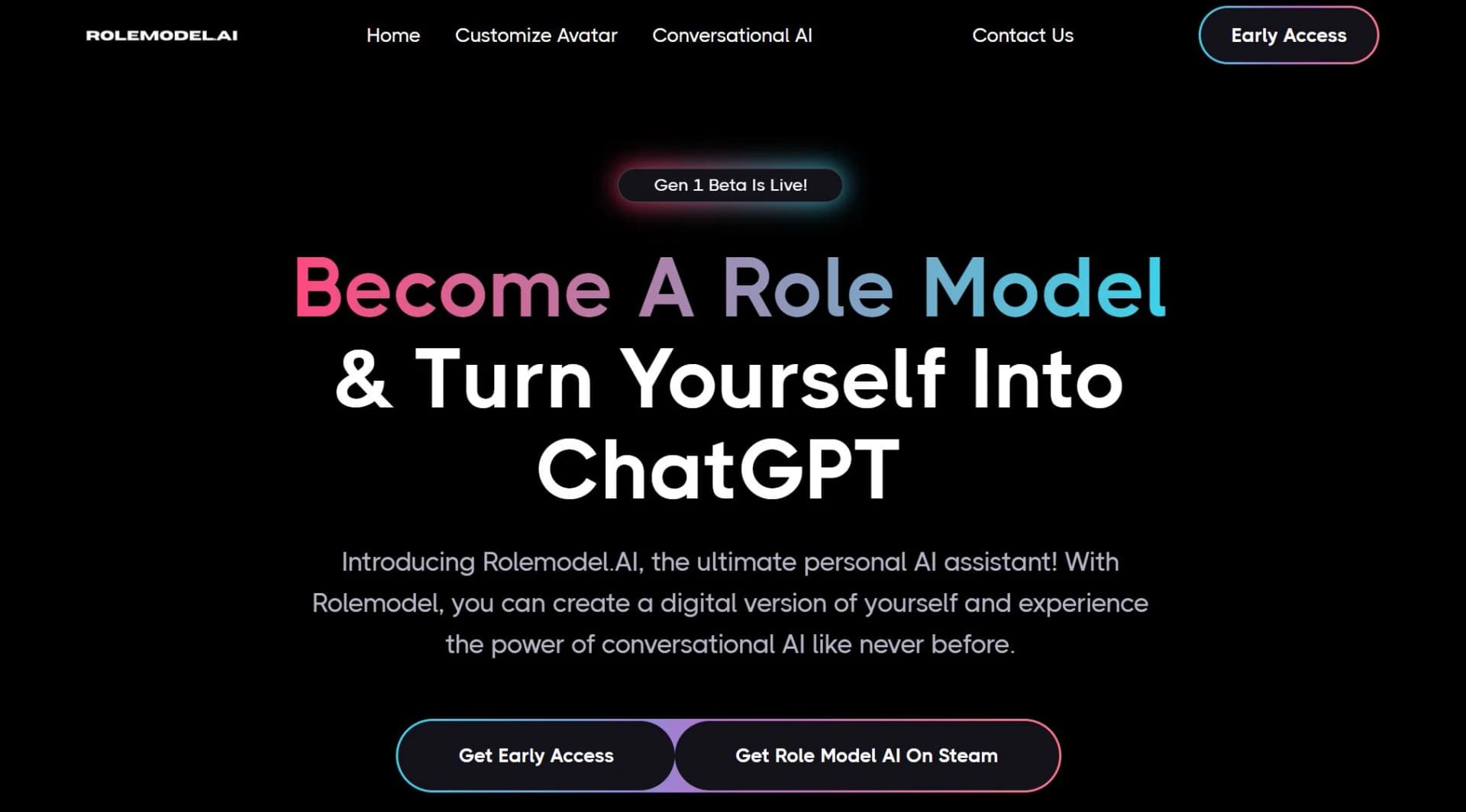
Virtual assistant with 3D avatars, phone integration, and Fortnite connectivity.
Watch Role Model AI in Action
Key Takeaways
- What it is
- Virtual assistant with 3D avatars, phone integration, and Fortnite connectivity.
- Best for
- Multi-Dimensional Communication
- Concierge by Role Model AI
- Role Model AI Agents
- Rating
- 4.4/5
What is Role Model AI?
Imagine a world where your assistant isn't just a figment of the digital realm but a multi-dimensional entity that can accompany you virtually anywhere. That's the vision behind Rolemodel AI, a cutting-edge AI platform that redefines the boundaries of virtual assistance. This innovative tool is designed to cater to the ever-evolving needs of users in this fast-paced digital age, offering a suite of functionalities that cross the barriers between digital tasks and immersive experiences.
Rolemodel AI is not your average virtual assistant; it's a four-dimensional task juggernaut that provides support through phone calls, a detailed agent dashboard, lifelike 3D avatars, and even integrates with the gaming world, specifically Fortnite. This unique blend of practicality and technological prowess makes Rolemodel AI a standout contender in the realm of AI tools.
Rolemodel AI stands out with its innovative approach to task assistance, transcending traditional boundaries by offering services across phone calls, dashboards, avatars, and even within a game environment. Its ability to merge real-world task management with virtual gaming experiences sets it apart from any other AI tool on the market.
Rolemodel AI excels in providing a comprehensive and engaging approach to virtual assistance, making it an indispensable tool for users who crave innovation and versatility. Its multi-dimensional communication platforms and customization options offer an unmatched advantage in personal and professional task management. Whether you're a gamer looking to blend play with productivity or a professional in need of a sophisticated task manager, Rolemodel AI is poised to transform your digital interactions.
Who is Using Role Model AI?
Busy Professionals
Streamlining their workflow through the AI agent dashboard.
Gamers
Enhancing their gaming experience with in-game AI assistance.
Creative Individuals
Bringing their imaginative avatars to life for unique interactions.
Tech Enthusiasts
Exploring the cutting-edge integration of AI across multiple platforms.
Uncommon Use Cases
Academic researchers using the tool to study AI-human interaction; Event planners leveraging the AI concierge for organizing events.
Key Features
Rating Breakdown
Pricing Plans
Free Trial
- Users can start with Rolemodel AI for free to get a taste of its capabilities
AYOTA Coins
- The platform operates with a unique token system to access various AI communication methods
Which Role Model AI plan should you pick?
Start with Free to test avatar conversations, choose Pro for streaming, meetings, media generation, and vibe coding, and upgrade to Expert for website embedding, advanced models, analytics, and dedicated support.
Free
Good for trying avatar conversations, basic memory features, and one custom avatar with the included welcome credits.
Pro
Good for creators and professionals who need streaming, meetings, media generation, connected coding workflows, and more monthly talk time.
Expert
Good for users who need website embedding, advanced models, higher generation limits, analytics, priority processing, and dedicated support.
Role Model AI Use Cases
Create a digital twin
Upload a portrait, configure personality and knowledge, and create a photorealistic talking avatar.
Outcome: A personalized avatar that can represent you in conversations and public experiences.
Stream with an avatar
Add an avatar to OBS through a Browser Source and control muting from another device.
Outcome: A live stream featuring a talking Role Model AI avatar.
Connect productivity tools
Connect Notion, LinkedIn, and Home Assistant, then request actions through Talk.
Outcome: Tool actions performed through conversational commands.
Join online meetings
Send a ready avatar to Zoom, Google Meet, or Microsoft Teams.
Outcome: An avatar that participates in supported online meetings.
Generate media conversationally
Ask the avatar to create images or videos during a live session.
Outcome: Generated media saved in My Creations for download or reuse.
Workflow Ideas with Role Model AI
Create and publish a digital twin
- 1Upload a portrait photo
- 2Configure voice, personality, opening message, and knowledge
- 3Publish the avatar through a Living Bio or website embed
Manage content through connected tools
- 1Connect Notion or LinkedIn
- 2Ask Concierge to search, create, or update content
- 3Review the resulting pages or posts in the connected service
Prepare an avatar livestream
- 1Select a personal or ready-made avatar
- 2Add the avatar to OBS using the Browser Source
- 3Use the mute dock while streaming
How Role Model AI fits into your stack
Generative Tools
Incorporates GPT-3.5, GPT-4, and other AI models for diverse functionalities.
Custom API Integrations
Allows for tailored connections with other digital tools and platforms.
Social Media Automation
Facilitates automated interactions and content creation on social networks.
Lead Generation
Employs AI to streamline the process of generating and managing leads.
Pros
- +Versatility: Offers a wide range of interfaces for interaction, from voice to gaming.
- +Customization: Tailors the experience to individual user preferences and styles.
- +Innovation: Integrates with popular platforms like Fortnite, pushing the boundaries of conventional AI tools.
- +User Engagement: Provides an immersive and interactive way to manage tasks, making the process more enjoyable.
Cons
- −Complexity for New Users: The variety of interfaces might overwhelm users who are new to AI tools.
- −Gaming Integration Niche: The Fortnite integration, while innovative, might not appeal to non-gamers.
- −Learning Curve: With its advanced features, users may require some time to harness the full potential of Rolemodel AI.
Limitations & when to consider alternatives
Known limitations
- Credit-based usage. Avatar conversations consume three credits per minute, and additional avatars or media generation may require more credits.
- Free access is limited. The Free plan provides a one-time 15-credit welcome allowance, approximately five minutes of avatar talk time.
- Some connectors are not live. Google Calendar is pending Google verification and is not available for everyone.
- Professional advice disclaimer. Marketplace avatars provide educational guidance and are not substitutes for licensed medical, legal, financial, or therapeutic professionals.
- AI output review is required. Role Model AI states that outputs may be inaccurate or incomplete and users are responsible for reviewing avatar behavior.
How to Use Role Model AI
- 1
Users can find comprehensive tutorials and demos on the official Rolemodel AI website, which guide through the basic setup to advanced features and integrations.
Who is Role Model AI For?
Creators
Creators can build personal avatars, generate media, publish Living Bios, and stream with avatars.
Founders
Founders can use an avatar for business advising, meetings, tool connections, and public representation.
Teams
Teams are named by Role Model AI as a target audience for connected tools, meetings, and AI-assisted workflows.
Doers
Doers can use Memory, Goals, Daily Brief, reminders, connected apps, and action-oriented conversations.
Frequently Asked Questions
What is Role Model AI?
Role Model AI provides photorealistic talking avatars that can converse, remember context, connect to tools, join meetings, stream, and embed on websites.
Is there a free way to try Role Model AI?
Yes. The Free plan costs $0 per month and includes 15 welcome credits plus one free custom avatar.
How does credit-based billing work?
Avatar talk time uses three credits per minute. Paid plans include monthly credits, and additional credit packs or custom top-ups are available.
Which integrations are supported?
Role Model AI documents Notion, LinkedIn, Home Assistant, Zoom, Google Meet, Microsoft Teams, Cursor, Claude, and OBS-related connections.
Can I embed my avatar on a website?
Yes. The Expert plan supports website embedding through a chat bubble, fullscreen launcher, or iframe.
Can Role Model AI provide professional advice?
Marketplace avatars are intended for education, brainstorming, and practice and are not substitutes for licensed medical, legal, financial, or therapeutic professionals.
Community reviews
1 review from people who use Role Model AI.
Sign in to leave a review for Role Model AI.
David Thompson
Role Model AI Alternatives
Looking for alternatives to Role Model AI? Here are similar tools in the same category:
Learn to Master Role Model AI
With Skill Leap courses
Get in-depth training on Role Model AI and 50+ other AI tools with our expert-led video courses.
Start 7-Day Free Trial