
Rosebud
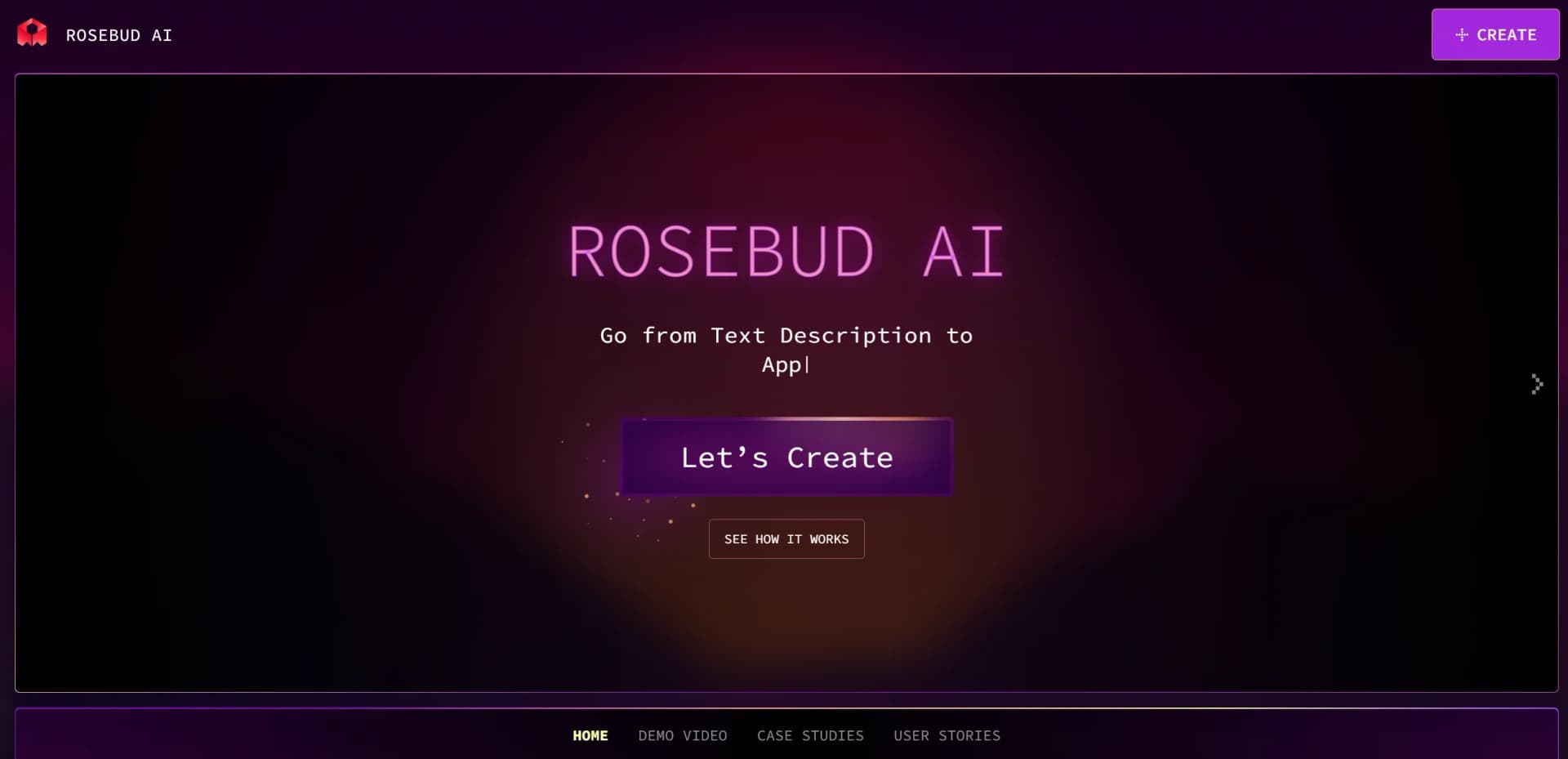
Create games, apps, and websites from text descriptions.
Key Takeaways
- What it is
- Create games, apps, and websites from text descriptions.
- Pricing
- Freemium
- Best for
- 3D Game Maker
- AI Characters
- Education Tools
- Rating
- 4.4/5
What is Rosebud?
Rosebud is transforming the way we create and interact with multimedia content, offering an innovative platform that allows users to craft games, apps, and websites directly from text descriptions. Designed for creators, educators, and digital enthusiasts, Rosebud simplifies the complex process of game development and interactive storytelling, making it accessible to a broader audience. This AI-driven tool empowers users to engage in creative conversations, enabling them to bring their ideas to life with the assistance of Rosie, Rosebud's AI assistant.
Rosebud stands out with its ability to transform text descriptions into fully-fledged digital creations, a revolutionary approach in the realm of digital content creation. Its AI-powered platform not only simplifies complex processes but also fosters creativity, making it a game-changer for educators, developers, and creators seeking to explore new frontiers in multimedia development.
Rosebud offers a unique opportunity to unlock creativity and streamline the creation of games, apps, and websites. With its AI-driven approach, users can quickly bring their ideas to life, whether for educational purposes, entertainment, or professional development. The platform's blend of innovation, ease of use, and robust features makes it an invaluable tool for anyone looking to explore the intersection of AI and digital creativity.
Who is Using Rosebud?
Game Developers
Leveraging the tool to quickly prototype and develop games.
Educators
Utilizing Rosebud to enhance interactive learning experiences for students.
Content Creators
Crafting engaging stories and multimedia content with AI assistance.
App Developers
Streamlining app creation through AI-driven processes.
Uncommon Use Cases
Therapists: Creating therapeutic games for mental health and cognitive development.; Historians: Developing interactive historical narratives for educational engagement.
Key Features
Rating Breakdown
Pricing Plans
Free Tier
Free
- Allows users to explore Rosebud's capabilities with a trial period
Which Rosebud plan should you pick?
Start with Free to validate a game or app idea, then move to Indie Dev for more credits, 10x Dev for commercial projects, or Pro for the largest projects and advanced export options.
Free
Good for beginners who need to experiment with browser-based game and app creation using limited weekly prompts or credits.
Indie Dev
Good for solo creators who need substantially more AI credits for ongoing prototyping and development.
10x Dev
Good for creators who need commercial usage rights and higher usage limits for serious projects.
Pro
Good for advanced creators who need the highest usage tier, larger projects, commercial rights, and code export capabilities.
Rosebud Use Cases
Prototype a game
Describe characters, mechanics, environments, controls, enemies, and scoring, then iterate through prompts.
Outcome: A playable game prototype in the browser.
Build a web app
Start from a web-app template and prompt Rosie to generate the interface, logic, and backend setup.
Outcome: A shareable web application.
Create an interactive story
Build branching stories or collaborative classroom storytelling experiences with AI-generated suggestions.
Outcome: An interactive narrative users can play or contribute to.
Generate game assets
Create sprites, tilesets, UI art, models, skyboxes, sound, and other assets alongside the project code.
Outcome: A more complete visual and audio game package.
Add multiplayer features
Use Rosebud templates and supported backend integrations to add accounts, shared state, leaderboards, or multiplayer functionality.
Outcome: A browser-playable multiplayer experience.
Workflow Ideas with Rosebud
From idea to playable prototype
- 1Choose a template or start from scratch
- 2Describe the game mechanics and visual style to Rosie
- 3Play the live preview and iterate with additional prompts
- 4Publish a shareable browser link
Build and refine a web app
- 1Select the Build Web App template
- 2Prompt Rosie to generate the interface and core interactions
- 3Connect Supabase for authentication or persistent data
- 4Test the app and ask Rosie to fix or improve issues
Create a classroom storytelling app
- 1Prompt Rosebud to create teacher and student portals
- 2Add a session PIN and collaborative story flow
- 3Generate AI suggestions after each student contribution
- 4Publish and share the finished experience
How Rosebud fits into your stack
Browser
Rosebud is a browser-based workspace where prompts generate code, assets, live previews, and published games or web apps.
Knowledge and files
The Assets tab stores uploaded and generated images, audio, and 3D models for use in projects.
Pros
- +Creative Empowerment: Enables users to rapidly prototype and iterate on creative ideas.
- +User-Friendly Interface: Intuitive design simplifies the game and content creation process.
- +Versatile Applications: Supports a wide range of projects, from educational tools to entertainment content.
- +AI Assistance: Provides robust AI support, reducing development time and complexity.
Cons
- −Initial Learning Curve: Users may need time to fully grasp the potential and functionalities of the tool.
- −Limited Customization: Some users may find constraints in highly specific or complex customizations.
- −Integration Limitations: Currently, integration with certain third-party platforms may be limited.
Limitations & when to consider alternatives
Known limitations
- Browser-first creation. Rosebud's editor runs in the browser and does not provide a dedicated desktop authoring application.
- AI code-size limits. Rosebud documents a roughly 2,500-line limitation for single-file AI coding contexts and recommends multifile projects for larger builds.
- Commercial rights require paid plans. Free-version content is for personal, non-commercial use; paid plans are required for commercializing generated content.
- Windows export is paid-gated. Windows executable downloads and Steam export are available on paid plans rather than the free tier.
- AI output requires review. Rosebud warns that generative AI outputs may be incorrect and recommends human review before use.
Look elsewhere when
- You need a public developer API.
- You need a native mobile authoring app.
- You need enterprise SSO or SAML.
- You need built-in image analysis rather than asset upload.
How to Use Rosebud
- 1
Start a project
Open Rosebud AI, choose a game or web-app template, or select the option to create from scratch.
- 2
Describe the experience
Prompt Rosie with the desired mechanics, characters, layout, interactions, and visual style.
- 3
Add assets
Upload images, audio, or 3D models, or ask Rosebud to generate sprites, environments, models, and sound.
- 4
Iterate in the live preview
Play the current build, identify problems, and request targeted changes or bug fixes in natural language.
- 5
Inspect or edit the code
Open the Code tab to review generated JavaScript, make manual edits, and use multifile structure for larger projects.
- 6
Publish or export
Publish a shareable browser link, or use eligible paid-plan export options such as downloadable Windows builds.
Who is Rosebud For?
Beginning creators
Rosebud is designed for people who want to create games or apps without writing code manually.
Indie game developers
Indie developers can generate mechanics, assets, code, and playable prototypes from natural-language prompts.
Experienced developers
Developers can inspect and manually edit the generated JavaScript and use multifile projects for deeper control.
Educators and students
Rosebud supports classroom use, and students can read generated code to learn programming and game development.
Frequently Asked Questions
What is Rosebud AI?
Rosebud AI is a browser-based game and interactive-app builder. Users describe games, web apps, websites, or 3D experiences in natural language, and Rosie generates the implementation.
What can Rosebud create?
Rosebud can create 2D games, 3D worlds, multiplayer experiences, web apps, websites, and interactive 3D projects.
Does Rosebud generate code?
Yes. Rosebud generates real JavaScript, including Three.js projects, and users can inspect, edit, and export the code.
Can users upload assets?
Yes. Users can upload images, audio, and 3D models, including GLB, GLTF, and OBJ files.
Can Rosebud projects be published?
Yes. The Publish action creates a shareable link that lets people play the project in a browser without a Rosebud account.
Is Rosebud free?
Rosebud can be started for free in the browser. Paid plans provide more AI credits, larger projects, and commercial usage rights.
Community reviews
Be the first to share your experience.
Sign in to leave a review for Rosebud.
Rosebud Alternatives
Looking for alternatives to Rosebud? Here are similar tools in the same category:
Learn to Master Rosebud
With Skill Leap courses
Get in-depth training on Rosebud and 50+ other AI tools with our expert-led video courses.
Start 7-Day Free Trial