Rows AI
Make sense of messy business data directly inside your spreadsheet.
Key Takeaways
- What it is
- Make sense of messy business data directly inside your spreadsheet.
- Pricing
- Freemium · $8 per user per month · $79 per month plus $8 per user per month
- Best for
- AI Analyst
- AI functions
- AI Vision imports
- Rating
- 4.2/5
What is Rows AI?
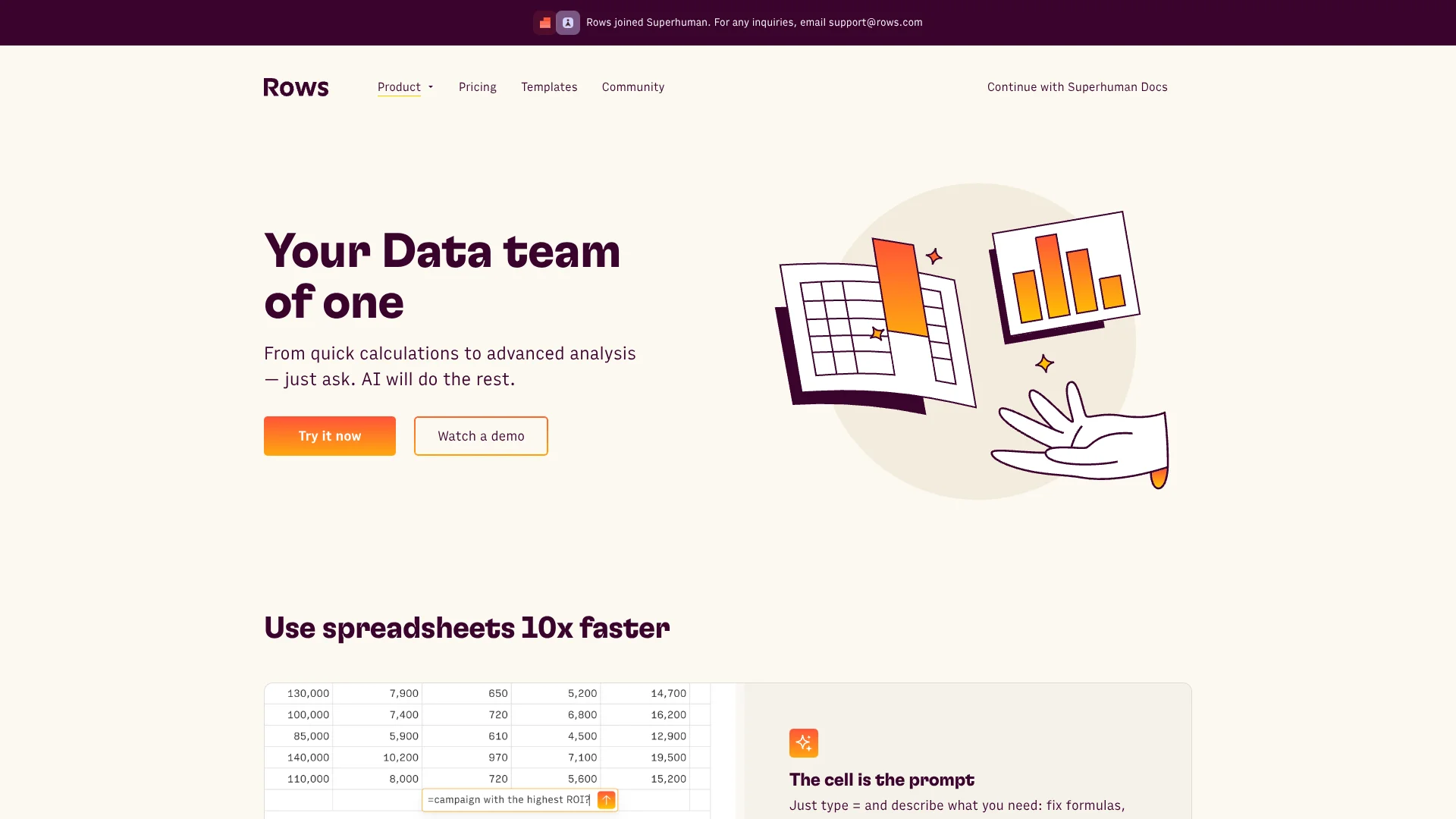
Rows AI brings natural-language analysis into a spreadsheet, where it can summarize tables, classify text, build charts, and help fix formulas. It is made for people who work with business data and want to spend less time cleaning rows or writing spreadsheet formulas. Data can also come in through connected services or from PDFs and images.
The AI works directly with spreadsheet cells and tables: it can classify customer feedback, extract details from text, and analyze imported data in the same workspace where the results are organized.
Rows AI is a fit for analysts and business teams that rely on recurring reports or messy datasets. AI task allowances vary by plan: Free includes 5 per month, Plus 200 per month, Pro 1,000 per month, and Enterprise unlimited. Rows is most useful when the analysis needs to stay connected to spreadsheet data.
Who is Using Rows AI?
Business analyst
Recurring reports become easier to update when connected data tables refresh automatically.
Marketing analyst
Campaign data from connected services can be organized and analyzed in spreadsheet tables.
Customer experience manager
Text classification and sentiment analysis can help sort customer feedback.
Operations manager
PDF and image imports can turn source documents into editable tables for review.
Uncommon Use Cases
Translate spreadsheet text between languages; generate sample datasets or spreadsheet models from a prompt.
Key Features
Rating Breakdown
Pricing Plans
Free
Free
- 5 AI Tasks per month
- Manual Data Table imports
- 10 integration accounts
- Up to 3 guests
Plus
$8 per user per month
- 200 AI Tasks per month
- Data Tables automate daily
- 10 integration accounts
- Up to 10 guests
- Annual billing: $6 per user per month
Pro
$79 per month plus $8 per user per month
- 1,000 AI Tasks per month
- Data Tables automate every minute
- 100 integration accounts
- Up to 200 guests
- Annual billing: $59 per month plus $6 per user per month
Enterprise
- Unlimited AI Tasks
- Advanced API endpoints
- Custom AI models, functions, and integrations
- SAML SSO
Which Rows AI plan should you pick?
Start with Free to test spreadsheet AI; choose Plus for daily Data Table automation, or Pro for more AI Tasks and refreshes as often as every minute.
Free
Good for trying Rows and occasional AI spreadsheet work with 5 AI Tasks per month.
Plus
Good for regular individual or team use that needs 200 AI Tasks per month and daily Data Table automation.
Pro
Good for higher-volume work that needs 1,000 AI Tasks per month and Data Table automation as often as every minute.
Enterprise
Good for organizations that need unlimited AI Tasks, advanced API endpoints, or custom AI models, functions, and integrations.
Rows AI Use Cases
Analyze business data
Questions in plain language can guide summaries and analysis of spreadsheet tables.
Outcome: Key findings and calculated results in the spreadsheet.
Sort customer feedback
AI classification can group written comments by topic or sentiment.
Outcome: Text organized into tags or sentiment categories.
Extract document data
PDFs and images can be converted into editable spreadsheet tables.
Outcome: Document information arranged in rows and columns.
Refresh recurring reports
Connected Data Tables can update imported service data on a schedule with paid plans.
Outcome: Updated source data in spreadsheet tables.
Enrich spreadsheet records
Rows AI functions can extract details or add relevant facts to text-based data.
Outcome: More structured information in spreadsheet cells.
Workflow Ideas with Rows AI
Turn customer comments into a report
- 1Import customer comments into a spreadsheet.
- 2Classify the comments by topic or sentiment with Rows AI.
- 3Summarize the resulting categories for a report.
Build a recurring marketing report
- 1Connect a marketing or analytics service.
- 2Create a Data Table from the imported data.
- 3Set a refresh schedule available on your plan, then review the updated results.
Convert documents into usable data
- 1Import a PDF or image using AI Vision.
- 2Review the extracted spreadsheet table.
- 3Use AI functions to summarize or classify relevant text.
How Rows AI fits into your stack
Spreadsheet workspace
Rows is where tables, formulas, charts, and AI-assisted analysis come together. AI actions can work directly with spreadsheet content.
Connected services
Integrations import data from external services into Data Tables or spreadsheet cells. Paid plans support scheduled Data Table refreshes.
Documents and images
AI Vision extracts information from PDFs and images into editable tables.
Apps and APIs
The Rows API can read and write spreadsheet data, while HTTP functions can connect to other APIs.
Pros
- +Spreadsheet-native AI: AI actions can work on cells, tables, and charts where the data already lives.
- +Document extraction: AI Vision can turn PDFs and images into editable tables.
- +Connected data: Integrations can import data from services such as Google Analytics and Salesforce.
- +Shared workspaces: Members and guests can access spreadsheets with workspace-based permissions.
Cons
- −AI task quotas: Each plan limits how many AI Tasks are available per month.
- −Spreadsheet-centered: Its AI features are most useful when the work involves data organized in tables.
- −Pro base fee: Pro has a monthly workspace fee in addition to its per-user charge.
Limitations & when to consider alternatives
Known limitations
- AI Task quotas. The pricing page lists 5 AI Tasks per month for Free, 200 for Plus, 1,000 for Pro, and unlimited for Enterprise.
- Integration task limits. Free includes 500 cell enrichment tasks per month; Plus and Pro include 1 million per month.
- Import file sizes. The documented maximum import size is 100 MB for CSV files and 15 MB for XLSX files.
- Rows API rate limit. The Rows API is limited to 60 requests per minute per API key.
Look elsewhere when
- You need a native iOS or Android app rather than a web app.
- You need a downloadable desktop installer rather than a browser-based app.
- Your work does not center on spreadsheet data.
How to Use Rows AI
- 1
Start a spreadsheet
Open a Rows spreadsheet and bring in existing data, or begin with a blank sheet.
- 2
Choose an AI entry point
Open the AI Analyst or type an equals sign in a cell to describe the spreadsheet task.
- 3
Connect a data source
Choose an integration from the Data panel and connect the service when prompted.
- 4
Import documents when needed
Use AI Vision to extract tables from PDFs or images.
- 5
Check usage and results
Review AI Task limits on your plan and check generated or imported data before sharing it.
- 6
Share the spreadsheet
Invite workspace members or guests to view or edit spreadsheets.
Who is Rows AI For?
Data analysts
AI actions and connected data help speed up recurring analysis and reporting in spreadsheets.
Business teams
Shared workspaces make it possible to organize and review spreadsheet work together.
Operations and marketing teams
Integrations can bring service data into tables for reporting and analysis.
People working with unstructured data
AI Vision and text functions help turn documents, images, and written feedback into usable spreadsheet data.
Frequently Asked Questions
Does Rows have a free plan?
Yes. The Free plan costs $0 and includes 5 AI Tasks per month.
How much does Rows cost?
The monthly prices shown are $8 per user for Plus and $79 per month plus $8 per user for Pro. Free costs $0; Enterprise pricing is not listed.
Can Rows AI read PDFs and images?
Yes. AI Vision can import PDFs and images and extract their contents into editable tables.
Can Rows connect to other services?
Yes. Rows offers integrations for external services and supports connections to custom APIs.
Does Rows have a native mobile app?
Rows documents installation as a Progressive Web App through a mobile browser, rather than a native iOS or Android app.
Community reviews
Be the first to share your experience.
Sign in to leave a review for Rows AI.
Rows AI Alternatives
Looking for alternatives to Rows AI? Here are similar tools in the same category: