
Runcell
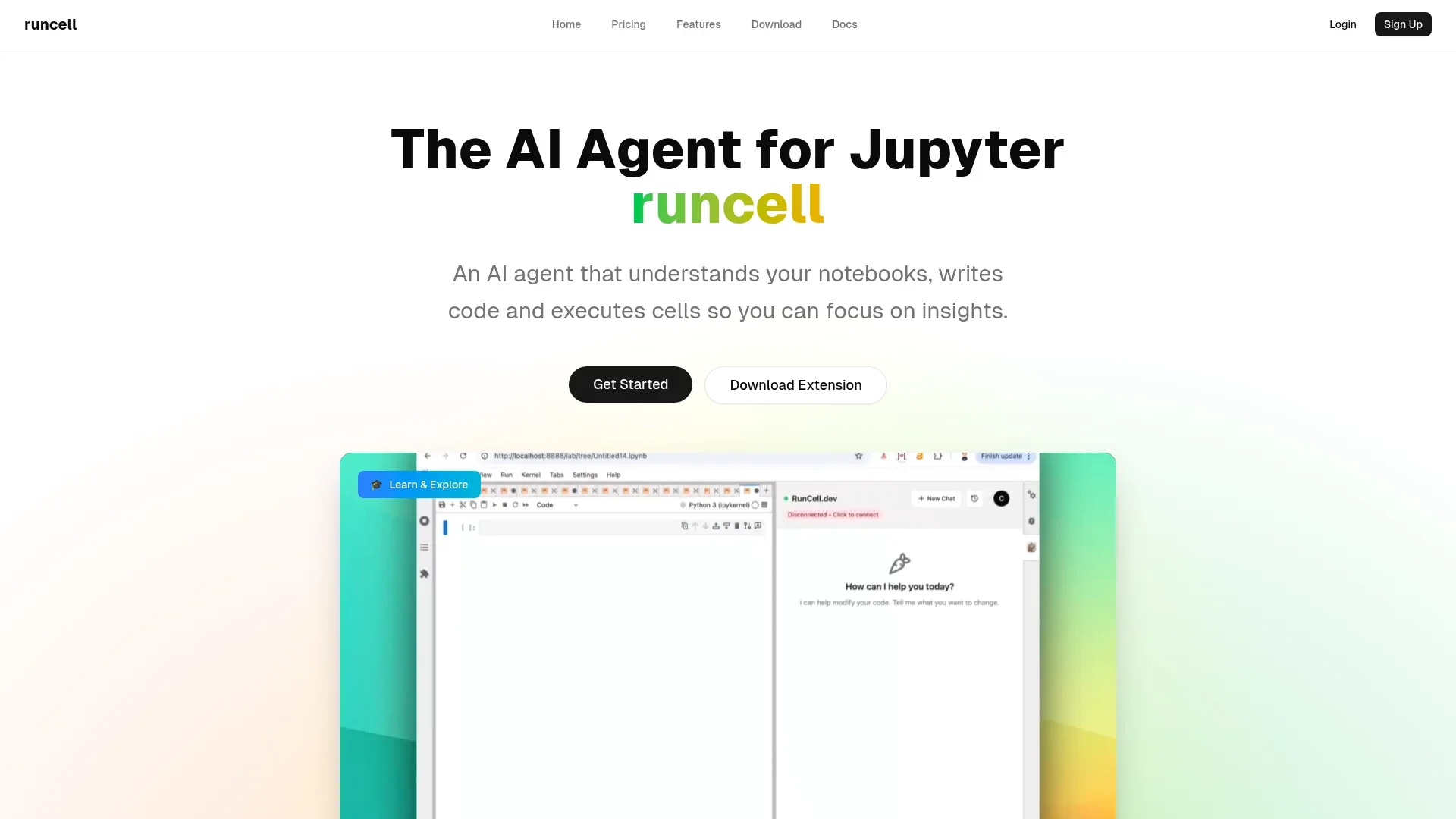
Understands your Jupyter notebook, writes and executes code.
Key Takeaways
- What it is
- Understands your Jupyter notebook, writes and executes code.
- Pricing
- Freemium · $20 per month
- Best for
- Interactive Learning Mode
- Autonomous Agent Mode
- Smart Edit Mode
- Rating
- 4.4/5
What is Runcell?
Runcell is an innovative AI agent designed to transform the way data scientists and developers interact with Jupyter notebooks. It offers a suite of features aimed at automating code execution, enhancing learning experiences, and providing intelligent code editing. Tailored for professionals who rely on Jupyter for data analysis, Runcell simplifies complex workflows, allowing users to focus on deriving insights rather than spending time on repetitive tasks.
Runcell stands out with its AI-driven interactive learning mode, providing a unique educational experience within Jupyter notebooks. Its ability to automate entire workflows and offer intelligent code suggestions makes it a valuable tool for both learning and productivity.
Who is Using Runcell?
Data Scientists
Leveraging Runcell to automate data analysis processes and enhance their understanding of different algorithms.
Academic Researchers
Utilizing the interactive learning mode for teaching and explaining complex concepts to students.
Software Developers
Employing Runcell to streamline workflow automation and improve code efficiency.
Machine Learning Engineers
Using it to execute and optimize machine learning models within Jupyter.
Uncommon Use Cases
Adopted by educational institutions for interactive teaching of data science courses; utilized by freelance data analysts to enhance their project workflows.
Key Features
Rating Breakdown
Pricing Plans
Hobby
Free
- Includes 50 credits per month (plus 50 bonus credits during beta), limited AI execution credits, and community support
Pro
$20 per month
- Includes 500 credits per month, unlimited code completions, and priority support
Which Runcell plan should you pick?
Start with Hobby to test Runcell using its free monthly credits, then upgrade to Pro or higher when you need more credits, advanced models, privacy mode, or team administration.
Hobby
Good for trying Runcell with 20 monthly credits and limited AI execution and model access.
Pro
Good for heavy notebook users who need 500 monthly credits, advanced models, priority support, and privacy mode.
Pro+
Good for heavier agent workflows requiring 2,000 monthly credits and priority access to new features.
Ultra
Good for intensive agent workflows requiring 10,000 monthly credits and advanced model access.
Teams
Good for organizations needing centralized billing, seat management, invite links, usage dashboards, and admin controls.
Runcell Use Cases
Data analysis
Ask a question, inspect data, generate and execute notebook code, then interpret tables and charts.
Outcome: A reproducible analysis with explainable results.
Data science experimentation
Explore data, test methods, build models, and compare approaches through runnable notebook experiments.
Outcome: Evidence-based model and method selection.
Risk and quantitative finance
Analyze markets, portfolios, forecasts, and risk using notebook diagnostics.
Outcome: Defensible quantitative analysis.
Scientific research
Turn research questions into executable code, figures, simulations, and reproducible notebook evidence.
Outcome: Inspect-able research workflows.
Physics problem solving
Describe a physics problem and have Runcell set up equations, write code, run simulations, and inspect results.
Outcome: Numerical solutions, plots, and verifiable results.
Workflow Ideas with Runcell
Revolutionizing Jupyter Workflows
- 1Runcell offers a unique blend of automation, education, and code enhancement within Jupyter notebooks, making it an indispensable tool for data professionals. Its AI-driven features not only save time but also provide a deeper understanding of complex data science concepts, making it a worthwhile investment for those looking to enhance their Jupyter experience.
How Runcell fits into your stack
Browser
Runcell runs inside JupyterLab, where users interact with its sidebar, notebook cells, outputs, and agent conversations through the browser-based Jupyter interface.
Desktop / IDE
The product integrates with JupyterLab and VS Code, and also offers a native macOS desktop build for notebook-centered work.
Knowledge and files
Runcell reads existing notebooks, code cells, outputs, local files, charts, and other visual results to maintain analysis context.
Automation and APIs
Runcell automates multi-step notebook workflows by planning tasks, generating Python, executing cells, interpreting outputs, and recovering from errors.
Pros
- +Time Efficiency: Automates repetitive tasks, allowing users to focus on more critical aspects of their projects.
- +Enhanced Learning: The interactive learning mode provides a hands-on approach to understanding complex algorithms.
- +User-Friendly: The integration with Jupyter notebooks makes it easy for users to adopt without a steep learning curve.
- +Improved Code Quality: Smart editing features help in refining and optimizing code.
Cons
- −Initial Setup: Some users might find the initial setup process slightly challenging.
- −Limited to Jupyter: Currently, Runcell is only compatible with Jupyter notebooks, which might limit its use for non-Jupyter users.
Limitations & when to consider alternatives
Known limitations
- JupyterLab dependency. Runcell requires JupyterLab 4.4.0 or higher and does not support the classic Jupyter Notebook interface.
- Python version requirement. Python 3.10 or higher is required.
- Desktop beta availability. The standalone desktop build is labeled beta and the download page lists macOS Apple Silicon support.
- Credit-based usage. AI usage is limited by monthly credits, with plan-specific model access and execution limits.
- No bring-your-own-key workflow. Runcell provides model access through its plans rather than requiring users to supply their own OpenAI or Anthropic API key.
Look elsewhere when
- You need the classic Jupyter Notebook interface.
- You need a native mobile app.
- You need a dedicated browser extension.
- You need named SaaS integrations such as Slack or Zapier.
How to Use Runcell
- 1
Install the package
Install Runcell with pip, conda, uv, or Docker in a Python 3.10+ environment.
- 2
Start JupyterLab
Launch JupyterLab 4.4.0 or higher and open the Runcell extension from the right sidebar.
- 3
Sign in
Complete the sign-in or setup flow shown in the sidebar before using the AI features.
- 4
Open an existing or new notebook
Use an .ipynb notebook and bring a dataset, question, or analytical goal.
- 5
Ask for an analysis
Describe the desired outcome in natural language; Runcell plans notebook steps, writes Python, and executes cells.
- 6
Inspect and continue
Review tables, charts, errors, and outputs, then ask follow-up questions so Runcell can debug or extend the workflow.
Who is Runcell For?
Analysts
Runcell helps move from business or operational questions to reproducible code, evidence, and explainable results.
Data scientists
It supports data exploration, method testing, model building, and comparison of analytical results in notebooks.
Risk and quantitative finance professionals
Runcell is positioned for market, portfolio, forecasting, and risk analysis requiring defensible diagnostics.
Researchers
It turns research questions into code, figures, and reproducible evidence while keeping work in Jupyter.
Domain experts
Users can describe an analysis or figure in domain terms while Runcell handles implementation and boilerplate.
Frequently Asked Questions
What is Runcell?
Runcell is a Jupyter-native AI agent for data analysis, data science, and research. It writes and debugs Python, runs cells, reads outputs, and continues the analysis.
How do I install Runcell?
Install it with pip, conda, uv, or a compatible Docker setup, then start JupyterLab and open the Runcell sidebar extension.
What are the system requirements?
Runcell requires Python 3.10 or higher and JupyterLab 4.4.0 or higher. The classic Jupyter Notebook interface is not supported.
Does Runcell require my own API key?
No. Runcell includes access to GPT, Claude, Gemini, and other models according to the selected plan.
Can Runcell understand charts and image outputs?
Yes. Runcell reads visualizations and image outputs produced by notebook cells and can reason about them.
Is there a free plan?
Yes. The Hobby plan costs $0 and includes 20 credits per month with limited AI execution credits and model access.
Community reviews
Be the first to share your experience.
Sign in to leave a review for Runcell.
Runcell Alternatives
Looking for alternatives to Runcell? Here are similar tools in the same category:
Learn to Master Runcell
With Skill Leap courses
Get in-depth training on Runcell and 50+ other AI tools with our expert-led video courses.
Start 7-Day Free Trial