
Runway
AI-driven platform for high-fidelity, controllable video creation.
Watch Runway in Action
Key Takeaways
- What it is
- AI-driven platform for high-fidelity, controllable video creation.
- Pricing
- Freemium · $15 per month
- Best for
- Gen-3 Alpha
- General World Models
- User-Friendly Interface
- Rating
- 4.6/5
What is Runway?
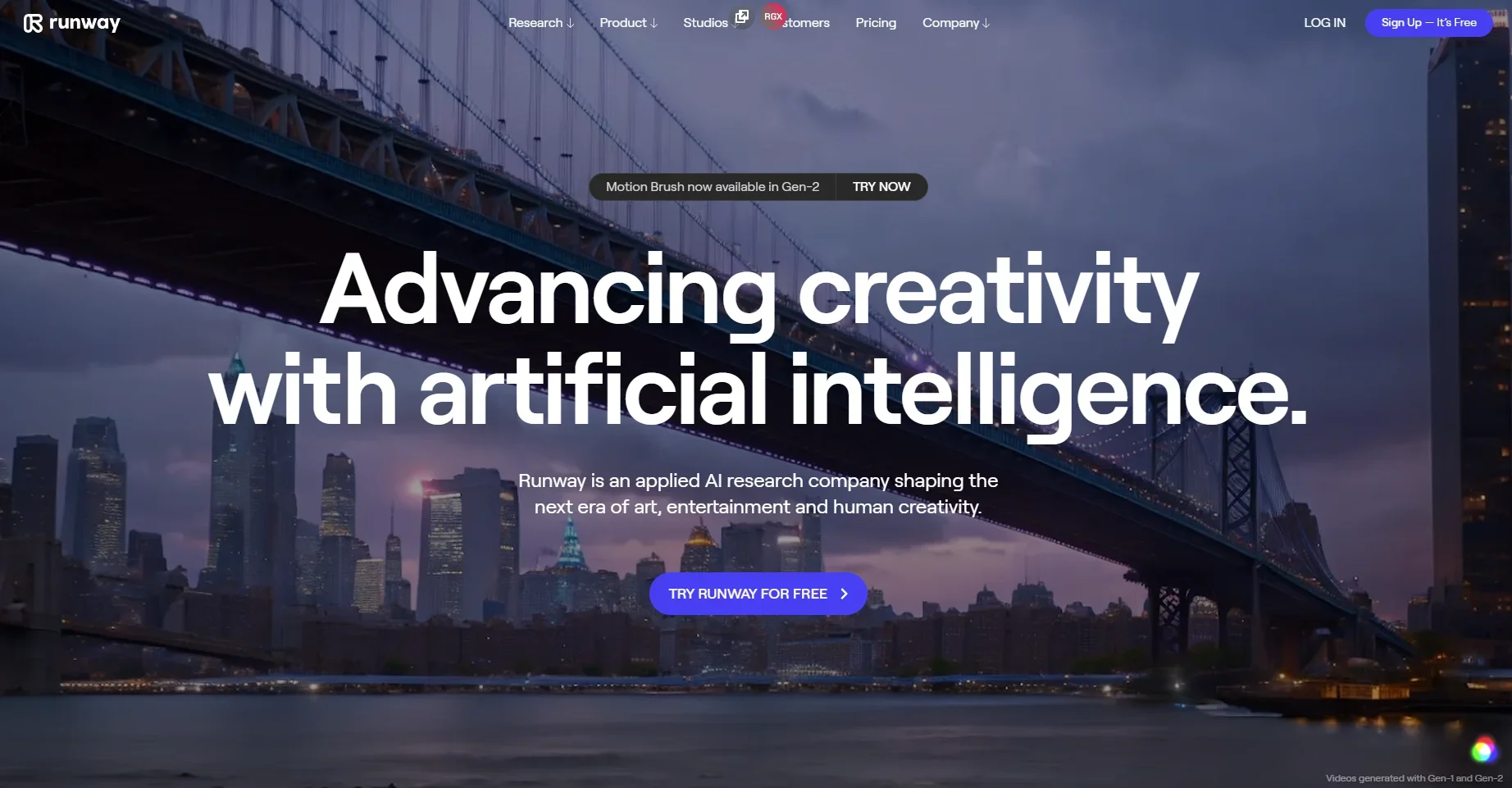
Runway is designed to revolutionize the landscape of art, entertainment, and human creativity. As an applied AI research company, Runway offers a suite of tools aimed at advancing creativity through artificial intelligence. Whether you are a filmmaker, digital artist, or creative professional, Runway simplifies complex tasks, enabling you to create high-fidelity, controllable video content quickly and efficiently.
Runway stands out with its Gen-3 Alpha video generation tool, which is a game-changer for filmmakers and digital artists. Its ability to produce high-fidelity, controllable video content quickly and efficiently sets it apart in the industry. Additionally, Runway Studios and its various initiatives foster a collaborative and innovative environment, further enhancing its appeal to creative professionals.
Runway excels in providing advanced AI-driven tools that significantly enhance the creative process, making it an essential platform for filmmakers, digital artists, and other creative professionals. Its Gen-3 Alpha tool, in particular, offers an unmatched advantage in high-fidelity, controllable video generation, setting a new standard in the industry.
Who is Using Runway?
Filmmakers
Utilizing the tool for high-fidelity, controllable video generation.
Digital Artists
Employing Runway to explore new artistic possibilities and streamline creative workflows.
Marketing Agencies
Leveraging the tool to create visually appealing campaign content.
Music Video Producers
Using Runway to produce innovative and engaging music videos.
Uncommon Use Cases
Adopted by educational institutions for teaching advanced media production techniques; Utilized by independent game developers to create immersive game environments.
Key Features
Rating Breakdown
Pricing Plans
Free Plan
Free
- Experience Runway with a limited free trial
Standard Plan
$15 per month
Which Runway plan should you pick?
Start with Free to test Runway; upgrade to Standard for regular access to all image and video models, Pro for audio and custom voices, Max for heavy usage, or Enterprise for team controls and SSO.
Free
Good for individuals exploring Runway’s AI tools who need a limited, one-time credit allocation.
Standard
Good for curious creators who need all AI image and video models, 625 monthly credits, and no watermarks.
Pro
Good for creators who need audio tools, custom voices, 2,250 monthly credits, and more storage.
Max
Good for heavy users who need 9,500 monthly credits, credit rollover, highest volume, and studio-grade formats.
Enterprise
Good for teams scaling AI video production who need custom credits, SSO, analytics, teamspaces, and priority support.
Runway Use Cases
Generate cinematic video
Create videos from text prompts, images, videos, or audio using Runway’s generative video models.
Outcome: Produce cinematic scenes, short films, ads, music videos, and social content.
Create consistent characters and worlds
Use reference images to preserve characters, objects, locations, and visual styles across generations.
Outcome: Build visually consistent sequences and stories.
Transform existing video
Change lighting, art direction, backgrounds, objects, or other elements with natural-language instructions.
Outcome: Iterate on footage without reshooting.
Create marketing assets
Generate product shots, advertisements, slides, localized campaign images, and branded creative.
Outcome: Develop campaign-ready visual assets.
Build automated media pipelines
Chain models, modalities, prompts, and intermediate steps in custom node-based Workflows.
Outcome: Create reusable and repeatable creative production processes.
Workflow Ideas with Runway
Product photo to video ad
- 1Upload a product photo and enter the desired ad concept.
- 2Use Agent or Workflows to generate and connect image, video, and audio steps.
- 3Review, revise, and export the finished ad.
Reference image to consistent story sequence
- 1Upload one or more character, object, or location references.
- 2Generate several scenes using the references and motion prompts.
- 3Assemble the outputs into a multi-shot video.
Automated campaign variation pipeline
- 1Upload a base campaign image and define variation requirements.
- 2Chain style, localization, resizing, and generation nodes in Workflows.
- 3Run the reusable workflow for additional campaign versions.
How Runway fits into your stack
Browser
Runway's primary workspace is the web app, where teams generate, edit, analyze, and organize creative assets through Tools, Apps, Agent, and Workflows.
Automation and APIs
The Developer Platform exposes authenticated image, video, and audio generation APIs. Workflows can be published as API endpoints, while Runway MCP connects the product to Claude, ChatGPT, Cursor, and Replit.
Team workspaces
Team and Enterprise workspaces support invited members, shared projects and assets, comments, role-based permissions, shared credits, and enterprise SSO.
Mobile
Dedicated iOS and Android apps provide mobile access to Runway generation features, with account work syncing between phone and computer.
Pros
- +Advanced Creativity: Runway's tools significantly enhance creative processes, allowing users to explore new artistic possibilities.
- +Efficiency: The platform reduces the time required for video generation and editing, streamlining workflows for professionals.
- +High-Quality Output: The AI-driven algorithms ensure that the generated content is of exceptional quality, meeting professional standards.
- +Collaborative Environment: Runway Studios and its associated initiatives provide ample opportunities for creative collaboration and innovation.
Cons
- −Initial Learning Curve: Users may require some time to fully grasp the advanced features and capabilities of the platform.
- −Limited Integration: Currently, the platform supports a limited number of third-party integrations, which may be a drawback for some users.
Limitations & when to consider alternatives
Known limitations
- Free credits are one-time. The Free plan includes 125 credits that do not renew or refresh after being spent.
- Free outputs include watermarks. Videos generated on the Free plan include a Runway watermark.
- Credit-based generation limits. Standard, Pro, Unlimited, and Max monthly credits reset according to plan rules; additional generations consume credits.
- SSO is Enterprise-only. SSO is currently available only on Enterprise plans and is unavailable in the Runway iOS app.
- Prompt and input restrictions vary by model. Models impose limits such as maximum prompt length, supported media types, file sizes, resolutions, and aspect ratios.
Look elsewhere when
- You need a dedicated coding tool for programming code generation.
- You need SAML or SCIM rather than OIDC SSO.
How to Use Runway
- 1
Create or choose a plan
Start with the Free plan to test selected tools, or select Standard or higher for broader model access and more credits.
- 2
Choose a creation mode
Use Tools for direct control, Apps for focused tasks, Agent for conversational creation, or Workflows for repeatable pipelines.
- 3
Add a prompt and media
Describe the desired image, video, or motion and upload reference images, videos, or audio when the model supports them.
- 4
Generate and iterate
Run the generation, then use the result in additional tools or revise the prompt and settings for another variation.
- 5
Organize projects and sessions
Use sessions, projects, references, and workspace permissions to keep creative work organized and share it with collaborators.
- 6
Use the API or MCP when needed
Use the documented API for programmatic generation, or connect Runway MCP to supported agents such as Claude, ChatGPT, Cursor, or Replit.
Who is Runway For?
Creators
Runway provides accessible image, video, audio, and editing tools for exploring and producing creative work.
Filmmakers
Generative video, multi-shot tools, character performance, storyboarding, animatics, and visual effects support film production.
Designers
Image generation, style exploration, product reshoots, slide creation, and visual references support design iteration.
Marketers
Runway supports ads, product videos, localized campaign assets, social videos, and branded content.
VFX teams
Video transformation, relighting, background changes, object removal, and other visual-effects tools support VFX workflows.
Frequently Asked Questions
Does Runway have a free plan?
Yes. The Free plan costs $0 forever and includes 125 one-time credits, selected models, and 5GB of asset storage.
What does Runway generate?
Runway supports AI-generated images, videos, audio, editing, and multi-shot creative content through Tools, Apps, Agent, and Workflows.
Can Runway use uploaded media?
Yes. You can upload images, videos, and audio as references or generation inputs.
Does Runway offer an API?
Yes. Runway Dev provides API keys, SDKs, and documented endpoints for programmatic image and video generation.
Does Runway support team workspaces?
Enterprise workspaces support invited members, project membership, roles, permissions, shared credits, and configurable teamspaces.
Does Runway support SSO?
Enterprise workspaces support OIDC-based SSO, including integrations with providers such as Okta and Azure/Entra.
Community reviews
1 review from people who use Runway.
Sign in to leave a review for Runway.
Andrew Oliver
Runway Alternatives
Looking for alternatives to Runway? Here are similar tools in the same category:
Learn to Master Runway
With Skill Leap courses
Get in-depth training on Runway and 50+ other AI tools with our expert-led video courses.
Start 7-Day Free Trial