
Sapling
Enhance team communication with AI-driven real-time suggestions.
Key Takeaways
- What it is
- Enhance team communication with AI-driven real-time suggestions.
- Best for
- Real-time Suggestion Engine
- Autocomplete Everywhere™
- Advanced Grammar and Language Checks
- Rating
- 4.6/5
What is Sapling?
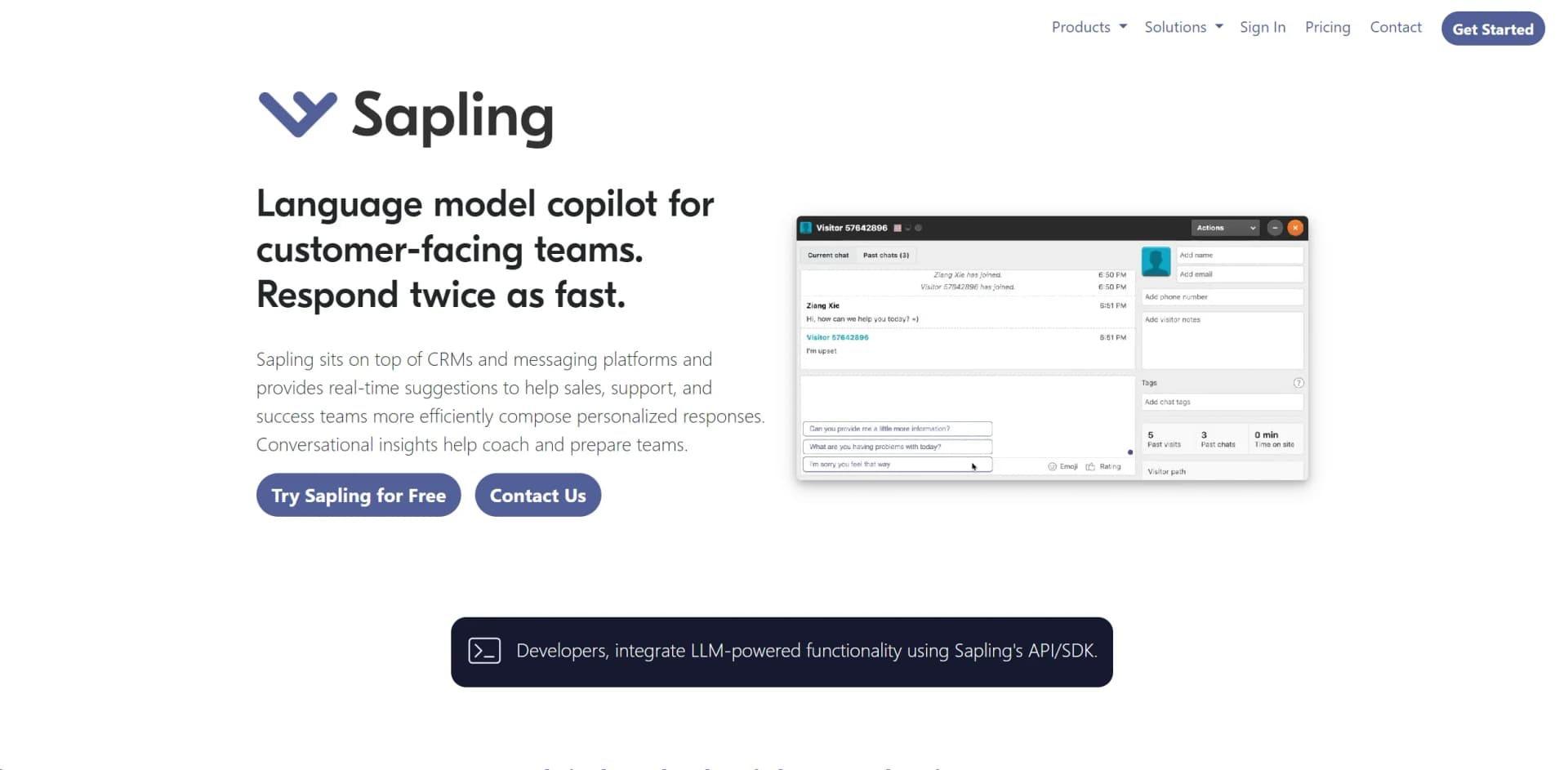
Sapling is a cutting-edge AI tool designed to enhance the efficiency and effectiveness of customer-facing teams. Positioned as a language model copilot, Sapling integrates seamlessly with CRM and messaging platforms, offering real-time suggestions and conversational insights. This tool supports sales, customer support, and success teams by enabling them to compose personalized responses quickly, thereby improving interaction quality and operational productivity.
Sapling stands out with its AI-driven language quality tools and real-time suggestion capabilities, enhancing response times and communication quality across customer interactions. Deep integration with major CRM and messaging platforms makes it versatile for various business needs.
Sapling offers a robust AI tool that significantly enhances productivity and quality for customer-facing teams. With advanced language processing and real-time suggestions, it ensures fast, error-free, and compliant customer communications. Strong integration capabilities across various platforms make Sapling essential for teams aiming to improve customer interactions and operational efficiency.
Who is Using Sapling?
Customer Support Teams
Manage and respond to high volumes of queries efficiently.
Sales Teams
Craft personalized messages to engage potential clients effectively.
Success Teams
Ensure timely and accurate responses for customer satisfaction and retention.
Enterprise Organizations
Maintain compliance and governance in communications.
Uncommon Use Cases
Non-profits managing donor interactions; Educational institutions handling admissions and inquiries.
Key Features
Rating Breakdown
Pricing Plans
Free Trial
- Start using Sapling with no credit card required to experience its capabilities
Subscription Plans
- Detailed pricing available on request from Sapling's sales team
Which Sapling plan should you pick?
Start with Free for basic writing assistance, upgrade to Pro for individual premium features, choose Enterprise for teams and advanced administration, or use API for programmatic integrations.
Free
Good for individuals who need basic suggestions and limited snippets at $0 per month.
Pro
Good for individuals who need advanced suggestions, autocomplete, rephrasing, AI detection, and Chat Assist.
Enterprise
Good for teams who need administration, analytics, SSO/SCIM, custom integrations, self-hosting, and advanced security.
API
Good for developers who need metered access to Sapling's language APIs and SDK functionality.
Sapling Use Cases
Grammar and spelling checking
Integrate grammar and spelling correction into an application through the SDK or API.
Outcome: Applications can return structured correction suggestions.
Autocomplete
Provide phrase and sentence completions while users type.
Outcome: Users can type faster.
Tone and sentiment analysis
Analyze the tone or sentiment of messages.
Semantic search and retrieval
Search for semantically similar terms and retrieve relevant responses for knowledge-base search.
Outcome: Applications can augment tagging, search, and knowledge retrieval.
Rephrasing and AI detection
Rephrase sentences for formality, length, or syntax and detect AI-generated content.
Workflow Ideas with Sapling
Integrate grammar checking into an application
- 1Register for a Sapling account
- 2Generate an API key from API settings
- 3Send text to the grammar-check API and process the returned edits
Set up a shared team writing environment
- 1Create a Sapling team
- 2Invite users through User Controls
- 3Create shared snippets and dictionary entries
Process uploaded documents
- 1Submit a PDF or DOCX file to the corresponding ingestion endpoint
- 2Receive extracted text from Sapling
- 3Send the extracted text to a Sapling language endpoint for analysis or correction
How Sapling fits into your stack
CRM Integration
Compatible with Salesforce, Zendesk, and more.
Messaging Platforms
Integrates with Amazon Connect and Twilio Flex.
Security Features
Includes TLS, AES-256 encryption, and enterprise-grade security compliance.
Extensibility
Offers API for custom integrations tailored to organizational needs.
Pros
- +Increased Efficiency: Tools like autocomplete and snippets reduce response time for customer queries.
- +Enhanced Communication Quality: Maintains high standards of grammar and style for professional interactions.
- +Scalability: Handles higher volumes of interactions without additional resources.
- +Data Insights: Provides analytics and quality scoring to improve team performance based on real conversational data.
Cons
- −Learning Curve: New users may require time to utilize all features effectively.
- −Internet Dependency: Requires stable internet connectivity for optimal performance.
- −Language Limitation: Current capabilities are primarily focused on English, limiting multi-language support.
Limitations & when to consider alternatives
Known limitations
- Free trial expiration. The API trial has a character limit and expires after one month.
- API request size. The grammar-check API accepts up to 100,000 characters per request, and Sapling recommends chunking inputs above 4,000 characters to avoid timeouts.
- Custom-model data requirements. Sapling recommends at least 200,000 sentences for custom-model training and notes that each training run requires approximately $2,000 in compute.
- SDK file-upload support. PDF and DOCX upload endpoints exist, but SDK support for file uploads is documented as forthcoming.
- Limited tone and AI-detector language support. The Tone API and AI Detector API are currently available only for English.
Look elsewhere when
- You need a native iOS or Android application.
- You need image-understanding or vision input.
- You need code generation rather than writing assistance for programming environments.
How to Use Sapling
- 1
Explore tutorials and resources on Sapling's website to maximize usage and features.
Who is Sapling For?
Individuals
The Pro plan is designed for individual users who need advanced writing suggestions, autocomplete, rephrasing, and related features.
Teams
Sapling Teams provides shared settings, snippets, dictionaries, analytics, invitations, and administrative controls.
Developers
Developers can integrate Sapling through its HTTP API, SDKs, file-processing endpoints, and MCP server.
Enterprise organizations
Enterprise customers can use team administration, SSO/SCIM, custom integrations, self-hosting, and custom models.
Frequently Asked Questions
Do you offer a free trial?
Yes. Individuals are automatically enrolled in a free trial after registering and confirming their email.
What plans does Sapling offer?
Sapling offers Free, Pro, Enterprise, and a separate usage-based API plan.
How does pricing work for teams?
Team pricing varies by number of users or seats and contract duration.
How can teams share knowledge?
Teams can create shared snippets and dictionary entries that are available across the team.
How do I access the API?
Register for Sapling, open API settings, generate an API key, and follow the API documentation.
What security protections does Sapling provide?
Sapling states that data is encrypted with TLS in transit and AES-256 at rest.
Community reviews
1 review from people who use Sapling.
Sign in to leave a review for Sapling.
Thibault BM
Sapling Alternatives
Looking for alternatives to Sapling? Here are similar tools in the same category:
Learn to Master Sapling
With Skill Leap courses
Get in-depth training on Sapling and 50+ other AI tools with our expert-led video courses.
Start 7-Day Free Trial