SaveMyLeads
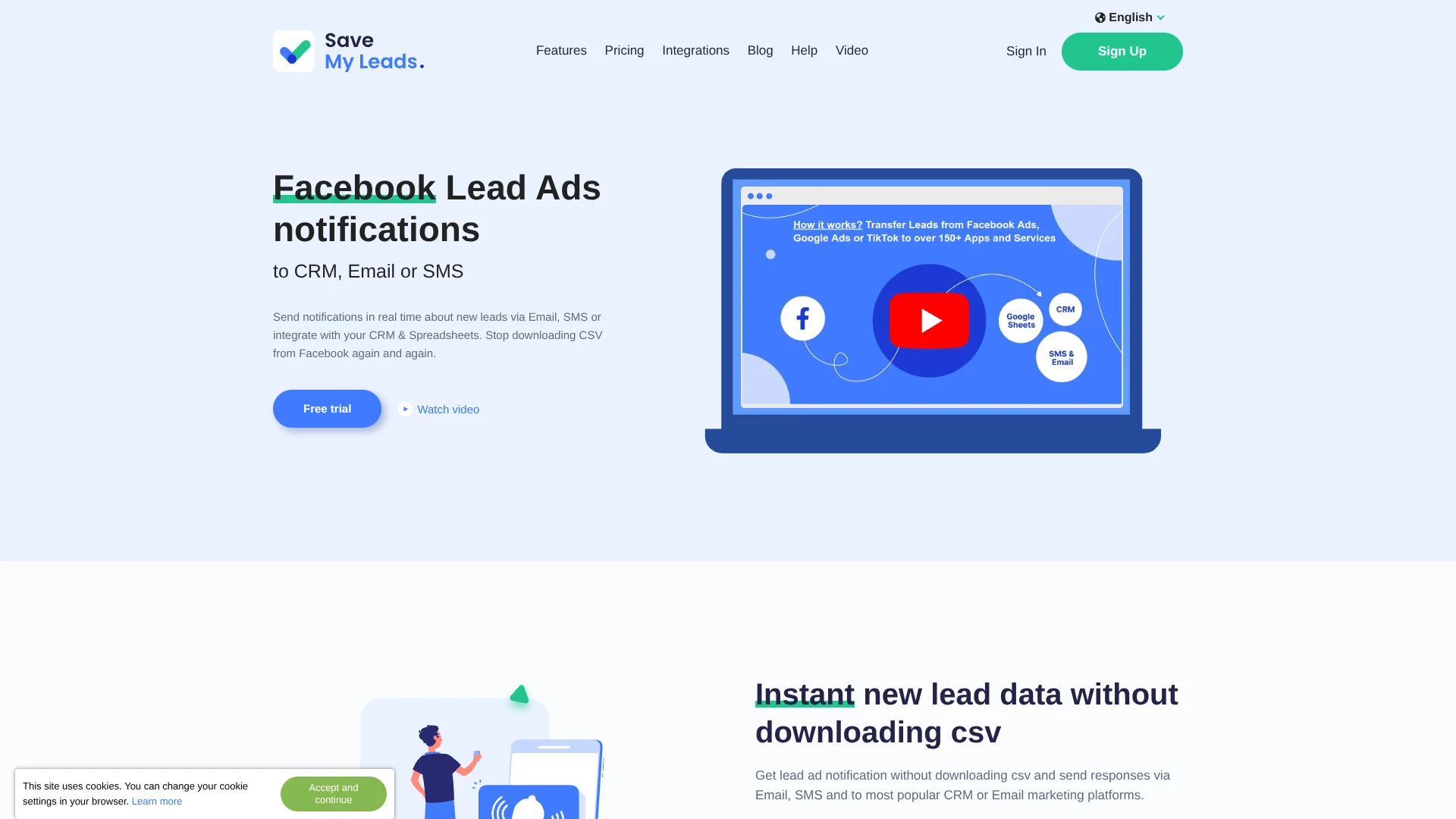
Gets Facebook ad leads into your CRM without manual importing.
Watch SaveMyLeads in Action
Key Takeaways
- What it is
- Gets Facebook ad leads into your CRM without manual importing.
- Pricing
- $19 per month · $39 per month · $99 per month · $499 per month
- Best for
- Real-Time Lead Sync
- Facebook Lead Ads Connections
- Google Lead Form and TikTok Sources
- Rating
- 4.0/5
What is SaveMyLeads?
SaveMyLeads sends new leads from Facebook Lead Ads and other sources to tools such as CRMs, spreadsheets, email, or SMS. It is built for marketers and agencies that want lead details to reach the right place quickly, without repeatedly downloading and importing CSV files.
Agencies can set up lead notifications for multiple clients, including clients who do not have SaveMyLeads accounts. Each client can receive leads directly, with a customizable sender address, instead of relying on an agency employee to forward them.
Marketing teams, freelancers, and sales staff handling online leads are the clearest fit. SaveMyLeads automates data transfer, but it does not generate content, score leads, or analyze campaigns with AI. Reach for it when the task is moving lead details between services, not when you need AI to interpret them.
Who is Using SaveMyLeads?
Digital Marketing Managers
New ad leads arrive in a CRM or spreadsheet without a manual CSV import.
Agency Account Managers
Client notifications can go out as leads arrive, including to clients without SaveMyLeads accounts.
Sales Representatives
A prompt email or SMS alert helps them follow up on new inquiries.
CRM Administrators
Lead fields can be routed into connected CRM records instead of being entered by hand.
Email Marketing Specialists
New lead details can be sent to mailing services such as Mailchimp or MailerLite.
Uncommon Use Cases
Send lead data to a Webhook-compatible custom system; create a task in Trello or Asana when an ad form is submitted.
Key Features
Rating Breakdown
Pricing Plans
Start
$19 per month
- 5 connections
- 2,000 leads per month
- Annual billing is $180 per year, equivalent to $15 per month.
- Real-time lead sync, unlimited ad accounts and ad forms, and email support.
Basic
$39 per month
- 25 connections
- 5,000 leads per month
- Annual billing is $348 per year, equivalent to $29 per month.
- Includes email and chat support and automatic failure resync.
Business
$99 per month
- Unlimited connections
- 20,000 leads per month
- Annual billing is $948 per year, equivalent to $79 per month.
- Includes priority email and chat support and automatic failure resync.
Agency
$499 per month
- Unlimited connections
- 150,000 leads per month
- Annual billing is $4,788 per year, equivalent to $399 per month.
- Includes priority email and chat support, automatic failure resync, and a dedicated cloud server.
Which SaveMyLeads plan should you pick?
Start with Start for a small number of lead connections, then move up when you need more monthly lead capacity or connections.
Start
Good for smaller lead workflows that fit within 5 connections and 2,000 leads per month.
Basic
Good for growing lead operations that need up to 25 connections, 5,000 leads per month, and automatic failure resync.
Business
Good for higher-volume operations that need unlimited connections and up to 20,000 leads per month.
Agency
Good for agencies handling larger lead volumes, with unlimited connections and up to 150,000 leads per month.
SaveMyLeads Use Cases
Route Facebook Leads to a CRM
Sales teams can have new Facebook form submissions create contacts, leads, or deals in connected CRMs such as HubSpot or Pipedrive.
Outcome: Lead details reach the CRM without manual importing.
Notify a Client About New Leads
For agency-run campaigns, lead notifications can go directly to clients who do not have SaveMyLeads accounts.
Outcome: Clients receive lead details without an employee forwarding each submission.
Add Leads to a Spreadsheet
A Google Sheets or Airtable row can be created when a new Facebook lead arrives.
Outcome: New form submissions are recorded in the connected spreadsheet.
Send an Immediate Acknowledgment
An automatic email or SMS can let a prospect know their inquiry was received.
Outcome: The prospect gets an acknowledgment after submitting a lead form.
Send Leads Through Webhooks
Teams with a Webhook-compatible destination can pass new lead data to that system.
Outcome: Lead data is transferred to a connected Webhook destination.
Workflow Ideas with SaveMyLeads
Facebook Lead to Sales Follow-Up
- 1Choose Facebook Lead Ads as the lead source.
- 2Select a CRM such as HubSpot or Pipedrive as the destination.
- 3Turn on automatic transfer so new submissions reach the CRM.
Agency Lead Alert
- 1Connect the client's Facebook Lead Ads account.
- 2Set the client as a direct email or SMS notification recipient.
- 3Enable automatic lead notifications.
Lead Form to Spreadsheet
- 1Choose Facebook Lead Ads or Google Lead Form as the source.
- 2Select Google Sheets as the destination.
- 3Activate automatic updates for new form submissions.
How SaveMyLeads fits into your stack
Lead Sources
SaveMyLeads connects sources including Facebook Lead Ads, Google Lead Form, TikTok, and Webhooks. It sends new submission data onward.
CRMs and Spreadsheets
Destinations include services such as HubSpot, Pipedrive, Google Sheets, and Airtable. New leads can be added without a manual import.
Email and SMS
Email and SMS actions can notify a team member or acknowledge a prospect's inquiry after a lead arrives.
Tasks and Custom Destinations
The site lists task creation in services such as Trello and Asana, plus Webhook connections for compatible systems.
Pros
- +Direct lead routing: New Facebook lead details can go straight to CRMs, spreadsheets, or messaging tools.
- +Agency client notifications: Clients can receive lead alerts without needing their own SaveMyLeads account.
- +Ready-made connections: The site describes setup templates for named services such as HubSpot and Google Sheets.
- +Setup help: Support specialists can help customers configure a connection.
Cons
- −Narrow focus: Its main strength is transferring lead data, rather than analyzing or improving campaigns.
- −Plan limits: Connection and monthly lead allowances vary by paid plan.
- −No AI analysis: The service automates transfers but does not provide AI lead scoring or content generation.
Limitations & when to consider alternatives
Known limitations
- Connections Stop After a Paid Subscription Ends. The help center says configured connections are disabled five days after a paid subscription ends.
- Plan Allowances Vary. Paid plans have different connection and monthly lead limits, and the terms say access can be suspended after plan limits are exceeded.
- Data Transfer Focus. The service is described as a way to integrate applications and automate information transfer, not as an AI tool for generating or analyzing content.
Look elsewhere when
- You need AI-generated copy, lead scoring, or campaign analysis.
- Your team needs a shared workspace with user roles and collaboration controls.
- You need a native mobile app or desktop installer.
How to Use SaveMyLeads
- 1
Choose a Lead Source
Select a supported source such as Facebook Lead Ads, Google Lead Form, TikTok, or Webhooks.
- 2
Connect the Destination
Choose where the lead data should go, such as a CRM, spreadsheet, email service, or messaging app.
- 3
Select the Lead Data
Choose which information from the form should be transferred to the destination.
- 4
Set Up Notifications if Needed
Add an email or SMS response when a prospect or team member should receive an alert.
- 5
Turn On Automatic Transfer
Activate the connection and check its reports for transfer status or errors.
Who is SaveMyLeads For?
Marketers
Lead alerts and automatic CRM or email-list updates can reduce manual work after ad forms are submitted.
Advertising and Digital Agencies
Agencies can route new client leads and send notifications to customers directly.
Freelancers
Freelancers managing lead-generation ads can connect form submissions to client tools without coding.
Sales Teams
Sales staff can receive new lead details in a CRM or through email and SMS.
Frequently Asked Questions
Is SaveMyLeads free?
The terms describe a free plan after the 14-day trial, with access governed by that plan's limits. The help center also describes the trial period.
What does SaveMyLeads cost?
The listed paid plans are Start, Basic, Business, and Agency. Monthly billing starts at $19 for Start; annual billing is listed at $180 per year.
Which services can I connect?
The site lists connections for services including Facebook Lead Ads, Google Sheets, HubSpot, Pipedrive, Slack, and Webhooks.
Can support help set up a connection?
Yes. SaveMyLeads says its specialists can help customers in both paid and trial periods.
What happens if I stop renewing?
The help center says configured connections are disabled five days after the paid subscription ends.
Community reviews
Be the first to share your experience.
Sign in to leave a review for SaveMyLeads.
SaveMyLeads Alternatives
Looking for alternatives to SaveMyLeads? Here are similar tools in the same category: