Scenario
Custom-trained AI models help game studios create style-consistent assets.
Key Takeaways
- What it is
- Custom-trained AI models help game studios create style-consistent assets.
- Pricing
- Freemium · $15 per month · $45 per month · $75 per month
- Best for
- Custom Models
- Workflows
- Image, Video, 3D, and Audio
- Rating
- 4.4/5
What is Scenario?
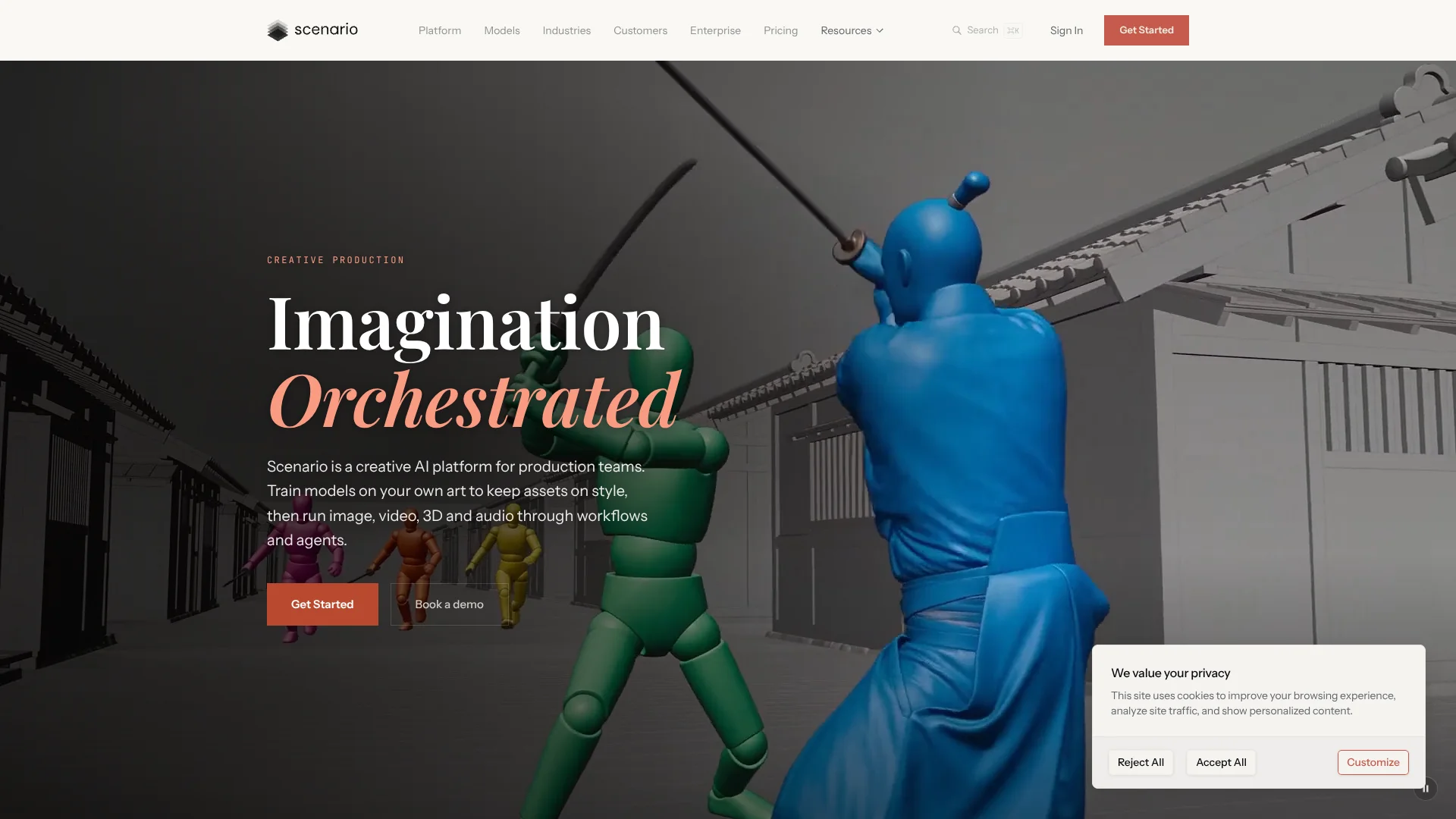
Scenario helps creative teams make visual and audio assets that match a project’s style. Artists can choose from models for images, video, 3D, and audio, then use their own reference images or train a custom model to guide results. It addresses a common production problem: generating many assets that still look like they belong to the same game, brand, or campaign.
A standout capability is turning a visual workflow into a simple app that teammates can run with their own inputs. That lets a team build a repeatable sequence of AI generation and editing steps instead of asking each person to rebuild the process.
Scenario is a strong fit for game studios, marketing teams, and other creative groups making assets at scale. Its credit system means costs vary by model and output, and free-plan creations are limited to personal and evaluation use. It is most useful when a team needs consistent creative output, not when it only needs a general-purpose chatbot.
Who is Using Scenario?
Game Artists
A custom-trained model helps keep characters and game art consistent across asset sets.
Creative Producers
Reusable workflows turn a campaign or production brief into repeatable steps for a team.
3D Artists
Image-to-3D generation can turn a visual concept into a textured model for further production.
Technical Artists
The API and workflows let them connect AI-generated assets to an existing creative pipeline.
Uncommon Use Cases
Education teams can make visual explainers from diagrams; architecture teams can turn floor plans into listing visuals.
Key Features
Rating Breakdown
Pricing Plans
Free
Free
- 50 credits per day.
- One seat and one project.
- Outputs are for personal and evaluation use only.
- No API access or custom model training.
Starter
$15 per month
- 1,500 monthly credits.
- Single-user workspace and access to every AI model.
- 50 GB storage.
- Annual billing is $10.00 per month.
Pro
$45 per month
- 5,000 monthly credits.
- Priority queue and unlimited relaxed generations.
- Custom model training and 500 GB storage.
- Annual billing is $30.00 per month.
Max
$75 per month
- 10,000 monthly credits.
- Workspace for up to 25 users and team collaboration tools.
- 1 TB storage, with 1 TB per seat.
- Annual billing is $50.00 per month.
Enterprise
- Unlimited seats, projects, and workspaces.
- Custom integrations, spending limits, and model allowlists.
- SSO/SAML, audit trails, and SOC 2.
Which Scenario plan should you pick?
Start with Free to test available models, choose Starter for individual commercial work, and move to Pro or Max when you need custom training or a shared team workspace.
Free
Good for exploring supported models with 50 daily credits before committing to paid use.
Starter
Good for an individual creator who needs a paid plan and 1,500 monthly credits.
Pro
Good for creators who need 5,000 monthly credits, priority queue access, or custom model training.
Max
Good for small and mid-sized teams that need a shared workspace for up to 25 users.
Enterprise
Good for organizations that need enterprise controls, unlimited seats, or custom integrations.
Scenario Use Cases
Consistent Game Characters
A trained model can guide character variations so a cast stays closer to the same visual style.
Outcome: A more consistent set of character assets.
Repeatable Campaign Assets
A saved workflow can turn one creative brief into a repeatable process for producing related campaign materials.
Outcome: A reusable production sequence for creative variations.
Concept Art to 3D
A concept image can serve as the starting point for generating a 3D model.
Outcome: A generated 3D asset to inspect and continue developing.
Video Production
Image-to-video models can animate a still image, with some workflows controlling the first and last frames.
Outcome: A generated video shot based on a visual reference.
Automated Asset Variations
A workflow can generate variants from a base design and apply an editing step to the results.
Outcome: A repeatable batch of asset variations.
Workflow Ideas with Scenario
Character Art to Video
- 1Add a character reference image.
- 2Generate a consistent character image with a chosen model.
- 3Send the result to a video model and review the shot.
Concept Image to 3D Asset
- 1Start with a concept image or create one in Scenario.
- 2Send the image to a 3D generation model.
- 3Inspect the model and export it for the next production step.
Reusable Campaign Variations
- 1Set up a workflow with a prompt and reference image inputs.
- 2Connect the selected generation model and any editing steps.
- 3Publish the workflow as an app for teammates to run.
How Scenario fits into your stack
Creative workspace
The browser-based Scenario workspace is where creators select models, work with assets, and make images, video, 3D, or audio.
Production workflows
The visual workflow editor connects creative models and editing steps into reusable processes that can be published as apps.
AI coding tools
Scenario MCP connects Claude Code, Codex, or Cursor to Scenario models, assets, and workflows.
Custom pipelines
The Scenario API lets developers run models and saved workflows from their own applications or production systems.
Pros
- +Style consistency: Custom models can help keep characters and visual styles aligned across many assets.
- +Repeatable production: Saved workflows let teammates run the same creative steps with new inputs.
- +Multiple media types: One workspace supports image, video, 3D, and audio generation.
- +Try before paying: The free plan includes 50 daily credits and does not require a credit card.
Cons
- −Credit budgeting: Different models and output settings use different amounts of credits, so production costs can take planning.
- −Solo plan limits: Starter is a single-user workspace, so shared team work requires a higher plan.
- −Workflow setup: Building a useful multi-step pipeline takes more effort than generating a one-off image.
Limitations & when to consider alternatives
Known limitations
- Free credits are limited. The Free plan provides 50 credits per day, and unused daily credits do not carry over.
- Free use is not commercial. Free-plan outputs are for personal and evaluation use only; commercial use is included on paid plans.
- Free plan has no API access. API keys do not work on the Free plan.
- Training requires a paid plan. Custom model training is available on Pro and higher plans, not on Free or Starter.
- Credit costs vary. The number of credits consumed depends on the model and output settings.
Look elsewhere when
- You need to generate or edit programming code rather than creative assets.
- Your team needs a native mobile app or downloadable desktop application.
- You need a free plan for commercial use or API access.
How to Use Scenario
- 1
Start with a real asset brief
Choose a task such as a character set, product image, or video shot so you can judge results against a concrete need.
- 2
Pick a model and provide references
Select a model for the asset type and add reference images when the output needs to follow a particular look.
- 3
Check the credit cost
Review the estimated credit use in the generator before running a model, since costs vary by model and settings.
- 4
Train a custom model if style consistency matters
On Pro or higher, train a model using your own images when general reference images are not enough to hold a project’s style.
- 5
Save repeated steps as a workflow
Connect the models and editing tools you use more than once, then publish the workflow as an app for teammates.
- 6
Connect a production tool when needed
Use the API or Scenario MCP to run models and workflows from supported development tools or a custom pipeline.
Who is Scenario For?
Game Studios
Game teams can create consistent characters, environments, and other production assets with custom models and repeatable workflows.
Creative Production Teams
Teams making images, video, 3D, or audio can connect generation and editing steps into reusable pipelines.
Marketing and Advertising Teams
Campaign teams can produce related creative variations while keeping a shared visual direction.
Independent Creators
Individual creators can explore different models and make assets without building a custom production pipeline first.
Frequently Asked Questions
Does Scenario have a free plan?
Yes. The Free plan includes 50 daily credits and does not require a credit card. Free outputs are for personal and evaluation use only.
How much do Scenario’s paid plans cost?
Starter is $15 per month, Pro is $45 per month, and Max is $75 per month with monthly billing. Annual billing is listed at $10, $30, and $50 per month, respectively.
Can I use Scenario for commercial work?
Paid plans include a commercial license for generated assets. Free-plan outputs are limited to personal and evaluation use.
Can I connect Scenario to other tools?
Yes. Scenario offers an API and MCP connections for tools including Claude Code, Codex, and Cursor. Its help center also names a Unity plugin.
Can teammates share workflows?
Scenario supports team collaboration on Max, which includes a workspace for up to 25 users. Workflows can be saved and shared with teammates.
Community reviews
Be the first to share your experience.
Sign in to leave a review for Scenario.
Scenario Alternatives
Looking for alternatives to Scenario? Here are similar tools in the same category: