
Schemawriter.ai
Optimize SEO with automated schema generation and intuitive content enhancement.
Key Takeaways
- What it is
- Optimize SEO with automated schema generation and intuitive content enhancement.
- Best for
- Automated Schema Generation
- Intuitive Editor
- Entity Optimization
- Rating
- 4.4/5
What is Schemawriter.ai?
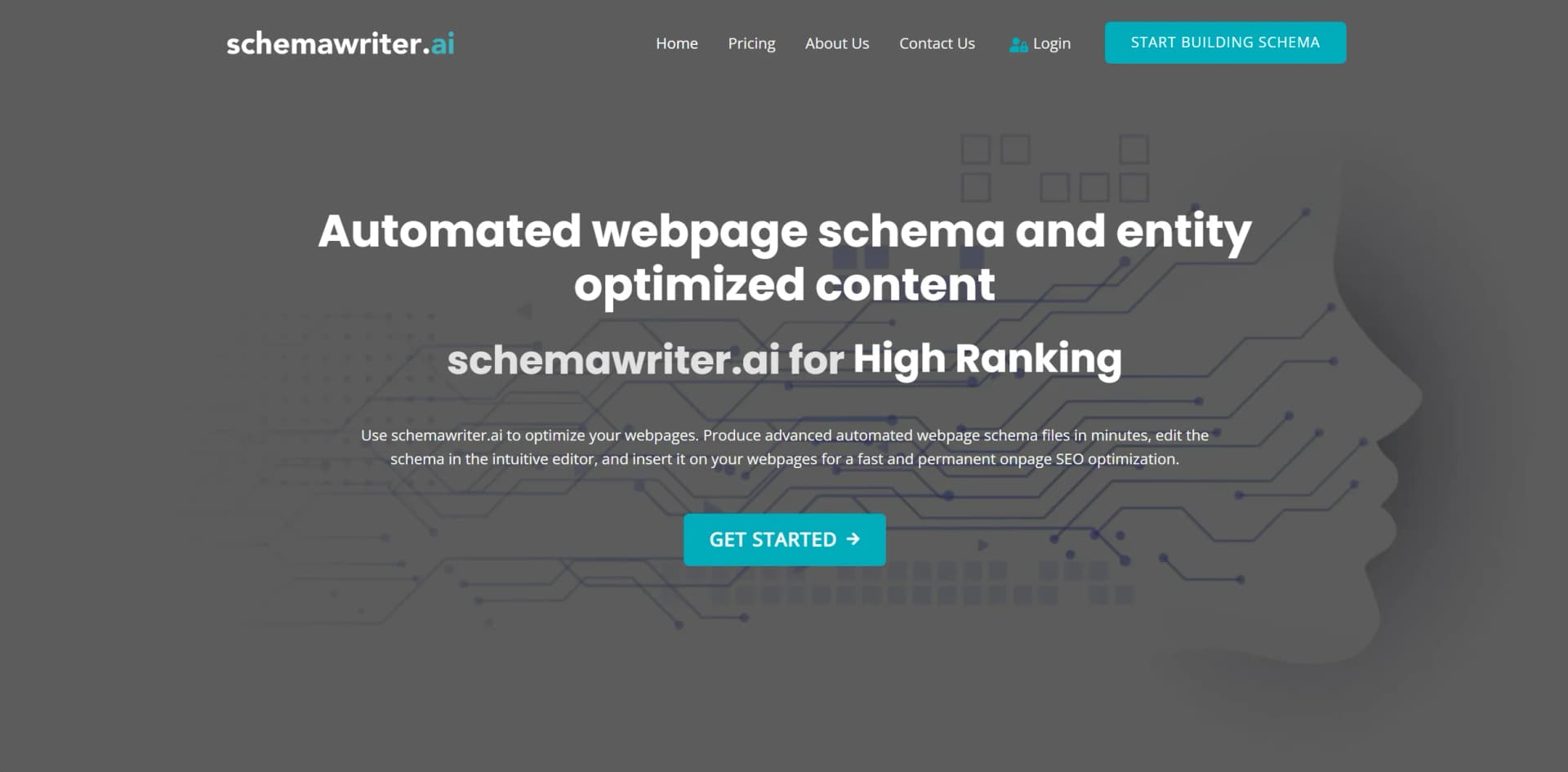
Upon my exploration of Schemawriter AI, I discovered that it's a cutting-edge tool designed to streamline the process of creating webpage schemas and optimizing content for SEO. Its primary goal is to enhance a website's visibility and ranking on search engines like Google. Schemawriter AI achieves this by generating and editing structured data, known as schema, which helps search engines understand the content of webpages more effectively.
Schemawriter AI stands out for its ability to automate an often complex and technical aspect of SEO. Its unique selling point lies in its advanced entity optimization, which directly addresses search engine algorithms for improved content relevance and ranking.
Schemawriter AI excels in facilitating on-page SEO optimization through automated schema generation and content enhancement. Its ability to quickly analyze and implement Google-recognized entities and keywords positions it as an invaluable tool for individuals and businesses aiming to improve their online visibility and search rankings. With its user-friendly interface and competitive analysis features, Schemawriter AI is a standout solution in the realm of SEO tools.
Who is Using Schemawriter.ai?
SEO Professionals
Utilizing the tool for enhancing their clients’ website visibility on search engines.
Content Creators
Employing the tool to ensure their articles and posts are optimized for higher rankings.
Web Developers
Leveraging the tool to integrate schema more efficiently into web projects.
Digital Marketers
Using the tool to gain insights into competitor keyword strategies.
Uncommon Use Cases
Non-profit organizations optimizing their online presence for educational content; Bloggers seeking to establish authority in niche topics.
Key Features
Rating Breakdown
Pricing Plans
Free Trial
- Schemawriter AI offers a trial period to test its features
Subscription Plans
- Various tiers are available
- Catering to different levels of user needs
Which Schemawriter.ai plan should you pick?
Start with Starter for basic schema generation, upgrade to Expert for higher usage and Knowsabout, or Agency for maximum runs and GeoRadius optimization.
Starter
Good for smaller websites or SEO users needing up to 50 runs per month.
Expert
Good for users needing up to 100 monthly runs, automated Knowsabout, and expanded content features.
Agency
Good for agencies needing up to 150 monthly runs and GeoRadius-optimized local-business schema.
Schemawriter.ai Use Cases
Automated webpage schema
Enter a target keyword and URL, analyze competitors, and generate entity-optimized webpage JSON-LD.
Outcome: A ready-to-edit schema file for website implementation.
Local-business and GeoRadius schema
Add a business address and radius to generate local-business schema with relevant cities and postal codes.
Outcome: More precise local-area structured data.
FAQ schema generation
Analyze competitor entity gaps and generate FAQ questions, answers, and nested FAQPage schema.
Outcome: Entity-rich FAQ content and JSON-LD markup.
WordPress publishing
Connect the Schemawriter WordPress plugin and upload generated schema directly to pages.
Outcome: Schema and human-readable content can be pushed to WordPress.
Competitor and entity analysis
Scan top-ranking competitors to extract entities and YAKE keywords relevant to a target query.
Outcome: A prioritized list of topical entities and keywords.
Workflow Ideas with Schemawriter.ai
Generate webpage schema
- 1Enter the target keyword, webpage URL, country, and language.
- 2Let Schemawriter analyze the top results and extract entities.
- 3Review and edit the generated JSON-LD schema before publishing.
Create and publish FAQ schema
- 1Generate a competitor analysis report for the target URL.
- 2Use Auto Content and the FAQ editor to create entity-rich questions and answers.
- 3Push the completed FAQ schema and content to WordPress.
Build local GeoRadius schema
- 1Add the business address and desired service radius.
- 2Review automatically identified cities and postal codes.
- 3Generate and insert the local-business GeoRadius schema.
How Schemawriter.ai fits into your stack
WordPress Compatibility
Easily integrates with WordPress for enhanced content management.
API Access
Offers API integration for custom development needs.
Content Management Systems (CMS)
Works with various CMS platforms, streamlining the schema implementation process.
Language Support
The keyword extraction method is effective across different languages, broadening its user base.
Pros
- +SEO Efficiency: By automating schema creation, it saves considerable time in on-page SEO optimization.
- +Content Enhancement: Optimizes content with entities and keywords known to improve Google rankings.
- +User-Friendly Design: The no-coding-required interface makes schema editing accessible to non-developers.
- +Competitive Analysis: Offers insights into competitor entities and keywords, providing a strategic advantage in content creation.
Cons
- −Learning Curve: Users new to SEO may require time to fully grasp the benefits of schema optimization.
- −Niche Specialization: As a specialized tool, it may not cover all aspects of SEO, potentially requiring additional tools for a complete strategy.
- −Integration Limitations: There may be constraints on how well it integrates with certain website platforms or content management systems.
Limitations & when to consider alternatives
Known limitations
- No free trial. Schemawriter requires a paid subscription before use; its pricing FAQ says no free trial is offered.
- Separate OpenAI cost. Users must provide and pay for their own OpenAI API key for generated text fields.
- No refunds. The pricing FAQ states that refunds are not offered under any circumstances.
- Keyword and competitor limits. The webpage generator supports up to three keywords per report and analyzes up to ten competitors.
Look elsewhere when
- You need a native mobile application.
- You need a public developer API.
How to Use Schemawriter.ai
- 1
Schemawriter AI provides resources and guidelines to help users navigate its features, from basic setup to advanced schema editing.
Who is Schemawriter.ai For?
SEO professionals
The tool is designed for SEO professionals who need to create optimized schema efficiently.
Marketers and business owners
Its no-coding interface helps marketers and business owners create local-business and webpage schema.
Website owners
Website owners can use it to improve visibility, rankings, and structured-data implementation.
SEO agencies
Agency features and scalable runs support professionals managing multiple local clients.
Frequently Asked Questions
What is schema?
Schema is a technical language that helps search engines understand website topics, creators, and connections.
Do you offer support?
Support is available by email and through a built-in ticket system.
Do you offer refunds?
No. Schemawriter states that refunds are not offered under any circumstances.
Is there a free trial?
No, the pricing FAQ explicitly says there is no free trial.
Do I need to pay for OpenAI?
Yes. Users must add their own OpenAI API key for content generation.
Does schema work across all niches?
Schemawriter says schema can benefit all niches and website types.
Community reviews
Be the first to share your experience.
Sign in to leave a review for Schemawriter.ai.
Schemawriter.ai Alternatives
Looking for alternatives to Schemawriter.ai? Here are similar tools in the same category:
Learn to Master Schemawriter.ai
With Skill Leap courses
Get in-depth training on Schemawriter.ai and 50+ other AI tools with our expert-led video courses.
Start 7-Day Free Trial