
Scribbler
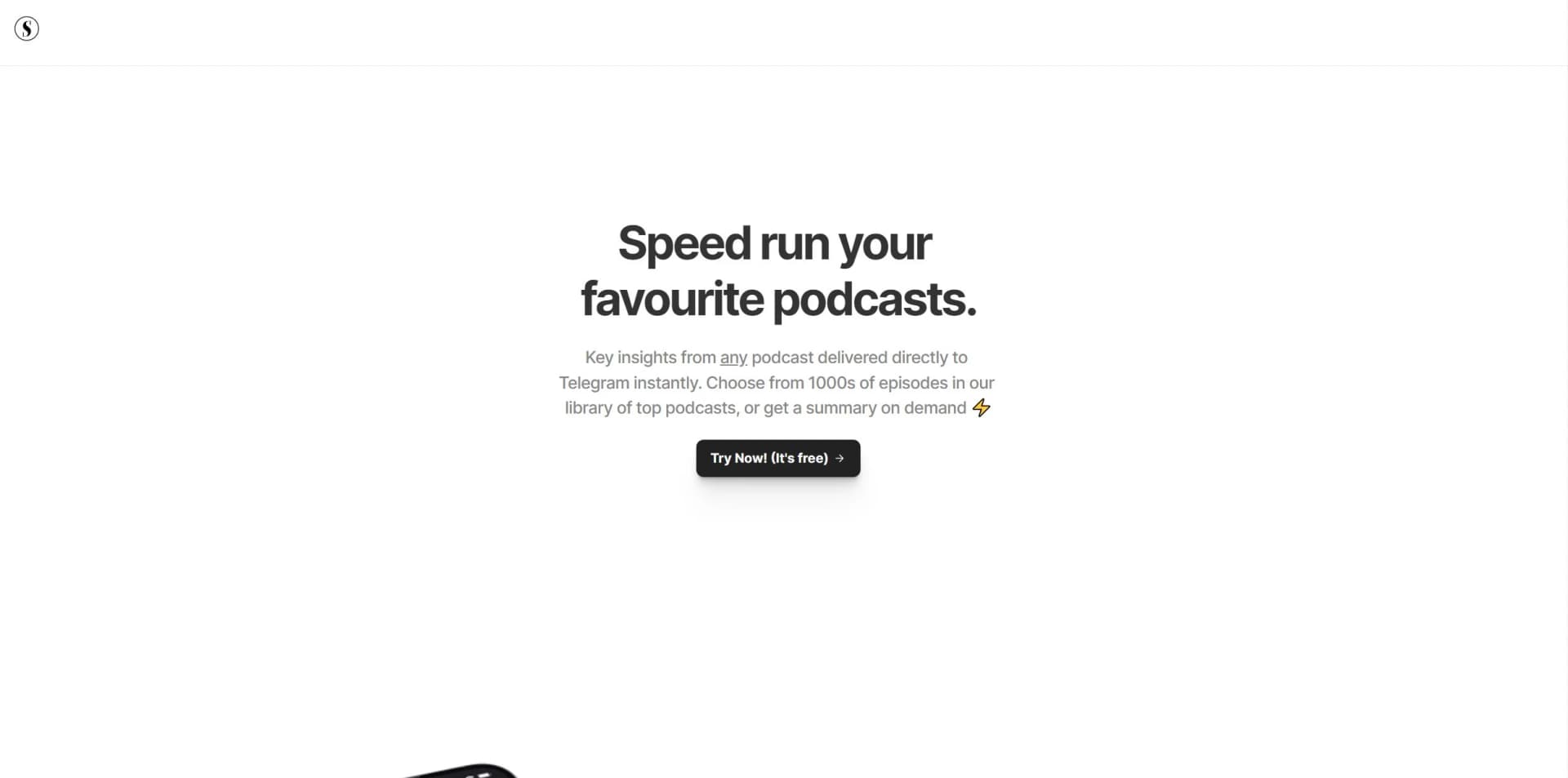
AI distills podcasts/videos into insights; interactive, efficient content consumption.
Key Takeaways
- What it is
- AI distills podcasts/videos into insights; interactive, efficient content consumption.
- Pricing
- Freemium · $0.40 per hour. Transcribed · $10 per month
- Best for
- AI-powered Summaries
- Intuitive Search Functionality
- Transcripts at Your Fingertips
- Rating
- 4.6/5
What is Scribbler?
In the digital age where content is king, staying updated with the latest podcasts and YouTube videos can be both a necessity and a challenge. This is where Scribbler comes in as a game-changer. Scribbler is an AI-powered tool designed to provide key insights from any podcast or YouTube video in seconds. Aimed at business professionals, content creators, and anyone with a thirst for knowledge but limited time, Scribbler simplifies the task of digesting vast amounts of audio and video content.
Scribbler stands out with its ability to transform passive content consumption into an active, engaging experience. Its unique selling point lies in the Conversations with Content feature, allowing users to interact directly with the material, posing questions, and receiving answers, thus deepening the learning and understanding process.
Scribbler excels in providing quick, accessible insights from podcasts and YouTube videos, making it an indispensable tool for anyone looking to maximize their content consumption without sacrificing depth or quality. Its AI-powered summaries and interactive features offer an unmatched advantage in understanding and engaging with various topics efficiently. Whether you're a professional seeking to stay on top of industry trends, a student aiming for academic excellence, or a content creator in search of inspiration, Scribbler ensures you're always in the loop with minimal time investment.
Who is Using Scribbler?
Content Creators
For generating ideas and staying updated with trends.
Professionals
Who need to stay informed but have limited time for professional development.
Students
Leveraging summaries for educational and research purposes.
Podcast Enthusiasts
Who want to catch up on their favorite shows without falling behind.
Uncommon Use Cases
Researchers using the tool for literature review; Language learners utilizing transcripts for practice and comprehension.
Key Features
Rating Breakdown
Pricing Plans
Free Tier
Free
- Allows users to experience Scribbler with unlimited access to the library
Optional Credit Purchase
$0.40 per hour. Transcribed
- $0.40 per hour Summarized
Premium Tier
$10 per month
Unlimited Access to Library, Chat with your content, Subscribe to Podcasts.
Optional Credit Purchase
$10 per month
- On-demand
- $0.30 per hour Transcribed
- $0.20 per hour Summarized
Which Scribbler plan should you pick?
Start with Free for library-based podcast discovery and summaries; upgrade to Premium when you need content chat, podcast subscriptions, and lower on-demand processing rates.
Free
Good for users who need unlimited library access and occasional on-demand transcription or summarization.
Premium
Good for users who need chat with content, podcast subscriptions, curated digests, and lower hourly processing rates.
Scribbler Use Cases
Summarize podcast episodes
Request concise summaries of podcast episodes instead of listening to the full episode.
Outcome: Key points are available in seconds.
Review YouTube content
Get key insights from YouTube videos.
Outcome: Users can identify useful information more quickly.
Search podcast content
Search the available content library to find relevant episodes and information.
Outcome: Relevant content is easier to discover.
Read timestamped transcripts
Open a full transcript and navigate through the episode using timestamps.
Outcome: Users can revisit precise moments in an episode.
Ask questions about content
Use the Premium content conversation feature to ask questions about an episode.
Outcome: Users receive answers grounded in the content.
Workflow Ideas with Scribbler
Find and review an episode
- 1Search the Scribbler library
- 2Open the podcast or YouTube content
- 3Review the summary and timestamped transcript
Turn an episode into a conversation
- 1Open content in Scribbler
- 2Read the generated summary
- 3Chat with the content to get answers
Stay current with podcasts
- 1Subscribe to podcasts on the Premium plan
- 2Receive curated email digests
- 3Review summaries when new content arrives
How Scribbler fits into your stack
Currently, detailed information on specific compatibilities and integrations is not explicitly mentioned, but the platform's nature suggests a strong potential for future expansions in this area.
Pros
- +Time Efficiency: Dramatically reduces the time required to grasp the essence of lengthy podcasts and videos.
- +Accessibility: Makes content more accessible by providing transcripts and summaries that can be navigated with ease.
- +Engagement: Allows for an interactive experience with content, enhancing understanding and retention.
- +Cost-Effective: Offers a free tier and affordable premium options, providing value for money.
Cons
- −Dependence on AI Interpretation: Summaries are AI-generated, which might not capture nuanced arguments or complex concepts accurately.
- −Content Library Limitations: While expansive, the library may not include every niche podcast or video sought by users.
Limitations & when to consider alternatives
Known limitations
- On-demand processing is usage-priced. The Free plan lists $0.40 per hour for transcription and summarization, while Premium lists $0.30 per hour transcription and $0.20 per hour summarization.
- Chat is Premium-only. The pricing table lists chat with your content under Premium, not Free.
- Podcast subscriptions are Premium-only. The pricing table lists podcast subscriptions under Premium, not Free.
- Scope is podcast and YouTube content. The official product description focuses on podcasts and YouTube videos rather than general document or media processing.
Look elsewhere when
- You need a native mobile app.
- You need a developer API.
- You need document or spreadsheet uploads.
- You need team workspaces or SSO.
How to Use Scribbler
- 1
Scribbler offers a straightforward, user-friendly experience, and while specific tutorials were not listed, the platform's intuitive design ensures users can easily navigate and utilize its features from the get-go.
Frequently Asked Questions
What is Scribbler?
Scribbler provides AI-powered summaries and key insights from podcasts and YouTube videos.
Can Scribbler provide transcripts?
Yes. Scribbler provides full transcripts with timestamp navigation.
Can users chat with content?
Premium users can converse with content and receive answers directly from it.
Can users subscribe to podcasts?
Premium includes podcast subscriptions and curated email digests.
Is there a free plan?
Yes. The Free plan costs $0 per month and includes unlimited library access.
How are on-demand summaries priced?
The Free plan lists $0.40 per hour for transcription and summarization; Premium lists $0.30 per hour transcription and $0.20 per hour summarization.
Community reviews
1 review from people who use Scribbler.
Sign in to leave a review for Scribbler.
Jervis Koo
Scribbler Alternatives
Looking for alternatives to Scribbler? Here are similar tools in the same category:
Learn to Master Scribbler
With Skill Leap courses
Get in-depth training on Scribbler and 50+ other AI tools with our expert-led video courses.
Start 7-Day Free Trial