
Scribbly
Transform email writing with AI-driven, style-adapting, professional-grade suggestions.
Key Takeaways
- What it is
- Transform email writing with AI-driven, style-adapting, professional-grade suggestions.
- Pricing
- Freemium · $9.90/month
- Best for
- AI-Powered Email Suggestions
- Intuitive Interface
- Customizable Responses
- Rating
- 4.5/5
What is Scribbly?
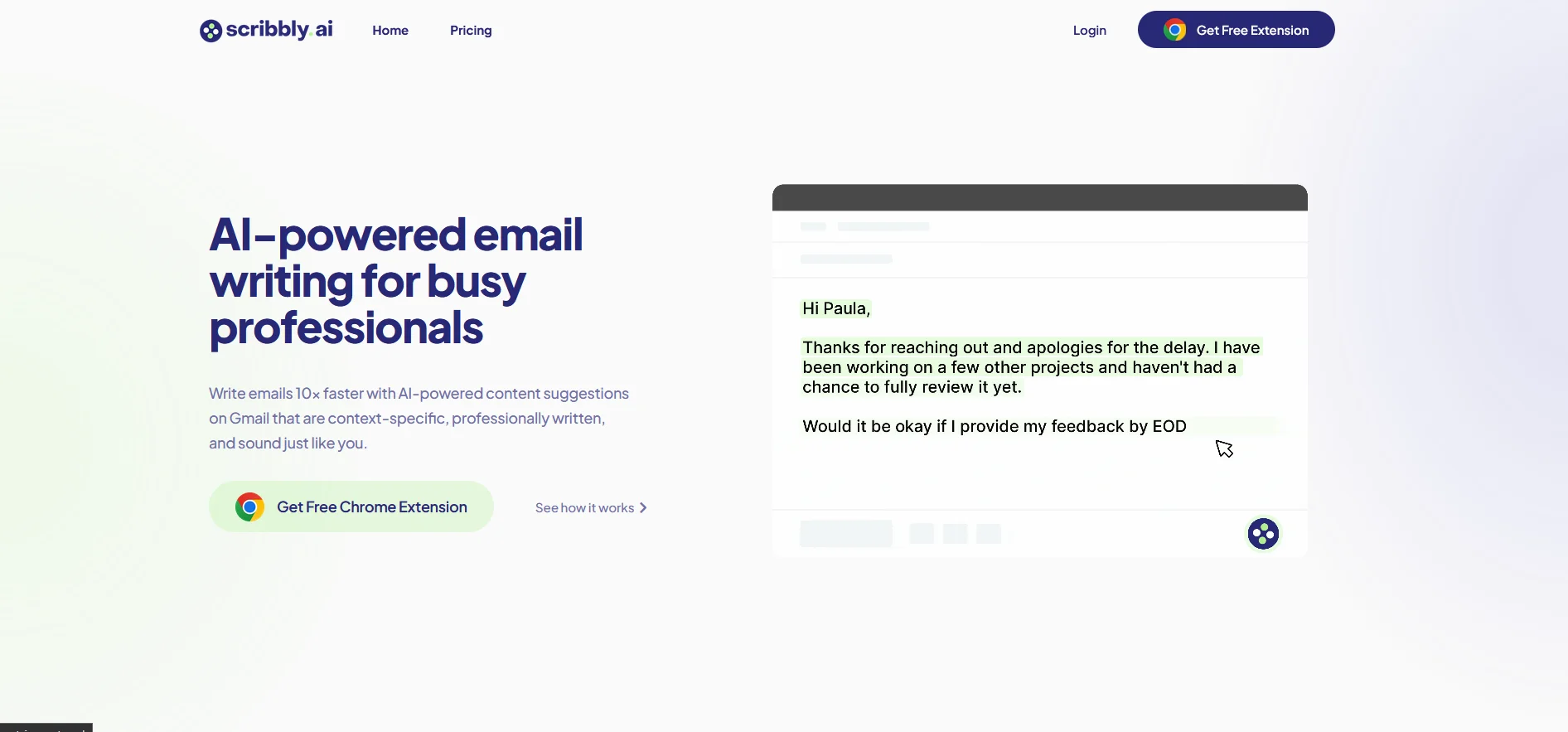
Scribbly is an AI-powered tool designed to revolutionize email communication for professionals. With its smart technology, Scribbly offers context-specific, professionally written email content suggestions that aim to mimic your personal writing style. This innovative tool is especially tailored for busy individuals who seek efficiency in managing their email correspondence on Gmail. Scribbly promises to expedite the email writing process, potentially making you up to ten times faster at crafting your messages.
Scribbly distinguishes itself with a laser focus on professional email writing, ensuring outputs that are contextually relevant and of high quality. Unlike other AI writing tools that may cater to a broader range of writing styles, Scribbly zeroes in on the nuances of professional communication, setting it apart in the AI writing landscape.
Scribbly excels in providing a streamlined, professional email writing experience that is both time-efficient and user-friendly. Its specialization in professional correspondence and the ability to quickly adapt to individual writing styles make it an indispensable tool for anyone who manages a high volume of emails daily. With its free tier and affordable premium option, Scribbly offers valuable features that cater to a wide range of professionals looking to enhance their productivity and communication efficiency.
Who is Using Scribbly?
Freelancers
Streamlining client interaction and project management.
Founders
Managing startup correspondence efficiently.
Managers
Improving internal team communication.
Support Staff
Enhancing customer service responsiveness.
Sales Representatives
Crafting persuasive sales emails quickly.
HR Professionals
Handling HR-related communications with greater speed.
Uncommon Use Cases
Utilized by academics for coordinating research activities; adopted by non-profits for fundraising outreach.
Key Features
Rating Breakdown
Pricing Plans
Free Tier
Free
- Allows generation of approximately 2-3 emails per day
Premium Tier
$9.90/month
Which Scribbly plan should you pick?
Start with Free to evaluate basic email drafting; upgrade to Premium when you need unlimited daily emails.
Free
Good for individuals testing Scribbly who need approximately two to three generated emails per day.
Premium
Good for professionals who need unlimited credits and unlimited email generation.
Scribbly Use Cases
Reply to an email
Select an email and choose the intention that best represents the desired response.
Outcome: Receive a personalized response draft to edit and send.
Write an email from scratch
Provide context through Input Mode.
Outcome: Generate a new email draft.
Customer communication
Create customer-care emails using the company's communication style.
Outcome: More personal and efficient support responses.
Sales outreach
Draft outreach emails tailored to a user's sales style.
Outcome: Help close more deals in less time.
HR communication
Use AI-generated emails for routine HR tasks.
Outcome: Handle HR communications faster.
Workflow Ideas with Scribbly
Reply to a customer email
- 1Select the customer email in Gmail or Outlook
- 2Choose the intention for the response
- 3Edit, polish, and send the generated reply
Create a new outreach email
- 1Open a new email and select Input Mode
- 2Provide context for the outreach
- 3Edit and send the generated draft
Process routine inbox messages
- 1Select an incoming email
- 2Choose an appropriate response intention
- 3Review the suggested response and send it
How Scribbly fits into your stack
Google Chrome Extension
Fully integrated with Google Chrome for use within Gmail.
Personalization
Adapts to individual writing styles and preferences.
Security
Ensures data privacy with no long-term storage of email content.
Future Expansion
Interest is being gauged for compatibility with other browsers and platforms like Firefox and Outlook.
Pros
- +Time-Saving: Drastically reduces the amount of time spent on email writing.
- +Professional Quality: Delivers content that maintains a professional tone and quality.
- +User-Friendly: Simple and straightforward to use, even for those not tech-savvy.
- +Free Plan Available: Offers a free tier, making it accessible for users to try before committing financially.
Cons
- −Browser Limitation: Currently only compatible with Google Chrome, limiting accessibility for users of other browsers.
- −Daily Credit Limit: The free plan has a cap on daily usage, which may not be sufficient for all users.
- −Learning Curve: Some users may need time to get accustomed to the tool’s features and capabilities.
Limitations & when to consider alternatives
Known limitations
- Chrome-only support. Scribbly currently supports Google Chrome and does not document support for Firefox or other browsers.
- Free-plan usage limits. After the initial premium period, the Free Plan provides approximately 4,000 daily credits, or two to three emails.
- Credits do not roll over. Unused Free Plan credits expire when the daily balance resets.
- Longer emails consume more credits. Email analysis and generation use more credits for longer messages, and multiple responses consume additional credits.
- Manual individual use. The terms prohibit automating Scribbly and prohibit account sharing; each account is intended for one person.
Look elsewhere when
- You need a documented developer API.
- You need native mobile or desktop applications.
- You need multi-user account sharing or shared workspaces.
- You need automated workflows across tools.
How to Use Scribbly
- 1
Scribbly provides straightforward guidance on its website, detailing how to set up and use the Chrome extension effectively.
Who is Scribbly For?
Busy professionals
Scribbly helps them write context-specific, professional emails faster.
Managers
It supports team communication and reduces time spent drafting routine emails.
Customer-care teams
It generates emails tailored to a company's communication style for more efficient customer support.
Sales professionals
It creates emails tailored to a user's sales style to help close deals faster.
HR professionals
It helps handle HR communications more quickly and efficiently.
Frequently Asked Questions
How does Scribbly work?
Select an email, choose an intention, then edit and send Scribbly's suggested response. For new emails, provide context in Input Mode.
How do I sign up?
Download the Google Chrome extension, register or log in, then open Gmail or Outlook.
What browsers are supported?
Scribbly currently supports Google Chrome only.
Is my data safe?
Scribbly says email information is deleted after processing and that it does not store email records.
Is Scribbly free?
The Free Plan provides approximately two to three emails per day; Premium provides unlimited emails.
How do Scribbly credits work?
Free-plan credits reset daily and unused credits do not roll over. Longer emails consume more credits.
Community reviews
1 review from people who use Scribbly.
Sign in to leave a review for Scribbly.
Thibault BM
Scribbly Alternatives
Looking for alternatives to Scribbly? Here are similar tools in the same category:
Learn to Master Scribbly
With Skill Leap courses
Get in-depth training on Scribbly and 50+ other AI tools with our expert-led video courses.
Start 7-Day Free Trial