
Sendmux
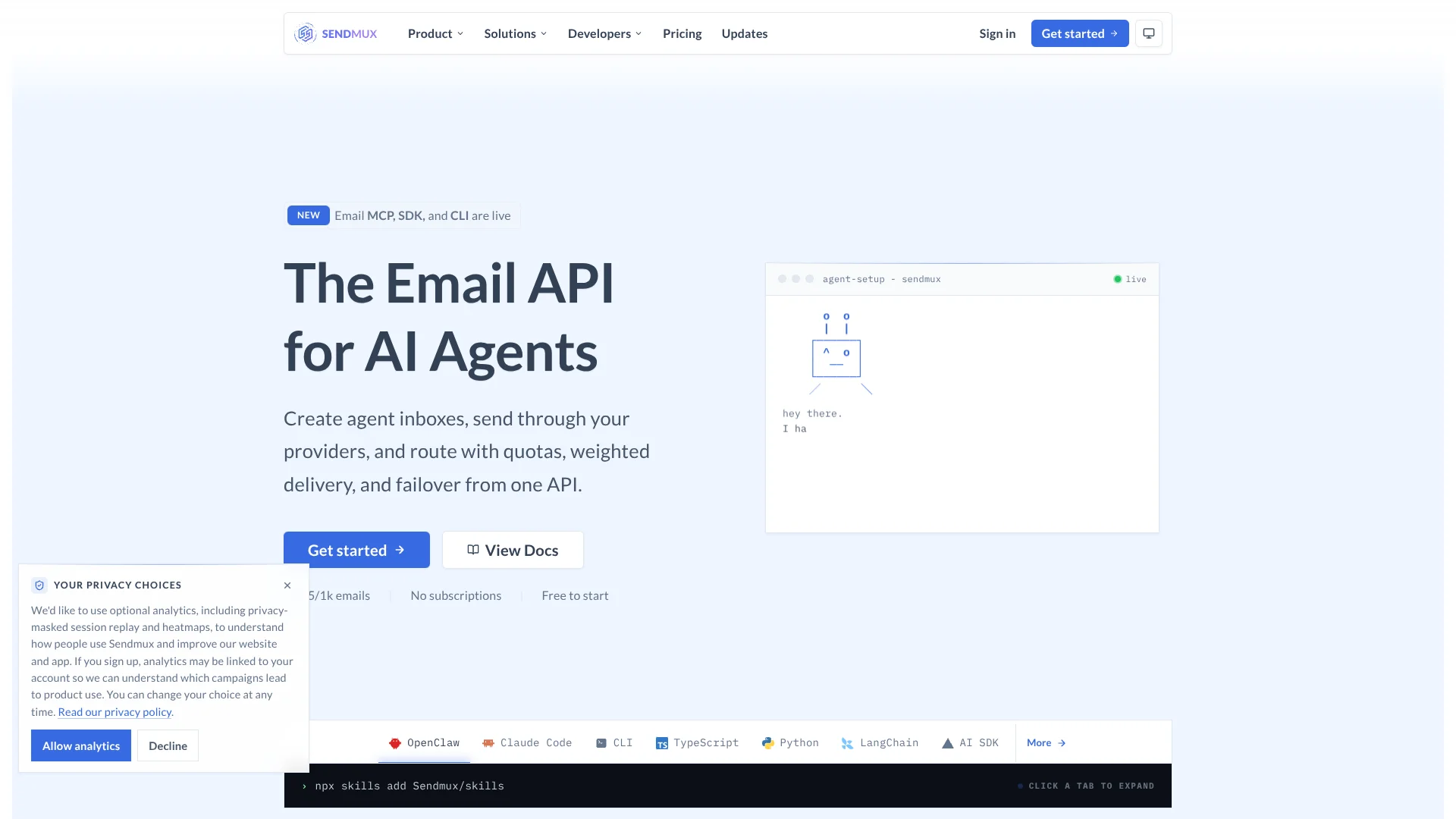
Give AI agents real JSON inboxes.
Key Takeaways
- What it is
- Give AI agents real JSON inboxes.
- Pricing
- Freemium · $7 per team / month plus usage
- Best for
- Agent mailboxes
- Provider routing and failover
- Structured email parsing
Who is Using Sendmux?
AI agent builders
Give agents dedicated inboxes for sending, receiving, parsing, and responding to email.
Platform builders
Add multi-tenant email infrastructure with isolated teams, providers, mailboxes, credentials, and usage.
Customer support teams
Use agent inboxes and structured inbound email for support workflows and customer replies.
Sales outreach teams
Route outbound outreach through configured providers while managing quotas and delivery reliability.
Scheduling and monitoring workflows
Use inbound mailboxes, event delivery, and automation surfaces for scheduling or operational monitoring.
Key Features
Pricing Plans
Free
Free
- 2 mailboxes
- 50 accepted recipients daily across all outbound routes
- No per-seat fees
- No per-mailbox fees
- Managed sending route
- Team isolation
- Scoped credentials
- Delivery logs and metrics
Pro
$7 per team / month plus usage
- No plan-level resource count limits
- No per-seat fees
- No per-mailbox fees
- Managed sending route
- Team isolation
- Scoped credentials
- Delivery logs and metrics
Which Sendmux plan should you pick?
Start with Free for testing and small agent workflows; upgrade to Pro for additional teams, members, resources, and prepaid usage, or choose Enterprise for dedicated infrastructure and custom SLAs.
Free
Good for testing and small agent workflows needing one team, two mailboxes, one domain, and $1 of usage credit.
Pro
Good for production teams needing unlimited plan-level resource counts, multiple members, additional teams, and prepaid usage.
Enterprise
Good for organizations needing dedicated infrastructure, priority support, volume pricing, custom SLAs, and security reviews.
Sendmux Use Cases
Customer support automation
An agent receives customer email, reads clean structured content, replies from its mailbox, and labels conversations.
Outcome: A threaded support workflow with less email parsing overhead.
Sales outreach
An agent sends through multiple owned providers, catches replies, threads them, and labels intent such as interested or booked.
Outcome: Outreach routing and reply handling in one agent mailbox.
Scheduling agents
An agent receives booking requests, extracts proposed times and links, negotiates by email, and confirms with an agent-built calendar file.
Outcome: Email-based scheduling coordination.
Monitoring and alert escalation
A monitoring agent receives alerts through webhooks or SSE, removes duplicates, filters senders, reads clean content, and pages an operator.
Outcome: One incident produces one controlled escalation.
Cold email campaigns with MailWizz
MailWizz manages prospects, campaign content, schedules, and follow-ups while Sendmux manages sending accounts, routing, limits, and delivery feedback.
Outcome: Cold email sequences using multiple sending identities.
Workflow Ideas with Sendmux
Monitor and escalate alerts
- 1Create a dedicated Sendmux mailbox for monitoring alerts.
- 2Connect a signed webhook or SSE mailbox event stream.
- 3Read clean alert content and send an idempotent escalation.
Automate customer support replies
- 1Create a mailbox for the support agent.
- 2Subscribe to message.received events and retrieve clean thread content.
- 3Send a reply from the same mailbox and apply message labels.
Run routed sales outreach
- 1Connect Gmail, Outlook, SMTP, or Amazon SES sending accounts.
- 2Configure provider quotas, weights, and delivery groups.
- 3Send outreach, receive threaded replies, and label prospect intent.
How Sendmux fits into your stack
Browser
The app.sendmux.ai dashboard provides a unified view of agent inboxes, threads, labels, drafts, attachments, and bulk actions.
Automation and APIs
HTTP APIs, SMTP, signed webhooks, Server-Sent Events, scoped API keys, and OpenAPI support connect Sendmux to application backends.
Desktop / IDE
CLI and SDK surfaces support TypeScript, Python, Go, PHP, Rust, and Ruby integrations from developer environments.
Knowledge and files
Mailbox file storage keeps email attachments and directly uploaded documents alongside agent conversations for later retrieval.
Pros
- +Free tier available with no credit card required
- +Provider-agnostic routing with automatic failover
- +Dedicated agent inboxes with structured JSON parsing
- +Team roles and scoped credentials
- +HTTP, SMTP, SDK, CLI, MCP, webhook, and SSE support
Cons
- −Free tier is limited to two mailboxes and 50 accepted recipients daily
- −Usage charges apply in addition to the Pro base fee
- −Managed sending is intended for triggered and transactional email, not marketing or bulk traffic
- −No documented native mobile, browser-extension, or desktop application
Limitations & when to consider alternatives
Known limitations
- No SSO or SAML yet. Single sign-on and SAML are listed as enterprise roadmap items rather than currently shipped capabilities.
- Attachment contents are not parsed. Sendmux exposes attachment metadata and download access, but agents must parse PDF, CSV, spreadsheet, or other attachment contents themselves.
- Managed sending is restricted. The managed Amazon SES route is intended for triggered and transactional email; marketing and bulk promotional traffic should use a customer-owned provider.
- No WebSockets. Server-Sent Events are the shipped live mailbox stream; WebSockets are documented as roadmap.
- No built-in monitoring decision engine. Sendmux receives, de-duplicates, filters, and cleans alerts, while the agent’s own model decides severity and escalation.
Look elsewhere when
- You need SSO or SAML today.
- You need image or document understanding inside attachments.
- You need native mobile access.
- You need built-in AI alert classification or paging schedules.
How to Use Sendmux
- 1
Create a team
Start a Sendmux team from the app. The Free plan provides one active team for testing.
- 2
Create a mailbox
Add an @myagent.mx or verified custom-domain mailbox for the agent that will receive and send email.
- 3
Create a scoped API key
Create a mailbox, sending, or management key with only the permissions required by the integration.
- 4
Connect sending providers
Add Gmail, Microsoft 365, SMTP, Amazon SES, or another supported provider, or use the managed route.
- 5
Send and receive through the API
Use HTTP, SMTP, SDKs, CLI, or MCP to send messages, read clean content, manage threads, and process attachments.
- 6
Add event-driven automation
Configure signed webhooks or an SSE mailbox stream so agents react to incoming and delivery events without polling.
Who is Sendmux For?
AI agent builders
Build agents that send, receive, route, and process email through APIs, MCP, SDKs, or CLI tools.
Multi-tenant SaaS platform builders
Give each customer isolated teams, mailboxes, providers, API keys, logs, and usage controls.
Enterprise AI agent fleets
Run governed email infrastructure with role-based access, scoped credentials, tenant isolation, and enterprise support options.
AI customer support agents
Receive customer messages in a dedicated mailbox, read clean content, reply from the same address, and apply labels.
AI sales outreach agents
Route outreach through owned Gmail, Outlook, SMTP, or SES identities while capturing and threading replies.
Frequently Asked Questions
What is Sendmux?
Sendmux is an email API for AI agents and SaaS platforms, combining outbound sending, inbound agent mailboxes, routing, webhooks, and live mailbox events.
Can I use my own SMTP or email provider?
Yes. Sendmux supports customer-owned SMTP, Gmail, Microsoft 365, Amazon SES, and other connected sending providers.
Does Sendmux include inbound mailboxes?
Yes. It provides dedicated mailboxes on @myagent.mx or custom domains, with threaded messages and clean structured content.
How does Sendmux help with email parsing?
Messages can be returned as clean JSON with signatures, quoted history, and tracking noise removed. Attachment contents are not parsed.
What are Sendmux webhooks and Server-Sent Events for?
Signed webhooks deliver backend events, while Server-Sent Events provide live mailbox updates for connected clients.
How does Sendmux pricing work?
The Free plan costs $0 per team per month and includes $1 usage credit. Pro costs $7 per team per month plus metered usage; Enterprise pricing is custom.
Community reviews
Be the first to share your experience.
Sign in to leave a review for Sendmux.
Sendmux Alternatives
Looking for alternatives to Sendmux? Here are similar tools in the same category:
Learn to Master Sendmux
With Skill Leap courses
Get in-depth training on Sendmux and 50+ other AI tools with our expert-led video courses.
Start 7-Day Free Trial