Sentient Email
Automate and prioritize emails with AI, enhancing productivity and focus.
Key Takeaways
- What it is
- Automate and prioritize emails with AI, enhancing productivity and focus.
- Pricing
- Freemium
- Best for
- Simple AI Assistance
- Consistent Replies
- Customization
- Rating
- 4.3/5
What is Sentient Email?
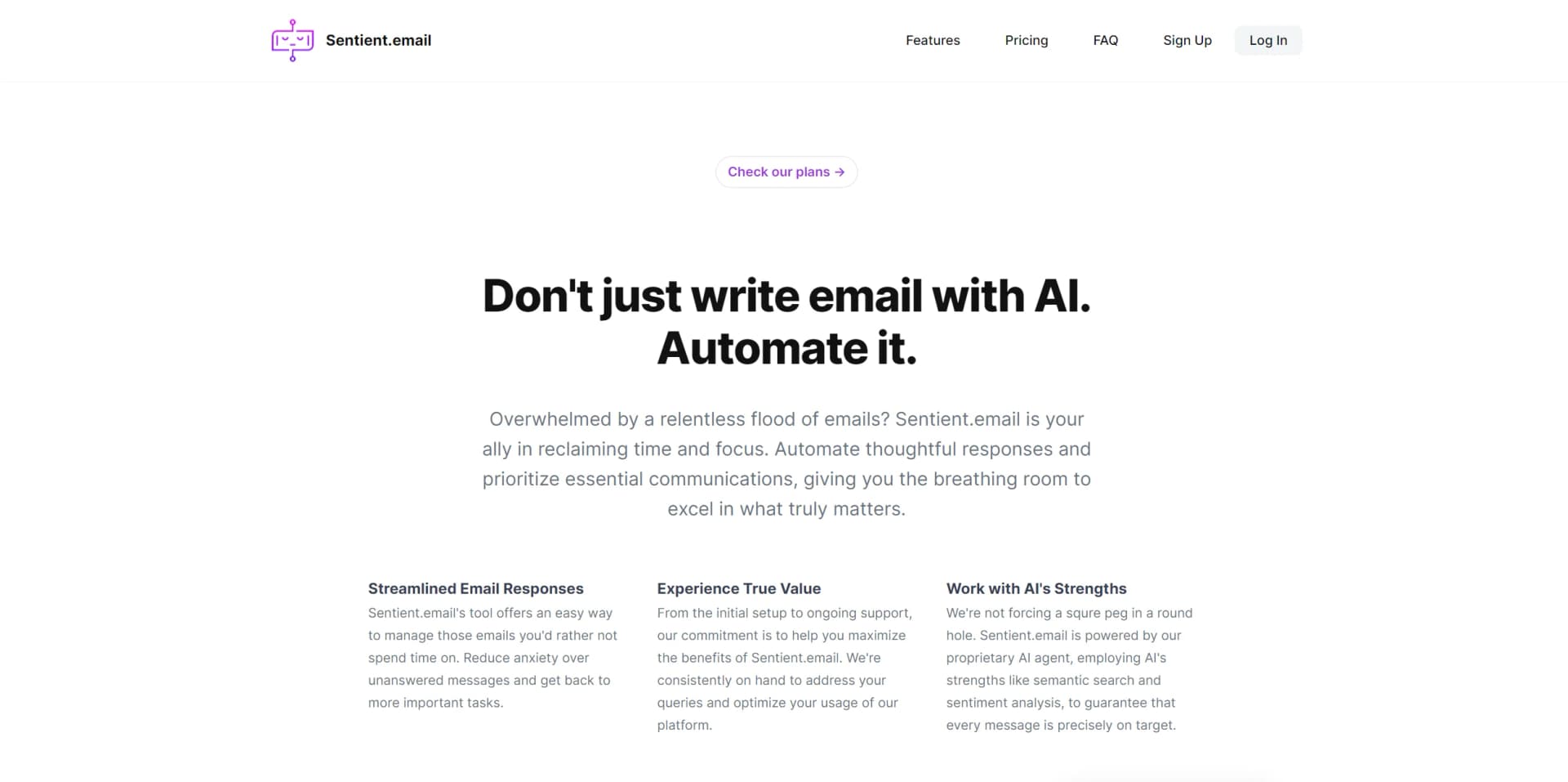
In today's fast-paced digital environment, managing an overflowing email inbox can be a daunting task. Sentient Email emerges as a beacon of hope, offering innovative solutions to automate email responses and prioritize communications effectively. Its core purpose revolves around using advanced AI technology to streamline email management, thereby allowing individuals and professionals to focus on tasks that genuinely matter. By automating thoughtful responses and sorting through the incessant flow of emails, Sentient Email promises to reclaim your time and enhance productivity.
What sets Sentient Email apart is its proprietary AI agent, which utilizes advanced technologies like semantic search and sentiment analysis. This ensures that every automated response is not only timely but also contextually relevant and precisely targeted. The tool's commitment to maintaining the user's voice and rules in automated replies offers a personalized touch that is rare in automation tools.
Sentient Email stands out as an essential tool for anyone looking to streamline their email management process. Its unique blend of AI-driven assistance, customization options, and user-centric design makes it a valuable asset for enhancing productivity and focus. While it currently lacks extensive integration capabilities, its core functionalities offer significant advantages in time management and efficiency. For business professionals and individuals overwhelmed by their inboxes, Sentient Email offers a promising solution to reclaim control and focus on what truly matters.
Who is Using Sentient Email?
Busy Professionals
Who are looking to automate mundane tasks and focus on strategic work.
Entrepreneurs
Seeking efficient ways to manage a high volume of email communications.
Freelancers
Who require streamlined communication channels to focus more on their projects.
Small Business Owners
Looking to reduce administrative overhead and improve operational efficiency.
Uncommon Use Cases
Educational institutions may use it for administrative communications; NGOs could adopt it for managing volunteer outreach efficiently.
Key Features
Rating Breakdown
Pricing Plans
Free Tier
Free
- Provides basic functionalities to experience Sentient Email
Pro Tier
- Starts at a competitive price
- Offering enhanced features and capabilities
Which Sentient Email plan should you pick?
Start with Free to build and test campaigns in the sandbox; upgrade when you need production sending, more volume, additional seats, dedicated sending, or enterprise controls.
Free
Good for small businesses who need a free sandbox, template imports, up to 25,000 active contacts, and 5,000 emails per month.
Growth
Good for growing lists who need a managed sending domain, 50,000 monthly emails, three seats, and three business units.
Scale
Good for higher-volume or multi-brand operations who need 250,000 monthly emails, warmup, advanced deliverability, and ten seats.
Pro
Good for high-volume senders who need dedicated IP, SSO/SAML, roles, unlimited seats, and up to 1,000,000 emails per month.
Enterprise
Good for teams needing physically isolated tenancy, custom volume, SLAs, security review, and white-glove migration.
Sentient Email Use Cases
Import existing email campaigns
Import templates, layouts, journeys, segments, subscriber data, and send history from an existing marketing platform.
Outcome: Migration without rewriting templates.
Build automated customer journeys
Create multi-step, multi-channel journeys with branching, wait steps, and event triggers.
Outcome: Automated campaign execution.
Segment audiences
Query data extensions, build reusable segments, and preview audience counts before sending.
Outcome: More targeted campaigns.
Personalize email content
Use dynamic server-side content and AI-assisted personalization within reusable templates.
Outcome: Personalized, on-brand messages.
Operate email marketing through AI
Connect Claude, Cursor, or other MCP clients to compose emails, build journeys, and author personalization.
Outcome: AI-assisted campaign creation with approval before sending.
Workflow Ideas with Sentient Email
Launch an imported campaign
- 1Import an existing template and subscriber data
- 2Verify the sending domain and configure the sender profile
- 3Preview, test, select an audience, and launch
Create an automated journey
- 1Define the audience using data extensions or reusable segments
- 2Build branching steps, waits, and event triggers
- 3Test the journey and monitor opens, clicks, bounces, and unsubscribes
Use an AI client to prepare a campaign
- 1Connect Claude, Cursor, or another MCP client using an agent key
- 2Ask the AI to compose email, build a journey, or author personalization
- 3Review and approve the draft before sending
How Sentient Email fits into your stack
Currently, Sentient Email focuses on providing a robust standalone service. As it evolves, future updates may include integration capabilities with other platforms and services to enhance its utility further.
Pros
- +Time Efficiency: Dramatically reduces the time spent managing emails.
- +Customization: Allows for personalized responses, maintaining your unique voice in communications.
- +Stress Reduction: Decreases anxiety over unanswered emails, providing peace of mind.
- +Improved Focus: Frees up time to concentrate on tasks of greater importance, enhancing overall productivity.
Cons
- −Adaptation Period: Might require time to fully adapt to the tool's functionalities and maximize its potential.
- −Dependence on AI: Relies on AI for responses, which may not always capture the nuances of human communication perfectly.
- −Limited Free Plan: The free version may offer restricted features, necessitating an upgrade for full benefits.
Limitations & when to consider alternatives
Known limitations
- Sandbox sending restrictions. New accounts begin in sandbox mode, where sends reach only people on the customer's own team until email, phone, and sending-domain verification are complete.
- Sending thresholds can pause external delivery. External sending is automatically paused if the account exceeds a 3% hard-bounce rate or 0.1% spam-complaint rate over a rolling seven-day window.
- Plan-based contact and volume limits. Plans impose limits on active contacts, monthly emails, seats, business units, storage, and platform AI assists.
- Uploaded asset size limit. Individual uploaded assets are limited to 5 MB.
- AI actions require approval before sending. AI agents can draft and prepare campaigns, but the documented workflow requires humans to approve sends.
How to Use Sentient Email
- 1
For new users, Sentient Email provides a comprehensive guide and tutorial series accessible on their website and YouTube channel, covering everything from basic setup to advanced features.
Who is Sentient Email For?
Small businesses
The Free plan is positioned as a usable starting point with campaign-building functionality and 5,000 monthly emails.
Growing lists
The Growth plan is designed for organizations needing their own sending domain and higher contact and email-volume limits.
Multi-brand operations
The Scale plan supports more business units, higher volume, warmup, advanced deliverability, and priority support.
High-volume senders
The Pro plan targets senders needing dedicated sending, SSO/SAML, roles, and larger limits.
Teams needing contractual separation
Enterprise provides physically isolated tenancy, custom volume, SLAs, security review, and white-glove migration.
Frequently Asked Questions
Do I need a credit card to start?
No. The Free plan is free forever and runs in a sandbox, allowing template imports and campaign building before payment.
Which contacts count against my plan?
Only active contacts count. Unsubscribed, hard-bounced, or deleted contacts stop counting immediately.
Can I import my existing templates?
Yes. SentientMail supports imports from major marketing platforms and is designed to render templates byte-for-byte identically.
How is sending handled?
Sending uses a managed MTA backbone with domain-readiness checks, warmup, and a proof gate before launch.
Is my data isolated from other customers?
Yes. Row-level security enforces customer data boundaries at the database layer; Enterprise adds dedicated physical isolation.
Whose AI powers it, and who pays?
Customers can bring their own keys from Anthropic, OpenAI, Gemini, Perplexity, or xAI. The provider bills the customer directly.
Community reviews
Be the first to share your experience.
Sign in to leave a review for Sentient Email.
Sentient Email Alternatives
Looking for alternatives to Sentient Email? Here are similar tools in the same category: