
Sferal
Describe workflows, get internal apps and agents.
Key Takeaways
- What it is
- Describe workflows, get internal apps and agents.
- Best for
- Conversational no-code builder
- AI agent studio and marketplace
- Multi-LLM orchestration
- Rating
- 4.4/5
What is Sferal?
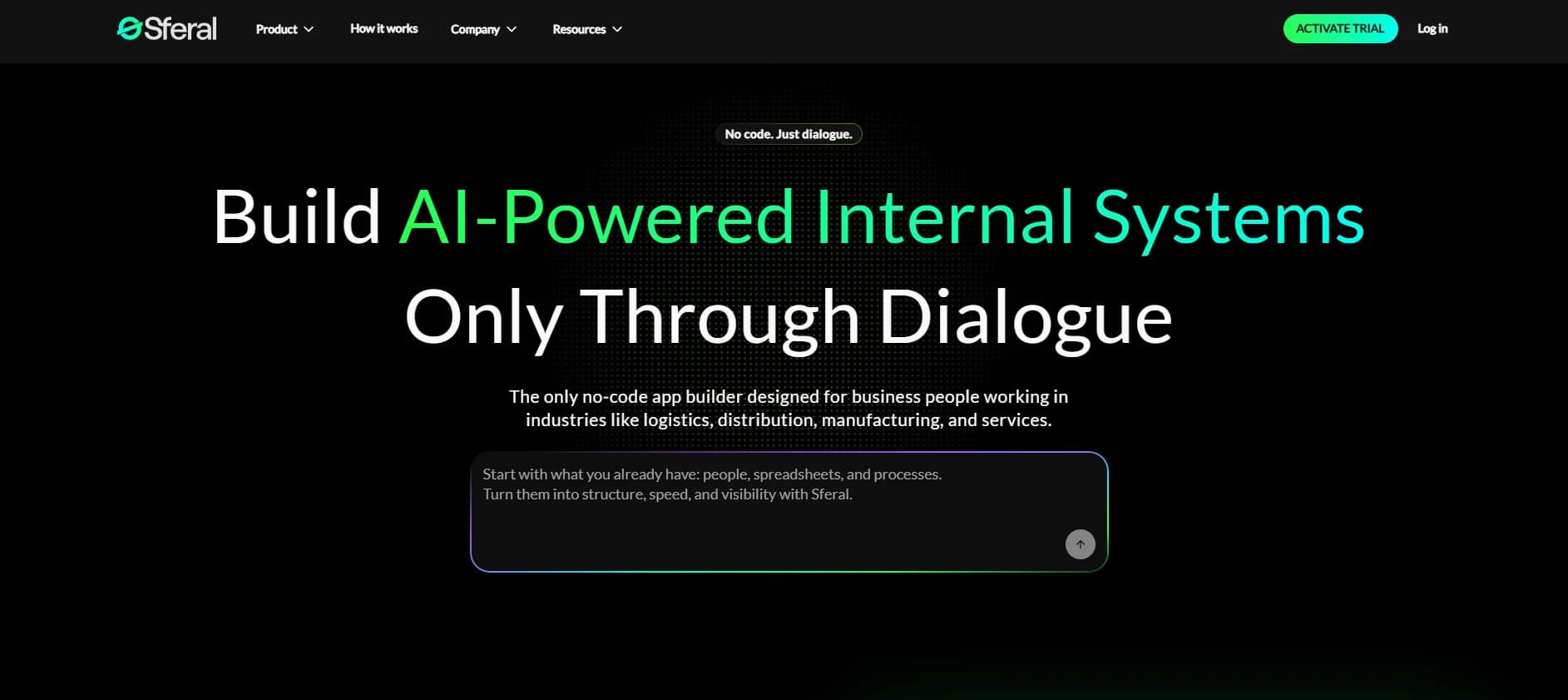
Sferal helps operations-heavy companies build AI-powered internal systems and agents through plain-language dialogue instead of code. Aimed at logistics, distribution, manufacturing, and service businesses that still juggle spreadsheets, email, and messaging apps, it turns conversational briefs into working apps, dashboards, and AI agents that sit on secure infrastructure with governance, analytics, and integrations to existing tools.
Sferal stands out by combining conversational internal-app building with an AI agent OS in one place. Instead of stitching together a no-code UI tool, an automation tool, and a separate AI service, teams get agents, orchestration, full-stack apps, governance, and security on a single foundation that is explicitly tuned for heavy operations like logistics and manufacturing. For business users, it feels less like configuring “yet another tool” and more like describing how the company should work and watching that description harden into systems.
Sferal offers a compelling route for mid-sized and larger organizations that run on fragmented spreadsheets and email yet cannot justify building a full internal product team. Its mix of conversational no-code app creation, powerful AI agents, deep integrations, and serious governance turns scrappy operational ideas into durable internal systems. For companies in logistics, manufacturing, and other process-heavy sectors that are ready to treat AI as infrastructure rather than a side experiment, it can be a very punchy choice, provided they are willing to invest time into clarifying and redesigning their workflows.
Who is Using Sferal?
Logistics and Distribution Companies
Automating transport dispatch, routing, schedule updates, and quote replies while keeping teams aligned.
Manufacturers and Industrial Firms
Building inventory dashboards, production trackers, maintenance coordination, and quality documentation flows.
Professional Services and Agencies
Running client portals, project tracking, and automated reporting that pull data from multiple systems.
HR, Talent, and People Ops Teams
Deploying CV screening agents, onboarding flows, performance review tools, and employee self-service portals.
Finance and Admin Departments
Handling invoice and contract extraction, approval workflows, and profitability dashboards across projects and clients.
Uncommon Use Cases
Used by board-level teams as live “command centers” for KPIs across several ERPs; Adopted by regional call centers to triage email and call volume with human-in-the-loop agents.
Key Features
Rating Breakdown
Pricing Plans
Free Trial
- A 7-day trial lets organizations build internal apps and experiment with AI agents before choosing a subscription
Which Sferal plan should you pick?
Start with the Fusion licence for one production project, then add credits or project slots as usage and scope grow.
Fusion licence
Good for businesses that need a managed development and production environment, one active project, storage, authentication, and permissions.
Credits
Good for teams that need additional AI usage beyond the recurring licence; available as 10-, 50-, or 100-credit packs.
Projects
Good for customers who need additional active project slots beyond the one included with Fusion.
Sferal Use Cases
Delivery tracking
Track orders, handlers, and expected arrival dates in one system.
Outcome: Improved visibility into deliveries.
Quote generation
Read quote requests, retrieve pricing, and generate responses automatically.
Outcome: Faster quote turnaround.
CV screening
Process CVs and create candidate shortlists for recruiters.
Outcome: Review 90 or more CVs in under five minutes.
Invoice and contract processing
Extract key details from documents and send structured data into business systems.
Outcome: Reduced manual data entry.
Expense approvals
Let employees submit expenses and managers approve them through a logged workflow.
Workflow Ideas with Sferal
Automate incoming document processing
- 1Upload or receive a document
- 2Extract and validate the relevant fields
- 3Send structured data to a connected system
Build an automated customer-request tracker
- 1Capture requests from email, forms, or connected systems
- 2Classify and route each request to the right team
- 3Monitor status and overdue items in a dashboard
Create an AI-powered quote workflow
- 1Receive a quote request
- 2Retrieve pricing and generate a response
- 3Send the quote and track the resulting workflow
How Sferal fits into your stack
Browser
Sferal is accessed as a browser-based AI operating system where users describe business needs, refine workflows, and launch systems.
Knowledge and files
Teams can ground agents and automations in spreadsheets, documents, scanned images, PDFs, photos, videos, and web sources.
Automation and APIs
Sferal supports trigger-based, multi-step workflows with branching, loops, error handling, webhooks, API calls, and connected business systems.
Team chat and tickets
The platform connects across business tools including Slack, Salesforce, Jira, and HubSpot while centralizing agents, workflows, roles, and governance.
Pros
- +Business-user first design: Built explicitly for operations, logistics, and service teams that do not have product managers or dedicated developers.
- +Plain-language build process: Non-technical staff can talk through what they want and let the AI propose data models and interfaces, which feels far closer to a working conversation than to a traditional app builder.
- +From quick wins to complex workflows: Organizations can start with a single high-impact agent, then expand into cross-department workflows without switching platforms.
- +Security and governance built in: Dedicated environments, granular access control, and auditability support companies that care deeply about compliance and risk.
- +Proof points and industry focus: Case studies in logistics and manufacturing show clear savings in time, headcount, and SLA penalties, which helps justify investment.
Cons
- −Opaque public pricing: There is no detailed pricing grid with usage limits, so most teams need to talk to sales or use the ROI calculator to estimate spend.
- −Best fit for mid-sized and larger organizations: Very small teams may find the orchestration, governance, and deployment options more than they practically need.
- −Learning curve for process design: Coding is removed, but teams still must articulate workflows, decisions, and data clearly, which can require internal process work.
Limitations & when to consider alternatives
Known limitations
- Credits are billed separately. The recurring licence does not include unlimited AI usage; credit packs are purchased separately.
- The base licence includes one active project. Additional project capacity requires recurring project add-ons.
- The free offer is time-limited. Sferal advertises a 7-day free trial rather than a permanent free plan.
- Storage is limited on the listed plan. The Fusion licence includes 50 GB of file storage.
- AI outputs require oversight. Sferal’s terms state that AI results are probabilistic and should be checked by people before use.
Look elsewhere when
- You need a native mobile app.
- You need a downloadable desktop installer.
- You need a documented developer API.
- You need built-in SSO or SAML.
How to Use Sferal
- 1
Describe the business problem
Explain the process you want to improve in plain language so Sferal can propose the system structure.
- 2
Add your data sources
Upload PDFs, documents, spreadsheets, videos, or connect live systems to provide business context.
- 3
Build an agent or internal system
Use the no-code studio or a marketplace template to create the required agent, dashboard, or workflow.
- 4
Invite teammates
Create teams and invite users, then assign roles and permissions for controlled access.
- 5
Connect the workflow
Add triggers, actions, branching logic, and connected tools so the process runs end to end.
- 6
Monitor and refine
Review execution, performance, usage, and cost from the dashboard, then iterate as requirements change.
Who is Sferal For?
Operations managers
Build trackers, dashboards, and automations for recurring operational processes.
Logistics coordinators
Automate delivery tracking, schedule updates, document handling, and supplier communication.
Business owners
Create internal tools without hiring a development team or waiting for IT.
HR and talent teams
Automate candidate screening, onboarding, employee self-service, and performance workflows.
Mid-sized companies
Coordinate AI agents, workflows, teams, and governance across departments.
Frequently Asked Questions
What is included in the 7-day free trial?
The trial includes €20 in credits so users can build real applications before paying.
How does Sferal work?
Describe a business problem in plain language, refine the requirements, and launch the resulting system.
Can Sferal connect to existing tools?
Yes. Sferal supports integrations with business systems and more than 100 tools through connectors.
Can teams use Sferal together?
Yes. Organizations can create teams, invite users, and assign roles and permissions.
What can users build?
Users can build internal business systems such as trackers, dashboards, approval workflows, and AI agents.
Is Sferal no-code?
Sferal provides a no-code studio and lets business users create systems through dialogue.
Community reviews
Be the first to share your experience.
Sign in to leave a review for Sferal.
Sferal Alternatives
Looking for alternatives to Sferal? Here are similar tools in the same category:
Learn to Master Sferal
With Skill Leap courses
Get in-depth training on Sferal and 50+ other AI tools with our expert-led video courses.
Start 7-Day Free Trial