
Shorts Generator
Transform ideas into viral short videos.
Key Takeaways
- What it is
- Transform ideas into viral short videos.
- Pricing
- $19.99 per month · $39.99 per month · $59.99 per month. Unlimited credits with 10 videos per day
- Best for
- AI-Powered Automation
- Customizable Templates
- High-Quality Exports
- Rating
- 4.6/5
What is Shorts Generator?
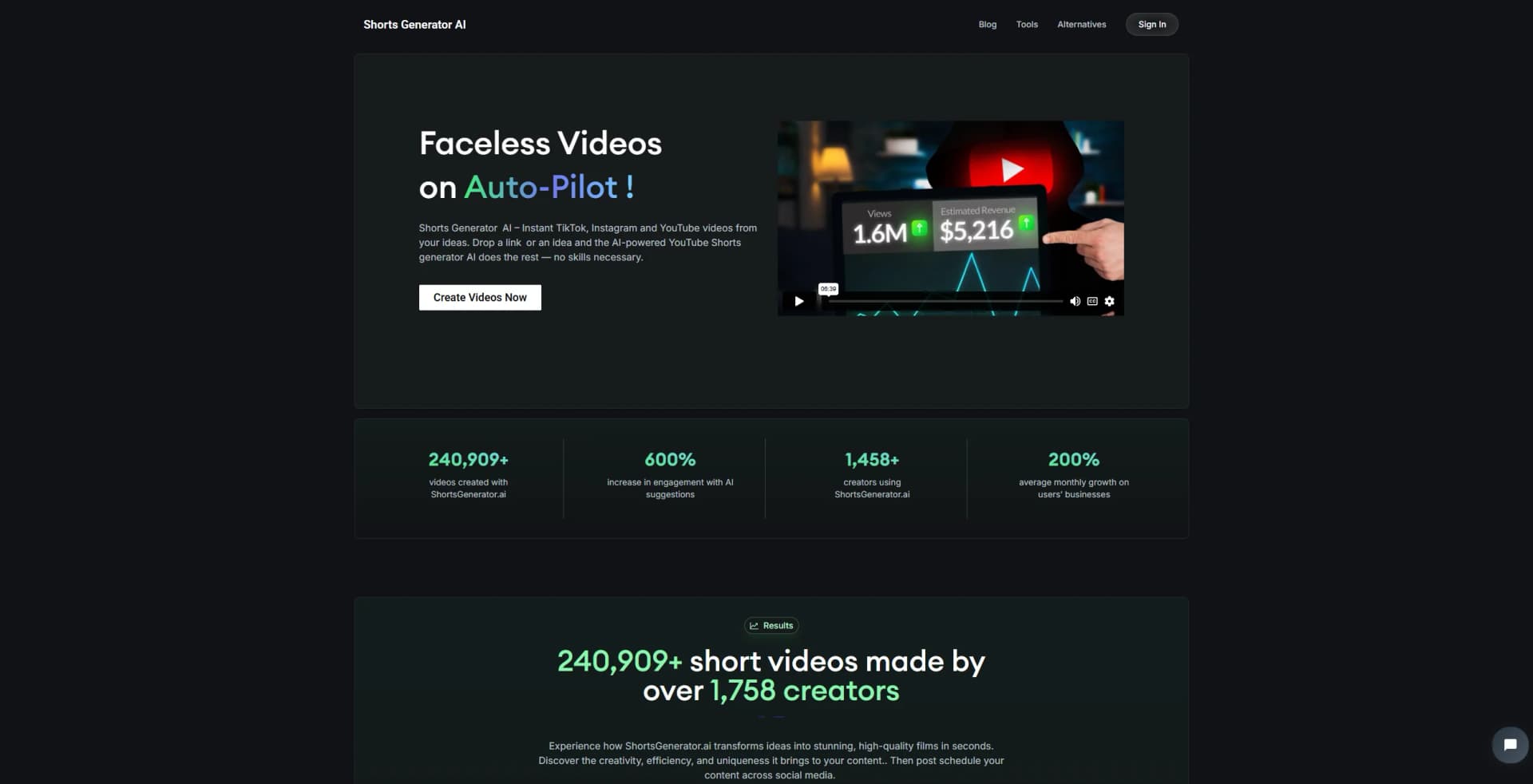
Shorts Generator is an AI tool designed to transform your ideas into engaging and viral short videos. Whether you're creating content for TikTok, Instagram, or YouTube, this tool simplifies video production by automating the entire process. Simply drop a link or an idea, and Shorts Generator does the rest, making it accessible for anyone, even those without any video editing skills.
Shorts Generator stands out with its ability to create high-quality, faceless videos using AI. This feature is particularly beneficial for users who want to maintain privacy while producing professional content. Its integration of AI-driven analytics ensures that each video is optimized for maximum viewer engagement.
Shorts Generator is a powerful ally for anyone looking to create captivating short videos without the hassle of traditional video editing. Its AI-driven approach not only simplifies the process but also enhances the quality and engagement potential of your content. Whether you're a novice or a seasoned creator, Shorts Generator offers a seamless way to produce videos that resonate with your audience and grow your online presence.
Who is Using Shorts Generator?
Content Creators
Leveraging the tool to produce consistent and engaging social media content.
Marketing Professionals
Utilizing AI-generated videos for ad campaigns and brand promotions.
Educators
Creating informative and visually appealing educational content.
Small Business Owners
Producing promotional videos to enhance their online presence.
Uncommon Use Cases
Non-profit organizations using it for advocacy campaigns; Authors transforming book excerpts into promotional videos.
Key Features
Rating Breakdown
Pricing Plans
Rookie Plan
$19.99 per month
- Includes 20 AI video credits, 5 videos per day, and access to all core features like AI Shorts, green screens, editing, automation, and multiple voices
Starter Plan
$39.99 per month
- Includes 40 AI video credits, 5 videos per day, and full feature access. Ideal for growing creators needing more volume
Business Plan
$59.99 per month. Unlimited credits with 10 videos per day
- All features included. Built for teams managing multiple faceless channels
Which Shorts Generator plan should you pick?
Start with Rookie for basic recurring short-video production; upgrade to Hardcore or Business Plan when you need higher capacity or unlimited monthly video credits.
Rookie
Good for individual creators who need daily posting, editing, HD exports, voice cloning, and no watermark.
Hardcore
Good for users who need the listed daily-posting workflow with the same core production features at a higher plan level.
Business Plan – Unlimited Video Credits Monthly
Good for higher-volume users who need unlimited monthly video credits.
Shorts Generator Use Cases
Create TikTok videos
Provide text or an idea and generate a TikTok-oriented short video.
Outcome: A ready-to-customize short-form video.
Repurpose YouTube videos
Convert a longer YouTube video into a short vertical video.
Outcome: Short-form content derived from existing video.
Create product demos
Use AI-generated scripts and visuals to produce product-focused videos.
Outcome: Short promotional content for products.
Create explainer videos
Turn an idea, text, or link into an explanatory social video.
Outcome: A concise explainer suitable for social platforms.
Turn audio into video
Transform podcasts, interviews, or other audio content into engaging videos.
Outcome: A visual short-form video from audio content.
Workflow Ideas with Shorts Generator
Create a short from an idea
- 1Enter an idea, text, or link
- 2Let the AI generate the script, visuals, and voice-over
- 3Edit the video and publish it to a social platform
Repurpose a YouTube video
- 1Provide a YouTube video
- 2Convert it into a short vertical video
- 3Review and customize the generated result
Automate recurring video creation
- 1Configure the Automations feature
- 2Allow ShortsGenerator.ai to create videos on autopilot
- 3Review and publish the generated videos
How Shorts Generator fits into your stack
Browser
ShortsGenerator.ai is accessed through a browser-based web app where users create, edit, preview, and export short-form videos.
Automation and APIs
Automations can create videos on autopilot, and the product supports publishing rendered videos to YouTube through an in-app API.
Knowledge and files
Users can provide text, articles, URLs, podcasts, YouTube content, and uploaded images as source material for video generation.
Pros
- +User-Friendly Interface: Easy to navigate, making it ideal for beginners and experienced creators alike.
- +Time-Saving: Automates video creation, reducing production time significantly.
- +Boosts Engagement: Users have reported a 600% increase in engagement with AI-generated content.
- +Versatile Applications: Suitable for various content types, including product demos, explainer videos, and social media ads.
Cons
- −Limited Free Version: While there are some free tools available, full access requires a paid plan.
- −Initial Setup Required: Users need to familiarize themselves with the platform to maximize its potential.
Limitations & when to consider alternatives
Known limitations
- No free version of the full product. The site says the full ShortsGenerator.ai product does not have a free version; only separate mini-tools are available to try.
- Plan posting frequency. The listed Rookie and Hardcore plans each specify posting once per day.
- No documented developer API. The official pricing and product pages document creation and publishing features but do not document API keys, endpoints, or developer API access.
- No documented native mobile app. The official product is presented as a JavaScript web application, with no official iOS or Android listing found.
- AI output requires review. Generated videos are AI-created and should be reviewed and customized before publishing.
Look elsewhere when
- You need a free full-featured plan.
- You need a documented developer API.
- You need native mobile apps.
How to Use Shorts Generator
- 1
Start with an idea or source
Enter a topic, text, link, YouTube video, podcast, or other supported source to define the content.
- 2
Generate the video
Let the AI create scripts, visuals, voice-over, captions, and a short-form video.
- 3
Customize the result
Adjust branding, visuals, pacing, and voice-over so the video matches your intended style.
- 4
Preview and edit
Use the editor and preview tools to check the finished short before publishing.
- 5
Publish or automate
Auto-post to a channel using a paid plan, or configure Automations for recurring hands-off creation.
Who is Shorts Generator For?
Content creators
Creators can turn ideas, text, or links into short-form videos without advanced editing skills.
Brands
Brands can create product demos, explainer videos, social ads, and branded short-form content.
Marketers
Marketers can generate scripts, hooks, visuals, and videos for social-media campaigns.
Businesses
Businesses can use automated video production to support audience growth and content publishing.
Frequently Asked Questions
Can I try ShortsGenerator.ai for free?
The site says there is no free version of the full product, but free mini-tools are available.
What kind of content can I create?
You can create product demos, explainer videos, social ads, blog-to-video content, podcast videos, and TikTok videos.
How much control do I have over generated content?
You can customize voice-over, branding elements, visuals, pacing, and other aspects of generated videos.
Can beginners use ShortsGenerator.ai?
The site says users can provide text or a link and create videos without prior video-editing experience.
Does ShortsGenerator.ai support automation?
Its Automations feature can create videos automatically on autopilot.
How does ShortsGenerator.ai protect data?
The site says it uses industry-standard encryption and does not share data with third parties without consent.
Community reviews
Be the first to share your experience.
Sign in to leave a review for Shorts Generator.
Shorts Generator Alternatives
Looking for alternatives to Shorts Generator? Here are similar tools in the same category:
Learn to Master Shorts Generator
With Skill Leap courses
Get in-depth training on Shorts Generator and 50+ other AI tools with our expert-led video courses.
Start 7-Day Free Trial