Sidekick
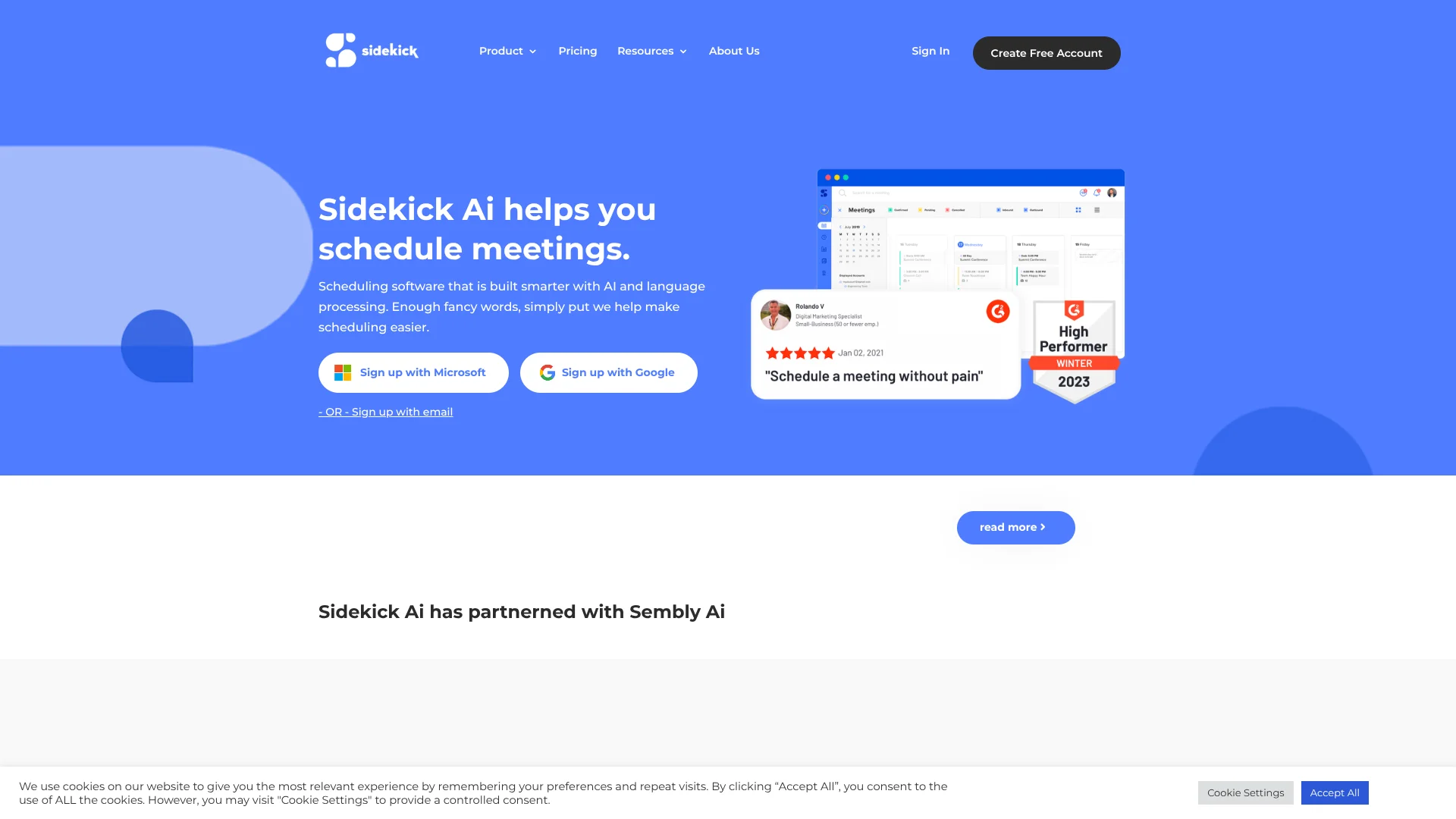
Turn forwarded meeting emails into scheduled meetings without the back-and-forth.
Key Takeaways
- What it is
- Turn forwarded meeting emails into scheduled meetings without the back-and-forth.
- Pricing
- Freemium · $5 per month
- Best for
- Forward to Schedule
- Scheduling Pages
- Team Pages
- Rating
- 3.8/5
What is Sidekick?
Sidekick handles meeting requests that arrive by email: forward a request, and its AI checks your calendar, contacts the guest, and books a workable time. It also offers shareable scheduling pages for people who prefer choosing a slot themselves. It is built for professionals who spend time coordinating meetings.
Unlike a basic booking link, Forward to Schedule starts with the guest's email rather than a page of available slots. Sidekick interprets the request, checks whether the proposed time fits, and either books it or sends a scheduling page so the guest can choose another time.
Sidekick fits client-facing professionals and small teams that need meeting coordination, calendar syncing, and a simple way to let guests book. Its AI focus is narrow: it schedules meetings, rather than helping with writing, research, or general questions. Choose it when email-based scheduling is the task you want handled.
Who is Using Sidekick?
Executive assistants
Meeting requests sent by email can be routed to Sidekick to check availability and coordinate with guests.
Sales representatives
Client-facing scheduling pages give prospects a way to select a meeting time.
Recruiters
Personal scheduling pages can help candidates book interviews around available times.
Team coordinators
Team Pages help clients or partners schedule with a group whose calendars are synced.
Consultants
Forward to Schedule can handle email requests to meet by checking the calendar and following up with the guest.
Uncommon Use Cases
Finding a shared time for a golf outing; coordinating a meeting with business partners through a Team Page.
Key Features
Rating Breakdown
Pricing Plans
Hero Plan
Free
- 1 connected source
- 3 Scheduling Pages
- Unlimited scheduled meetings
- Google, Outlook, and Microsoft 365
- Google Meet, Zoom, Skype, and Teams
Superhero Plan
$5 per month
- Everything in the Hero Plan
- Unlimited sources and calendars
- Forward to Schedule AI scheduling
- Unlimited Scheduling Pages
- Team Pages for team scheduling
- Remove Sidekick branding
Which Sidekick plan should you pick?
Start with the free Hero Plan for basic booking pages, and choose Superhero when you need email-based AI scheduling, unlimited pages, or Team Pages.
Hero Plan
Good for individuals who need a free scheduling page, one connected source, and unlimited scheduled meetings.
Superhero Plan
Good for regular schedulers who need Forward to Schedule, unlimited calendars and pages, or Team Pages.
Sidekick Use Cases
Schedule from an email request
A forwarded meeting request gives Sidekick the details it needs to check availability and coordinate with the guest.
Outcome: A suitable meeting is booked, or the guest receives a scheduling page to choose another time.
Let clients book a meeting
A personal Scheduling Page shows guests available times and the meeting types you offer.
Outcome: Guests can choose a time and meeting format that works for them.
Coordinate a team meeting
A Team Page uses calendars synced by invited members to help a guest find a group meeting time.
Outcome: A guest can request a meeting with the team through one page.
Find a time with other Sidekick users
Sidekick Scheduling checks availability across Sidekick users when they need to meet.
Outcome: Sidekick presents times that work for everyone.
Workflow Ideas with Sidekick
Turn a meeting email into a booking
- 1Forward the meeting request to Sidekick.
- 2Sidekick checks the proposed time against your availability.
- 3If the time works, Sidekick books it and sends the guest a confirmation.
Set up a client booking page
- 1Create a Scheduling Page with your availability and meeting preferences.
- 2Choose whether guests can book an in-person, video, or phone meeting.
- 3Share the page with clients who need to schedule.
Coordinate a meeting with a team
- 1Create a Team Page and invite team members to sync their calendars.
- 2Share the page with the client or partner requesting a meeting.
- 3The guest selects a time based on team availability.
How Sidekick fits into your stack
Gmail, Outlook, and Thunderbird can connect to Sidekick. Forward to Schedule uses incoming meeting requests as its starting point.
Calendars
Google Calendar and Outlook Calendar sync availability so Sidekick can check possible meeting times.
Booking pages
Personal and team Scheduling Pages give guests a route to request a meeting without coordinating times by email.
Video meetings
Sidekick lists Google Meet, Zoom, and Teams among its video meeting integrations.
Pros
- +Email-based scheduling: Forward a meeting request instead of copying its details into a booking form.
- +Flexible guest booking: Scheduling Pages can offer in-person, video, or phone meetings.
- +Team availability: Team Pages can check calendars synced by invited members.
- +Free plan: The Hero Plan includes unlimited scheduled meetings.
Cons
- −Narrow focus: Sidekick is centered on arranging meetings, not general-purpose AI work.
- −Paid AI scheduling: Forward to Schedule is included with the Superhero Plan, not the Hero Plan.
- −Limited free pages: The Hero Plan includes three Scheduling Pages.
Limitations & when to consider alternatives
Known limitations
- Hero Plan source and page limits. The free Hero Plan includes one connected source and three Scheduling Pages.
- Team Page editing. Only the paid Team Page creator can make changes; invited team members cannot.
- Forward to Schedule requires a paid plan. The official pricing page lists AI scheduling by email as a Superhero Plan feature.
Look elsewhere when
- You need an AI tool for writing, research, coding, or other work beyond meeting scheduling.
- You need invited team members to edit a shared Team Page.
How to Use Sidekick
- 1
Create an account
Sign up for Sidekick with Google, Microsoft, or email to start setting up scheduling.
- 2
Connect email and calendars
Connect a supported email and calendar service so Sidekick can coordinate requests around your availability.
- 3
Choose a scheduling method
Create a Scheduling Page for guest-led booking, or use Forward to Schedule for meeting requests that arrive by email.
- 4
Set page preferences
Choose your availability, meeting types, and other scheduling preferences for each page.
- 5
Share a page or forward a request
Send guests a Scheduling Page, or forward a meeting request to Sidekick so it can check availability and follow up.
- 6
Upgrade if you need paid features
The Superhero Plan adds Forward to Schedule, unlimited sources and calendars, unlimited Scheduling Pages, and Team Pages.
Who is Sidekick For?
Client-facing professionals
Email-based scheduling can reduce the back-and-forth involved in arranging client meetings.
Small teams
Team Pages help guests find meeting times that work with synced team calendars.
People who share booking links
Scheduling Pages let guests choose from available times and meeting types.
Frequently Asked Questions
Does Sidekick have a free plan?
Yes. The Hero Plan is free and includes one connected source, three Scheduling Pages, and unlimited scheduled meetings.
How does Forward to Schedule work?
Forward a meeting request email to Sidekick. It checks your availability and either books a suitable time or sends the guest a Scheduling Page.
Which email and calendar services can I connect?
Sidekick lists Gmail, Outlook, Thunderbird, Google Calendar, Outlook Calendar, and Office 365 among its integrations.
Can invited team members edit a Team Page?
No. The Team Page creator can make changes, while invited members can sync their calendars and join the page.
How much does the Superhero Plan cost?
The official pricing page lists the Superhero Plan at $5 per month.
Community reviews
1 review from people who use Sidekick.
Sign in to leave a review for Sidekick.
Thibault BM
Sidekick Alternatives
Looking for alternatives to Sidekick? Here are similar tools in the same category: