
Similar video
Generate engaging marketing videos quickly with AI-driven scripts and voiceovers.
Key Takeaways
- What it is
- Generate engaging marketing videos quickly with AI-driven scripts and voiceovers.
- Pricing
- Freemium · $19.99 per month
- Best for
- AI Script Generator
- AI Voice Generator
- Intuitive Video Editor
- Rating
- 4.6/5
What is Similar video?
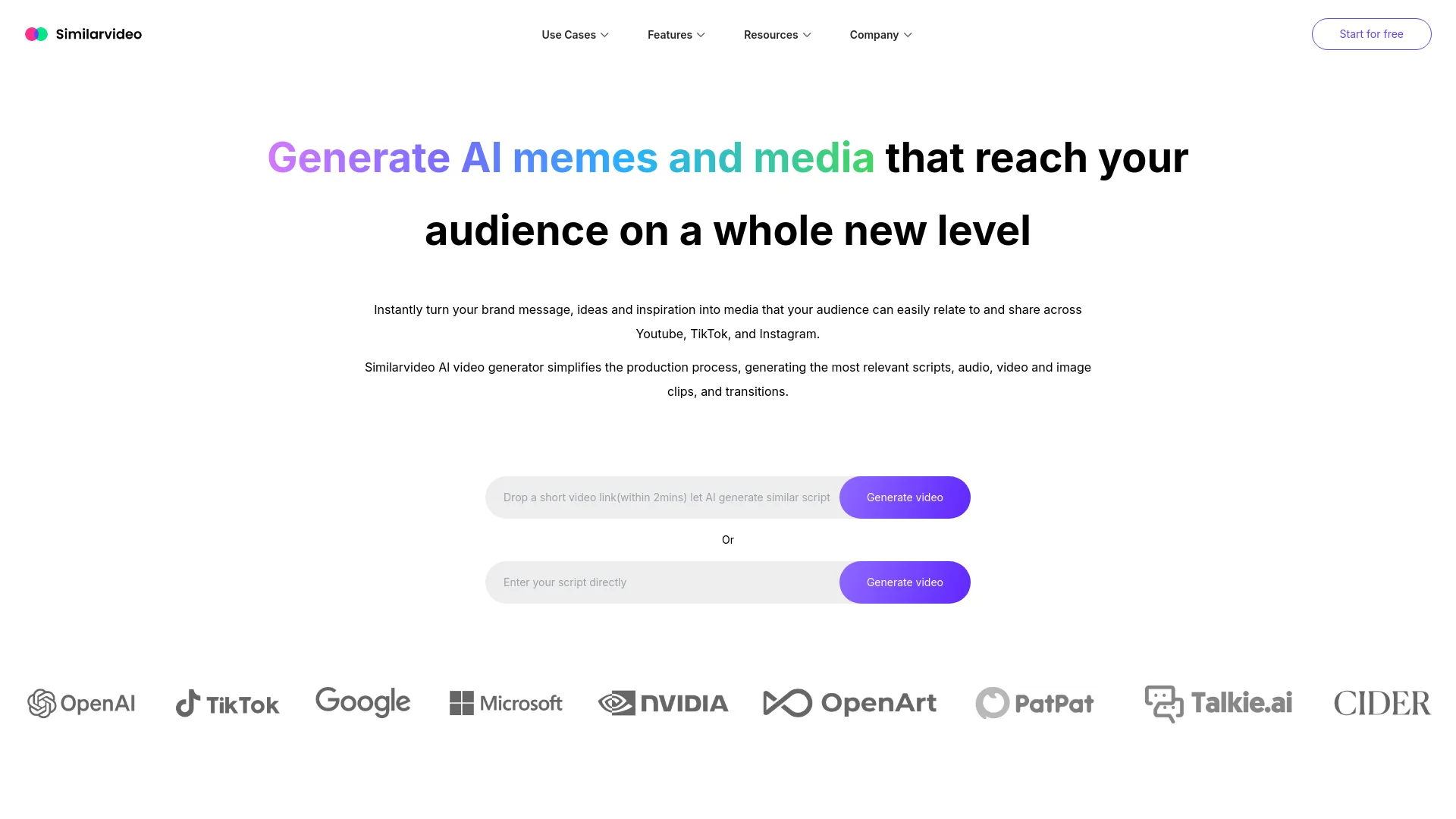
Similar Video revolutionizes the creation of marketing videos by leveraging cutting-edge AI technology. Designed for marketers, content creators, and social media managers, Similar Video simplifies the production process by generating scripts, audio, video clips, and transitions. This tool is perfect for those looking to create engaging and shareable content quickly and efficiently.
Similar Video stands out with its ability to generate AI-driven scripts, voiceovers, and video content from simple text prompts or inspiration videos. This feature is a game-changer for marketers and content creators, offering an unmatched level of convenience and efficiency.
Similar Video excels in providing a fast and efficient way to create engaging marketing videos, making it an essential tool for marketers, content creators, and social media managers. Its AI-driven script and voiceover generation features, in particular, offer an unmatched advantage in the video production process.
Who is Using Similar video?
Marketers
Creating engaging promotional content to boost brand awareness.
Content Creators
Generating frequent, high-quality videos to keep their audience entertained.
Social Media Managers
Leveraging the tool to produce shareable content for various social media platforms.
Small Business Owners
Using the tool to create cost-effective marketing videos without the need for a professional video editor.
Uncommon Use Cases
Educational institutions using it to teach marketing courses; freelancers creating personalized video messages for clients.
Key Features
Rating Breakdown
Pricing Plans
Free Tier
Free
- Experience Similar Video with a limited free trial
Pro Tier
$19.99 per month
Which Similar video plan should you pick?
Start with Free to test core video creation; upgrade to Starter or Standard for higher limits and avatar capabilities, or Pro and Ultra for larger-scale production.
Free
Good for freelancers and small teams who need basic extraction, video understanding, voiceover, media-library access, and script writing.
Starter
Good for small teams, freelancers, and designers who need more video understanding and voiceover capacity.
Standard
Good for small businesses that need higher extraction limits and additional avatar creation.
Pro
Good for growing businesses that need substantially more extraction, video-understanding, voiceover, and avatar capacity.
Ultra
Good for large organizations managing multiple brands and needing avatar, extraction, video-style, and cloud-storage customization.
Similar video Use Cases
Product promotion videos
Enter product details or a product-page URL, generate a script, and create promotional video content.
Outcome: More engaging product marketing content for social platforms.
Custom talking avatars
Upload a photo and audio, then create an avatar for personalized videos.
Outcome: Reusable branded spokesperson content.
Multilingual video localization
Convert scripts and voices into more than 60 languages for global audiences.
Outcome: Video content adapted for international viewers.
Subtitle extraction
Upload a video or provide a video URL to extract hardcoded subtitles.
Outcome: Reusable subtitle text for video production.
Text-to-video creation
Provide a script, select a theme and voice style, and export a finished video.
Outcome: Short-form video without traditional editing.
Workflow Ideas with Similar video
Create a product promotion
- 1Paste a product URL or enter product details
- 2Review and customize the generated script
- 3Select the visual style, voice, and avatar, then generate the video
Create a custom avatar video
- 1Upload a photo
- 2Choose a voice or upload an audio file
- 3Upload character videos and select the completed avatar for video creation
Extract and reuse subtitles
- 1Choose the Create a Similar Video option
- 2Paste a video URL or upload a video from the computer
- 3Download or reuse the extracted subtitles
How Similar video fits into your stack
API Access
Developers can harness Similar Video's API for custom integrations.
Third-Party Integration
Supports integration with various third-party tools to enhance functionality.
Language Support
Detects and translates content into 50+ languages, broadening its usability across different regions.
Pros
- +Time Efficiency: Reduces the time needed to create high-quality marketing videos significantly.
- +Engagement Boost: Videos created with Similar Video tend to have higher organic reach and engagement.
- +User-Friendly: The intuitive interface makes it accessible for users with no prior video editing experience.
- +Versatile Voiceovers: Offers realistic voiceovers that enhance the professional quality of the videos.
Cons
- −Learning Curve: While user-friendly, mastering all the advanced features may take some time.
- −Limited Customization: Some users may find the customization options limited compared to more advanced video editing software.
Limitations & when to consider alternatives
Known limitations
- Free-plan usage limits. The Free plan limits TikTok, Twitter, and Facebook video extraction to 50 MB, video understanding to three minutes, and voiceover transcription to approximately three minutes.
- Plan-dependent extraction limits. Paid plans impose different source-extraction limits, including YouTube-only extraction on Starter and 1G or 3G limits on higher plans.
- Plan-dependent video understanding. Video-content understanding ranges from three minutes on Free to 100 minutes on Pro.
- Consent required for depictions of people. Users must obtain clear consent when generating AI depictions of people.
- Prohibited content. The service prohibits violence, hate speech, explicit content, harmful illegal activities, spam, and intellectual-property infringement.
Look elsewhere when
- You need a documented developer API.
- You need native mobile apps.
- You need a dedicated desktop installer.
- You need enterprise SSO or SAML.
How to Use Similar video
- 1
Explore the comprehensive tutorial series on YouTube, covering everything from basic setup to advanced features of Similar Video.
Who is Similar video For?
Marketers
Create branded talking-avatar and product-promotion videos for social media campaigns.
Content creators
Produce short-form videos with AI scripts, voiceovers, avatars, and multilingual support.
E-commerce companies
Turn product pages and product details into promotional videos designed to increase visibility and sales.
Rookie creators
Create professional-looking videos with AI voiceovers without extensive video-editing experience.
Creators with speech impediments
Use clear AI-generated voiceovers to communicate messages more accurately.
Frequently Asked Questions
What can I do with Similarvideo?
Create short videos for YouTube, TikTok, and Instagram to promote brands and reach audiences.
How does Similarvideo generate engaging videos?
Its AI analyzes text and video prompts and uses relevant media to create trend-aware short videos.
What is the optimal posting frequency?
The site recommends starting with 1–3 videos per day, then increasing to 3–5 daily videos after two weeks.
Can Similarvideo create multilingual videos?
Yes. Its voice and text-to-speech features support more than 60 human languages.
Can I create a custom AI avatar?
Yes. Upload a photo, choose or upload audio, and add character videos to create a reusable avatar.
Can Similarvideo extract subtitles?
Yes. It extracts hardcoded or burned-in subtitles from uploaded videos or video URLs.
Community reviews
Be the first to share your experience.
Sign in to leave a review for Similar video.
Similar video Alternatives
Looking for alternatives to Similar video? Here are similar tools in the same category:
Learn to Master Similar video
With Skill Leap courses
Get in-depth training on Similar video and 50+ other AI tools with our expert-led video courses.
Start 7-Day Free Trial