SKY ENGINE AI
Computer vision teams create labeled training data from simulated 3D scenes.
Key Takeaways
- What it is
- Computer vision teams create labeled training data from simulated 3D scenes.
- Best for
- Synthetic Data Simulator
- Ground Truth Data Generator
- Sensor Simulator
- Rating
- 4.3/5
What is SKY ENGINE AI?
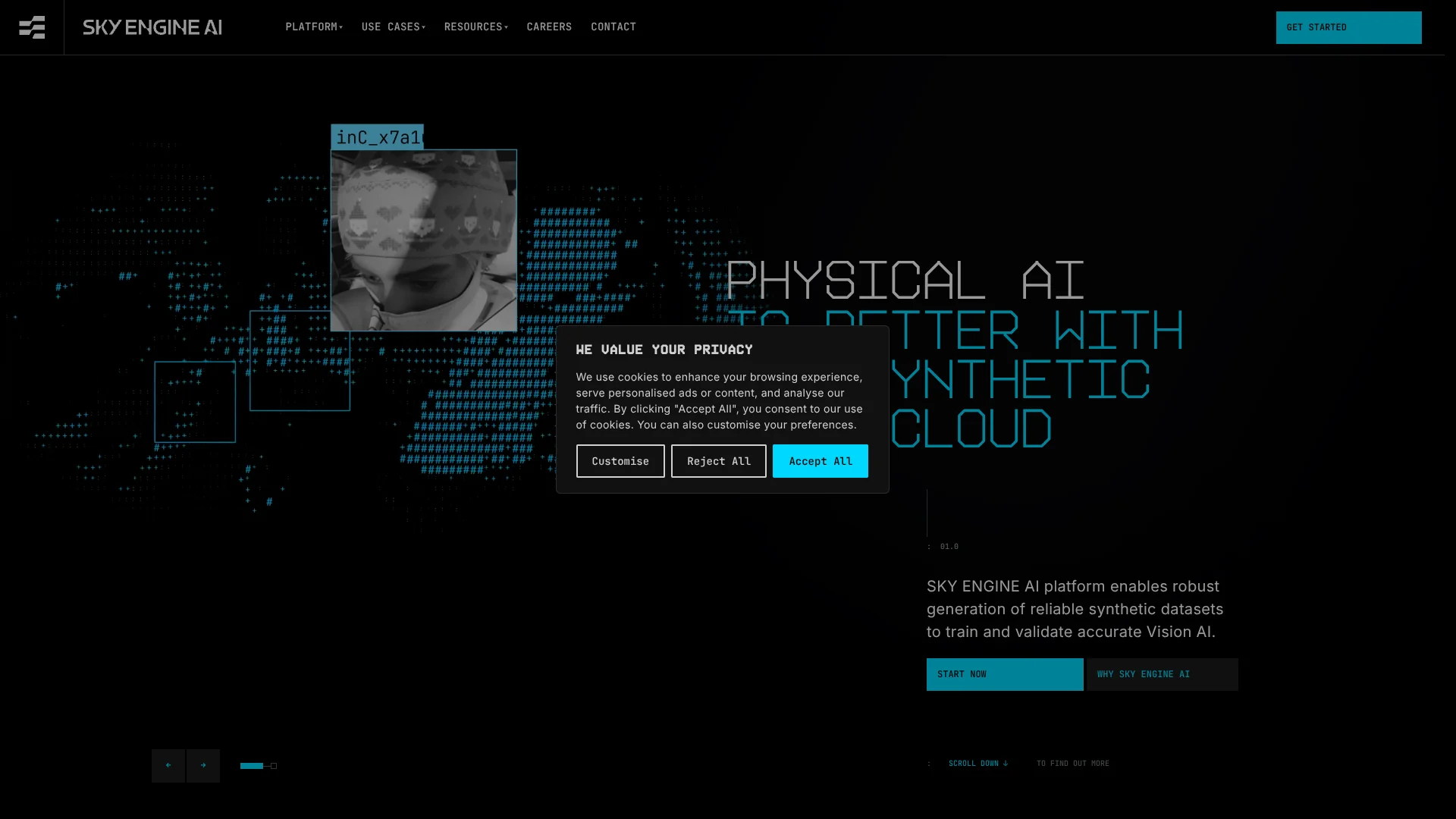
SKY ENGINE AI creates simulated 3D scenes and labeled image or video data for computer vision teams that need training examples they cannot easily collect in the real world. Teams can vary lighting, camera positions, objects, and sensor settings, then generate images with labels such as masks, bounding boxes, depth maps, and 3D keypoints. The goal is to fill rare-case gaps and reduce manual data labeling.
A generated scene can produce both sensor-specific images and matching labels, including visible-light and near-infrared data, so teams can train models on different views of the same controlled scenario.
The platform is best suited to organizations building vision systems for vehicles, robotics, or industrial inspection. Synthetic scenes can miss subtle real-world patterns, so teams should validate models with real data; SKY ENGINE AI is most useful when it expands real datasets rather than replacing them.
Who is Using SKY ENGINE AI?
Computer vision engineer
A varied set of simulated scenes and labels helps fill gaps in model training data.
Data scientist
Scene randomization supports experiments with different conditions and edge cases.
Automotive perception engineer
Detailed driver, occupant, and cabin scenarios support in-cabin monitoring models.
Manufacturing quality engineer
Simulated product and defect examples can support automated visual inspection.
Uncommon Use Cases
Testing computer vision for operator attentiveness in aircraft or trains; generating synthetic examples for rare security and drone-detection scenarios.
Key Features
Rating Breakdown
Pricing Plans
Free Trial
- Experience SKY ENGINE AI with a limited-time free trial to explore its capabilities
Subscription Model
- Pricing starts at a competitive rate
- Adjusted according to the computational resources and features required
Which SKY ENGINE AI plan should you pick?
Because the official site does not publish named subscription tiers or prices, book a demo and ask the SKY ENGINE AI team which access and services fit your project.
SKY ENGINE AI Use Cases
In-cabin monitoring
Driver and passenger scenes can vary in activity, lighting, and seat-belt status for training vehicle monitoring models.
Outcome: Training data with detailed labels for driver and occupant states.
Robotic vision
Synthetic scenes and pixel-level labels support vision systems used in robotics and warehousing.
Outcome: More varied training data for computer vision models.
Manufacturing inspection
Simulated production conditions and product defects help build datasets for visual quality checks.
Outcome: Labeled examples for inspection and defect-monitoring models.
Electronics quality control
Computer-generated product imagery can represent conditions for tasks such as PCB inspection and assembly verification.
Outcome: Synthetic datasets for electronics inspection models.
Drone detection
Simulated scenes can provide examples for training vision systems used in drone detection and surveillance.
Outcome: Training examples for drone-detection models.
Workflow Ideas with SKY ENGINE AI
Build an in-cabin monitoring dataset
- 1Choose an automotive scene blueprint.
- 2Set driver, passenger, lighting, and camera variations.
- 3Generate images with matching labels for model training.
Create inspection data for a rare defect
- 1Set up a scene for the product and inspection camera.
- 2Configure the defect and surrounding conditions to vary.
- 3Generate labeled examples for the inspection model.
Check how simulated data matches real data
- 1Generate a dataset for the target vision task.
- 2Compare synthetic and real data with Domain Inspector.
- 3Validate model behavior on real-world samples.
How SKY ENGINE AI fits into your stack
Synthetic data generation
The Synthetic Data Cloud provides simulated scenes, sensor outputs, and computer-generated labels for vision model datasets.
Model development
PyTorch and TensorFlow integration connects generated data with model training workflows, and the platform is compatible with MLOps tools.
Cloud computing
The service is available across Amazon Web Services, Microsoft Azure, and Google Cloud Platform environments.
Pros
- +Automatic labels: Generated data comes with detailed annotations, reducing manual labeling work.
- +Controlled rare cases: Scene settings let teams create examples of conditions that are hard to collect in real life.
- +Sensor variety: Supported sensor simulation extends beyond standard visible-light images.
- +ML framework support: PyTorch and TensorFlow integration connects data generation with model training.
Cons
- −Specialized scope: The platform focuses on synthetic data and computer vision rather than general-purpose AI tasks.
- −Technical setup: Scene parameters and sensor settings may take computer vision expertise to configure well.
- −Pricing visibility: Public plan prices are not listed on the official site.
Limitations & when to consider alternatives
Known limitations
- Synthetic data may miss real-world patterns. SKY ENGINE AI notes that simulation quality affects the data and that models trained only on synthetic samples may struggle with subtle real-world variation.
- The product is focused on computer vision. The platform is built around simulated visual data and vision AI workflows, rather than general AI use.
Look elsewhere when
- You need a general-purpose AI tool for writing, research, or everyday questions.
- Your project does not involve computer vision or simulated visual data.
- You need a workflow based only on real-world data collection and annotation.
How to Use SKY ENGINE AI
- 1
Choose a target vision task
Start with a specific goal, such as in-cabin monitoring or visual inspection, so the generated scenes match the model you need to train.
- 2
Select an industry blueprint
Pick a relevant 3D scene template, then adjust its parameters for your environment and objects.
- 3
Set scene and sensor variations
Define changes such as lighting, camera position, and supported sensor type to cover the conditions your model needs to handle.
- 4
Generate data and labels
Create the synthetic images or video with corresponding ground-truth labels such as masks, boxes, or depth maps.
- 5
Train and validate the model
Connect the generated data with a PyTorch or TensorFlow workflow, then check model performance against real-world examples.
- 6
Get a product walkthrough
Book a live demo to see data generation, blueprint randomization, and model training workflows in the platform.
Who is SKY ENGINE AI For?
Automotive teams
In-cabin monitoring teams can create varied driver and passenger scenarios with detailed labels.
Robotics developers
Robotics teams can build training data for vision systems across different scene conditions.
Manufacturing and electronics teams
Inspection teams can generate examples of defects and production conditions for quality-control models.
Security and defense teams
Computer vision teams can simulate surveillance and drone-detection scenarios that are difficult to gather in the field.
Healthcare AI teams
Medical imaging teams can explore synthetic data for training vision models where real data is limited or sensitive.
Frequently Asked Questions
Does SKY ENGINE AI have a free plan or trial?
The official site does not list a self-serve free plan or a priced free trial. It offers live product demos for prospective users.
How much does SKY ENGINE AI cost?
The official site does not publish subscription prices. Contact the company to discuss access and pricing for your project.
Which machine learning tools does it integrate with?
The platform lists integration with PyTorch and TensorFlow, plus compatibility with MLOps tools.
What kinds of data can it generate?
It generates synthetic computer vision data and labels, including segmentation masks, bounding boxes, depth maps, normals, and object metadata. Supported sensor simulation includes visible light and near-infrared.
Can synthetic data replace real data?
SKY ENGINE AI describes synthetic data as a way to extend datasets and cover difficult scenarios. Its own guidance notes that real data remains useful for validation because simulations may miss natural variation.
Community reviews
Be the first to share your experience.
Sign in to leave a review for SKY ENGINE AI.
SKY ENGINE AI Alternatives
Looking for alternatives to SKY ENGINE AI? Here are similar tools in the same category: