
Skygen
Have AI workers securely handle routine computer tasks.
Key Takeaways
- What it is
- Have AI workers securely handle routine computer tasks.
- Pricing
- $9 per month · $25 per month · $150 per month
- Best for
- Autonomous AI agents
- Security tiering
- End to end workflows
- Rating
- 4.2/5
What is Skygen?
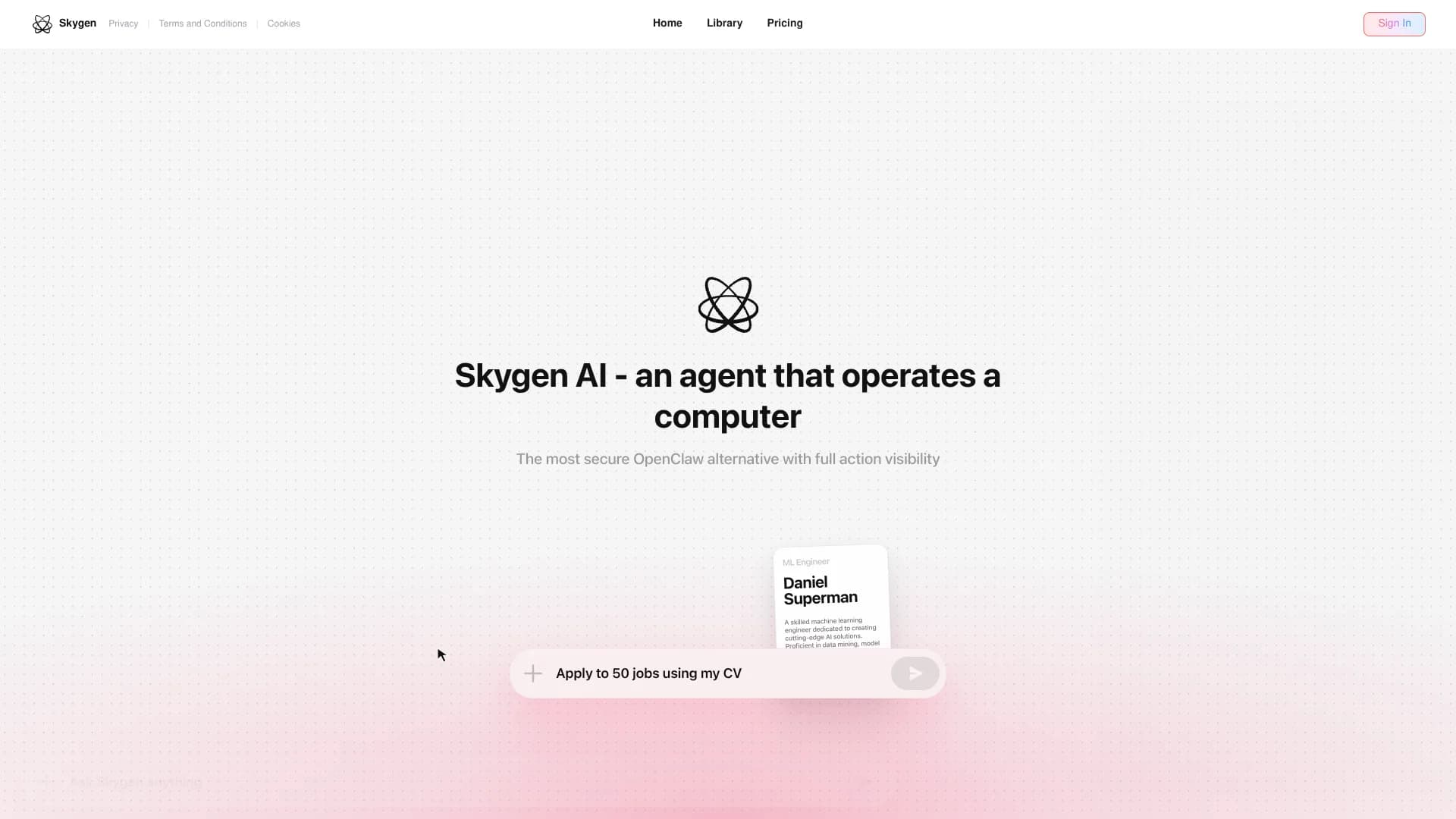
Skygen focuses on AI task automation by spinning up autonomous digital agents that handle routine computer work from start to finish. Instead of just triggering a single action, it lets teams define repeatable workflows and hand them off to AI workers that move data, update systems, and generate outputs such as reports or tickets. A big part of the pitch is “security‑defined autonomy,” where organizations decide exactly what each agent can touch, keeping clear guardrails while still getting fast, large scale automation of digital labor.
Skygen leans hard into the idea of “security‑defined autonomy,” treating AI agents as digital employees that must live inside clearly defined boundaries. Instead of starting from a chat box, it starts from tasks and permissions, giving teams persistent workers that can safely handle real business processes. That combination of end to end automation and fine grained control is what helps it stand out in a very noisy agent market.
For teams drowning in repetitive digital tasks but nervous about handing the keys to generic agents, Skygen offers a compelling middle path. Its security tiering and focus on fully completed tasks make it especially attractive to finance, healthcare, logistics, and support teams that care as much about control as they do about raw automation power. Anyone who wants AI to quietly “just do the work” behind the scenes, without turning into a compliance headache, will find plenty to like here.
Who is Using Skygen?
Finance Teams
Automating reconciliations, recurring reports, and movement of data between accounting and internal systems.
Healthcare Administrators
Reducing manual work around intake details, eligibility checks, and document preparation while keeping permissions tight.
Logistics and Operations Teams
Updating shipment statuses, syncing internal dashboards, and responding to standard tracking requests.
Customer Support & Success Teams
Triaging tickets, drafting responses, and pushing structured updates into CRMs and help desks.
Uncommon Use Cases
Utilized by internal audit or security groups to run controlled, rule bound checks on systems; adopted by boutique automation agencies as the engine behind white label “AI digital worker” offerings.
Key Features
Rating Breakdown
Pricing Plans
Standard
$9 per month
- 1,800 credits per month, 1 Skygen Cloud Computer, access to fast models, and scheduled tasks
Pro
$25 per month
- 7,200 credits per month, 2 Skygen Cloud Computers, access to Fast, Standard, and Pro versions, 10% cheaper tokens, and scheduled tasks
Max
$150 per month
- 50,000 credits per month, 7 Skygen Cloud Computers, 15% better token pricing, priority support, and scheduled tasks
Skygen Use Cases
Find companies with an active problem
Monitor hiring, funding, and technology-stack signals, then build a prospect list.
Outcome: Reach companies while the need is current.
Write grounded outbound
Research each company and create one letter with the source page attached to every fact.
Outcome: Produce personalized outreach with traceable claims.
Improve pages that nearly rank
Find pages ranking near the top of search results and rewrite or expand them.
Outcome: Capture additional organic search demand.
Buy traffic where it pays
Create advertising creative and run campaigns inside the customer's own ad accounts.
Outcome: Judge spending against real orders.
Turn one idea into social posts
Take a strong weekly idea and adapt it into multiple social formats for approval.
Outcome: Create a week of social content from one source idea.
Workflow Ideas with Skygen
Signal-to-outreach workflow
- 1Name the market signal or growth goal
- 2Let Skygen find companies, research them, and verify contact addresses
- 3Review and approve the grounded outreach before sending
SEO improvement workflow
- 1Provide the site or SEO growth objective
- 2Let Skygen identify pages and search demand that are almost ranking
- 3Review the rewritten or newly published content
Paid campaign workflow
- 1Define the traffic or order goal
- 2Let Skygen create creative and configure the campaign in the customer account
- 3Approve spending and evaluate results against real orders
How Skygen fits into your stack
Browser
Skygen is accessed through its web application: sign in, describe a marketing objective, and monitor the agent's work in real time.
Automation and APIs
The MCP server exposes Skygen through a vendor-provided key for agent environments, with research, verification, drafting, and approval-gated actions.
Desktop / IDE
Skygen runs from Claude Code, Codex, Cursor, and Claude Desktop through the same MCP connection and key.
Knowledge and files
Its account document shelf stores briefs, lists, notes, and other free text that the engine can use for requests.
Pros
- +Strong focus on security: Multi tier architecture suits teams that care about strict permissions and auditability.
- +Real relief from repetitive work: Automating data entry, reports, and ticket handling can free up many hours each week.
- +Process level automation: Designed to complete whole tasks, not just fire a few API calls here and there.
- +Appealing to non‑developers: Configuration lives in a UI, so operations and support leaders do not have to write code.
Cons
- −Younger product: A newer entrant, so there are fewer public case studies and community resources than long‑running RPA tools.
- −Complex setups still take effort: Messy real‑world processes still need careful mapping and testing before handing them to agents.
- −Cloud centric: Organizations with strict on‑prem or air‑gapped requirements may find deployment options limited for now.
Limitations & when to consider alternatives
Known limitations
- Human approval is required for outbound actions. Sending email, spending money, and publishing publicly remain gated until a person approves them.
- Community and Reviews channels are not live. Skygen marks Community and Reviews as coming soon rather than currently running.
- No encryption at rest added by Skygen. Skygen states that it adds no application-level encryption at rest or customer-managed keys.
- No single sign-on. The data-processing documentation explicitly says customer accounts do not support single sign-on.
- No packaged export. Skygen states that there is no export button or archive for everything an account holds.
Look elsewhere when
- You need SSO or enterprise identity controls
- You need application-level encryption at rest
- You need a packaged data export
- You need all outbound actions to run without approval
How to Use Skygen
- 1
Sign in and set the growth objective
Start by signing in and describing the channel or business outcome you want to grow.
- 2
Choose a channel or signal
Name a marketing channel, or define a signal such as hiring or funding, so Skygen knows what to run.
- 3
Watch, review, and approve
Monitor the agent's actions, inspect drafts and evidence, then approve sending, spending, or publishing.
- 4
Connect your working accounts
Use your own ad accounts, CMS, domains, mailboxes, and analytics so actions occur under your identity.
- 5
Use the editor bridge when needed
Configure the Skygen MCP server with its key to use the same capabilities from Claude Code, Codex, Cursor, or Claude Desktop.
Who is Skygen For?
Sales development teams
The SDR role finds companies, verifies addresses, writes outreach, and reads replies.
SEO and content teams
The SEO Lead audits pages, finds existing search demand, rewrites content, and publishes pages.
Paid media buyers
The Media Buyer creates campaigns inside the customer's ad accounts and evaluates real orders.
PR teams
The PR Manager selects publications, writes articles, places them, and measures results.
Influencer marketing teams
The Influencer Manager finds relevant creators, checks their public metrics, and drafts outreach.
Frequently Asked Questions
What does Skygen do?
Skygen is an AI marketing agent for outreach, SEO, paid campaigns, media, social, and influencer work.
How does Skygen work?
You state what you want to grow, Skygen researches and drafts the work, and you can watch each step as it runs.
Can Skygen send messages automatically?
Sending, spending, and public posting require human approval before execution.
Which accounts does Skygen use?
Skygen works through the customer's own ad accounts, CMS, domains, mailboxes, and analytics.
Can developers use Skygen from an editor?
Skygen provides an MCP connection for Claude Code, Codex, Cursor, and Claude Desktop.
Does Skygen train models on customer data?
Skygen states that it does not train models on customer data and does not train models at all.
Community reviews
Be the first to share your experience.
Sign in to leave a review for Skygen.
Skygen Alternatives
Looking for alternatives to Skygen? Here are similar tools in the same category:
Learn to Master Skygen
With Skill Leap courses
Get in-depth training on Skygen and 50+ other AI tools with our expert-led video courses.
Start 7-Day Free Trial