Slang
Restaurant phone reception that handles reservations and guest calls around the clock.
Key Takeaways
- What it is
- Restaurant phone reception that handles reservations and guest calls around the clock.
- Pricing
- $399 per location · $599 per location
- Best for
- Reservation Management
- Superhost Conversations
- Smart Inbox
- Rating
- 4.0/5
What is Slang?
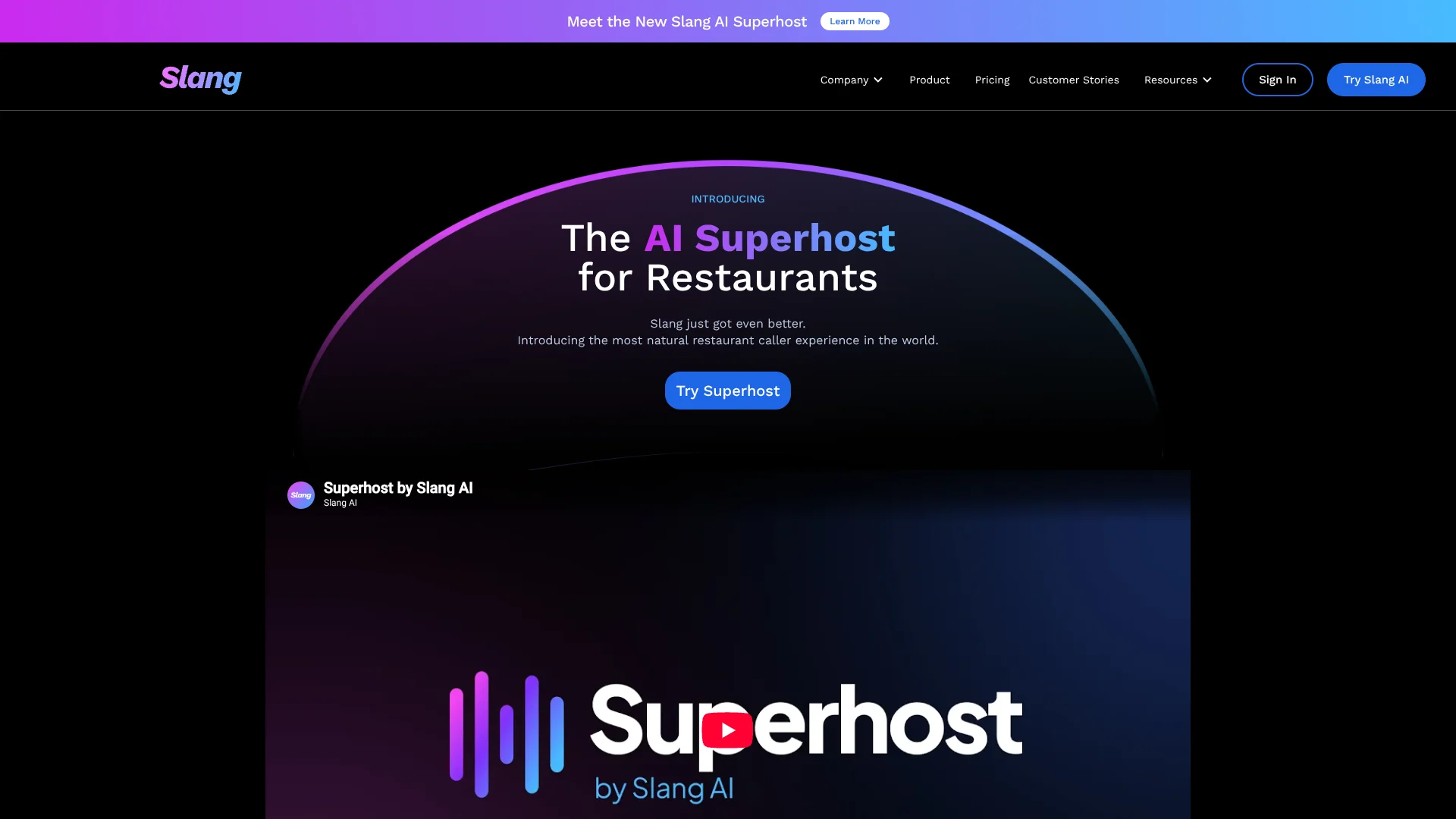
Slang AI gives restaurants a voice-based front desk that answers calls, handles reservations, responds to guest questions, and sends text links around the clock. It connects with reservation systems such as OpenTable, SevenRooms, Yelp, and Resy, so callers can complete common requests without waiting for a host. Restaurant operators get fewer missed calls while staff stay focused on guests in the dining room.
Superhost can recognize repeat guests and VIPs.
Slang AI is best for full-service restaurants and hospitality groups that receive enough calls to justify per-location pricing. It is less suitable for a small business seeking a self-serve, low-cost chatbot or public developer API. Its strongest fit is phone-based restaurant service where reservations, guest context, and human handoff matter.
Who is Using Slang?
Restaurant General Managers
They monitor missed calls, guest complaints, reservations, and follow-ups through Smart Inbox.
Reservation Managers
Reservation teams rely on connected booking systems to handle phone bookings, changes, and cancellations.
Guest Services Directors
The call history and satisfaction scores show how consistently guests are being served across shifts.
Private Events Managers
Private events teams capture and qualify inquiries through Tripleseat or Perfect Venue integrations.
Operations Leaders
Multi-location operators compare guest activity and performance through enterprise reporting and dashboards.
Uncommon Use Cases
Lost-item and complaint alerts; cross-selling reservations between sister restaurants
Key Features
Rating Breakdown
Pricing Plans
Core
$399 per location
- Comprehensive reservation management
- Text links and confirmations
- Call recordings, summaries, and reservation insights
- OpenTable, SevenRooms, Yelp, and Resy integrations
- VIP call handling and bilingual support
- Smart Inbox and guest satisfaction measurement
Premium
$599 per location
- Everything in Core
- Superhost with emotionally intelligent conversations
- Support for 97 languages
- Custom branding and flexible responses
- Reservation cross-selling and private event capture
- Real-time alerts and Smart Inbox
Enterprise
- Custom workflows and custom integrations
- Advanced reporting and dashboards
- Enterprise security and access controls with MFA and SSO
- Dedicated support and consultation
Which Slang plan should you pick?
Start with Core for reservation calls and guest questions, upgrade to Premium for Superhost and broader guest engagement, and choose Enterprise when your group needs custom workflows, reporting, or access controls.
Core
Good for smaller restaurant teams that need phone answering, reservation management, supported integrations, call insights, VIP handling, and bilingual support.
Premium
Good for operators that need Superhost conversations, 97 languages, custom branding, cross-location reservation suggestions, private event capture, alerts, and Smart Inbox.
Enterprise
Good for multi-location hospitality groups that need custom integrations, advanced dashboards, custom workflows, SSO, MFA, and dedicated consultation.
Slang Use Cases
After-Hours Reservations
Guests reach a restaurant voice agent at night or during closed hours and receive reservation help without waiting for staff.
Outcome: More reservation opportunities captured outside normal operating hours.
Peak-Time Call Coverage
Incoming calls are answered while hosts are busy seating guests, reducing hangups and missed requests.
Outcome: Fewer unanswered calls during busy service periods.
Private Event Lead Capture
Event inquiries are collected and sent to Tripleseat or Perfect Venue for follow-up.
Outcome: Private event leads reach the right team faster.
Multilingual Guest Service
Callers can speak with Superhost in their preferred language, with automatic language switching during the conversation.
Outcome: More consistent service for multilingual guests.
Multi-Location Booking Recovery
When one restaurant has no suitable availability, Slang AI can suggest reservations at nearby or related locations.
Outcome: More guests remain within the restaurant group.
Workflow Ideas with Slang
Missed Call Follow-Up
- 1Slang AI answers or records the missed interaction.
- 2Smart Inbox tags the call for follow-up.
- 3A manager reviews the summary and contacts the guest.
Private Event Intake
- 1The caller describes the event and provides contact details.
- 2Slang AI captures the lead through Tripleseat or Perfect Venue.
- 3The events team follows up from the connected system.
Unavailable Reservation Recovery
- 1Slang AI checks the requested restaurant and time.
- 2The system searches connected locations for alternatives.
- 3The guest receives another reservation option by phone or text.
How Slang fits into your stack
Phone Operations
Slang AI sits between the restaurant phone line and the guest, answering routine questions and transferring calls that need staff.
Reservations
OpenTable, SevenRooms, Yelp, and Resy integrations let the voice agent work with live reservation workflows instead of taking messages only.
Private Events
Tripleseat and Perfect Venue connections send event leads into the systems restaurant teams already use for sales follow-up.
Guest Follow-Up
Smart Inbox brings recordings, summaries, tags, and priority items into a central view for managers and service teams.
Enterprise Operations
Enterprise adds custom workflows, custom integrations, reporting dashboards, SSO, MFA, and dedicated consultation for multi-location groups.
Pros
- +Restaurant focus: Built around reservations, guest questions, private events, and hospitality workflows.
- +Reservation coverage: Connects with OpenTable, SevenRooms, Yelp, Resy, Tripleseat, and Perfect Venue.
- +Language support: Superhost can detect and switch between 97 languages during a call.
- +Guest context: Repeat guests and VIP callers can receive more personalized handling.
- +Human handoff: Callers can be transferred to staff when Slang cannot answer or when they request a person.
Cons
- −High entry price: The Core plan starts at $399 per location.
- −Sales-led setup: The published plans direct buyers to request a quote rather than start online.
- −Narrow scope: Its value is concentrated in restaurant phone operations rather than general business automation.
Limitations & when to consider alternatives
Known limitations
- Per-Location Pricing. Core and Premium pricing is published as a starting amount per restaurant location, while Enterprise uses custom pricing.
- Supported Integrations. Reservation and event workflows depend on the systems Slang AI supports, such as OpenTable, SevenRooms, Yelp, Resy, Tripleseat, and Perfect Venue.
- Human Escalation Still Matters. Questions Slang AI cannot recognize can be forwarded to a human or handled through a texted contact link.
Look elsewhere when
- You need a public developer API with documented endpoints and keys.
- You need a low-cost self-serve plan for a small business.
- Your workflow depends on reservation or event software Slang AI does not support.
How to Use Slang
- 1
Choose a Plan
Select Core for restaurant call handling and reservation workflows, Premium for Superhost features, or Enterprise for multi-location controls.
- 2
Connect Reservation Systems
Link supported systems such as OpenTable, SevenRooms, Yelp, or Resy so phone conversations can create and manage bookings.
- 3
Add Restaurant Information
Provide approved restaurant information, menus, prompts, and special handling rules so responses stay aligned with your operations.
- 4
Set Transfer Rules
Decide which callers, topics, VIPs, or unanswered questions should go directly to staff.
- 5
Review Smart Inbox
Check recordings, summaries, tags, and priority follow-ups to identify guest issues and incomplete opportunities.
- 6
Measure Guest Experience
Review call activity and native CSAT scores to see where service or reservation coverage needs attention.
Who is Slang For?
Full-Service Restaurants
Restaurants with frequent reservation calls can keep phone service available during busy shifts and after hours.
Restaurant Groups
Multi-location operators can route VIPs, recommend sister restaurants, and review performance across locations.
Hospitality Operators
Hospitality teams can capture reservations, private event leads, and guest requests without adding another phone shift.
Restaurants Serving Multilingual Guests
Teams can support callers in Spanish or use Superhost's broader 97-language support on Premium.
Frequently Asked Questions
Does Slang AI offer a free plan?
No free plan or free tier is listed. The published US plans start with Core at $399 per location.
How much does Slang AI cost?
Core starts at $399 per location, Premium starts at $599 per location, and Enterprise uses custom pricing.
Which restaurant systems does Slang AI integrate with?
Published integrations include OpenTable, SevenRooms, Yelp, Resy, Tripleseat, and Perfect Venue.
How many languages does Superhost support?
Superhost supports 97 languages and can detect and switch languages during a call.
How long does setup take?
Slang AI says setup requires less than 30 minutes of customer time and can go live the same day.
What happens when Slang AI cannot answer?
The caller can be forwarded to a human, or Slang AI can text a link containing the restaurant's contact information.
Community reviews
Be the first to share your experience.
Sign in to leave a review for Slang.
Slang Alternatives
Looking for alternatives to Slang? Here are similar tools in the same category: