
SlidesAI
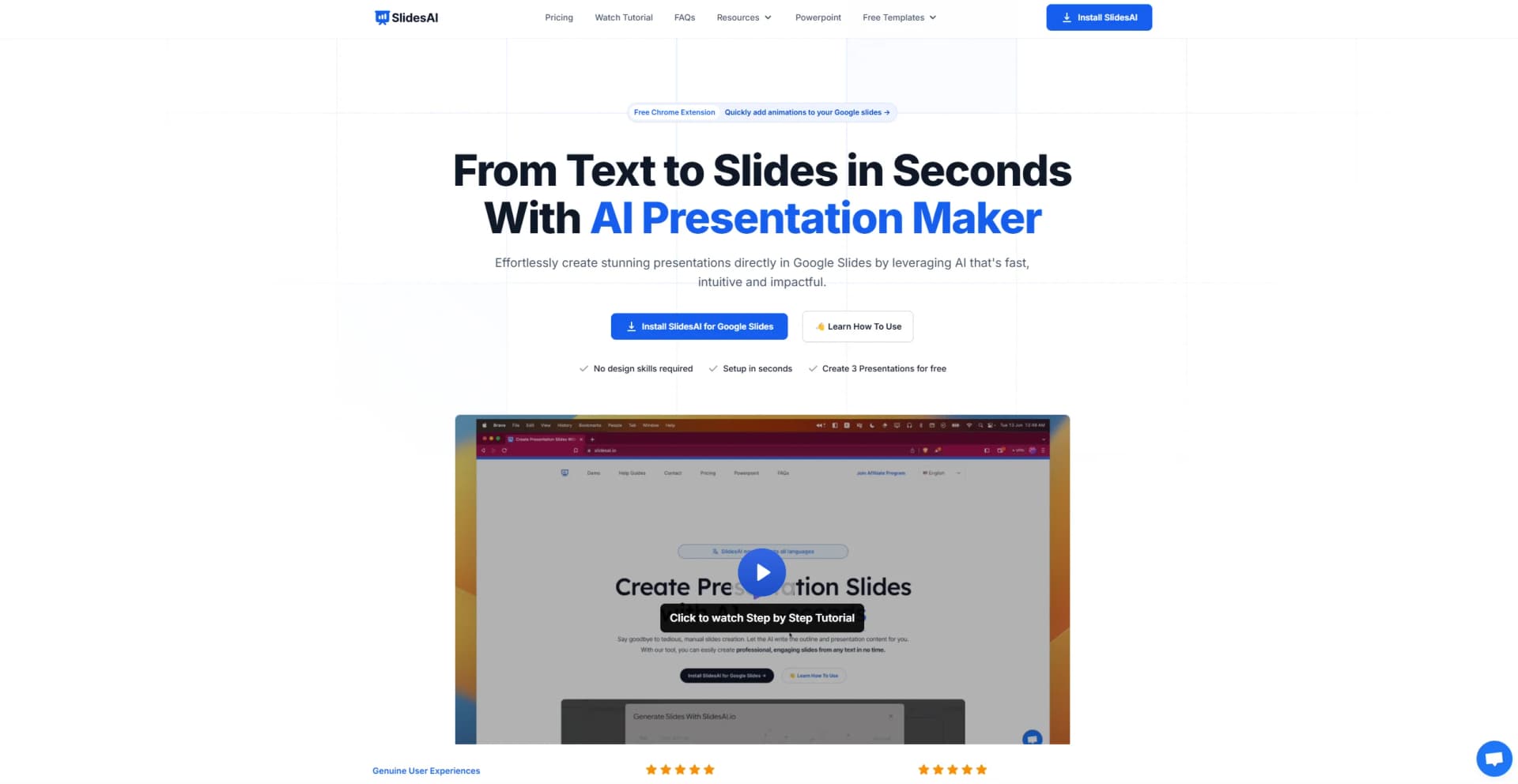
Revolutionize slide creation with AI: instant, multilingual, customizable presentations.
Watch SlidesAI in Action
Key Takeaways
- What it is
- Revolutionize slide creation with AI: instant, multilingual, customizable presentations.
- Pricing
- Freemium · $10/month · $20/month
- Best for
- Text to Presentation
- Topic to Presentation
- Multilingual Support
- Rating
- 4.8/5
What is SlidesAI?
In the digital age, where presentations are a crucial part of professional and educational communication, SlidesAI emerges as a groundbreaking tool designed to revolutionize the way we create presentation slides. By harnessing the power of artificial intelligence, SlidesAI transforms the tedious task of slide creation into a seamless, efficient process. This tool is particularly designed for individuals and professionals who seek to save time, enhance productivity, and elevate the quality of their presentations without the need for advanced design skills.
SlidesAI stands out with its innovative approach to automating the presentation creation process, making it a game-changer for anyone looking to save time and eliminate the stress of manual slide design. Its multilingual support and upcoming features, such as video exports, position it as a versatile tool that caters to a wide range of presentation needs.
SlidesAI excels in transforming the cumbersome process of presentation creation into an effortless, rapid, and enjoyable task. Its innovative AI-driven features, coupled with user-friendly customization options and support for over 100 languages, make it an indispensable tool for anyone looking to elevate their presentation game. Whether you're a business professional, educator, or student, SlidesAI offers an unmatched advantage in creating high-quality presentations efficiently and effectively.
Who is Using SlidesAI?
Business Professionals
For creating compelling presentations for meetings, pitches, and reports.
Educators and Students
To efficiently generate educational content and assignments.
Marketing Teams
Employing the tool to craft engaging presentations for campaigns and stakeholder updates.
Freelancers
Using SlidesAI to quickly produce high-quality presentations for clients.
Uncommon Use Cases
Non-profit organizations leveraging it for grant proposals; bloggers and content creators for summarizing articles or posts in presentation format.
Key Features
Rating Breakdown
Pricing Plans
Basic Plan
Free
- Offering 3 presentations per month
- 2500 character input per presentation
- 10 AI credits per month
Pro Plan
$10/month
- Including 10 presentations per month
- 6000 character input per presentation
- 50 AI credits
Premium Plan
$20/month
- Unlimited presentations
- 12000 character input per presentation
- 100 AI credits
Which SlidesAI plan should you pick?
Start with Basic for occasional presentations, upgrade to Pro for document uploads and higher limits, or choose Premium for unlimited presentations and credits.
Basic
Good for users who need occasional AI presentations with limited annual usage.
Pro
Good for students and users who need document uploads, larger inputs, and more presentations.
Premium
Good for educators and professionals who need unlimited presentations, higher input limits, and more AI usage.
SlidesAI Use Cases
Lecture notes to lesson deck
Turn lecture notes into a complete lesson presentation.
Outcome: A structured, student-ready slideshow.
Lesson plan to classroom presentation
Convert a lesson plan into organized instructional slides.
Outcome: A visually engaging teaching deck.
Textbook chapter to discussion deck
Transform textbook content into slides for classroom discussion.
Outcome: A discussion-ready presentation.
Research to presentation
Convert research, notes, or documents into a structured presentation.
Outcome: A polished deck organized around key points.
Business or sales proposal
Generate pitch decks, sales proposals, project updates, and marketing slides.
Workflow Ideas with SlidesAI
Create a presentation from a document
- 1Upload a PDF or Word document
- 2Review and edit the generated outline
- 3Choose a theme and generate the presentation
Refine and share a generated deck
- 1Generate slides from a prompt, topic, notes, or text
- 2Edit wording, layouts, themes, and images
- 3Invite collaborators with view or edit access
Create and export a presentation through ChatGPT
- 1Open the SlidesAI GPT in ChatGPT
- 2Provide a topic and adjust audience, tone, and outline
- 3Connect Google and export the finished presentation
How SlidesAI fits into your stack
Google Slides Integration
Direct integration allows for a seamless workflow within the Google ecosystem.
Multilingual Support
Ensures that SlidesAI can be used by a global audience.
Upcoming PowerPoint Integration
Expanding its usability to Microsoft PowerPoint users (currently on the waitlist).
Pros
- +Free Basic plan available
- +Generates presentations from prompts, notes, text, and documents
- +Works inside Google Slides and Microsoft PowerPoint
- +Supports 100+ languages
- +Built-in sharing, comments, and view/edit permissions
Cons
- −Limited to Google Slides: Currently, SlidesAI is only compatible with Google Slides, although there are plans to integrate with Microsoft PowerPoint.
- −Feature Availability: Some promising features like video export and document upload are still in development and not yet available to users.
Limitations & when to consider alternatives
Known limitations
- Basic plan has annual presentation limits. The Basic plan includes 12 presentations per year.
- Input length varies by plan. The pricing page lists 1,000 characters per presentation for Basic, 6,000 for Pro, and 12,000 for Premium.
- Document upload requires a paid plan. PDF and Word document uploads are available only on Pro and Premium.
- AI credits do not roll over. Unused AI credits expire at the end of the applicable billing cycle.
- Uploaded documents are not stored. To generate another presentation from the same document, users must upload it again.
Look elsewhere when
- You need a native mobile application.
- You need a public developer API.
- You need SSO or SAML.
- You need image analysis or vision input.
How to Use SlidesAI
- 1
Discover comprehensive tutorials on their website and YouTube channel, covering everything from basic setup to advanced features, ensuring users can fully leverage SlidesAI's capabilities.
Who is SlidesAI For?
Students
Students can turn assignments, notes, and research into structured presentations.
Educators
Educators can convert lecture notes, lesson plans, and textbook chapters into classroom-ready decks.
Professionals
Professionals can create pitch decks, sales proposals, business updates, and marketing presentations.
Teams
Teams can invite collaborators, share presentations, and work with view or edit permissions.
Frequently Asked Questions
Is SlidesAI free to use?
Yes. The free Basic plan creates AI presentations with limited presentation, character, and credit allowances.
What types of presentations can I create?
SlidesAI supports business presentations, sales decks, lesson plans, research presentations, pitch decks, marketing slides, project updates, and training materials.
Can SlidesAI create presentations from documents and PDFs?
Yes. It can process PDFs and Word documents, extract key points, and turn them into presentations. Document upload is available on Pro and Premium.
Does SlidesAI work directly in Google Slides and PowerPoint?
Yes. SlidesAI offers a Google Slides add-on and PowerPoint add-in for generating and editing presentations inside those applications.
Can I edit presentations after they are generated?
Yes. Presentations remain editable, including content, layouts, themes, images, and individual slides.
Can I share presentations with collaborators?
Yes. The web platform supports email invitations with view or edit permissions, while Google Slides and PowerPoint use their native collaboration tools.
Community reviews
1 review from people who use SlidesAI.
Sign in to leave a review for SlidesAI.
Dennis G D
SlidesAI Alternatives
Looking for alternatives to SlidesAI? Here are similar tools in the same category:
Learn to Master SlidesAI
With Skill Leap courses
Get in-depth training on SlidesAI and 50+ other AI tools with our expert-led video courses.
Start 7-Day Free Trial