
SlidesPilot
Turns dense documents into editable, story-ready PowerPoints.
Key Takeaways
- What it is
- Turns dense documents into editable, story-ready PowerPoints.
- Best for
- Source-to-PowerPoint generation
- AI presentation agent
- Block-based editor
Who is Using SlidesPilot?
Students and educators
Creates presentations from research papers, lecture notes, teaching materials, and academic content.
Business and corporate teams
Turns business plans, financial reports, sales proposals, marketing strategies, and meeting documentation into decks.
Researchers and academics
Converts research papers, literature reviews, scientific abstracts, and technical documentation into structured presentations.
Consultants
Provides prompts and presentation structures for SWOT, Porter’s Five Forces, benchmarking, roadmaps, and executive recommendations.
Professionals and presenters
Supports pitches, proposals, training decks, reports, product presentations, and online sharing.
Key Features
Which SlidesPilot plan should you pick?
Start with Free to test document conversion and presentation generation; upgrade to Plus for regular usage or Pro for high-volume AI creation.
Free
Good for users who need to try SlidesPilot with included presentation and AI credits without entering payment details.
Plus
Good for regular users who need more presentation creations and AI credits than the Free plan provides.
Pro
Good for users who need the highest available AI usage, subject to SlidesPilot's fair-use policy.
SlidesPilot Use Cases
Convert documents to presentations
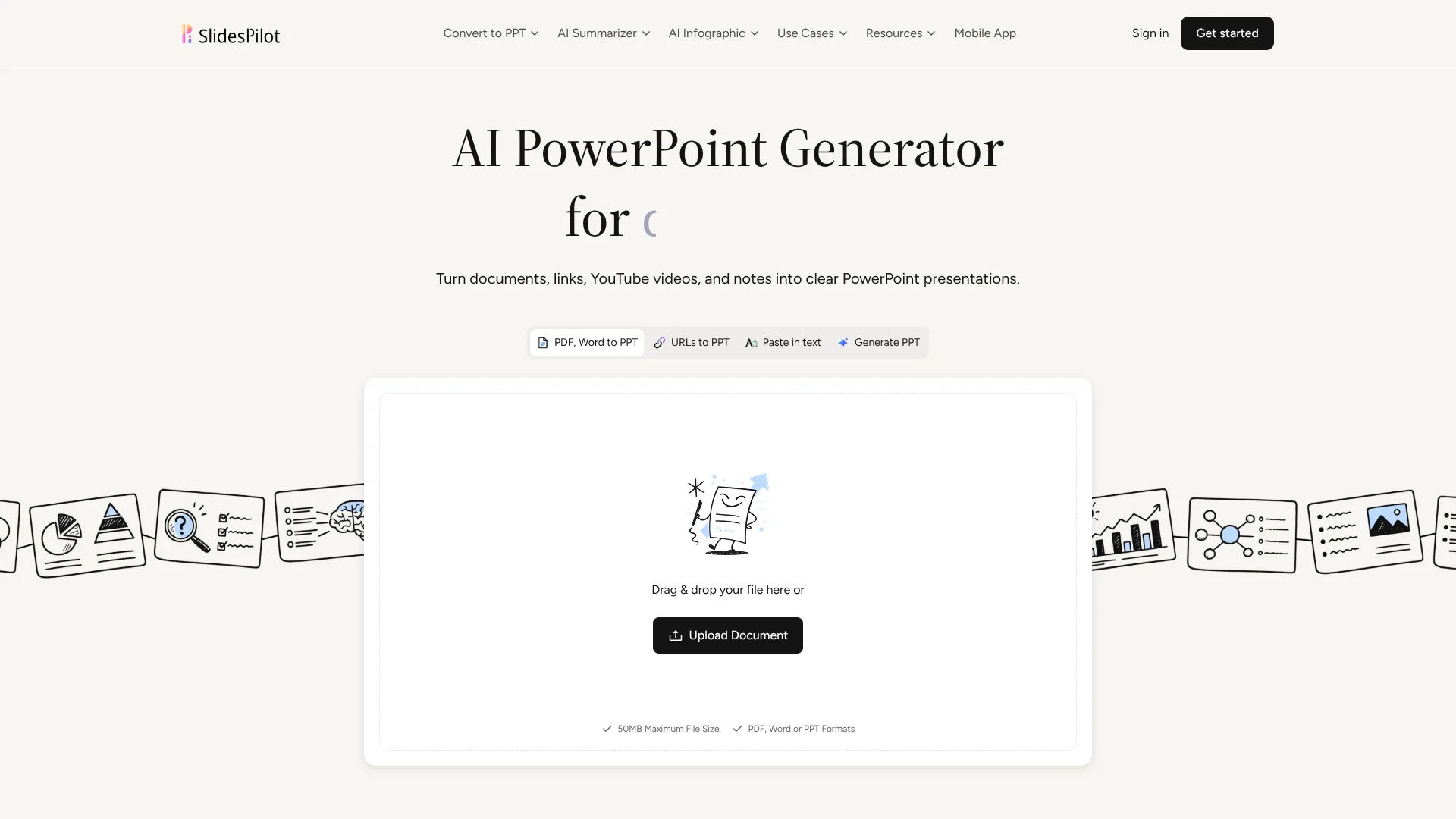
Upload PDF, Word, or PowerPoint files and have SlidesPilot extract, structure, and redesign the material.
Outcome: An editable, professionally structured presentation.
Create presentations from ideas
Provide a topic, audience, goal, tone, length, and key points to generate a complete presentation narrative.
Outcome: A coherent visual first draft from a brief or idea.
Improve lecture slides
Upload lecture notes or an existing deck and enhance its learning flow, examples, visuals, prompts, and recaps.
Outcome: Clearer and more engaging educational slides.
Summarize guides and manuals
Upload long PDFs, Word documents, presentations, or research material and generate a concise visual summary.
Outcome: A shorter summary available as PDF or Word.
Convert PowerPoint to Google Slides
Upload a PPT or PPTX file and generate a native, editable Google Slides presentation.
Outcome: A Google Slides link ready for editing, sharing, and collaboration.
Workflow Ideas with SlidesPilot
Document to presentation
- 1Upload a PDF, Word, or PowerPoint document.
- 2Add instructions, audience, tone, and desired structure.
- 3Review and edit the generated deck, then export it.
Idea to finished deck
- 1Enter a topic or brief and define the audience and presentation goal.
- 2Add required sections, examples, evidence, or recommendations.
- 3Generate, refine with the AI agent, and share or export.
Existing PowerPoint to Google Slides
- 1Upload a PPT or PPTX presentation.
- 2Convert it into a native Google Slides presentation.
- 3Open the link, copy it to Google Drive, and continue editing or sharing.
How SlidesPilot fits into your stack
Browser
The primary workspace is a web-based presentation environment for creating, editing, presenting, and sharing decks online.
Knowledge and files
Users upload PDFs, Word files, PowerPoint files, and other source material for analysis and conversion into presentations.
Docs and writing
Users can paste text, provide prompts, summarize documents, translate content, and export results to Word or Google Slides workflows.
Presentation and export
The product sits before PowerPoint and Google Slides, producing editable PPTX files and exports to PDF, PNG, and Google Slides.
Pros
- +Free plan available with no credit card required
- +Creates editable PowerPoint presentations from many source types
- +Supports scanned pages, image-based PDFs, tables, charts, and diagrams
- +Exports to PowerPoint, Google Slides, PDF, and PNG
- +Native iPhone and Android apps available
Cons
- −AI usage is metered through presentation creations and AI credits
- −Additional AI credits require separate top-up purchases
- −Sharing is documented as view-only rather than collaborative editing
- −No documented public developer API
- −No documented SSO or SAML support
Limitations & when to consider alternatives
Known limitations
- AI usage consumes credits. Presentation creation and actions such as adding, editing, or beautifying slides use plan credits or purchased top-up credits.
- File size limit. The AI converter supports uploads up to 50MB.
- Text input limit. The text-to-PPT converter supports up to 450,000 characters, approximately 75,000 words.
- Fair-use restrictions. Excessive generation, scripts, bots, account sharing, and using SlidesPilot as another product's API may result in suspension.
- Refund window. The first payment is covered by a 3-day money-back guarantee; renewal payments are not refundable.
Look elsewhere when
- You need a documented developer API.
- You need native team workspaces with multiple named users.
- You need an installed desktop application.
- You need SSO or SAML authentication.
How to Use SlidesPilot
- 1
Sign up
Create an account using Google, Apple, or email verification. New users start on the Free plan without a credit card.
- 2
Choose a source
Start with a topic, pasted text, link, YouTube video, PDF, Word document, PowerPoint file, or existing presentation.
- 3
Set presentation guidance
Specify the audience, goal, tone, length, content density, required sections, examples, and visual direction.
- 4
Generate the presentation
Let SlidesPilot build the narrative, slide sequence, content, layouts, charts, diagrams, and imagery.
- 5
Refine the deck
Use the block editor and AI presentation agent to rewrite content, change layouts, adjust themes, and improve individual slides or the entire deck.
- 6
Export or share
Download PPTX, PDF, or PNG, export to Google Slides, share online, or present directly from the workspace.
Who is SlidesPilot For?
Students
Students can turn research papers, notes, textbooks, and assignments into structured, editable presentations.
Educators
Educators can create or improve lecture slides, lesson materials, discussion prompts, and recap activities.
Business professionals
Professionals can convert reports, strategy documents, meeting notes, product requirements, and briefs into presentation-ready decks.
Researchers
Researchers can transform abstracts, literature reviews, research papers, and technical material into presentations.
Consultants
Consultants can use structured prompts for competitive analysis, benchmarking, strategic roadmaps, and executive recommendations.
Frequently Asked Questions
Is SlidesPilot free to use?
Yes. Users can start on the Free plan without a credit card and use included credits for presentations and AI features.
What files can SlidesPilot process?
SlidesPilot supports PDF, Word, and PowerPoint uploads, as well as pasted text, links, YouTube content, and existing presentations.
Can I edit presentations after generation?
Yes. Presentations remain editable in SlidesPilot's block-based online editor, where users can revise content, layouts, themes, and slide order.
Which export formats are supported?
Presentations can be exported as editable PPTX files, Google Slides, PDF, or PNG, or presented and shared online.
What is the maximum document size?
The AI converter supports files up to 50MB, with documents containing up to 750,000 words or 1,000 pages.
Does SlidesPilot support multiple languages?
Yes. SlidesPilot provides multilingual prompts and can translate, summarize, or generate presentation content in different languages.
Community reviews
Be the first to share your experience.
Sign in to leave a review for SlidesPilot.
SlidesPilot Alternatives
Looking for alternatives to SlidesPilot? Here are similar tools in the same category:
Learn to Master SlidesPilot
With Skill Leap courses
Get in-depth training on SlidesPilot and 50+ other AI tools with our expert-led video courses.
Start 7-Day Free Trial