
Sloneek
Automates HR tasks, enhancing employee engagement.
Key Takeaways
- What it is
- Automates HR tasks, enhancing employee engagement.
- Pricing
- $6.50 per user/month – Best for small teams · $8.70 per user/month
- Best for
- AI Surveys and Engagement
- Time Management
- Performance Management
- Rating
- 4.5/5
What is Sloneek?
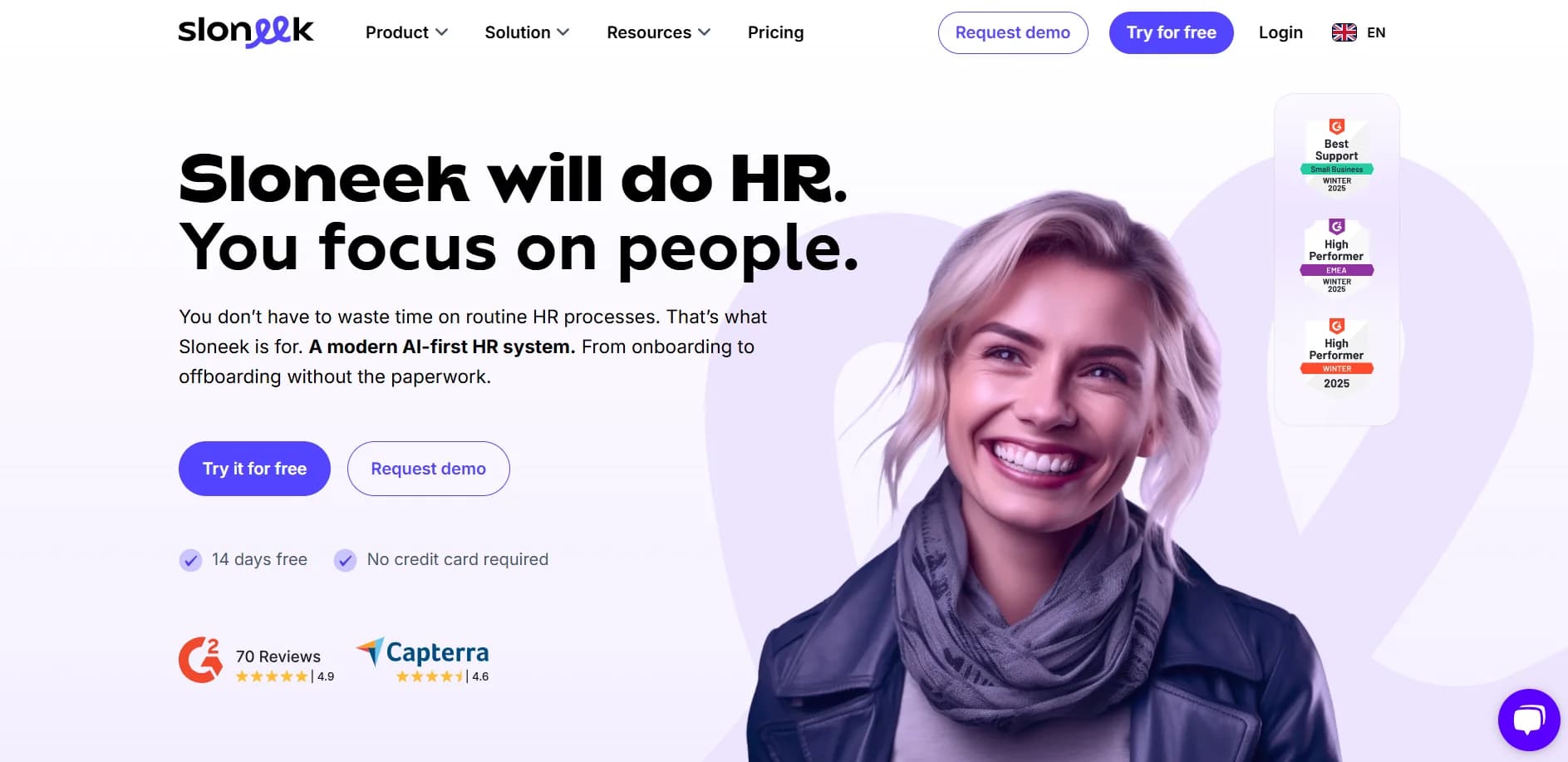
Sloneek is an innovative HR system designed to streamline the entire employee journey, from onboarding to offboarding. It's tailored for SMEs and startups, providing a comprehensive suite of tools that simplify HR processes, reduce administrative burdens, and enhance employee engagement. By leveraging AI-driven automation, Sloneek helps HR professionals focus on strategic tasks rather than routine administration.
Sloneek distinguishes itself with its AI-first approach, automating a significant portion of routine HR tasks. This focus on automation, combined with comprehensive data visualization and smart recommendations, positions Sloneek as a valuable asset for HR teams aiming to transition from administrative roles to strategic partners.
Sloneek offers a holistic HR solution that effectively balances automation with human engagement. Its user-friendly interface and robust features make it an ideal choice for organizations looking to enhance their HR processes. With Sloneek, businesses can expect to see improved efficiency, reduced administrative workload, and a more engaged workforce.
Who is Using Sloneek?
SMEs and Startups
Streamlining HR processes and enhancing employee experience.
HR Managers
Utilizing Sloneek for efficient employee lifecycle management.
Remote and Hybrid Teams
Managing time, attendance, and performance across diverse work environments.
Non-Profit Organizations
Adopting the tool to handle HR tasks with limited resources.
Uncommon Use Cases
Employed by educational institutions for HR management courses; Adopted by tech startups for rapid scaling support.
Key Features
Rating Breakdown
Pricing Plans
Essential
$6.50 per user/month – Best for small teams
- Includes core HR tools like attendance, absences, time tracking, AI assistant, documents, e-signatures, and basic reporting
Professional
$8.70 per user/month
- Adds onboarding
- Asset tracking
- Performance reviews
- Project tracking
- Surveys
- Advanced analytics
Custom
- Includes everything in Professional plus ATS, API, SSO, multi-org structures, and premium support
Which Sloneek plan should you pick?
Start with the 14-day trial to validate the required modules, then request a custom quote because Sloneek prices its current offerings by configurable HR modules.
Sloneek Intelligence
Good for HR teams that need an AI agent to query HR data, analyze information, and execute supported HR actions.
Core HR
Good for organizations that need employee records, documents, e-signatures, assets, absences, engagement, checklists, and reporting.
Time management
Good for teams that need attendance, time tracking, timesheets, absences, project reporting, GPS, and mobile time management.
Performance management
Good for organizations managing competencies, evaluations, KPIs, OKRs, and 360-degree feedback.
Surveys
Good for teams running employee surveys, pulse surveys, eNPS, health checks, engagement surveys, and exit interviews.
Hiring (ATS)
Good for recruiting teams that need AI candidate shortlisting, bulk CV import, and a talent pool.
Workflows
Good for HR teams automating onboarding, pre-boarding, offboarding, and related HR actions.
Sloneek Use Cases
Employee onboarding
Create new-hire packets, collect employee information, send documents, configure user settings, and trigger onboarding workflows.
Outcome: A more consistent onboarding process with less manual administration.
Time and attendance management
Record clock-in and clock-out events through the web app, mobile app, or attendance terminal, with optional GPS location monitoring.
Outcome: Centralized visibility into attendance and worked time.
Leave and absence administration
Employees submit leave requests while managers review and approve absences through team calendars and mobile workflows.
Outcome: A shared, auditable absence-management process.
Recruitment and CV screening
Upload multiple PDF CVs for AI processing, extract candidate information, and review recommended skills and candidate suitability.
Outcome: Faster candidate data entry and initial screening.
Document management and signing
Upload company or employee documents, organize them in folders, send them to recipients, and collect electronic signatures.
Outcome: Centralized document storage with controlled signing and confirmation.
Workflow Ideas with Sloneek
Automated new-hire onboarding
- 1Create a user profile with the onboarding lifecycle phase, team, position, location, and tags
- 2Trigger the workflow when the onboarding status or new-hire packet condition is met
- 3Send documents, emails, employee settings, and external webhooks automatically
Mobile leave approval
- 1An employee submits a leave request in the Sloneek mobile app
- 2The request is routed to the responsible manager or approver
- 3The manager reviews and approves the absence in the team calendar
AI-assisted CV screening
- 1Upload one or more PDF CVs from a job detail
- 2Let Sloneek extract candidate details, experience, skills, and other information
- 3Validate the extracted data and review suitability recommendations
How Sloneek fits into your stack
Browser
Sloneek is primarily a cloud-based HR web application used for employee records, documents, time management, performance, hiring, analytics, and payroll-related workflows.
Mobile
The native mobile app extends Sloneek to iOS and Android for contacts, reports, time tracking, absence management, and attendance.
Automation and APIs
Sloneek provides public API documentation, MCP connectivity, webhooks, and HR workflows that can trigger actions in external systems.
Knowledge and files
The Documents module stores uploaded contracts, policies, and company documents, with templates, access controls, electronic signatures, and centralized storage.
Pros
- +User-Friendly Interface: Intuitive design makes it easy for users to navigate and manage HR tasks efficiently.
- +Comprehensive Integration: Supports integration with popular platforms like Google Workspace and Jira, enhancing functionality.
- +AI-Driven Automation: Automates up to 90% of routine HR tasks, freeing up time for strategic initiatives.
- +Mobile Access: Offers a mobile app for on-the-go management, ensuring accessibility anytime, anywhere.
Cons
- −Initial Learning Curve: New users may need some time to get accustomed to the full range of features.
- −Limited Customization: While flexible, some specific customizations may require additional development.
Limitations & when to consider alternatives
Known limitations
- The free access period is limited. The pricing and product pages describe a 14-day trial with full features, not an ongoing free plan.
- Minimum license commitment. The terms state that the minimum number of licenses is 10, whether or not all licenses are used.
- Document upload formats are restricted. The Documents help article says uploads are limited to closed formats such as PDF, PNG, and JPEG rather than editable source files.
- Sloneek Intelligence is documented as beta. The Sloneek Intelligence use-case library states that the AI agent is still in beta and that more modules are being connected over time.
- MFA recovery requires administrator action. After five incorrect SMS-code attempts, the user account is locked and an account owner must reset MFA access.
Look elsewhere when
- You need a native desktop installer for Windows, macOS, or Linux.
- You need fine-tuning or custom model-weight training.
- You need image understanding or visual analysis.
- You need programming-code generation.
How to Use Sloneek
- 1
Start the trial
Create a Sloneek account and use the 14-day trial without entering a credit card.
- 2
Add employees and teams
Import users manually, from Google Workspace, or from Microsoft Active Directory, then define teams and assign roles.
- 3
Configure core HR records
Set up employee folders, custom fields, organizational structure, absences, attendance, and document settings.
- 4
Connect existing systems
Open Integrations and connect the systems you use, such as Google Calendar, Microsoft 365, Jira, Google Workspace, Okta, or the API.
- 5
Build HR workflows
Create an onboarding or offboarding workflow with conditions, delays, emails, documents, employee settings, and webhooks.
- 6
Use Sloneek Intelligence
Ask natural-language questions about permitted HR data or use the AI assistant to generate HR documents and support routine HR work.
Who is Sloneek For?
HR managers
Sloneek centralizes employee records, documents, absences, attendance, recruitment, performance, and reporting.
Team leaders
Team leaders can review team calendars and reports, approve activities and absences, and manage team-related HR tasks.
Executives
Executives can use people analytics, dashboards, reports, and organizational data for workforce decision-making.
Hybrid teams
Sloneek supports mobile attendance, GPS-based location tracking, time management, absences, and distributed-team HR administration.
Small and medium-sized companies
The mobile-store listing positions Sloneek as a cloud HR solution for small and medium-sized companies.
Frequently Asked Questions
Is there a free version of Sloneek?
Sloneek offers a 14-day free trial with full features and support, but the pricing page does not describe a permanent free tier.
Does Sloneek provide an API?
Yes. Sloneek publishes Swagger-based API documentation with an OAS 3.0 specification.
Can Sloneek integrate with other systems?
Yes. Documented integrations include Jira, Google Calendar, Google Workspace, Microsoft 365, Microsoft Active Directory, Looker Studio, IceWarp, Okta, and API access.
Does Sloneek support single sign-on?
Yes. Sloneek documents SSO through Google Workspace and Microsoft Active Directory.
Does Sloneek have a mobile app?
Yes. Sloneek provides mobile applications for iOS and Android for time tracking, attendance, absences, documents, and employee-directory access.
What can Sloneek Workflows automate?
Workflows can automate onboarding and offboarding tasks such as activating users, setting teams and positions, sending emails and documents, configuring employee settings, and triggering webhooks.
Community reviews
Be the first to share your experience.
Sign in to leave a review for Sloneek.
Sloneek Alternatives
Looking for alternatives to Sloneek? Here are similar tools in the same category:
Learn to Master Sloneek
With Skill Leap courses
Get in-depth training on Sloneek and 50+ other AI tools with our expert-led video courses.
Start 7-Day Free Trial