
Smart Clerk
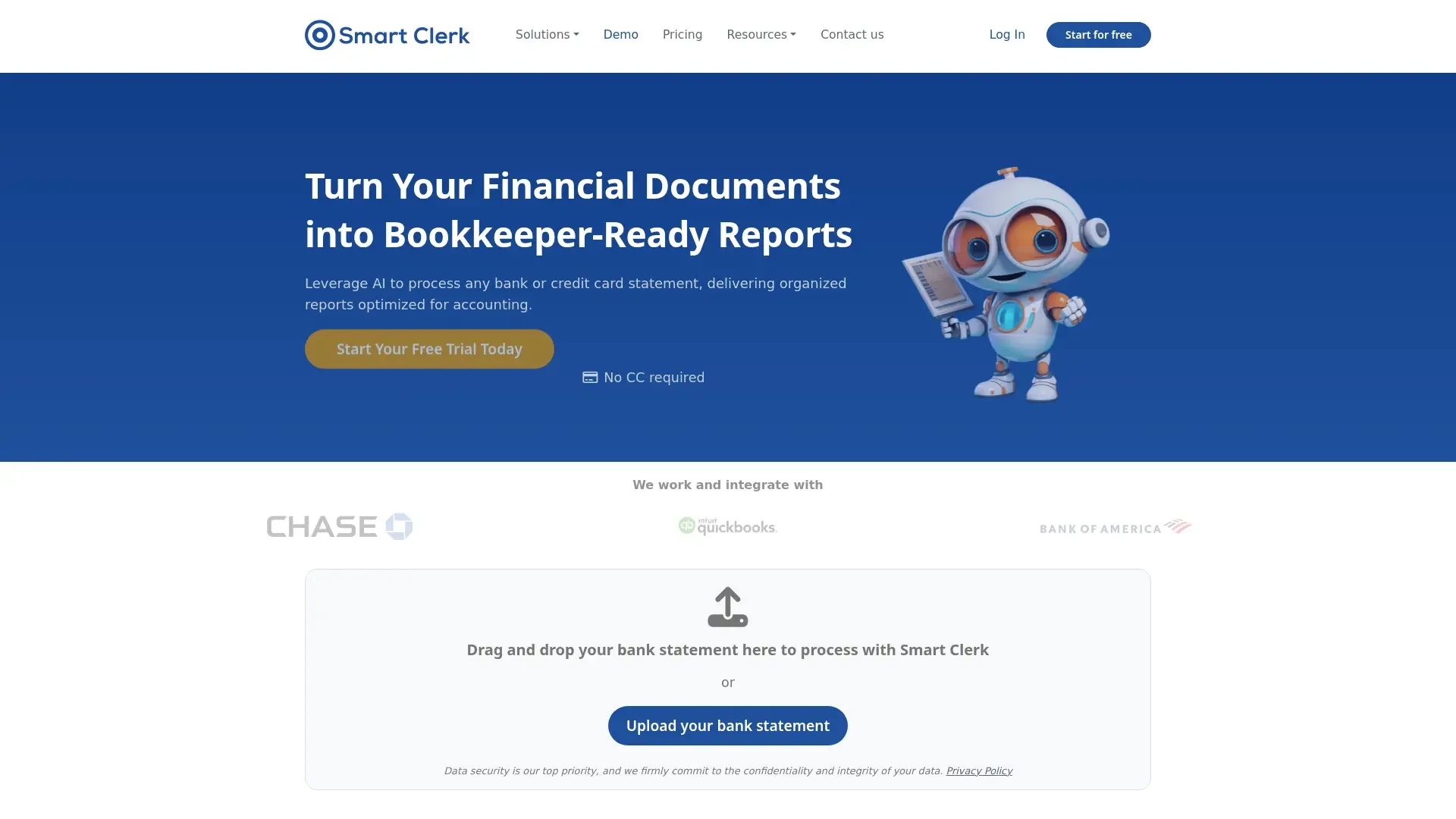
Automates financial document processing, enhancing accounting efficiency.
Key Takeaways
- What it is
- Automates financial document processing, enhancing accounting efficiency.
- Pricing
- Freemium · $29 per month
- Best for
- AI-Generated Financial Reports
- Tailored Transaction Categorization
- Streamlined Vendor Management
- Rating
- 4.5/5
What is Smart Clerk?
Smart Clerk is a cutting-edge AI tool designed to transform financial data into actionable insights, revolutionizing the way businesses handle accounting and bookkeeping. With its primary focus on automating the processing of financial documents such as bank statements and invoices, Smart Clerk offers features that simplify the accounting workflow for professionals and small business owners alike. By leveraging AI, it streamlines the entire process, from data entry to report generation, ensuring accuracy and efficiency.
Smart Clerk stands out with its focus on financial document processing, offering unparalleled accuracy and ease of use. Its ability to automatically categorize transactions and generate detailed financial reports with minimal input sets it apart, making it a game-changer for businesses looking to streamline their accounting processes.
Smart Clerk offers a robust solution for businesses seeking to enhance their financial management processes through AI-driven automation. By focusing on accuracy, ease of use, and secure data handling, it provides significant value to accounting firms, small businesses, and freelancers alike. Whether you're looking to save time, reduce costs, or improve bookkeeping accuracy, Smart Clerk is a reliable choice that delivers on its promises.
Who is Using Smart Clerk?
Accounting Firms
Utilizing Smart Clerk for efficient management of client financial documents.
Small Business Owners
Benefiting from simplified bookkeeping and financial reporting processes.
Freelancers
Streamlining invoice and expense tracking for personal business management.
Financial Advisors
Leveraging the tool to provide accurate financial insights to clients.
Uncommon Use Cases
Employed by educational institutions for teaching accounting practices; used by non-profit organizations for donor fund tracking.
Key Features
Rating Breakdown
Pricing Plans
Free Tier
Free
Growth Plan
$29 per month
- Supporting 2 bank accounts and 100 invoices monthly
Professional Plan
- Includes 4 bank accounts, 250 invoices, and additional features like API access and priority support
Which Smart Clerk plan should you pick?
Start with the free plan to process one bank account and up to 20 invoices monthly; upgrade to Growth or Professional for more accounts, invoices, and business features.
Free plan
Good for users testing Smart Clerk with one bank account and up to 20 invoices per month.
GROWTH
Good for growing businesses needing two bank accounts, 100 invoices monthly, auto-categorization, and P&L reports.
PROFESSIONAL
Good for small businesses needing six bank accounts, 250 invoices monthly, multiple companies, and priority support.
Smart Clerk Use Cases
Convert statements into reports
Upload bank or credit-card statements and let Smart Clerk extract and categorize transactions.
Outcome: Generate P&L, balance-sheet, tax, and spending reports.
Automate live bookkeeping
Connect a bank account so new transactions are imported and categorized as they post.
Outcome: Keep books continuously up to date.
Process invoices
Upload invoices or forward them to a secure Smart Clerk email address.
Outcome: Review extracted invoice data and export it to Excel.
Analyze vendor spending
Consolidate vendor names across banks, cards, and invoices.
Outcome: Track totals by vendor and reconcile transactions without duplicates.
Prepare historical records
Upload older statements alongside live bank feeds.
Outcome: Rebuild past books while keeping current transactions synchronized.
Workflow Ideas with Smart Clerk
Rebuild historical books
- 1Sign up and open the Smart Clerk dashboard
- 2Upload historical bank and credit-card statements
- 3Review categorized transactions and export reports
Automate ongoing bookkeeping
- 1Connect a supported bank account
- 2Allow new transactions to import automatically
- 3Review auto-categorized transactions and generate reports
Process invoices to Excel
- 1Upload invoices or forward them to the secure Smart Clerk email
- 2Review the extracted invoice data
- 3Export the invoice in standard or line-item Excel format
How Smart Clerk fits into your stack
Browser
Smart Clerk is used through a web dashboard where users upload bank statements, connect bank accounts, review categorization, and generate reports.
Knowledge and files
Users upload PDF and image statements, store them in the dashboard, and retrieve categorized transactions, vendor reports, P&L statements, and balance sheets.
Pros
- +Time Efficiency: Dramatically reduces the time spent preparing financial documents, making it ideal for small businesses.
- +User-Friendly Design: Intuitive drag-and-drop interface requires no training, facilitating quick adoption and use.
- +High Accuracy: Consistently delivers precise data extraction, minimizing the need for manual corrections.
- +Secure Data Handling: Employs advanced encryption protocols to protect user data, ensuring compliance with global security standards.
Cons
- −Initial Learning Curve: Users may need time to fully explore and utilize all advanced features.
- −Limited Free Plan: The free tier is restricted in terms of volume, which might not be sufficient for larger businesses.
- −Integration Limitations: Currently offers limited direct integrations with third-party accounting software.
Limitations & when to consider alternatives
Known limitations
- Free plan limits. The free plan includes one bank account and 20 invoices per month.
- Historical data surcharge. Documents dated before the included tax years cost $15 per account per year.
- Live bank-feed coverage. Direct live connections are described for more than 10,000 banks across the United States and Canada.
- Plan account limits. Growth includes two bank accounts, while Professional includes six bank accounts.
- Invoice volume limits. Growth includes 100 invoices per month, while Professional includes 250 invoices per month.
How to Use Smart Clerk
- 1
Create an account
Start from the free plan without a credit card, then open the Smart Clerk dashboard.
- 2
Choose an input method
Upload PDF or image statements, forward invoices to the secure email address, or connect a supported bank.
- 3
Review categorization
Check extracted transactions and adjust categories when needed; Smart Clerk learns business patterns.
- 4
Generate reports
Create P&L statements, balance sheets, tax-ready reports, and vendor or category spending analysis.
- 5
Export results
Export categorized transactions, vendor reports, and financial statements to Excel or PDF.
- 6
Upgrade when volume grows
Move to Growth for more accounts and invoices, or Professional for multiple companies and priority support.
Who is Smart Clerk For?
Small businesses
Smart Clerk provides automated categorization, bookkeeping reports, and live bank feeds for small-business finances.
Accountants
Accountants can turn client statements into categorized transactions and tax-ready reports.
Accounting firms
Accounting firms can contact Smart Clerk for scalable solutions and custom pricing for client work.
Freelancers
Freelancers can organize expenses and revenue into categorized reports without manual data entry.
Business owners
Business owners can review vendor spending, generate financial reports, and keep books current automatically.
Frequently Asked Questions
How can I add my bank statements or transactions?
Upload PDF statements to the dashboard or connect a bank for automatic live feeds. Both sources can be combined.
Can I connect my bank account?
Yes. Smart Clerk connects securely to more than 10,000 banks across the United States and Canada.
What formats of statements are supported?
Smart Clerk supports bank and credit card statement formats in any language or layout.
Does Smart Clerk support multiple currencies?
Yes. Statements from any country and currency can be processed and converted into the company currency.
Which reports does Smart Clerk produce?
It produces P&L statements, balance sheets, tax-ready reports, and spending analysis by vendor and category.
Can I export the processed data?
Categorized transactions, vendor reports, and P&L statements can be exported to Excel or PDF.
Community reviews
Be the first to share your experience.
Sign in to leave a review for Smart Clerk.
Smart Clerk Alternatives
Looking for alternatives to Smart Clerk? Here are similar tools in the same category:
Learn to Master Smart Clerk
With Skill Leap courses
Get in-depth training on Smart Clerk and 50+ other AI tools with our expert-led video courses.
Start 7-Day Free Trial