
SmartStudi Sidebar
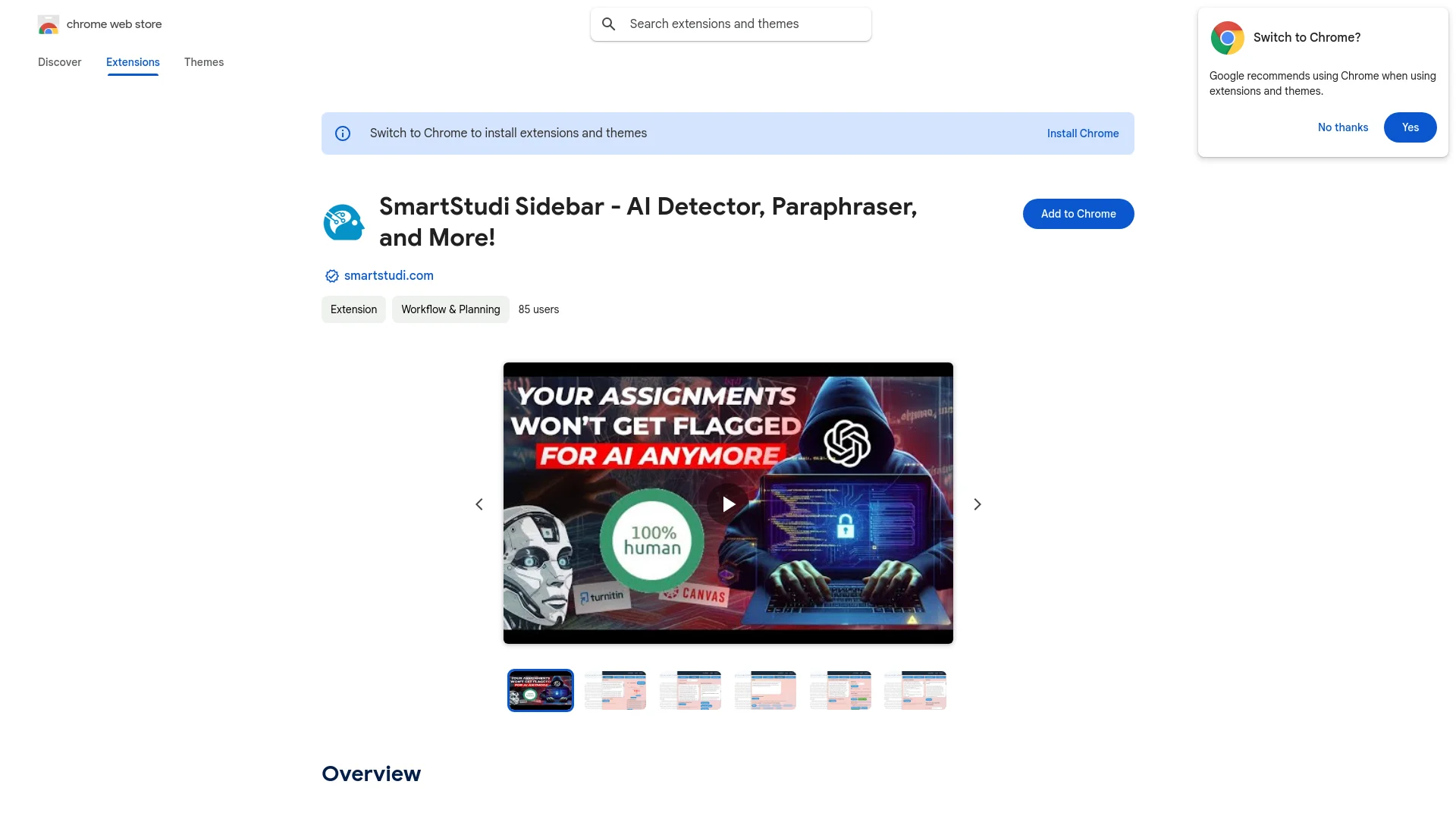
Streamline content creation with AI detection, paraphrasing, and generation.
Key Takeaways
- What it is
- Streamline content creation with AI detection, paraphrasing, and generation.
- Pricing
- Freemium · $9.99 per month
- Best for
- AI and Plagiarism Detection
- Paraphrasing Tool
- Content Generation
- Rating
- 4.5/5
What is SmartStudi Sidebar?
SmartStudi Sidebar is an innovative Chrome extension designed to streamline content creation and management tasks. With its core functionalities centered around AI detection, paraphrasing, and content generation, this tool is a must-have for content creators, educators, and professionals who rely on high-quality written material. Whether you need to check for AI-generated content, paraphrase text to bypass AI detectors, or generate undetectable AI essays, SmartStudi Sidebar simplifies these tasks with ease.
SmartStudi Sidebar stands out with its comprehensive suite of tools that cater to both content creation and content integrity. Its ability to seamlessly integrate AI detection with paraphrasing and content generation makes it an invaluable asset for anyone involved in writing or content management. The added functionality of citation generation and grammar checking further sets it apart as a holistic tool for writers and professionals.
SmartStudi Sidebar offers a robust platform for content creation, management, and verification. With its user-friendly interface and versatile features, it addresses the needs of writers, educators, and professionals looking to produce high-quality and original content. While it requires a user account and is limited to Chrome, its comprehensive suite of tools and competitive pricing make it an excellent choice for anyone seeking to enhance their content-related tasks.
Who is Using SmartStudi Sidebar?
Content Creators
Leveraging the tool for creating original and polished content.
Educators
Using it to ensure academic integrity in student submissions.
Researchers
Utilizing the paraphrasing and citation features for research papers.
Marketing Professionals
Adopting it to craft unique marketing content.
Uncommon Use Cases
Employed by legal professionals for drafting documents; utilized by bloggers for enhancing blog post quality.
Key Features
Rating Breakdown
Pricing Plans
Free Tier
Free
- SmartStudi Sidebar offers basic features for free
- Allowing users to explore its capabilities
Pro Tier
$9.99 per month
- Offering advanced features and capabilities
Which SmartStudi Sidebar plan should you pick?
Start with Free Trial to test the tools, then upgrade to Unlimited when you need unrestricted usage.
Free Trial
Good for users who need a few tries of the available tools without entering payment details.
Unlimited
Good for students who need unlimited monthly access to scans, paraphrasing, essays, citations, summaries, grammar checking, and the Chrome extension.
SmartStudi Sidebar Use Cases
Check academic content
Scan writing for AI-generated content and plagiarism.
Outcome: Identify content that may be flagged.
Paraphrase research writing
Rewrite academic text through the paraphraser.
Outcome: Produce revised wording intended to avoid AI-detection flags.
Create annotated bibliographies
Generate citations and annotations from documents or sources.
Outcome: Create annotated bibliographies with up to 20 citations.
Summarize guided readings
Upload or paste large reading materials and specify requirements.
Outcome: Create a focused summary.
Improve laboratory reports
Process science-oriented writing through the paraphraser.
Outcome: Convert the writing into AI-free text.
Workflow Ideas with SmartStudi Sidebar
Research paper refinement
- 1Upload a document from your device or Google Drive
- 2Check the content for AI and plagiarism
- 3Paraphrase and grammar-check the revised writing
Annotated bibliography creation
- 1Provide content or source links
- 2Choose a citation format such as APA, MLA, or Chicago
- 3Generate citations and edit annotations
Reading-to-summary workflow
- 1Upload or paste the reading
- 2Choose a summary focus such as key concepts or thesis statement
- 3Generate a summary with a specified word length
How SmartStudi Sidebar fits into your stack
Browser
SmartStudi Sidebar lives as a Chrome sidebar, bringing AI detection, paraphrasing, essay generation, citations, summarization, and grammar checking into the browsing workflow.
Docs and writing
It supports academic writing tasks including essays, paraphrasing, grammar correction, citation generation, and summarizing long text.
Knowledge and files
Users can import content from Google Drive and process Google Docs, Slides, PDFs, DOCX, PPTX, PNG, JPG, and HEIC files.
Pros
- +Versatile Functionality: Combines multiple content-related tasks into one tool, saving time and effort.
- +User-Friendly Interface: The sidebar design ensures easy access and operation without disrupting workflow.
- +Enhanced Content Security: Checks for AI and plagiarism to maintain content integrity.
- +Citations Made Easy: Supports multiple citation formats, streamlining academic writing processes.
Cons
- −Account Requirement: Users must sign up or log in to access features, which may be a barrier for some.
- −Limited to Chrome: Currently available only as a Chrome extension, limiting use on other browsers.
Limitations & when to consider alternatives
Known limitations
- Free access is limited. The $0 Free Trial provides only a few tries of the Unlimited features and stops based on OpenAI credit usage.
- Unlimited access requires payment. The listed Unlimited plan costs $9.99 per month.
- Account required for the extension. The Chrome Web Store listing says users must log in or sign up on smartstudi.com.
- Citation generation has a documented batch limit. The homepage states that annotated bibliographies support up to 20 citations at once.
- The extension is listed in English. The Chrome Web Store details list English (United States) as the extension language.
Look elsewhere when
- You need a native mobile app
- You need a developer API
- You need team workspaces or SSO
- You need a downloadable desktop application
How to Use SmartStudi Sidebar
- 1
Create or access your account
Sign up or log in at smartstudi.com; the browser extension requires an account.
- 2
Install the Sidebar extension
Add SmartStudi Sidebar from the Chrome Web Store to access SmartStudi tools in a compact sidebar.
- 3
Choose a tool
Select AI or plagiarism checking, paraphrasing, UndetectableGPT, citation generation, essay generation, summarization, or grammar checking.
- 4
Add content
Paste text or upload files from your device or Google Drive, including supported document and image formats.
- 5
Configure the task
For summaries, choose the focus and word length; for citations, choose the required citation style.
- 6
Review the output
Check generated text, citations, summaries, or grammar suggestions and edit the result before using it.
Who is SmartStudi Sidebar For?
Students
SmartStudi names students as its primary audience and presents tools for academic writing, research, readings, and assignments.
Students preparing for finals and midterms
The site specifically promotes its AI detector and UndetectableGPT for test questions and papers.
Research-paper writers
The paraphraser, plagiarism checker, citation generator, and grammar checker support research-paper workflows.
Canvas discussion participants
SmartStudi promotes UndetectableGPT for answering Canvas discussion prompts.
Laboratory-report writers
The site describes converting science-oriented writing into AI-free text.
Frequently Asked Questions
What does SmartStudi Sidebar do?
It brings SmartStudi’s AI and plagiarism checks, paraphrasing, essay generation, citations, summarization, and grammar checking into a browser sidebar.
Do I need a SmartStudi account?
Yes. The Chrome Web Store listing says users must log in or sign up for an account on smartstudi.com.
What is included in the Unlimited plan?
The $9.99-per-month plan includes AI and plagiarism scans, paraphrasing, UndetectableGPT, essays, citations, summaries, grammar checking, and the Chrome extension.
Can SmartStudi process uploaded documents?
Yes. The tool supports device and Google Drive files including PDF, DOCX, PPTX, PNG, JPG, and HEIC.
Which citation formats are supported?
Supported formats include APA 6, APA 7, Harvard, Nature, MLA 8, MLA 9, Chicago 16, Chicago 17, and Vancouver.
How many citations can it generate at once?
The official homepage says annotated bibliographies can include up to 20 citations at once.
Community reviews
Be the first to share your experience.
Sign in to leave a review for SmartStudi Sidebar.
SmartStudi Sidebar Alternatives
Looking for alternatives to SmartStudi Sidebar? Here are similar tools in the same category:
Learn to Master SmartStudi Sidebar
With Skill Leap courses
Get in-depth training on SmartStudi Sidebar and 50+ other AI tools with our expert-led video courses.
Start 7-Day Free Trial