
SnapLogic
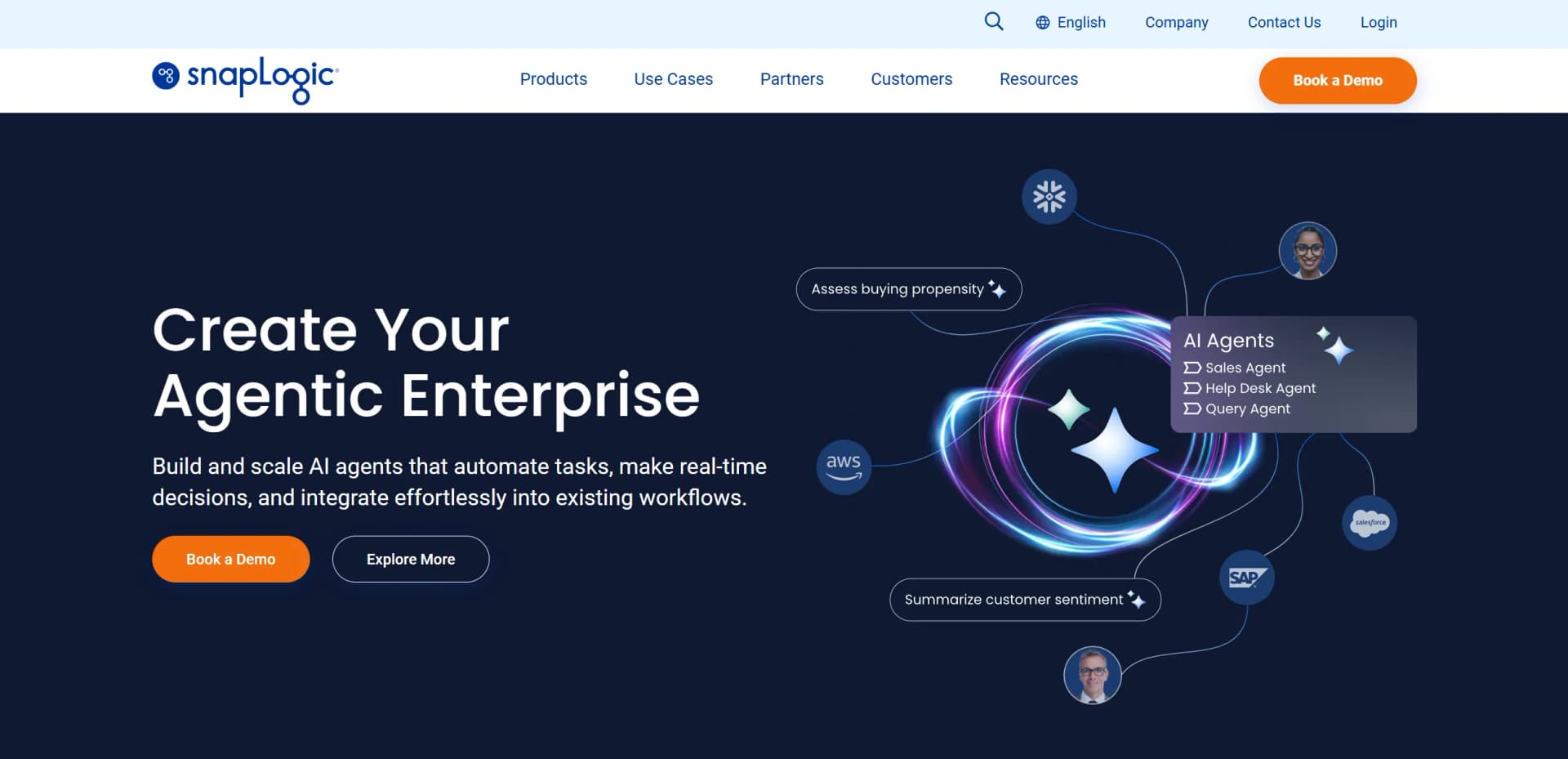
AI-driven platform seamlessly integrates applications, data, and devices.
Key Takeaways
- What it is
- AI-driven platform seamlessly integrates applications, data, and devices.
- Best for
- AI-Powered Integration
- Visual Designer
- Pre-built Connectors
- Rating
- 4.5/5
What is SnapLogic?
SnapLogic is a powerful, cloud-based integration platform that redefines the way businesses connect applications, data, and devices. It empowers organizations to automate their workflows through a sophisticated AI-driven interface, making it an invaluable tool for IT professionals and business analysts alike. By simplifying complex integration processes, SnapLogic enables users to seamlessly connect disparate systems, ensuring data flows smoothly across the enterprise landscape.
SnapLogic stands out with its AI-driven integration capabilities, revolutionizing how businesses automate and manage their data workflows. Its ability to provide real-time data processing and a vast library of pre-built connectors sets it apart, making it a leader in the integration platform-as-a-service (iPaaS) market.
Who is Using SnapLogic?
Enterprise IT Departments
Utilizing SnapLogic to streamline data integration and improve operational efficiency.
Business Analysts
Employing the tool to automate and analyze data workflows.
Data Scientists
Leveraging its capabilities for data preparation and real-time analytics.
Software Developers
Using SnapLogic to integrate various applications and services seamlessly.
Utilized by healthcare organizations for patient data integration.
Adopted by logistics companies to optimize supply chain operations.
Key Features
Rating Breakdown
Pricing Plans
Enterprise Subscription
- Custom pricing based on specific business needs and usage
Professional Services
- Available to assist with implementation and optimization
Which SnapLogic plan should you pick?
Start with Essential for core integration needs, move to Professional for broader automation and AI requirements, and upgrade to Enterprise One for the most advanced enterprise capabilities.
Essential
Good for organizations starting with core application, data, and API integration.
Professional
Good for teams that need broader integration, automation, and platform capabilities.
Enterprise One
Good for enterprises requiring the broadest platform scope, advanced governance, and add-on capabilities.
SnapLogic Use Cases
Application integration
Connect SaaS applications, enterprise systems, APIs, and databases through reusable visual pipelines.
Outcome: Automated data and process movement across applications.
Data warehouse and analytics integration
Ingest, transform, and load data between operational systems, files, databases, and analytics platforms.
Outcome: More accessible and consistent analytics data.
Document-based AI assistants
Use AgentCreator pipelines and vector databases to create assistants that answer questions from documents such as PDFs.
Outcome: Self-service answers grounded in enterprise documents.
API exposure and management
Expose SnapLogic tasks and third-party endpoints as governed services with endpoints, policies, and developer access.
Outcome: Reusable and controlled APIs for internal or external consumers.
AI-agent tool orchestration
Create tool pipelines that read data, call web services, perform calculations, or write results to enterprise systems.
Outcome: Agents that can execute multi-step business operations.
Workflow Ideas with SnapLogic
Document question-answering assistant
- 1Upload or read source documents
- 2Create embeddings and store document data in a vector database
- 3Build and deploy an AgentCreator chat pipeline
Salesforce-to-Snowflake pipeline
- 1Read customer data from Salesforce
- 2Filter and transform records in Designer
- 3Write the results to Snowflake
AI agent with enterprise tools
- 1Create tool pipelines for databases or web services
- 2Connect the tools to an AgentCreator agent
- 3Deploy the agent as a triggered or Ultra Task
How SnapLogic fits into your stack
SnapLogic provides a robust, scalable solution for businesses looking to streamline their data integration processes. With its AI-driven automation and user-friendly interface, it not only enhances operational efficiency but also empowers users to focus on strategic tasks rather than manual data management. Whether you're an IT professional, a business analyst, or a data scientist, SnapLogic offers the tools and support necessary to elevate your integration capabilities to the next level.
Pros
- +Scalability: Easily scales to accommodate growing data and integration needs.
- +User-Friendly Experience: The visual interface simplifies complex integrations for users of varying technical expertise.
- +Robust Security: Offers comprehensive security features to protect sensitive data during integration processes.
- +Comprehensive Support: Provides extensive documentation and support resources to assist users at every step.
Cons
- −Initial Learning Curve: While user-friendly, mastering all features may take some time for beginners.
- −Pricing Complexity: The pricing structure can be complex and may require consultation for full clarity.
- −Limited Offline Capabilities: Primarily cloud-based, which may not suit organizations with offline needs.
Limitations & when to consider alternatives
Known limitations
- Mobile access is unsupported. SnapLogic states that only desktop devices are fully supported for the control plane; tablets and mobile devices are not supported.
- Advanced capabilities may require add-ons. The pricing page identifies AgentCreator, API Management, AutoSync, advanced security, and other capabilities as add-ons or upgrades.
- Agent tool pipelines require one output document. If a tool pipeline returns multiple documents, the Agent Snap uses only the first and discards the rest.
- SnapCode currently requires English prompts. SnapCode’s usage documentation instructs users to describe pipelines with natural-language prompts in English.
- SSO or MFA is not supported in SnapCode. SnapCode documentation states that authentication using SSO or MFA is currently unsupported.
Look elsewhere when
- You need a native mobile app.
- You need a free self-service plan.
- Your team needs built-in SSO for SnapCode.
How to Use SnapLogic
- 1
Set up users and environments
Create users, groups, roles, and separate development and production environments before building integrations.
- 2
Configure endpoint accounts
Add credentials for databases, applications, APIs, file systems, vector databases, or LLM providers.
- 3
Build a pipeline in Designer
Connect Snaps visually to read, transform, route, and write data across systems.
- 4
Add AI capabilities if needed
Use SnapGPT for pipeline assistance or AgentCreator for LLM-powered agents, document processing, and tool calling.
- 5
Validate and test
Run pipeline validation and test executions before deploying the integration or agent.
- 6
Deploy and monitor
Create a scheduled, triggered, or Ultra Task, then monitor executions and performance in Monitor.
Who is SnapLogic For?
Enterprise IT teams
SnapLogic supports governed application, data, API, and AI integration across complex enterprise environments.
Data integration teams
Teams can build ETL, ELT, reverse ETL, transformation, and orchestration pipelines using visual tools.
Business users
AutoSync and no-code interfaces help business users create data pipelines and automate processes.
AI and automation teams
AgentCreator, SnapGPT, MCP, and AI connectors support agentic workflows and applied AI use cases.
Independent software providers
SnapLogic supports OEM and embedded commercial use for organizations delivering integrations to their customers.
Frequently Asked Questions
What is SnapLogic?
SnapLogic is an enterprise integration and automation platform for connecting applications, data, APIs, files, and AI agents.
What are Snaps?
Snaps are pre-built connectors for integrating applications, databases, cloud services, APIs, files, and AI systems.
What is AgentCreator?
AgentCreator is a no-code environment for building LLM-powered agents, assistants, and applications that use SnapLogic pipelines.
Can SnapLogic expose pipelines as APIs or tools?
Yes. Pipelines can be exposed as API endpoints, agent tools, or MCP tools for external clients and AI agents.
Does SnapLogic support on-premises systems?
Yes. Groundplex deployments connect pipelines to on-premises and private-cloud systems behind an organization’s firewall.
What plans does SnapLogic offer?
The pricing page lists Essential, Professional, and Enterprise One packages, with advanced capabilities available as add-ons.
Community reviews
Be the first to share your experience.
Sign in to leave a review for SnapLogic.
SnapLogic Alternatives
Looking for alternatives to SnapLogic? Here are similar tools in the same category:
Learn to Master SnapLogic
With Skill Leap courses
Get in-depth training on SnapLogic and 50+ other AI tools with our expert-led video courses.
Start 7-Day Free Trial