Social Catfish Reverse Image Search
Upload a photo, spot catfish, verify identities.
Key Takeaways
- What it is
- Upload a photo, spot catfish, verify identities.
- Pricing
- $36 per month
- Best for
- Reverse image lookup
- Multi-input identity search
- Report-style results
- Rating
- 4.3/5
What is Social Catfish Reverse Image Search?
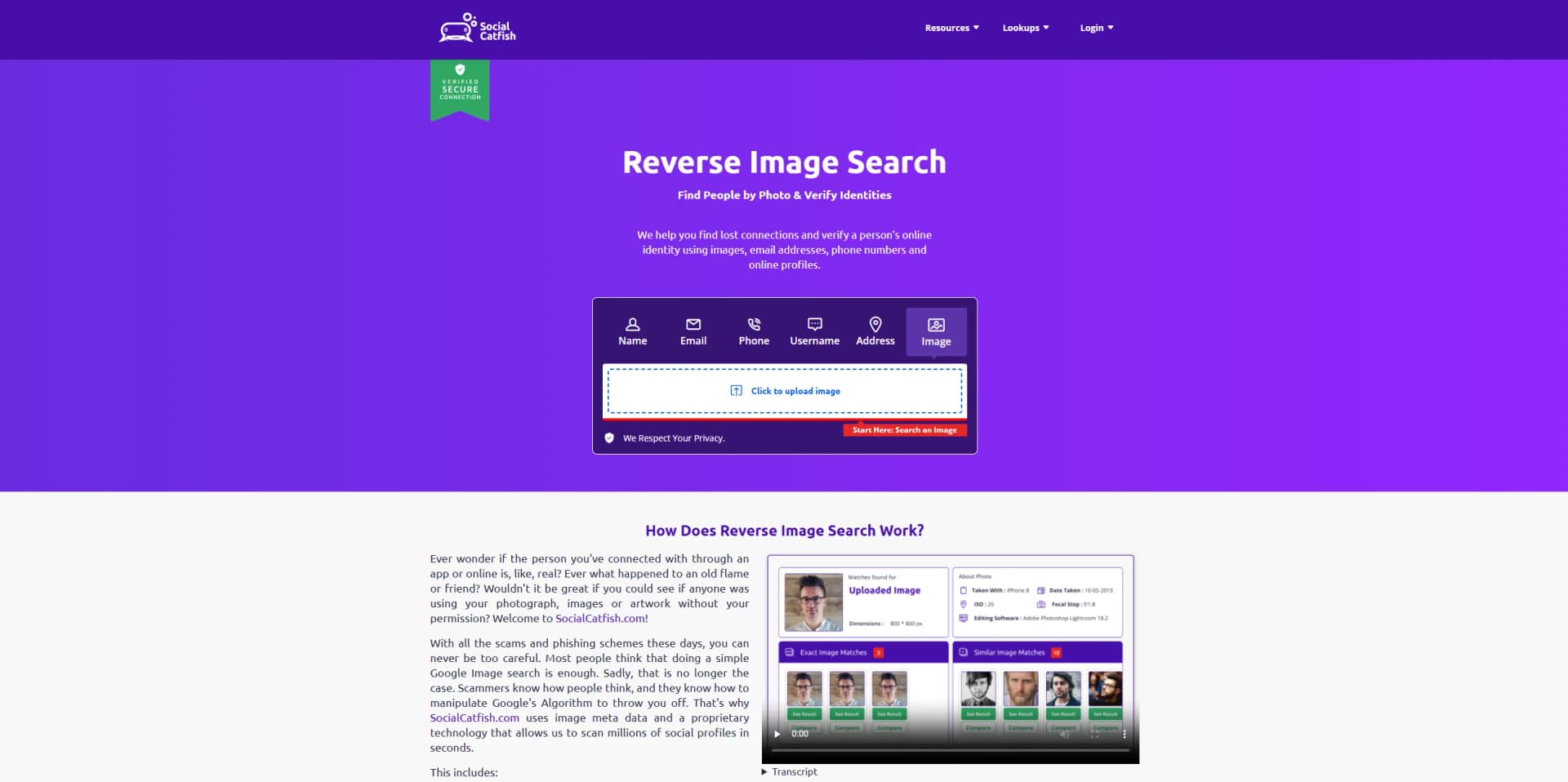
Social Catfish Reverse Image Search is an identity-check tool that lets people upload a photo to see where it appears online and whether it is tied to other profiles or public listings. It is positioned for scam prevention, especially when a profile photo feels suspicious on dating apps, social platforms, or marketplaces. The service also pairs image lookups with other people-search inputs like phone, email, and username, which can help connect dots beyond a single picture.
Unlike general reverse image tools that mostly return visually similar images, Social Catfish aims to connect a photo to identity-focused signals by pairing image matches with people-search style lookups. The core differentiator is the workflow: start with a face or profile photo, then pivot into email, phone, or username checks when the image alone is not enough.
Social Catfish Reverse Image Search fits people who want a quick reality check on a photo and a simple path to follow-up lookups when things do not add up. It is strongest as a risk-reducer for online interactions, not as definitive proof of who someone is. For best results, it helps to treat it like an investigation helper, verify findings with more than one signal, and be extra cautious with subscriptions and cancellation steps.
Who is Using Social Catfish Reverse Image Search?
Online daters
Checking whether profile photos appear elsewhere with different names.
Social media users
Validating suspicious accounts that approach them with odd requests.
Marketplace buyers and sellers
Reducing fraud risk when a listing or contact feels off.
Creators and photographers
Looking for misuse of personal photos in impersonation or fake endorsements.
Uncommon Use Cases
Used by community safety groups tracking repeat scam personas across platforms; used by small PR teams double-checking influencer identity before sending product or signing a deal.
Key Features
Rating Breakdown
Pricing Plans
Image Search
$36 per month
- Unlimited image searches, personal identity and risk alerts, search history, privacy lock, advanced tools, and RIS Pro features with AI image detection and hidden data identification
Which Social Catfish Reverse Image Search plan should you pick?
Start with Image Search if you only need photo-based investigations; choose Social Search for name, email, phone, username, or address lookups, and upgrade to volume plans for recurring searches.
Social Search
Good for people who need name, email, phone, username, or address searches; listed at $36 per month.
Image Search
Good for users investigating profile photos and reused images; listed at $36 per month.
Social Search Pro - 250 Social Searches
Good for higher-volume users who need up to 250 social searches monthly; listed at $50 per month.
Social Search Pro - 500 Social Searches
Good for users needing up to 500 social searches monthly; listed at $99 per month.
Social Search Pro - 1200 Social Searches
Good for organizations or investigators needing up to 1,200 social searches monthly; listed at $199 per month.
Social Catfish Reverse Image Search Use Cases
Check a profile photo
Upload or search an image to look for matching or reused appearances online.
Outcome: Potentially uncover duplicated profile photos or suspicious identity signals.
Investigate a suspicious online identity
Use image or other Social Catfish searches to verify information about someone encountered online.
Outcome: Identify possible inconsistencies or linked public information.
Search images while browsing
Use the Chrome extension to run reverse image searches from the browser.
Outcome: Investigate images without leaving the browsing session.
Workflow Ideas with Social Catfish Reverse Image Search
Check a suspicious profile photo
- 1Open Social Catfish reverse image search
- 2Upload the profile image
- 3Review matching images and linked profile information
Investigate an image from a webpage
- 1Install the Social Catfish reverse-image browser extension
- 2Select an image while browsing
- 3Review the returned image and identity-search results
How Social Catfish Reverse Image Search fits into your stack
Browser
Social Catfish is primarily a web-based search service for investigating people, profiles, contact details, and images.
Browser extension
The Chrome extension lets SocialCatfish.com subscribers launch reverse image searches from the browser.
Pros
- +Fast initial verification: Helps quickly sanity-check a photo before time, money, or emotions get invested.
- +Built for people-focused searches: More tailored to identity checks than general image search engines that mainly find products or objects.
- +Multiple lookup paths: If the photo search is thin, email, phone, or username searches can still surface useful signals.
- +Useful for spotting impersonation: Can help creators and small brands check whether their images are being reused in fake profiles.
Cons
- −Mixed result quality: Some reviewers report weak or irrelevant image matches, so it may not reliably find the original source.
- −Billing and cancellation complaints: A portion of users report confusion around charges or difficulty canceling, so it is worth reading the fine print and keeping receipts.
- −Not a magic truth machine: Results depend on what is publicly available and indexed, so a lack of matches does not prove a profile is genuine.
Limitations & when to consider alternatives
Known limitations
- Paid access is required for the main image-search service. Social Catfish promotes paid trial and subscription access rather than a permanent free tier.
- Results depend on publicly available information. The service relies on licensed data and public internet sources.
- The browser extension requires a paid subscription. The official extension listing says it works for SocialCatfish.com paid subscribers.
Look elsewhere when
- You need a documented developer API
- You need a native mobile app from the same vendor
- You need shared team workspaces or SSO
How to Use Social Catfish Reverse Image Search
- 1
Choose Reverse Image Search
Open Social Catfish's image-search workflow when investigating a profile photo or unfamiliar image.
- 2
Upload a photo
Provide the image you want to investigate so Social Catfish can search for matching or reused appearances.
- 3
Review potential matches
Examine visually similar images, online profiles, and related identity signals returned by the search.
- 4
Use the browser extension
For paid subscribers, run reverse image searches from the Chrome extension while browsing.
- 5
Upgrade for full reports
Use a paid membership when previews are insufficient and you need deeper results or recurring searches.
Who is Social Catfish Reverse Image Search For?
People checking online identities
The service is designed to help users verify whether people they meet online are authentic.
Online daters
Reverse image search can help users investigate suspicious dating profiles and possible catfishing.
People investigating scam profiles
The browser extension is positioned for identifying fake profiles, scam artists, and catfishers.
Frequently Asked Questions
What can Social Catfish search?
Social Catfish promotes reverse image, phone, email, username, and other online identity searches.
What is reverse image search used for?
It can help identify reused images, fake profiles, scam artists, and catfishers.
Does the browser extension require a subscription?
The reverse-image browser extension is described as available to SocialCatfish.com paid subscribers.
Can the extension extract information from images?
The extension listing says premium features can extract text and identify actual locations from images.
Community reviews
Be the first to share your experience.
Sign in to leave a review for Social Catfish Reverse Image Search.
Social Catfish Reverse Image Search Alternatives
Looking for alternatives to Social Catfish Reverse Image Search? Here are similar tools in the same category: