
SocialBee
Plan, write, schedule, and track social posts.
Key Takeaways
- What it is
- Plan, write, schedule, and track social posts.
- Pricing
- $29 per month · $49 per month · $99 per month
- Best for
- AI Content & Strategy Tools
- Multi-Platform Scheduling
- Content Organization
- Rating
- 4.4/5
What is SocialBee?
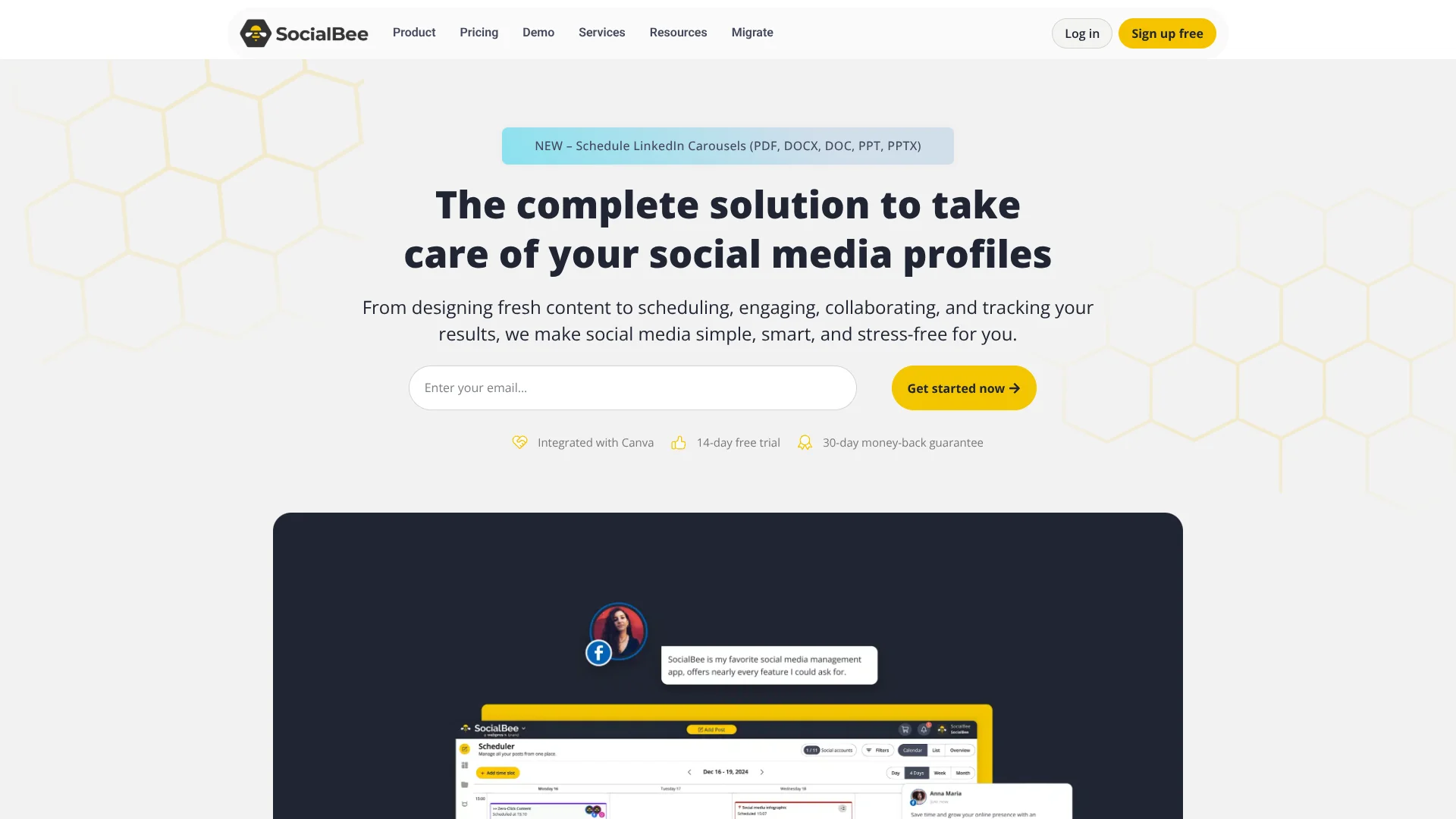
SocialBee is a social media management platform that combines AI-assisted content planning, post creation, scheduling, engagement, and analytics in one workspace. Its standout AI angle comes from its Social Media Copilot and built-in content tools, which help users generate post ideas, shape posting strategies, customize captions for different networks, and keep publishing organized without living inside a spreadsheet all week.
SocialBee stands out by blending AI strategy help with practical social media operations instead of treating AI like a flashy add-on. Its Copilot does more than write captions. It helps shape a posting plan, suggests content direction, and pairs that with category-based scheduling and recycling tools that keep evergreen content alive. That is a genuinely useful combo, and yes, a pretty cool one for busy teams.
SocialBee offers real value for professionals who need to plan, write, publish, and manage social content with less manual work. Its AI tools are tied closely to actual workflow tasks, which makes them easier to justify than novelty features. For solo operators, growing brands, and agencies that want structure with a helpful AI layer, it is a smart pick that keeps social media work moving without turning the process into a full-time circus.
Who is Using SocialBee?
Small Businesses
Managing brand presence without hiring a full social team.
Freelancers
Running client accounts and keeping content pipelines active.
Marketing Agencies
Using higher-tier plans for multiple clients, users, and workspaces.
Social Media Managers
Planning, publishing, and tracking campaigns from one place.
Uncommon Use Cases
Used by nonprofit organizations for lower-cost outreach; adopted by educational institutions and training teams managing school or program communications.
Key Features
Rating Breakdown
Pricing Plans
Bootstrap
$29 per month
- Connect up to 5 social profiles
- 1 user per workspace
- 1 workspace
- Analytics up to 3 months of data
- 14-day free trial ($0)
Accelerate
$49 per month
- Connect up to 10 social profiles
- 1 user per workspace
- 1 workspace
- Analytics up to 2 years of data
- 14-day free trial ($0)
Pro
$99 per month
- Connect up to 25 social profiles
- 3 users per workspace
- 5 workspaces
- Analytics up to 2 years of data
- 14-day free trial ($0)
Which SocialBee plan should you pick?
Start with Bootstrap for solo use, choose Accelerate for advanced publishing features, and upgrade to Pro or an agency plan for collaboration and multiple workspaces.
Bootstrap
Good for freelancers and solopreneurs who need up to 5 social profiles and one user workspace.
Accelerate
Good for small businesses that need up to 10 profiles, advanced analytics, bulk editing, CSV uploads, and post approvals.
Pro
Good for social media managers, teams, and agencies that need up to 25 profiles, multiple workspaces, and multi-user collaboration.
Pro50
Good for agencies managing up to 50 social profiles across multiple client workspaces.
Pro100
Good for larger agencies managing up to 100 social profiles and multiple workspaces.
Pro150
Good for large agencies managing up to 150 social profiles and many client workspaces.
SocialBee Use Cases
Cross-platform scheduling
Create one post, customize it for selected social profiles, and schedule it across supported networks.
Outcome: A centralized publishing workflow across multiple social channels.
AI social content creation
Use AI to generate captions, images, hashtags, variations, and platform-specific versions.
Outcome: Faster production of ready-to-edit social content.
Content recycling
Organize posts into categories and queues, then re-queue evergreen content after publishing.
Outcome: A consistent posting schedule with less repetitive work.
Team approval workflows
Invite users with roles such as Manager, Publisher, or Contributor to create, review, approve, and publish content.
Outcome: Structured collaboration and content review.
Universal posting
Schedule content for networks without direct integrations and complete publishing through mobile reminders.
Outcome: A single planning calendar for additional social platforms.
Workflow Ideas with SocialBee
AI-assisted campaign publishing
- 1Open Copilot or the AI Post Generator
- 2Generate captions, images, hashtags, and post variations
- 3Review, customize for each platform, and schedule the posts
Approval-based team publishing
- 1Invite team members or clients to the workspace
- 2Assign Manager, Publisher, or Contributor roles
- 3Create, review, approve, and publish scheduled content
Automated content import
- 1Connect SocialBee to Zapier, Make, or Pabbly
- 2Configure a trigger from another application
- 3Send the resulting content into SocialBee as a post
How SocialBee fits into your stack
Browser
SocialBee is primarily used as a web dashboard for creating, editing, scheduling, publishing, analyzing, and approving social media content.
Automation and APIs
SocialBee connects to automation platforms including Zapier, Make, and Pabbly, and supports webhook-triggered publishing for custom setups.
Knowledge and files
Teams upload images, videos, GIFs, CSVs, and LinkedIn carousel documents directly into SocialBee’s web-based post editor and bulk-import tools.
Pros
- +Saves Planning Time: AI-generated strategy and caption support reduce manual content prep.
- +Strong Channel Coverage: Useful for brands managing several platforms from one dashboard.
- +Flexible Scaling: Plans range from solo-friendly to agency-level account management.
- +Practical Integrations: Canva and Zapier support make day-to-day publishing less clunky.
Cons
- −Best Features Sit Behind Paid Plans: Long-term use requires a subscription.
- −Learning Curve for Full Workflow Use: Categories, automations, and multi-profile setups may take some setup time.
- −Security Depth Is Not Front-and-Center: The public-facing pricing and feature pages focus more on usability than enterprise-grade security detail.
Limitations & when to consider alternatives
Known limitations
- No public developer API. SocialBee does not currently provide a public API for custom application integrations.
- Trial-only free access. The free offer is a 14-day trial; posting stops when the trial expires unless the account is upgraded.
- Manual posting for some networks. Facebook personal profiles, Facebook Groups, Instagram personal profiles, and universal profiles may require mobile reminders and manual completion.
- Browser extension retired. SocialBee's browser extension was retired in March 2026 and is no longer supported.
- English-only interface. Posts can be created in other languages, but SocialBee's platform interface is currently available only in English.
Look elsewhere when
- You need a public developer API.
- You need a supported browser extension.
- You need a permanent free plan.
- You need model fine-tuning on your own data.
How to Use SocialBee
- 1
Choose a plan and start the trial
Select Bootstrap, Accelerate, Pro, or an agency plan. SocialBee provides a 14-day trial without requiring a credit card.
- 2
Connect social profiles
Open the Social Accounts area and connect the networks you manage, checking each platform's account and permission requirements.
- 3
Create or import content
Use the post editor, AI generator, Canva, Unsplash, GIPHY, RSS, CSV, or supported automation integrations to add content.
- 4
Organize content into categories
Assign posts to categories and configure queues, schedules, recycling, link shorteners, and UTM parameters.
- 5
Customize and approve posts
Adapt captions and media for each platform, then use workspace roles and approval workflows when collaborating with others.
- 6
Schedule, publish, and review analytics
Schedule posts for direct publishing or mobile reminders, then monitor published content and account performance in SocialBee.
Who is SocialBee For?
Creators
SocialBee helps creators generate, organize, schedule, and publish social media content from one dashboard.
Small businesses
Small businesses can manage multiple social profiles, use AI content generation, and schedule recurring content.
Marketers
Marketers can customize content for each network, track analytics, and automate repetitive publishing workflows.
Agencies
Agencies can manage multiple workspaces, invite clients or team members, and use approvals and reporting.
Frequently Asked Questions
Does SocialBee have a public API?
No. SocialBee states that it does not currently offer a public API, although API support is on its long-term roadmap.
What happens after the 14-day trial ends?
Posting stops automatically when the trial expires. Settings, schedules, and content remain stored until you upgrade.
Can SocialBee create posts in multiple languages?
Yes. SocialBee says users can create posts in any language, although the platform interface itself is English-only.
What does the SocialBee mobile app do?
It delivers reminders, previews scheduled posts, and helps users complete manual posting for networks that do not support direct publishing.
Does SocialBee use customer data to train AI models?
No. SocialBee says it does not use user input, output, or business data to train AI models.
Does SocialBee have a browser extension?
No. The browser extension was officially retired in March 2026 and is no longer supported.
Community reviews
Be the first to share your experience.
Sign in to leave a review for SocialBee.
SocialBee Alternatives
Looking for alternatives to SocialBee? Here are similar tools in the same category:
Learn to Master SocialBee
With Skill Leap courses
Get in-depth training on SocialBee and 50+ other AI tools with our expert-led video courses.
Start 7-Day Free Trial