
Solvea
Handle calls, messages, bookings, basic support automatically.
Key Takeaways
- What it is
- Handle calls, messages, bookings, basic support automatically.
- Pricing
- Freemium · $30 per month
- Best for
- Multichannel AI receptionist
- Natural language setup
- Integrated workflows
- Rating
- 4.5/5
What is Solvea?
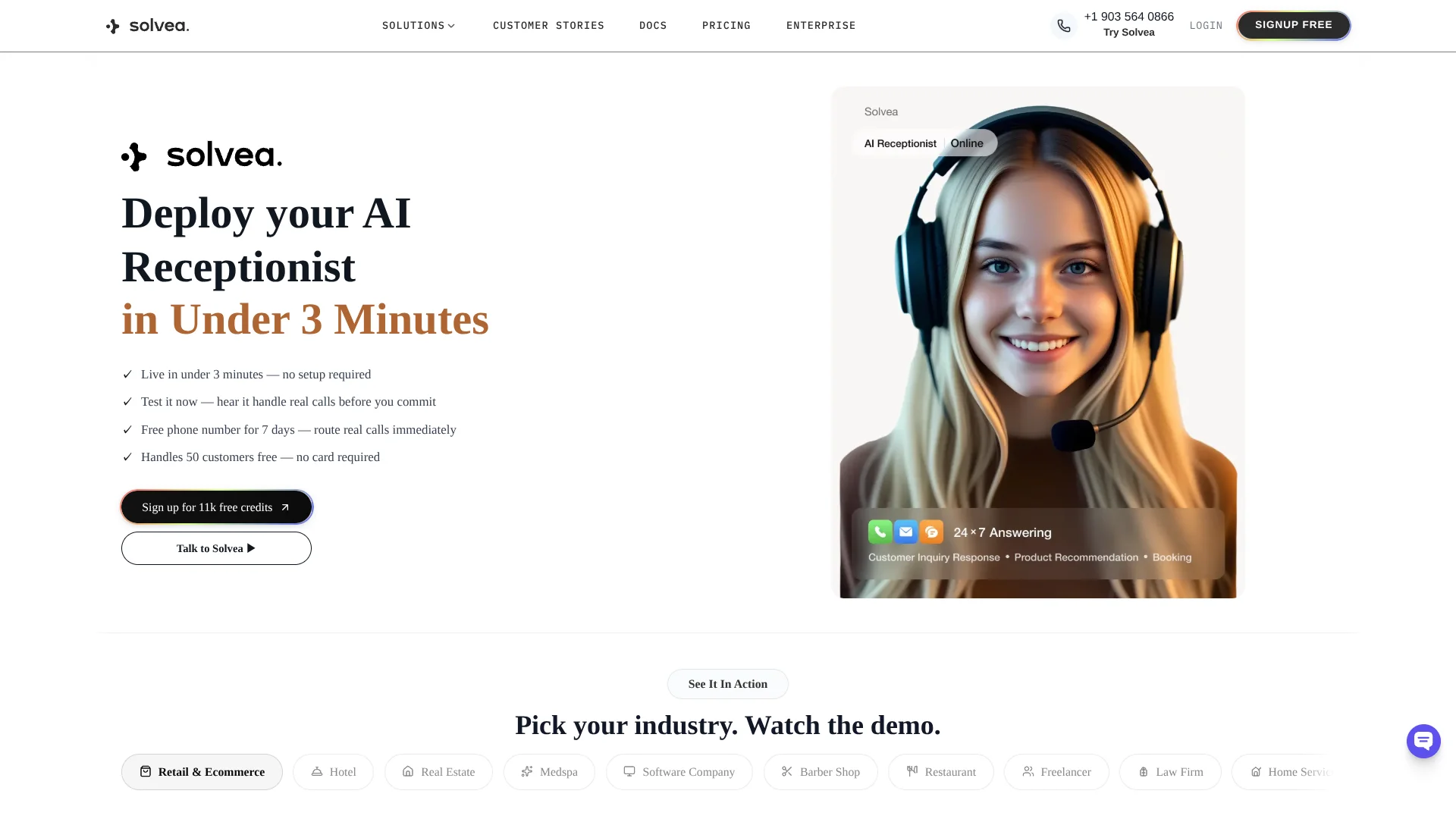
Solvea provides an AI receptionist that answers phone calls, emails, SMS and live chat for small and mid sized businesses. It connects a knowledge base and popular tools like Shopify and Google Workspace so the agent can handle common questions, bookings and post purchase support around the clock.
Solvea concentrates on one job: acting as a receptionist across voice, SMS, email and chat. Outcome focused setup, retail centric messaging, and templates for sectors like medspas or barbershops give it a distinct profile among contact tools.
Solvea best fits teams that care more about never missing a call than building complex automation. With quick setup, strong channel coverage, and fair pricing, it can significantly cut routine support load while still keeping humans in control.
Who is Using Solvea?
E commerce and retail brands
Use the agent to answer product questions, guide checkout, and handle order status requests.
Medspas and clinics
Cover appointment inquiries, treatment FAQs, and initial intake questions outside normal front desk hours.
Hospitality and real estate teams
Capture leads from calls and chat, schedule viewings, and reply to common stay or property questions.
Software and SaaS companies
Offload routine support issues and pilot customer success playbooks without expanding headcount.
Uncommon Use Cases
Used by training teams to review AI transcripts during onboarding, and by solo professionals to screen calls and qualify leads when they are in client sessions.
Key Features
Rating Breakdown
Pricing Plans
Free
Free
- Includes 1K credits per month, 3 agents, 50 MB knowledge base, integrations, 1 free phone number, email, live chat, voice, Shopify, and Google Calendar & Sheets
Basic
$30 per month
- Includes 30K credits per month, 10 agents, 500 MB knowledge base, integrations, 1 free phone number, email, live chat, voice, Shopify, and Google Calendar & Sheets
Which Solvea plan should you pick?
Start with Free for a solo helpdesk and upgrade to Pro when you need phone workflows, teammates, SMS, or live translation; choose Enterprise for SSO and custom integrations.
Free
Good for one person who needs email and live chat tickets, a shared ticket inbox, and AI replies from a knowledge base.
Pro
Good for teams who need teammates, a shared business number, AI phone answering, calls, SMS, and live translation.
Enterprise
Good for larger organizations that need custom seats and numbers, SLA support, dedicated success, custom integrations, and SSO.
Solvea Use Cases
Appointment booking
The agent checks calendar availability and creates, updates, or cancels appointments.
Outcome: Bookings are handled automatically across customer conversations.
E-commerce order support
The agent retrieves Shopify order details, tracking numbers, product information, and shipping data.
Outcome: Customers receive current order and delivery information.
Knowledge-base customer support
Users upload business documents or sync a website so the agent can answer from company knowledge.
Outcome: Responses stay aligned with the organization's source material.
Missed-call follow-up
The AI answers missed calls, captures intent and contact details, and prepares summaries and next steps.
Outcome: Teams can call back with the relevant customer context.
Outbound campaigns
Users import recipients, assign an AI agent, configure a campaign prompt, and launch outbound calls.
Outcome: Completed, failed, and pending campaign results are tracked.
Workflow Ideas with Solvea
Launch an AI receptionist
- 1Describe the business and receptionist requirements in the Vibe Coding Builder
- 2Connect channels and tools such as phone, email, chat, calendar, or Shopify
- 3Test the agent, refine its instructions, and publish it
Automate appointment scheduling
- 1Authorize Google Calendar
- 2Configure the agent to check availability and create or modify events
- 3Deploy the agent to phone, email, or live chat
Run an outbound calling campaign
- 1Create an outbound batch and select the calling number and AI agent
- 2Add recipients manually or by CSV and write the campaign prompt
- 3Test, launch, and review completed, failed, and pending results
How Solvea fits into your stack
Browser
PC Desk is a browser-based shared inbox at desk.solvea.cx for calls, texts, emails, WhatsApp, summaries, owners, statuses, and follow-up.
Mobile
The native mobile app provides a business phone, AI receptionist, call summaries, transcripts, SMS, live translation, and customer follow-up.
Knowledge and files
Solvea's Knowledge Base accepts document uploads, web-page imports, and synchronized platform knowledge for agent responses.
Automation and APIs
Agents can automate scheduling, outbound calling, email responses, and connected workflows through Google Calendar, Google Sheets, Shopify, named integrations, and the Solvea OpenAPI.
Pros
- +Fast deployment: Many users can go from signup to a working receptionist in only a few minutes.
- +No code required: Business owners and support leads can configure the agent without engineering help.
- +Revenue and support impact: Marketing claims include high automated resolution rates and noticeable uplift in sales for retail teams.
- +Generous free tier: Credits, phone number, and core channels are available before any paid commitment.
Cons
- −AI limitations: Complicated, high risk or emotional conversations still require human follow up and clear escalation paths.
- −Credit based model: Teams must watch consumption and may need to experiment to estimate monthly usage accurately.
- −Process change: Staff need time to adjust to AI answering first and to trust its handoff notes.
Limitations & when to consider alternatives
Known limitations
- PC Desk is browser-based. The desktop experience is a web app and does not provide a downloadable Windows, Mac, or Linux installer.
- Document uploads are limited to 20 MB per file. Each uploaded knowledge document must be no larger than 20 MB.
- Only one email address can be bound. The email deployment documentation states that only one email address can be connected.
- Trial phone numbers last seven days. New users receive a free phone number for seven days and must purchase or add their own number afterward.
- Traditional carrier numbers are unsupported. Solvea does not currently support connecting phone numbers from carriers such as AT&T, Verizon, or T-Mobile.
Look elsewhere when
- You need a downloadable desktop application.
- You need a browser extension.
- You need image analysis or vision input.
- You need fine-tuning or model-weight training.
How to Use Solvea
- 1
Create an account and workspace
Sign up, create or join a workspace, and select the business number or trial number for your receptionist.
- 2
Build the agent
Describe the business in the Vibe Coding Builder or start from an industry template.
- 3
Add business knowledge
Upload supported documents or sync a website so the agent can answer from current company information.
- 4
Connect tools and channels
Authorize tools such as Google Calendar, Google Sheets, and Shopify, then enable phone, email, or live chat.
- 5
Test and refine
Use the Playground or WebCall to test accuracy, relevance, completeness, and tone, then refine the agent instructions.
- 6
Publish and monitor
Save the agent to go live, then review conversations, tickets, analytics, and human handoffs in the inbox.
Who is Solvea For?
Small teams
Solvea provides a shared customer inbox, business phone number, AI answering, and team follow-up.
E-commerce businesses
Shopify integration lets agents sync product knowledge and retrieve order information.
Hotels
Solvea can act as a hotel front desk assistant for customer inquiries and requests.
Real estate businesses
Solvea can serve as a real estate consultant that handles inquiries across phone, email, and live chat.
Home-service businesses
AI receptionists can answer service questions, capture leads, and manage appointment requests.
Frequently Asked Questions
What is Solvea and how does it work?
Solvea provides a second business number, AI answering, summaries, transcripts, and follow-up management through mobile and PC.
How long does setup take?
The basic setup can be completed in a few minutes by choosing a number, configuring the AI receptionist, and testing a call.
What platforms does Solvea support?
Solvea supports an iPhone mobile app and PC Desk through a modern web browser.
Can Solvea handle multilingual calls?
Yes. Live translation supports more than 70 languages, including English, Spanish, Mandarin, Japanese, Korean, French, and German.
Does PC Desk require installation?
No. PC Desk is a browser-based web app that works on Mac, Windows, and Linux.
Is customer data encrypted?
Solvea states that voice models are encrypted at rest and in transit, and call recordings and transcripts are encrypted at rest.
Community reviews
Be the first to share your experience.
Sign in to leave a review for Solvea.
Solvea Alternatives
Looking for alternatives to Solvea? Here are similar tools in the same category:
Learn to Master Solvea
With Skill Leap courses
Get in-depth training on Solvea and 50+ other AI tools with our expert-led video courses.
Start 7-Day Free Trial