Sonix
Searchable transcripts link every quote back to its moment in recordings.
Key Takeaways
- What it is
- Searchable transcripts link every quote back to its moment in recordings.
- Pricing
- $10 per audio or video hour · $25 per month · $50 per month · $80 per month
- Best for
- Automated Transcription
- AI Workspaces
- Translation and Subtitles
- Rating
- 4.3/5
What is Sonix?
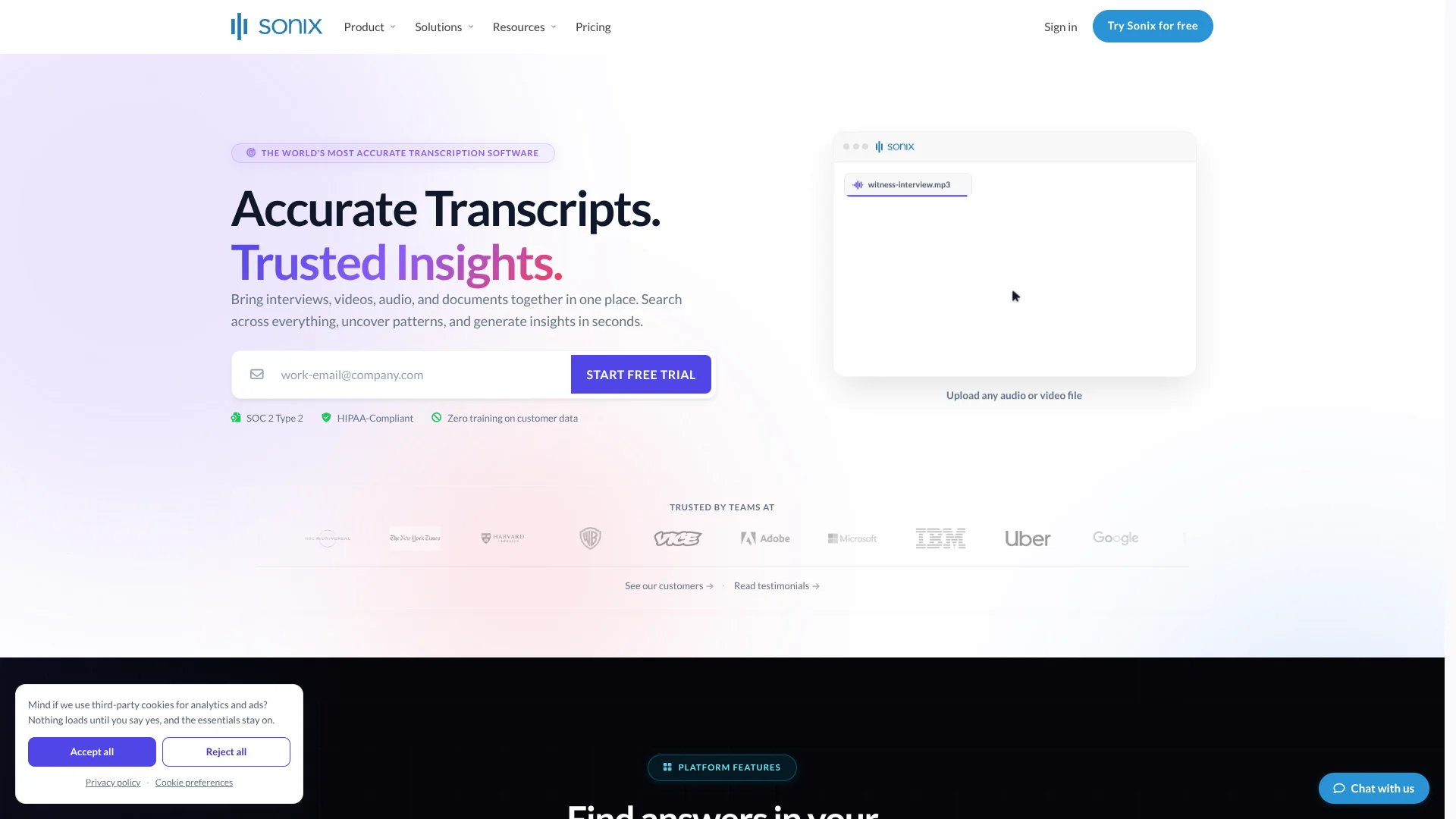
Sonix turns audio and video into editable transcripts with speaker labels and timestamps, then helps people find what matters in the recording. Journalists, researchers, legal teams, and media professionals can also translate transcripts, create subtitles, and analyze recorded conversations. Its AI Workspaces let you ask questions across transcripts and documents, which is useful when a project’s evidence is spread across many files.
AI Workspaces answer questions across recordings and documents together, with citations that link back to the moment in a recording or the page in a document. That makes it easier to check a finding against its source instead of relying on an uncited summary.
Sonix suits people who regularly turn interviews, meetings, or other recordings into material they can search, share, and review. Transcription and AI analysis use separate hour allowances on subscription plans, and poor audio can still require careful transcript review. Its strongest fit is work where searchable, source-linked audio records matter.
Who is Using Sonix?
Journalists
Search interview transcripts for a source’s exact wording and return to the matching timestamp.
Qualitative Researchers
Compare interview themes across transcripts and check each cited finding against the recording.
Legal Investigators
Review depositions and related documents together when checking accounts of an event.
Video Editors
Prepare speaker-labeled transcripts and subtitle files for video editing and distribution.
Uncommon Use Cases
Check a claim in an interview against a PDF report; find action items across a set of recorded meetings.
Key Features
Rating Breakdown
Pricing Plans
Pay As You Go
$10 per audio or video hour
- No subscription fee; billing is prorated to the second.
- 5 GB storage and a single-user workspace.
- AI Workspace usage is not included.
Core
$25 per month
- Annual billing is $275.00 per year.
- Includes 5 transcription and translation hours per month and 5 AI Workspace hours per month.
- 25 GB storage; one user included, with extra seats at $25.00 per month.
Advanced
$50 per month
- Annual billing is $550.00 per year.
- Includes 20 transcription and translation hours per month and 25 AI Workspace hours per month.
- 50 GB storage; one user included, with extra seats at $25.00 per month.
Pro
$80 per month
- Annual billing is $880.00 per year.
- Includes 40 transcription and translation hours per month and 100 AI Workspace hours per month.
- 100 GB storage; one user included, with extra seats at $25.00 per month.
Enterprise
- Includes custom transcription and AI Workspace hours.
- Unlimited team members and 1 TB of storage per workspace.
- Offers SSO/SAML, automated onboarding with SCIM, and audit logs.
Which Sonix plan should you pick?
Choose Pay As You Go for occasional files, a subscription when you want monthly transcription and AI Workspace hours, or Enterprise for custom scale and controls.
Pay As You Go
Good for occasional transcription when you prefer paying by the audio or video hour instead of subscribing.
Core
Good for individuals with steady needs who want monthly transcription and AI Workspace allowances.
Advanced
Good for growing teams that need higher allowances and collaboration features.
Pro
Good for high-volume teams that need larger allowances and additional team controls.
Enterprise
Good for organizations that need custom hours, unlimited team members, or enterprise security controls.
Sonix Use Cases
Interview Research
A set of interview transcripts can be reviewed together for recurring themes, with citations back to the source moments.
Outcome: A source-linked view of themes across interviews.
Legal File Review
Depositions, calls, and case documents can sit in one AI Workspace for questions that span the file set.
Outcome: Answers linked to recording timestamps and document pages.
Video Captioning
Transcripts can be turned into subtitle files or captions burned into a video.
Outcome: Subtitle exports in SRT or VTT, or captioned video.
Meeting Follow-Up
Recorded conversations can be summarized for decisions, open questions, or action items.
Outcome: A concise record of key points to review.
Multilingual Publishing
Translated transcripts and subtitles help prepare recorded material for audiences who speak other languages.
Outcome: Translated transcripts and subtitle exports.
Workflow Ideas with Sonix
Turn an Interview into Captions
- 1Upload the audio or video and select its language.
- 2Review speaker labels and correct the transcript in the editor.
- 3Export an SRT or VTT subtitle file.
Compare Research Interviews
- 1Add finished interview transcripts to an AI Workspace.
- 2Ask about recurring themes or differences across participants.
- 3Follow citations to check each finding in its original recording.
Review Recordings with Case Documents
- 1Create an AI Workspace for the project.
- 2Add relevant transcripts and PDF, Word, text, or Markdown documents.
- 3Ask a question across the sources and check the cited moments or pages.
How Sonix fits into your stack
Recording and Upload
Bring in audio or video files, or capture audio with Sonix Recorder in a browser. Sonix can also import recordings through integrations such as Zoom and Microsoft Teams.
Transcript Editing and Publishing
Review transcripts in the browser editor, then export text or subtitle files for later editing and distribution.
Research and Document Review
AI Workspaces put finished transcripts alongside PDF, Word, text, and Markdown documents so questions can cover a project’s sources together.
Connected Workflows
Integrations include Google Drive, Dropbox, and Zapier. The REST API and webhooks support custom workflows.
Pros
- +Source-linked answers: AI Workspace citations take you to the relevant recording timestamp or document page.
- +Useful transcript outputs: Speaker labels, timestamps, translations, and subtitle exports support different publishing and review needs.
- +Pay by the audio length: Pay As You Go charges by the second of uploaded audio or video.
- +Privacy controls: Sonix says files are encrypted in transit and at rest and are not used to train its AI models.
Cons
- −Separate usage allowances: Subscription plans track transcription and AI Workspace hours separately.
- −Extra seats cost more: Additional subscription seats are billed separately and do not add hours.
- −Transcript review still matters: Generated transcripts and AI answers can contain errors, so important details need checking against the recording.
Limitations & when to consider alternatives
Known limitations
- Media file size and length. Sonix’s help center says uploads over 16 GB are not accepted, and files are limited to eight hours unless the account is enabled for longer uploads.
- Trial upload count. Trial accounts can upload only one file at a time; paid accounts can upload multiple files simultaneously.
- Workspace access. An AI Workspace is private to its creator, so other users cannot access that individual workspace.
- AI output review. Sonix says generated transcripts, translations, summaries, and answers can contain errors and should be checked before consequential use.
Look elsewhere when
- You need live streaming transcription on a standard self-serve plan; Sonix documents real-time streaming as early access for Enterprise teams.
- You need media uploads larger than 16 GB or longer than eight hours without an account exception.
How to Use Sonix
- 1
Start with a sample
A new account includes 30 free transcription minutes, so you can test Sonix before choosing a paid plan.
- 2
Add a recording
Upload an audio or video file, or record through Sonix Recorder in your browser.
- 3
Choose the language
Select the recording language so Sonix can produce the transcript.
- 4
Review the transcript
Check speaker labels and correct any words that need editing before sharing or exporting.
- 5
Analyze related sources
Add finished transcripts and supported documents to an AI Workspace when you need answers across several files.
- 6
Share or export
Export a text or subtitle file, or share a transcript link with others.
Who is Sonix For?
Legal Teams
Depositions, interviews, and case recordings become searchable transcripts that can be checked against their sources.
Journalists
Interview transcripts make it easier to find names, quotes, and relevant moments in hours of tape.
Researchers
AI Workspaces can compare themes across interviews and link findings to the original recordings.
Filmmakers and Media Teams
Speaker-labeled transcripts and subtitle exports support editing and video publishing.
Medical and Healthcare Teams
Teams handling clinical audio can explore Sonix’s medical transcription and healthcare offerings.
Frequently Asked Questions
Does Sonix have a free plan?
Sonix offers 30 free transcription minutes to new accounts. It describes this as a free trial, not an ongoing free plan.
How much does Sonix cost?
Pay As You Go costs $10 per audio or video hour. Monthly subscriptions start with Core at $25 per month; Advanced is $50 per month and Pro is $80 per month.
What languages does Sonix support?
Sonix lists transcription and translation in 54+ languages.
Can Sonix connect to other tools?
Yes. Listed integrations include Zoom, Microsoft Teams, Google Drive, Dropbox, and Zapier. Sonix also offers a REST API.
Does Sonix have a mobile app?
Sonix Recorder runs in a mobile browser and can be added to a phone’s home screen. It does not require a separate app download.
Community reviews
Be the first to share your experience.
Sign in to leave a review for Sonix.
Sonix Alternatives
Looking for alternatives to Sonix? Here are similar tools in the same category: