
SpyTrend
Reveals competitors' Meta and TikTok ad networks.
Key Takeaways
- What it is
- Reveals competitors' Meta and TikTok ad networks.
- Pricing
- Freemium · $79 USD/mo
- Best for
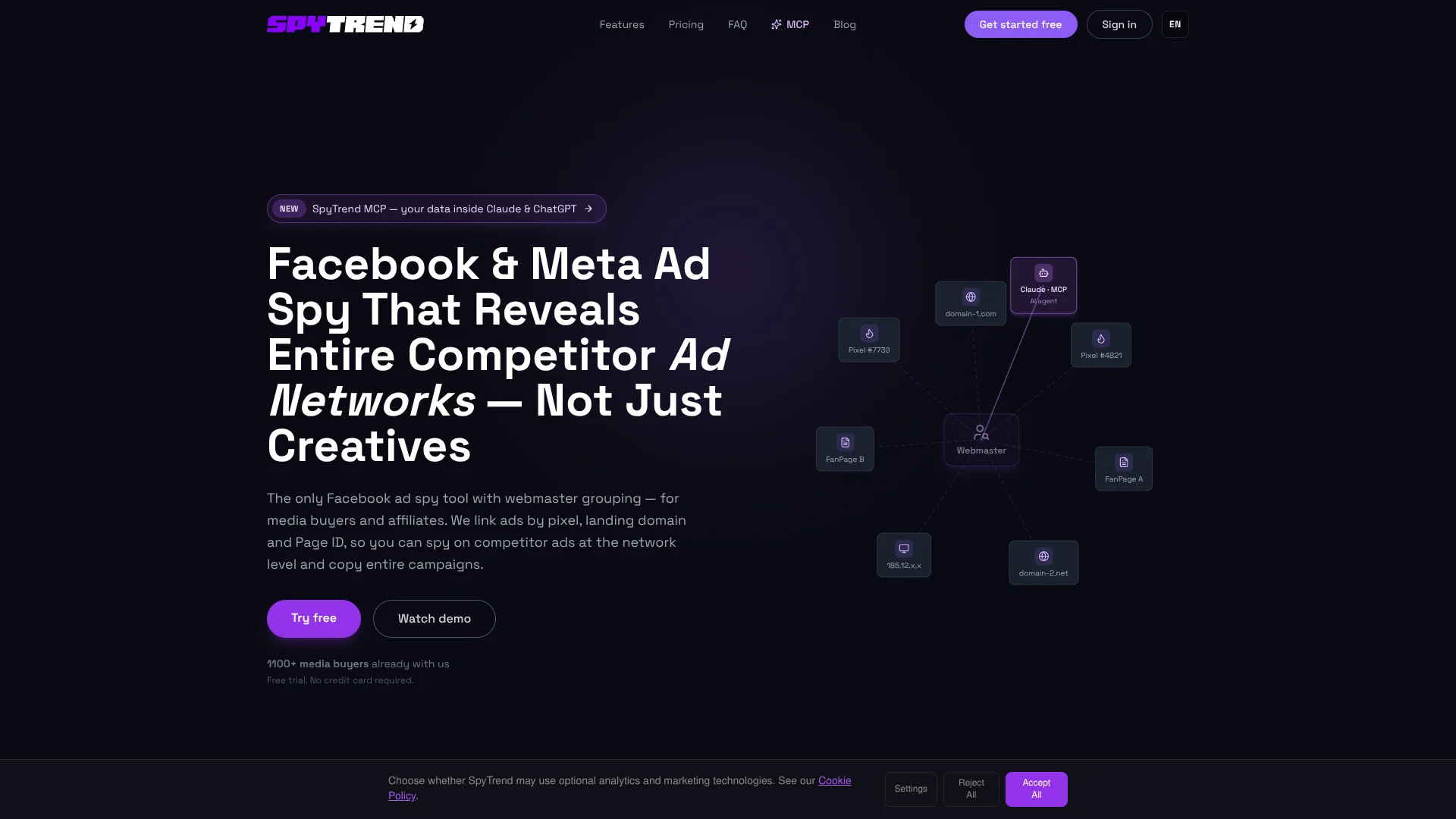
- Webmaster Grouping
- Pixel Intelligence
- Landing Intelligence
Who is Using SpyTrend?
Performance marketers
They can identify active competitor campaigns and use observed creative, funnel, and targeting patterns.
Affiliate teams
They can investigate webmaster networks, linked domains, pixels, and fan pages behind campaigns.
E-commerce operators
They can research competitor product campaigns, landing pages, and creative approaches.
Marketing agencies
They can accelerate competitor research and produce campaign intelligence for clients.
Key Features
Pricing Plans
Starter
Free
- Limited access to ad database
- Basic ad information
- Basic search access
Pro
$79 USD/mo
- Unlimited searches
- Includes 1 AI category free + extras $50/mo each
- Full Webmaster Grouping
- Pixel & Landing Intelligence
- Deduplication
- Data export
- 90 days history
- 1 user
Team
- Everything in Pro for every member
- 4–20 members
- Centralized billing
- Invite links
- Priority support
Which SpyTrend plan should you pick?
Start with Starter for basic research, upgrade to Pro for full intelligence and exports, and choose Team when you need four to twenty paid members.
Starter
Good for trying basic ad search with limited database access and no monthly fee.
Pro
Good for individual media buyers who need unlimited searches, webmaster grouping, intelligence features, deduplication, exports, and history.
Team
Good for teams needing four to twenty members, centralized billing, invite links, and priority support.
SpyTrend Use Cases
Map a competitor's advertising network
Search a known competitor and inspect related pixels, domains, fan pages, and other linked identities.
Outcome: A broader view of the competitor's advertising operation.
Find campaigns that are scaling
Filter ads and creatives by activity, status, geography, category, and other campaign signals.
Outcome: Earlier identification of active or growing campaigns.
Research competitor creatives
Browse unique creative variants, inspect reuse frequency, and compare similar creatives.
Outcome: A cleaner view of creative patterns and frequently reused concepts.
Reconstruct a marketing funnel
Use Pixel Intelligence and Landing Intelligence to connect ads with landing pages and tracking infrastructure.
Outcome: More visibility into the funnel structure behind competitor campaigns.
Monitor custom keywords and geographies
Define keywords and geos for ongoing collection of matching advertising data.
Outcome: A recurring feed of ads relevant to a chosen niche or market.
Workflow Ideas with SpyTrend
Find a winning campaign
- 1Choose a vertical such as gambling, crypto, e-commerce, or nutra.
- 2Review the Quick Win widget and open active webmaster profiles.
- 3Filter for campaigns with more than five active days and adapt the observed strategy.
Map a competitor network
- 1Search for a competitor's ad, domain, fan page, or pixel.
- 2Open the associated webmaster profile.
- 3Review linked domains, landing pages, pixels, fan pages, and active creatives.
Automate a daily intelligence brief
- 1Connect SpyTrend MCP to an MCP-compatible client.
- 2Schedule a query for new scaling creatives in a chosen geography.
- 3Send the returned results to an AI assistant for formatting and delivery to team chat.
How SpyTrend fits into your stack
Browser
SpyTrend operates as a web-based advertising research platform for searching ads, advertisers, webmasters, creatives, and trends.
Automation and APIs
The HTTP API and MCP endpoint support OAuth-based programmatic access, scheduled research, and automated reporting workflows.
Desktop / IDE
SpyTrend can be connected to Claude Desktop, Cursor, Codex, and VS Code through its MCP server.
Team chat and tickets
The documented MCP workflow can format daily intelligence briefs and deliver them into team chat through an external automation flow.
Pros
- +Free Starter tier available
- +Webmaster-level competitor grouping
- +Pixel and landing-page intelligence
- +Creative deduplication
- +HTTP API and MCP access
Cons
- −Starter has limited database access
- −Pro is limited to one user
- −Pro includes only 90 days of history
- −API usage is token-based
- −Documented coverage focuses on Meta and TikTok
Limitations & when to consider alternatives
Known limitations
- Focused primarily on Meta and TikTok advertising data. The documented product coverage centers on Meta and TikTok rather than broad multi-network advertising intelligence.
- Starter has limited database access. The free Starter plan provides limited ad-database access, basic ad information, and basic search.
- Pro is limited to one user. The Pro pricing tier lists one user; multi-member access is provided through Team.
- Pro history is limited. The Pro plan lists 90 days of history.
- API usage is quota-based. The API counts tokens by returned results, with creative media priced separately.
Look elsewhere when
- You need a native mobile application.
- You need a native desktop application.
- You need SSO or SAML administration.
- You need model fine-tuning on your own data.
How to Use SpyTrend
- 1
Choose a vertical
Select a niche such as gambling, crypto, e-commerce, or nutra so the research starts with relevant advertising data.
- 2
Review active webmasters
Use the Quick Win widget to identify active webmasters and open their grouped advertising networks.
- 3
Filter for proven campaigns
Use activity, status, geography, category, format, and related filters to isolate relevant campaigns.
- 4
Inspect the funnel
Review linked landing pages, pixels, domains, fan pages, and creative usage to understand campaign structure.
- 5
Save or export findings
Use favorites, saved filters, and Pro data export to retain useful intelligence for later analysis.
- 6
Connect an AI client
Add the SpyTrend MCP endpoint to Claude, ChatGPT Business, Cursor, Codex, VS Code, or another compatible client.
Who is SpyTrend For?
Digital marketers
They can research competitor advertising, identify effective promotional approaches, and monitor market trends.
Media buyers
They can find scaling campaigns, inspect competitor networks, and identify profitable advertising patterns.
Business owners
They can analyze competitor advertising strategies and optimize advertising spend using market data.
Affiliate marketers
They can use webmaster grouping, pixel intelligence, and landing-page analysis to study affiliate networks.
Frequently Asked Questions
What is SpyTrend?
SpyTrend is a Facebook/Meta ad-spy service for researching advertisements, analyzing advertising strategies, and identifying market trends.
What does webmaster grouping do?
It groups ads by pixel, domain, Page ID, and IP so users can analyze a competitor's broader advertising operation.
Which advertising platforms does SpyTrend cover?
The product documents Meta and TikTok coverage, with Meta opening by default and TikTok available in a separate tab.
How does creative deduplication work?
SpyTrend uses perceptual hashing to collapse duplicate or near-duplicate creatives into one card with usage data.
How does the API work?
The API uses HTTP, OAuth 2.0, client credentials, bearer tokens, and JSON-RPC calls to the MCP endpoint.
What is included in the free plan?
The Starter plan is free forever and includes limited ad-database access, basic ad information, and basic search access.
Community reviews
Be the first to share your experience.
Sign in to leave a review for SpyTrend.
SpyTrend Alternatives
Looking for alternatives to SpyTrend? Here are similar tools in the same category:
Learn to Master SpyTrend
With Skill Leap courses
Get in-depth training on SpyTrend and 50+ other AI tools with our expert-led video courses.
Start 7-Day Free Trial