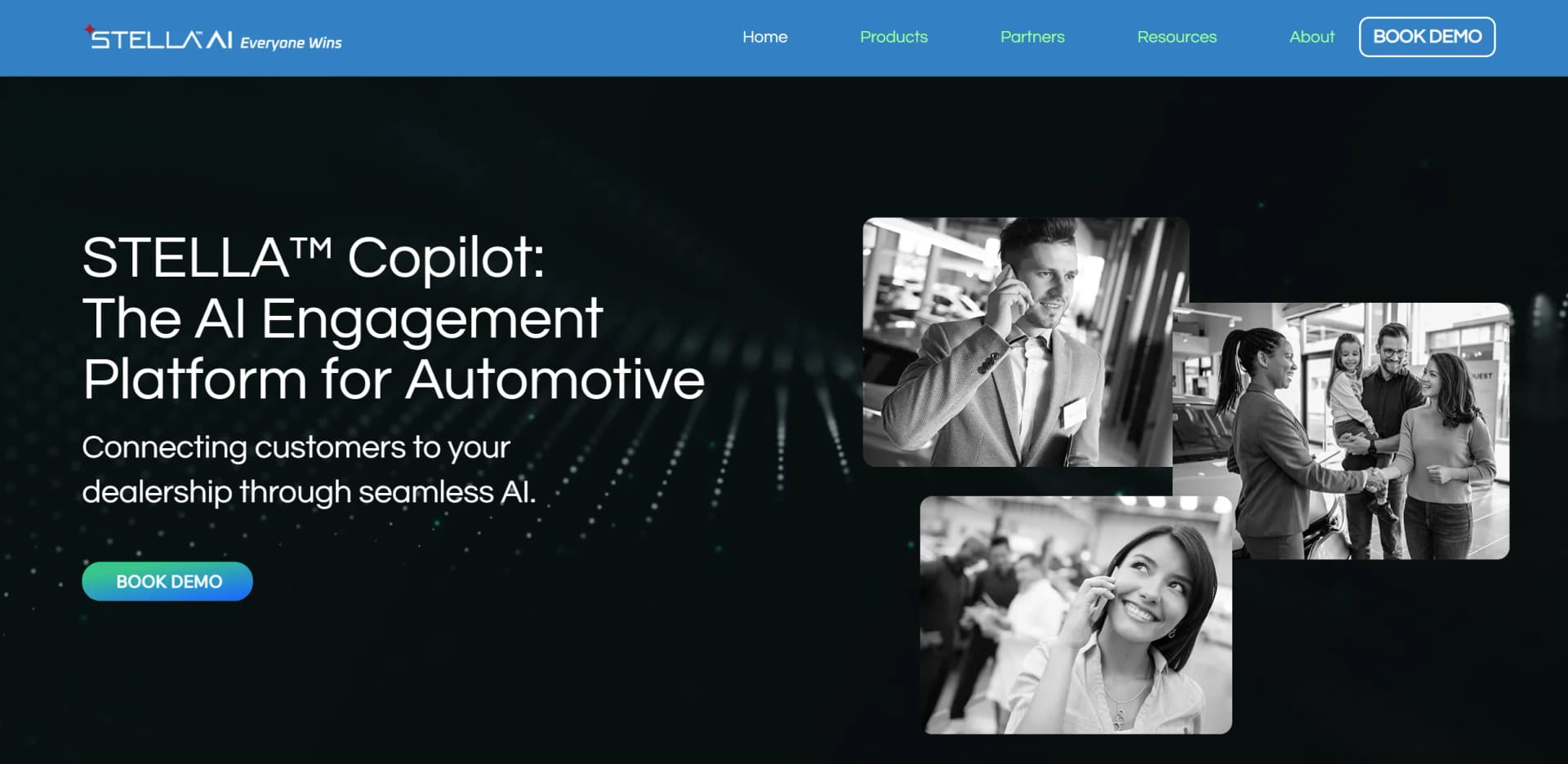
Stella Automotive AI
Automotive-trained AI keeps dealership service calls covered after hours.
Key Takeaways
- What it is
- Automotive-trained AI keeps dealership service calls covered after hours.
- Best for
- STELLA Service
- STELLA Reception
- STELLA Catalyst
- Rating
- 4.1/5
What is Stella Automotive AI?
STELLA Automotive AI handles dealership customer conversations by phone, text, and web chat, with tools for answering inbound calls, booking service appointments, and contacting customers about follow-ups. Its products are built for dealerships and service centers that want to respond after hours and reduce routine work for their BDC and service staff. Appointment and customer information can sync with dealership systems.
A customer can call at any hour and have STELLA book, change, or cancel a service appointment through the dealership’s scheduler, rather than leaving the customer to wait for staff or fill out a form.
STELLA is best suited to automotive retailers and service teams with high call volumes and compatible dealership systems. It is not a general-purpose AI tool, and pricing requires a quote, so it is worth considering when dealership-specific call handling and outreach are the priority.
Who is Using Stella Automotive AI?
Service managers
More inbound calls can be handled and booked while the team focuses on customers at the dealership.
BDC directors
Catalyst supports consistent follow-up campaigns across voice and text.
Service advisors
Routine appointment calls can be handled before they reach advisors assisting customers in person.
Dealership general managers
Insights provides visibility into call trends, response times, and appointment outcomes.
Uncommon Use Cases
Following up with customers who declined service; handling callbacks from outbound campaigns.
Key Features
Rating Breakdown
Pricing Plans
Contact for Quote
- STELLA lists a setup fee and monthly subscription.
- The company asks dealerships to contact its team for a customized quote.
Which Stella Automotive AI plan should you pick?
Request a quote to match STELLA’s products and integrations to your dealership’s systems and call workflows.
Contact for Quote
For dealerships that need pricing for setup and a monthly subscription based on their selected STELLA services.
Stella Automotive AI Use Cases
After-hours service booking
Customers calling outside business hours can get answers and schedule service through the connected scheduler.
Outcome: More opportunities to book service without extending staff hours.
Missed-call recovery
When a call is missed, Catalyst can send a text and offer a scheduled callback window.
Outcome: A follow-up path for customers whose calls were not answered.
Maintenance and recall outreach
Catalyst contacts customers about maintenance or recalls and can handle replies and appointment booking.
Outcome: Customers can respond and book through the outreach conversation.
New lead follow-up
Sales teams can reach new leads quickly through calls and follow-up texts.
Outcome: More consistent outreach to new prospects.
Call performance review
Managers can review call volume, response times, conversions, and customer outcomes in STELLA Insights.
Outcome: A clearer view of where calls are dropping off or converting.
Workflow Ideas with Stella Automotive AI
Recover missed service calls
- 1Set the dealership’s callback window and message.
- 2Have Catalyst text customers after missed calls.
- 3Let customers reply and arrange a callback.
Fill service appointments with customer follow-up
- 1Select a maintenance, recall, or declined-service campaign.
- 2Have Catalyst contact customers by voice or SMS.
- 3Book interested customers through the connected scheduler.
Review inbound call performance
- 1Open STELLA Insights for the relevant dealership operation.
- 2Review call volume, response times, and outcomes.
- 3Identify where calls are not converting and adjust the process.
How Stella Automotive AI fits into your stack
Phone and customer messaging
Reception handles inbound calls, while Catalyst supports outbound calls and two-way SMS for dealership campaigns.
Scheduling and dealership records
STELLA connects with supported DMS and service scheduling systems so appointment activity can be handled within dealership workflows.
Performance reporting
Insights gives managers a view of calls and customer outcomes across STELLA Service, Reception, and Catalyst.
Pros
- +After-hours bookings: Customers can arrange service appointments outside staff hours.
- +Campaign follow-up: Catalyst handles outbound calls, texts, replies, and appointment booking.
- +Dealer system connections: Named integrations include CDK Global, Reynolds & Reynolds, Xtime, and myKaarma.
- +Call visibility: Insights tracks call volume, response times, conversions, and outcomes.
Cons
- −No public list price: A dealership needs to request a quote to learn its cost.
- −Specialized scope: Its features are focused on automotive sales and service workflows.
- −Integration-dependent: Appointment handling relies on a compatible dealership scheduler or DMS.
Limitations & when to consider alternatives
Known limitations
- AI responses can be inaccurate. STELLA’s terms say AI outputs may contain errors or incomplete information and should be reviewed before business decisions rely on them.
- Service availability is not guaranteed. The terms state that service interruptions can occur and that the service is not intended to be available 100% of the time.
- System compatibility matters. The terms place responsibility on customers to ensure required systems are compatible and correctly configured.
- Sensitive data needs written approval. The terms prohibit processing sensitive data through the services without STELLA’s prior written consent.
Look elsewhere when
- You need a general-purpose AI tool for work beyond automotive dealership conversations.
- Your team needs a self-serve product with public subscription pricing.
- You need an AI tool that can analyze uploaded files or images.
How to Use Stella Automotive AI
- 1
Request a demo
Share your dealership, DMS, and service scheduler so STELLA can discuss the right products and integrations.
- 2
Choose the customer conversations to handle
Decide whether the priority is inbound service calls, front-desk call routing, outbound campaigns, or performance reporting.
- 3
Configure dealership rules
Set messaging, brand voice, business rules, and call routing to match how your dealership works.
- 4
Connect dealership systems
Work with STELLA’s onboarding team to connect the relevant DMS, CRM, or service scheduler.
- 5
Review results in Insights
Track call trends, response times, conversions, and customer outcomes to find where the process needs attention.
Who is Stella Automotive AI For?
Dealerships
Dealers of different sizes and brands can automate customer calls, appointment booking, and follow-up.
Service centers and independent repair centers
Service businesses can answer calls and manage bookings through connected scheduling systems.
Business development centers
BDC teams can extend customer outreach and reduce routine call and follow-up work.
OEM executives
OEM teams can use dealership performance insights and customer engagement tools.
Frequently Asked Questions
What does STELLA Automotive AI cost?
STELLA lists a setup fee and monthly subscription but does not publish amounts on its site. Contact the company for a quote.
Which dealership systems does STELLA integrate with?
The company names Affinitiv, Reynolds & Reynolds, Xtime, CDK Global, Dealer-FX, and myKaarma. Its supported systems can vary by product and dealership setup.
Which languages can STELLA handle?
STELLA says it understands and responds in English, Spanish, and Canadian French.
Can STELLA book service appointments?
Yes. STELLA Service can book, confirm, and manage appointments through a connected service scheduler or DMS.
Does STELLA require staff training?
STELLA says specialized training is not required and offers a customer success team to help with optimization and reporting.
Community reviews
Be the first to share your experience.
Sign in to leave a review for Stella Automotive AI.
Stella Automotive AI Alternatives
Looking for alternatives to Stella Automotive AI? Here are similar tools in the same category: